Git Repo Url Bitbucket Initialize A GitHub Repo Bitbucket Server Vs Bonobo Git Server Detailed Comparison As Of 2022 Ruby On Rails Tutorial Git And Bitbucket 2018 What Is The Difference Between Bitbucket Vs Github Pakainfo How To Change Remote Origin Url For Git Repo Web Jul 19 2022 nbsp 0183 32 SSH keys only work with SSH remotes they cannot be used if the Git repository is configured to push to an quot https quot URL because that s not SSH Use git remote set url to change it to the corresponding SSH address For BitBucket it s shown in the repository s quot Clone quot popup after you select SSH in the corner menu For example
Web Apr 5 2018 nbsp 0183 32 Hi Shiliya Remote link can be found on top right side of the Source screen in your repository https bitbucket lt teamName or username gt lt repo name gt src If you are using latest version of bitbucket cloud there should be Clone button on right top Make sure to use the correct url https ssh Reply 0 votes Web Jul 14 2022 nbsp 0183 32 You normally pull with this command git pull origin my branch You can pull using the URL instead git pull bitbucket scm lt project name gt lt repo name gt git my branch If you have not yet cloned your repo you can clone a specific branch git clone branch my branch bitbucket scm lt project name gt lt repo name gt git
How To Change Remote Origin Url For Git Repo How To Remove A Git Remote 2 Options PhoenixNAP KB Deleting Your Git Commit History Without Removing Repo On Github Bitbucket Git Clone Github Repo Bitbucket Jenkins Plugin Bitbucket Jenkins Betway Bitbucket Jenkins Plugin How To Enable Dark Features In Bitbucket Bitbucket Data Center And Built in Types And Functions Haskell Without The Theory 1 0 Documentation
Git Repo Url Bitbucket
 Git Repo Url Bitbucket
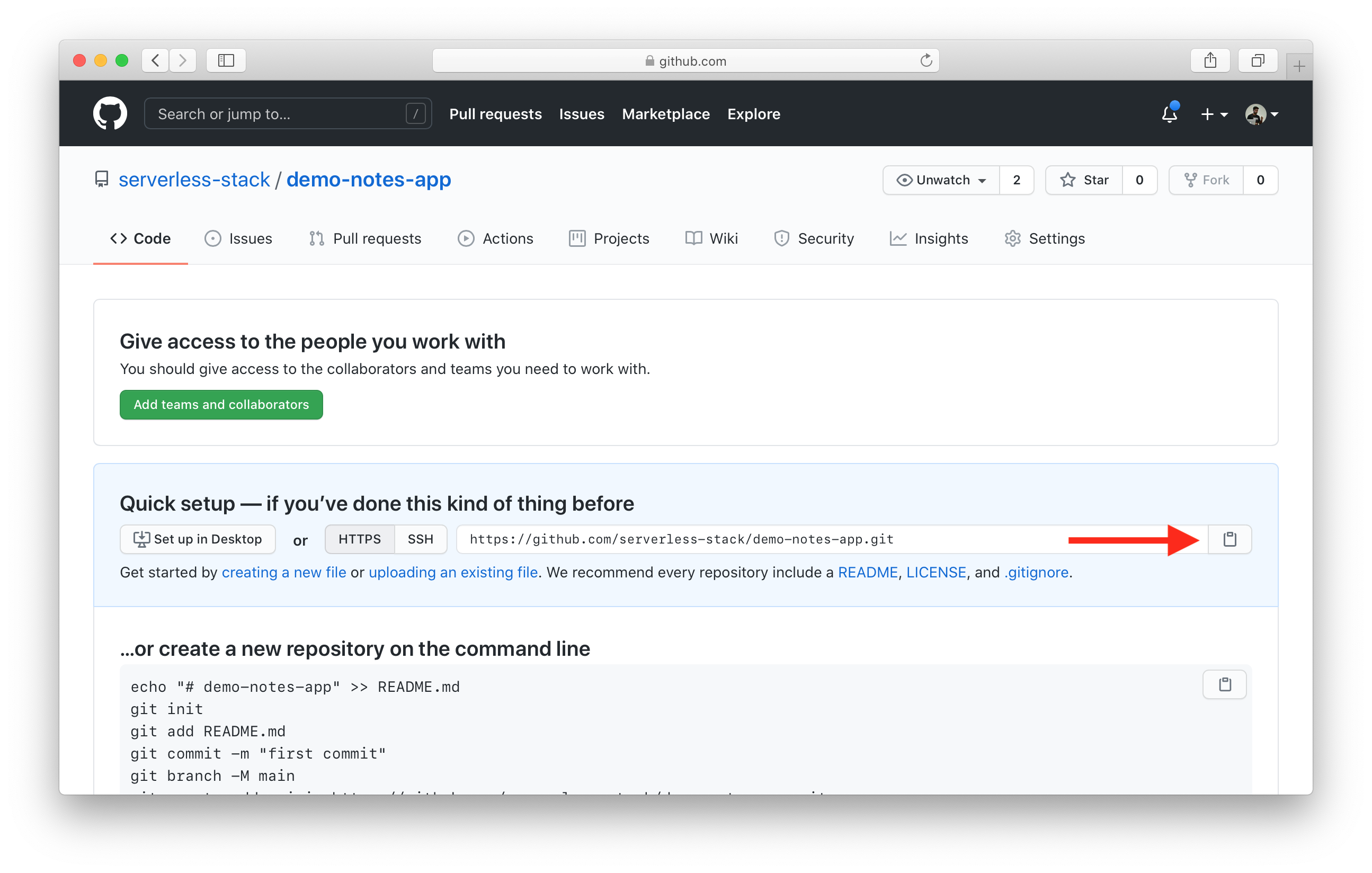
https://d33wubrfki0l68.cloudfront.net/e163ac928483e6b1dc9b67e8b5bbd887c1ae44d0/6908e/assets/part2/copy-new-github-repo-url.png
Web 1 Answer Sorted by 12 It should be https bitbucket username repo name branch branch name Just replace username repo name and branch name with your own information You can git clone the branch with its URL git clone https bitbucket username repo name branch branch name Share
Pre-crafted templates offer a time-saving service for producing a diverse range of documents and files. These pre-designed formats and designs can be made use of for various individual and expert jobs, consisting of resumes, invitations, leaflets, newsletters, reports, presentations, and more, simplifying the content production procedure.
Git Repo Url Bitbucket

Enabling SSH Access To Git Repositories In Bitbucket Server Bitbucket
How To Remove A Git Remote 2 Options PhoenixNAP KB

Deleting Your Git Commit History Without Removing Repo On Github Bitbucket

Git Clone Github Repo
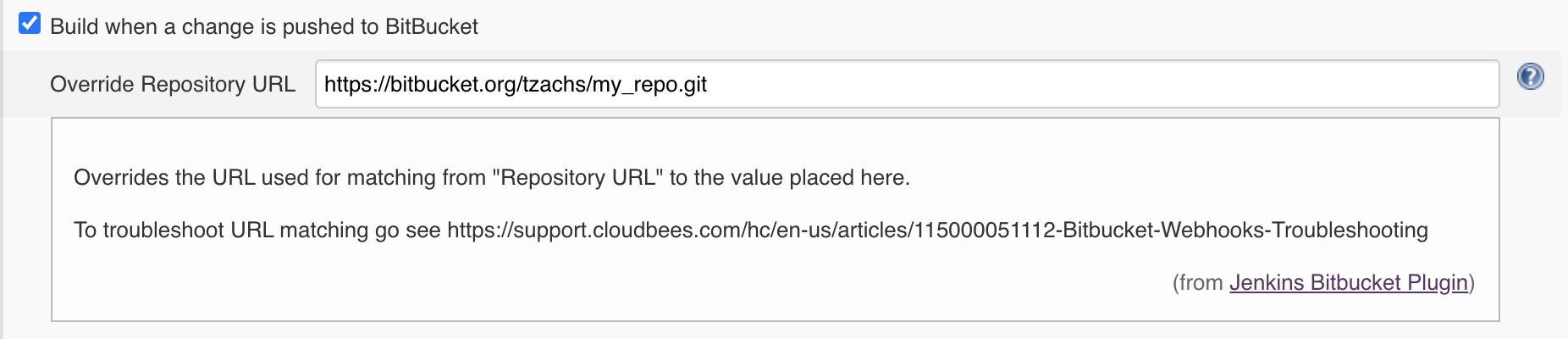
Bitbucket Jenkins Betway
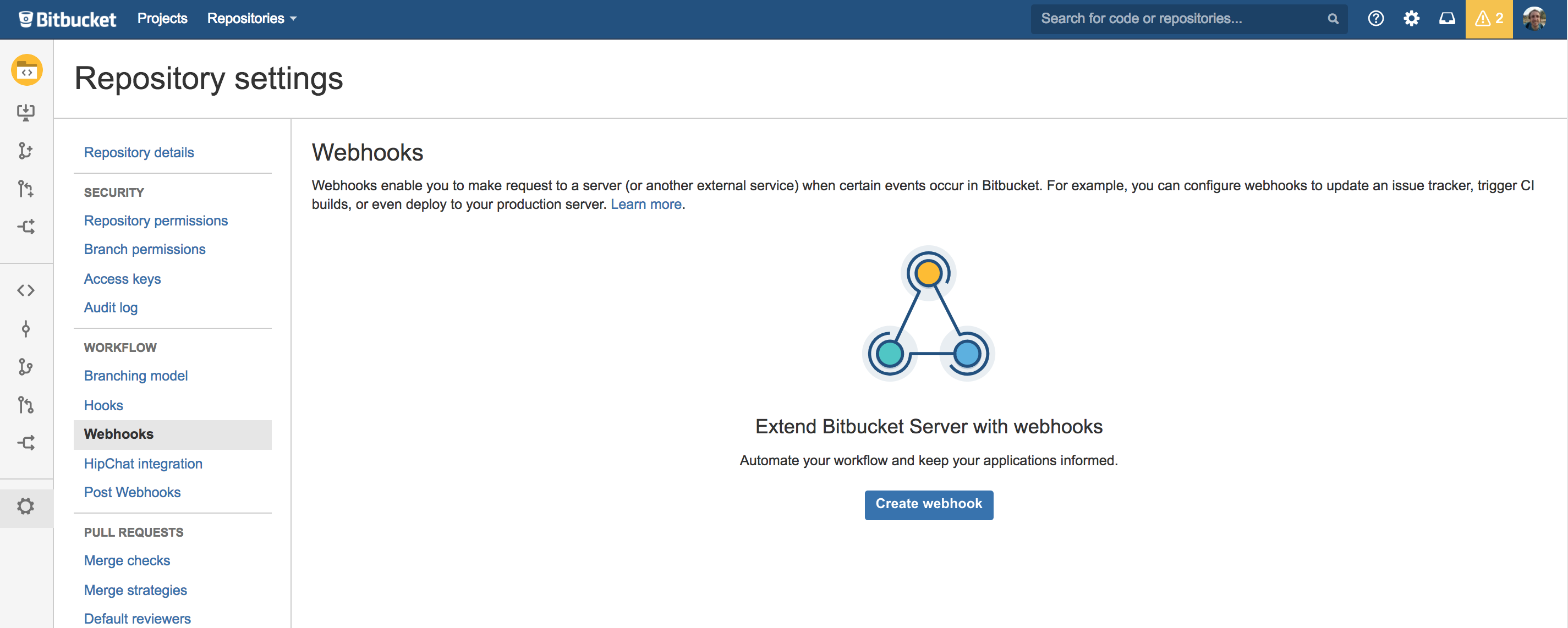
Bitbucket Jenkins Plugin
Web Oct 6 2020 nbsp 0183 32 Oct 07 2020 Hello You can find the URL of the repo the following way Open the repository in Bitbucket Cloud website Navigate to the Source page of the repo from the left hand menu in case this is not the one that is currently open Then select the link Clone from the top right corner
Web 1 To Preface I just started learning git this week so assume nothing That said I have successfully completed the following commands I ve set up my local directory mkdir treehouse repo cd treehouse repo git init git remote add origin https mkov88 bitbucket mkov88 treehouse portfolio site git I ve set up my local

Web Jul 16 2019 nbsp 0183 32 Go to the repository and click Settings then Repository under Permissions Check Enable under Public Access to allow users without a Bitbucket Server account to clone and browse the repository Note that if you don t have admin permissions you won t be able to make this change Hope that helps you

Web Oct 5 2020 nbsp 0183 32 From a terminal navigate to the repository cd lt path to repo gt Run git remote v to see the current remote URL git remote v origin https emmap1 bitbucket tutorials tutorials git bitbucket git fetch origin https emmap1 bitbucket tutorials tutorials git bitbucket git push
Web Dec 16 2020 nbsp 0183 32 In the previous step we created a new local Git repo Now let s create a remote repo and retrieve the Git URL for the remote repo This step is important if you do not already have a remote that you wish to add to your repo The process for setting up a new repo in Bitbucket and GitHub is described below 2 1 Creating a New Repo on
Web 2 Answers Sorted by 5 That would not be a git command which has no notion of quot server quot it deals only with a single git repo You could try and use the Bitbucket Server REST APIs and see if you can get the list of repos that way providing your authentication gives you access to all repos Web Jul 1 2021 nbsp 0183 32 1 First create new a repo on Bitbucket and take note of the URL or SSH endpoint of the new repo 2 In a terminal window clone the existing project from GitHub git clone lt URL gt 3 Update your local repo with the metadata branch names tags etc from the GitHub remote by running git fetch all 4
Web Download a Git repo from BitBucket Ask Question Asked 11 years 6 months ago Modified 7 years 3 months ago Viewed 85k times 33 I just download Git bash and now I want to download a repository from Bitbucket I have the username and password When I try git clone https xxxxx bitbucket xxxx xxxxx git I get