Git Remove Local Commit By Id Some Useful Commands With Commit In Git How To Remove Local Untracked Files In Git Working Directory How To Undo Pushed Commits With Git Sciencx Delete Local Commits In Git Delft Stack Does Amending A Commit Change Its Hash Web Jan 19 2023 nbsp 0183 32 Delete commits from a Git branch This post will discuss how to delete commits from a Git branch 1 git reset Here the idea is to force reset the working directory to remove all commits which come after the specified commit and then do a force push git reset hard lt commit gt
Web Feb 6 2024 nbsp 0183 32 It doesn t revert to the previous state of a project by removing all subsequent commits it simply undoes a single commit git revert doesn t move ref pointers to the commit that we re reverting which is in contrast to other undo commands such as git checkout and git reset Instead these commands move the HEAD ref pointer to the Web Jul 8 2022 nbsp 0183 32 This guide explains how to undo a commit in Git There are several Git commands that can undo a local commit Choosing the most appropriate command depends on an understanding of how Git operates and the circumstances of the commit
Does Amending A Commit Change Its Hash How To Delete File On Git Removing Files From Git Repository Using Get Started With Git Commands For Version Control Earth Data Science Crayon Couronne Crocodile Git Correct Commit Message Stylo Magasin La Git Commit Message Style Guide Second Memory Git Commit Amend Properly Easy Examples Golinuxcloud Hot Sex Picture Git Fetch And Checkout BlissWas Git Delete Local Branch And Remote Branch With Force Delete Commit Changes To A Git Repository TestingDocs
Git Remove Local Commit By Id
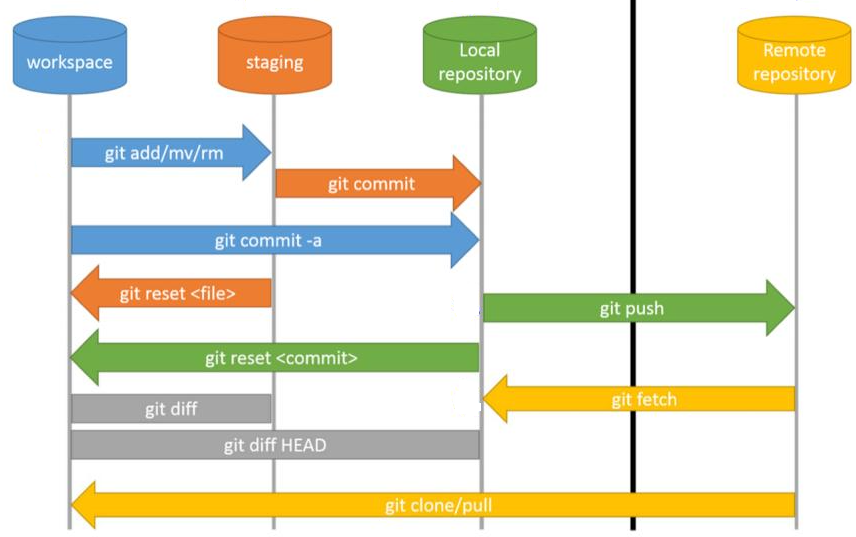 Git Remove Local Commit By Id
https://ducmanhphan.github.io/img/devops/version-control-system/git/commit/commit-flows.png
Web Removing the last commit To remove the last commit from git you can simply run git reset hard HEAD If you are removing multiple commits from the top you can run git reset hard HEAD 2 to remove the last two commits You can increase the number to remove even more commits
Templates are pre-designed documents or files that can be used for numerous purposes. They can conserve effort and time by supplying a ready-made format and layout for creating various kinds of content. Templates can be used for personal or professional jobs, such as resumes, invites, flyers, newsletters, reports, discussions, and more.
Git Remove Local Commit By Id
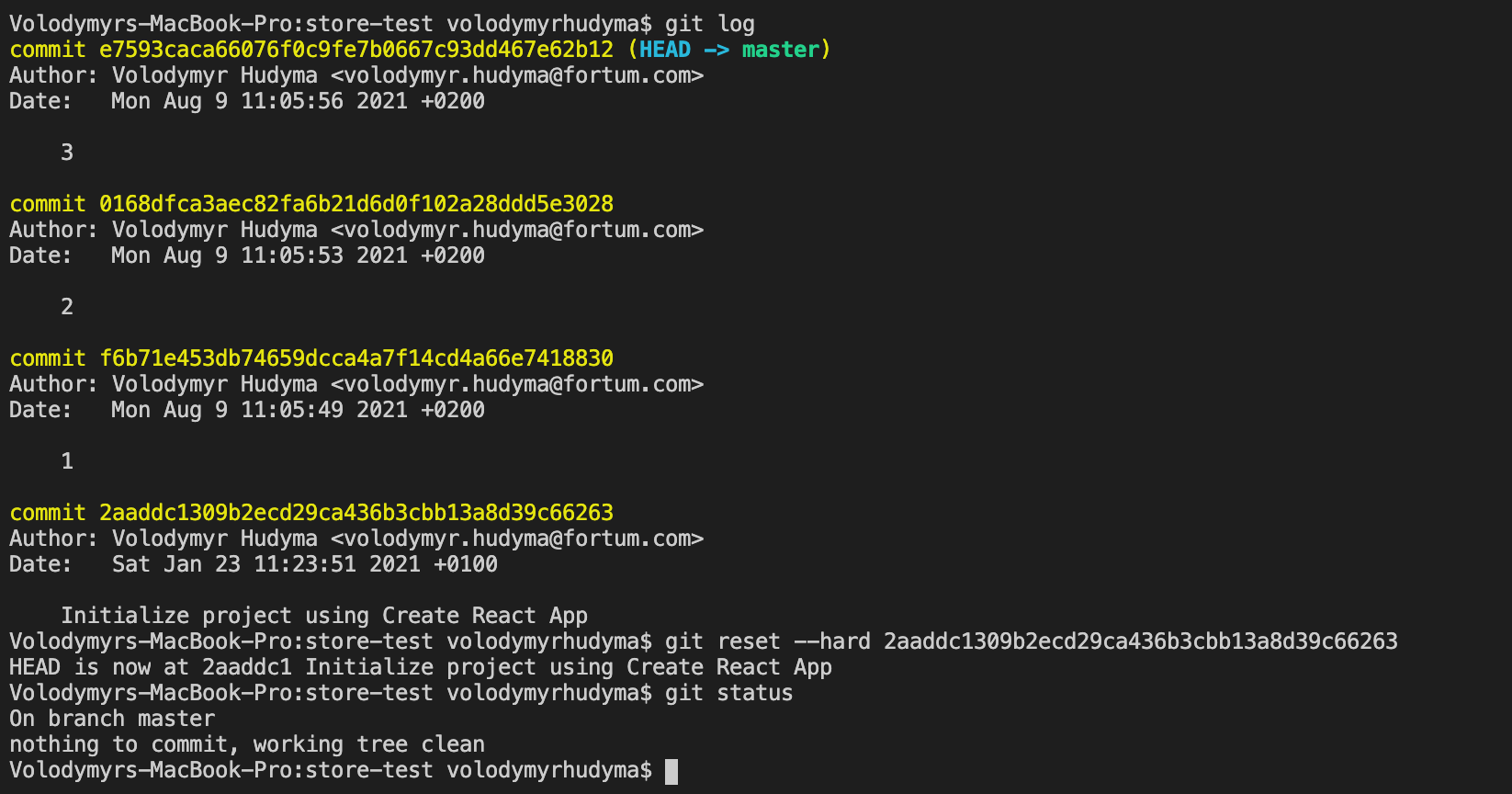
Remove Commit From Master Git Polizbazar
How To Delete File On Git Removing Files From Git Repository Using
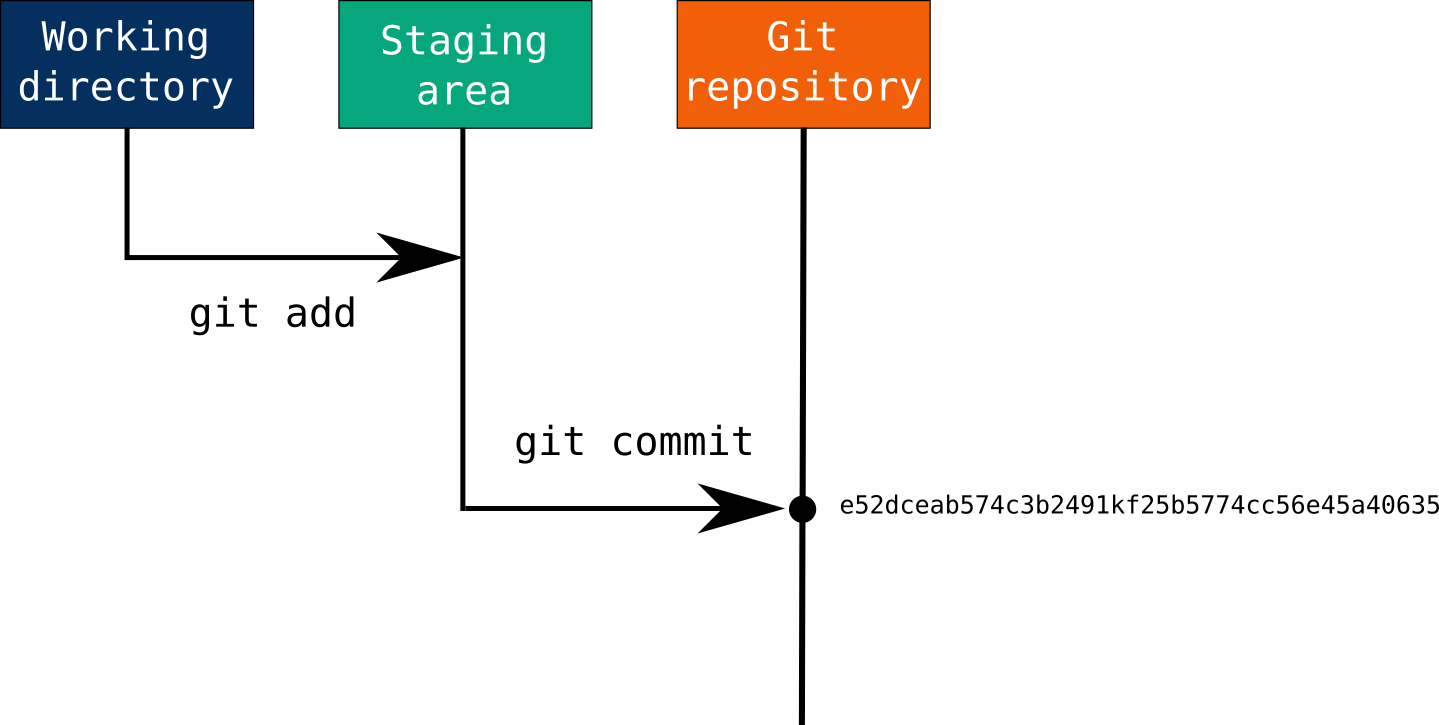
Get Started With Git Commands For Version Control Earth Data Science
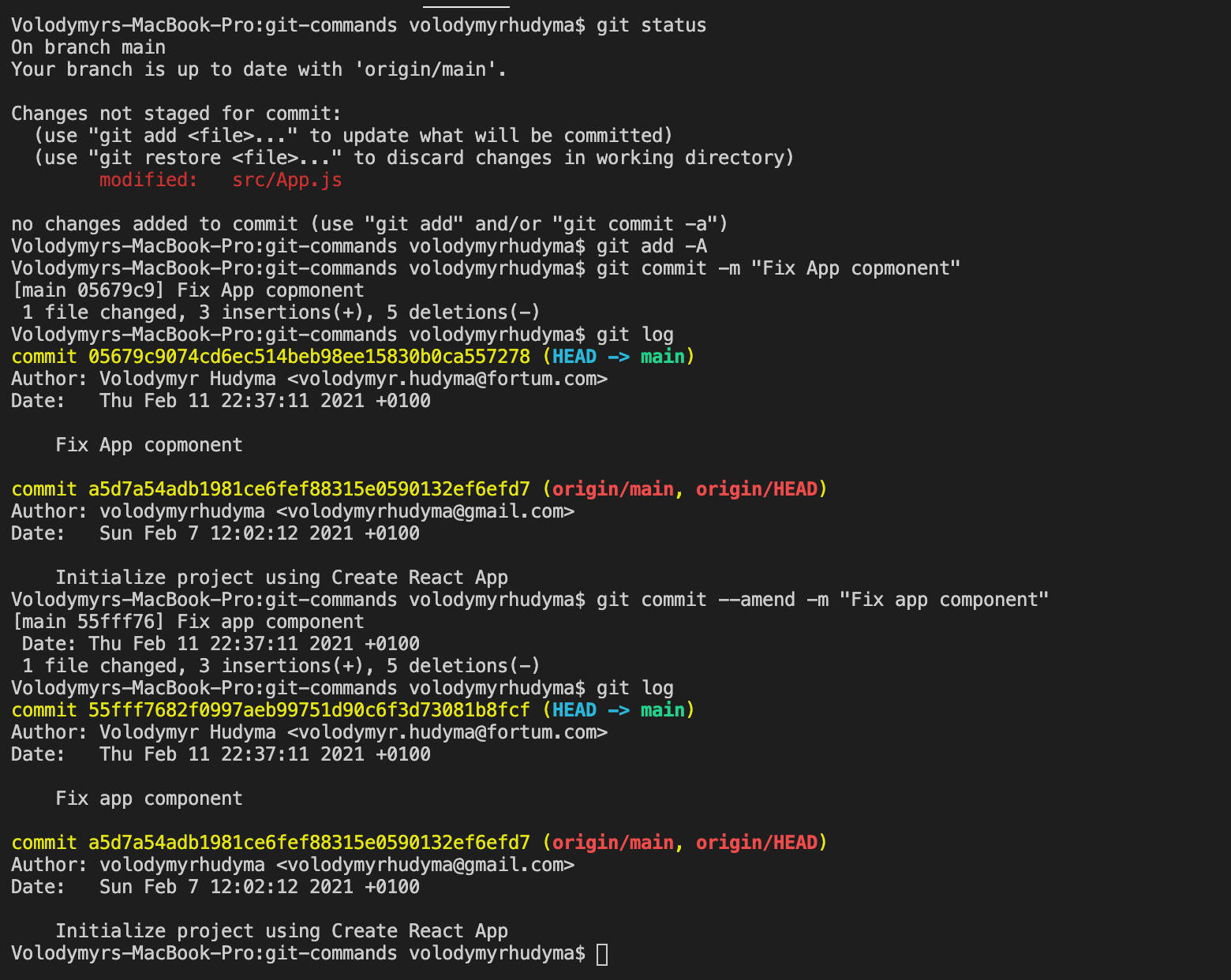
Crayon Couronne Crocodile Git Correct Commit Message Stylo Magasin La
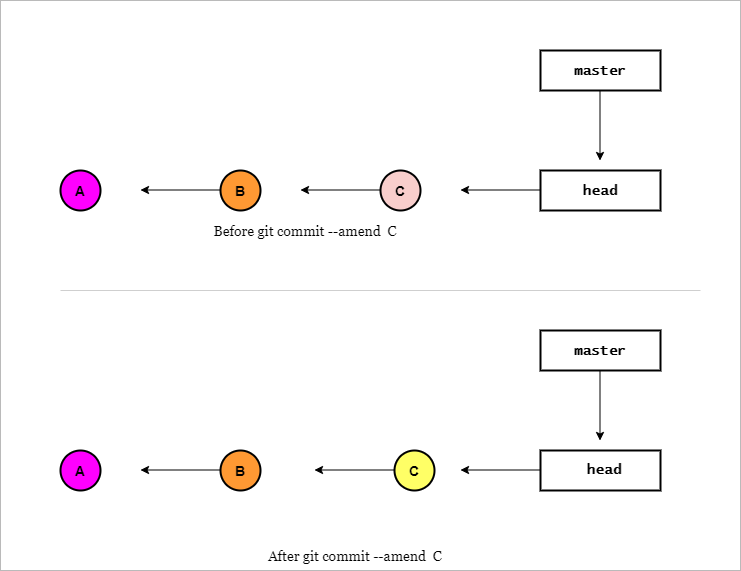
Git Commit Amend Properly Easy Examples Golinuxcloud Hot Sex Picture
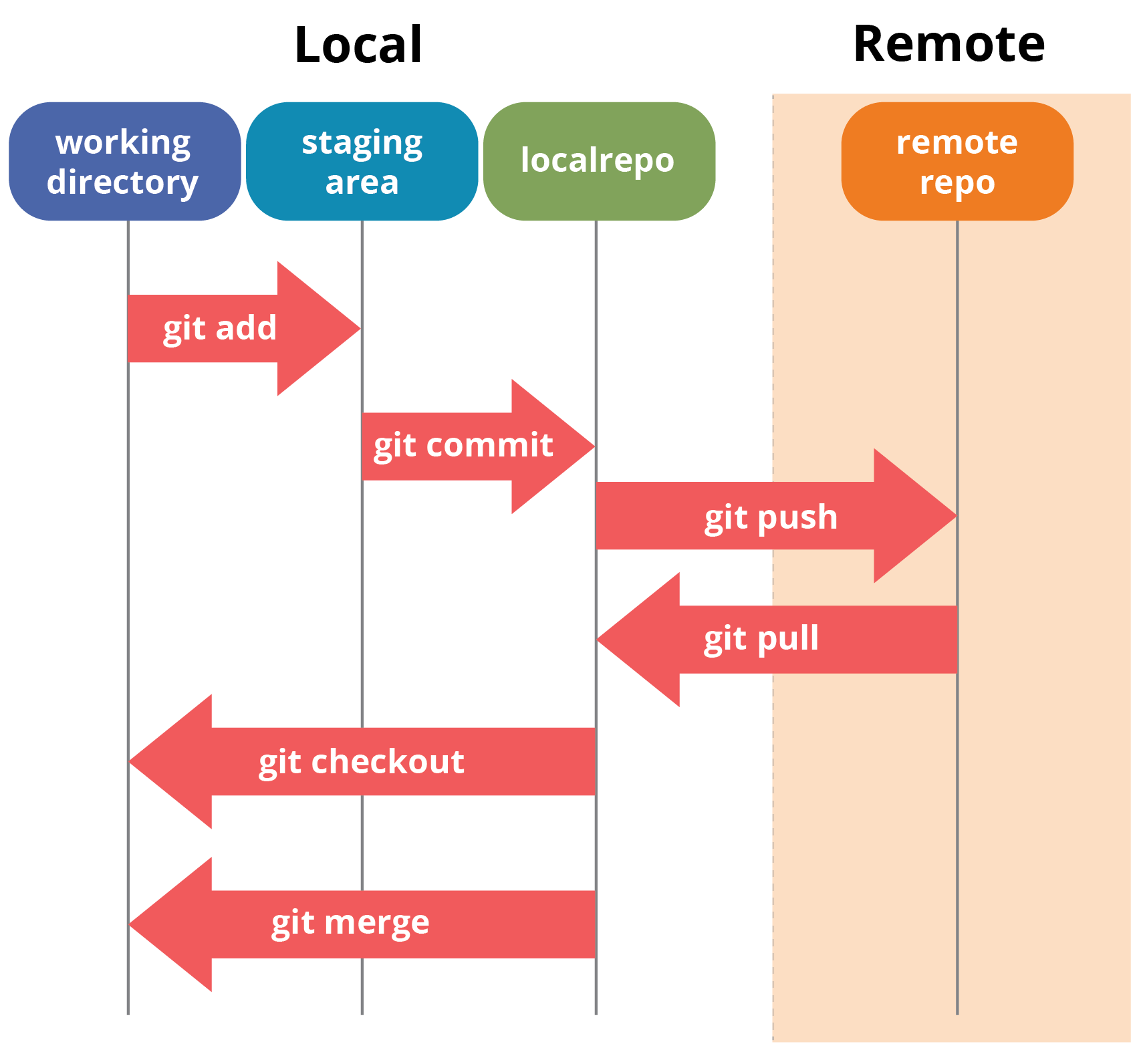
Git Fetch And Checkout BlissWas
Web As you can see on above image i want to delete revert quot test change 2 quot commit SHA1 ID 015b5220c50e3dfbb1063f23789d92ae1d3481a2 you can get SHA1 ID by using gitk command in git bash For that i can use all below command work on local only you need to push after delete

Web Jan 31 2011 nbsp 0183 32 Use git log to show current commit messages then find the commit id before the commit that you want to delete not the commit you want to delete If you want to keep the locally changed files and just delete commit message git reset soft commit id If you want to delete all locally changed files and the commit message git

Web In case you are using the Tower Git client not only quot reset quot and quot revert quot are easily accessible Tower also allows you to access advanced tools like quot interactive rebase quot very easily for example to delete a commit and if you made a mistake you can undo it simply by hitting CMD Z

Web Feb 2 2024 nbsp 0183 32 We can use an N th argument as shown below git reset hard HEAD N If you want to delete the last five commits in your repository replace N with your value We can delete a specific commit with the command below git reset hard lt sha1 commit hash gt Use your equivalent of the above in the command
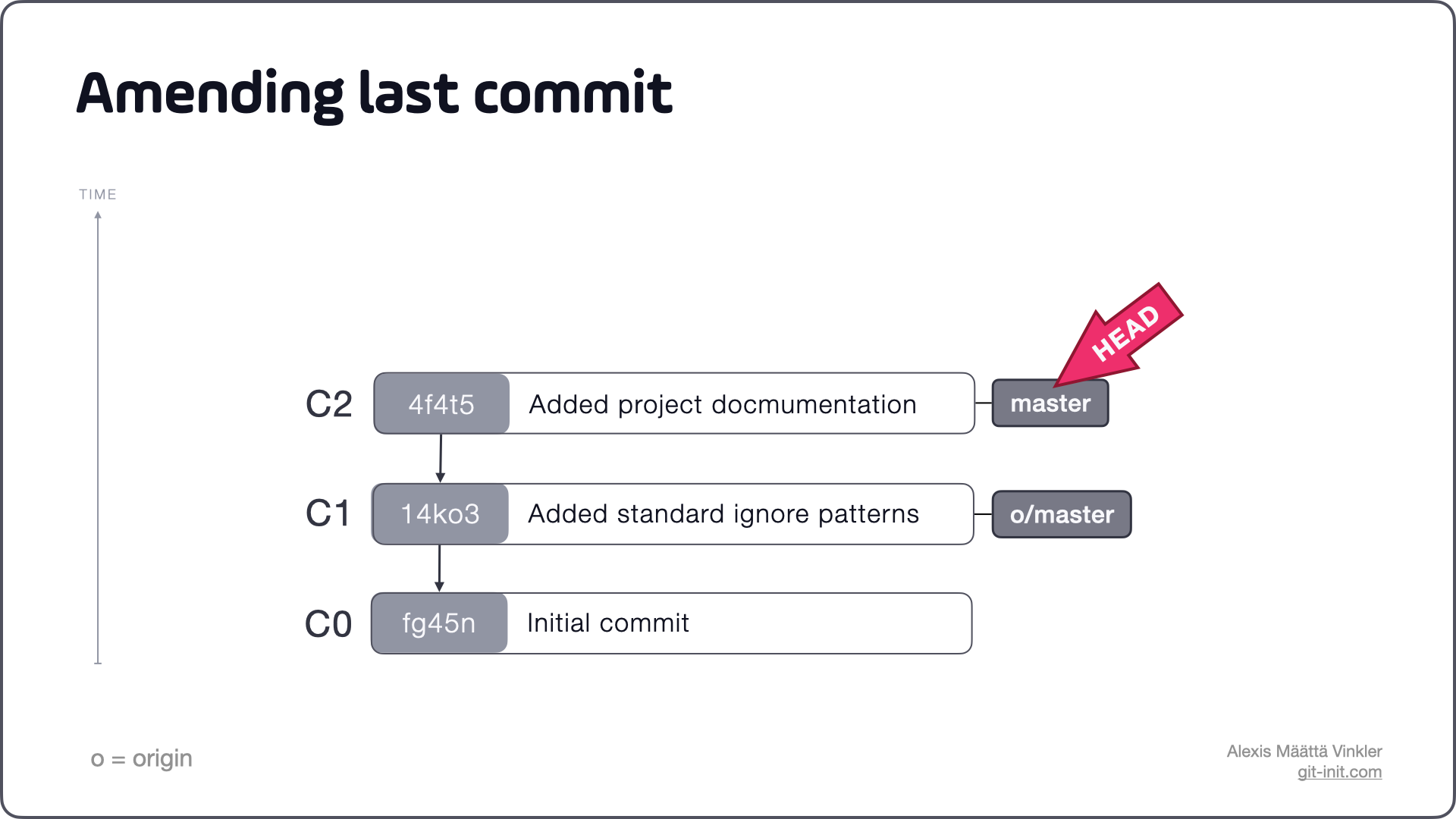
Web Nov 11 2023 nbsp 0183 32 There are many ways to achieve git remove commit You can pick the best solution depending on the challenge you are facing For instance do you want to remove the last commit Reset the HEAD bash git reset hard HEAD a group of commits on a branch Interactively rebase the branch bash git rebase i HEAD N
Web Sep 21 2022 nbsp 0183 32 This means that the commit exists only locally and has not been pushed to a remote repository yet First use git status to check that you committed the file On branch main Your branch is ahead of origin main by 1 commit use quot git push quot to publish your local commits nothing to commit working tree clean Web Mar 20 2023 nbsp 0183 32 Depending on whether you want to delete the changes completely or only remove the commit from the history and keep the changes locally Generally the git reset command is used as follows git reset hard HEAD lt numCommits gt OR git reset hard lt SHA1 commit id gt Adjust lt numCommits gt to the number of commits that should be
Web To delete commits in Git follow the steps below Watch a video course Git amp GitHub The Practical Guide Deleting the latest commits Generally the git reset command is used for deleting the latest commits in Git Deleting the most recent commit To delete the most recent commit run the command below git reset hard HEAD 1