Git Remove Files From Repo After Gitignore Subashselvan Git Interview Questions How To Use Git Delete File For Git Users EaseUS Ignore Files And Directories With Gitignore Treehouse Gitignore Explained What Is Gitignore And How To Add It To Your Repo Eliminar Archivos De Un Repositorio En Git Delft Stack Step 2 Remove everything from the repository git rm r cached cached meas that will only remove files from the git index not from your current directory your files are safe indicates to remove all files If you want to untrack only one file add the path instead of eg git rm cached env
If you are using a remote repo than when you push your local then pull elsewhere those files you removed from git only WILL BE DELETED This is mentioned in one of the replies but not commented upon RichieHH Aug 24 2018 at 4 17 2 to do it the right way stackoverflow questions 57418769 goofology Aug 11 2020 at 19 35 1 Step 1 Unstage the files directory Mark the files for unstaging using the git rm r cached command git rm r cached backup rm backup backup sh rm backup rsync exclude lst Replace buckup with your directory or file Step 2 Make new commit Save your new commit object changes to local Git repository
Eliminar Archivos De Un Repositorio En Git Delft Stack How To Delete File On Git Removing Files From Git Repository Using Gitignore io Is Great Mike Bifulco Git Ignore Files After Updating gitignore YouTube How To Remove A File From Git YouTube GIT Remove Files From Git Local Repository 11 YouTube Git Remove Files From Repository Only Viktors Blog How To Remove Idea Folder From GitLab GitHub Ignore idea Folder How To Remove A File From Git Repository YouTube
Git Remove Files From Repo After Gitignore
 Git Remove Files From Repo After Gitignore
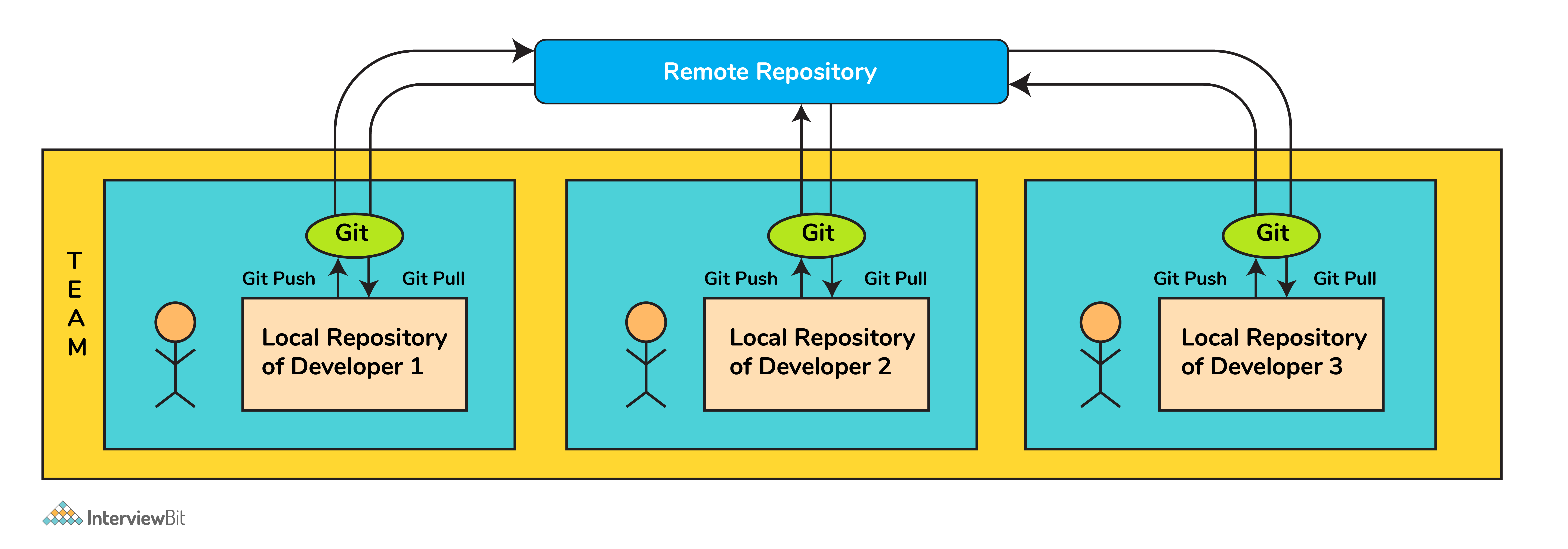
https://s3.ap-south-1.amazonaws.com/myinterviewtrainer-domestic/public_assets/assets/000/000/177/original/git_repos.png?1615875919
Therefore we ll remove the related files from the repository keep the local copies and add the corresponding patterns to the gitignore file so that Git won t track those files anymore We know the git rm user list txt command will remove the file from the repository But it removes the local file as well
Pre-crafted templates provide a time-saving service for creating a varied variety of files and files. These pre-designed formats and designs can be made use of for numerous individual and expert tasks, consisting of resumes, invites, leaflets, newsletters, reports, discussions, and more, improving the content development process.
Git Remove Files From Repo After Gitignore
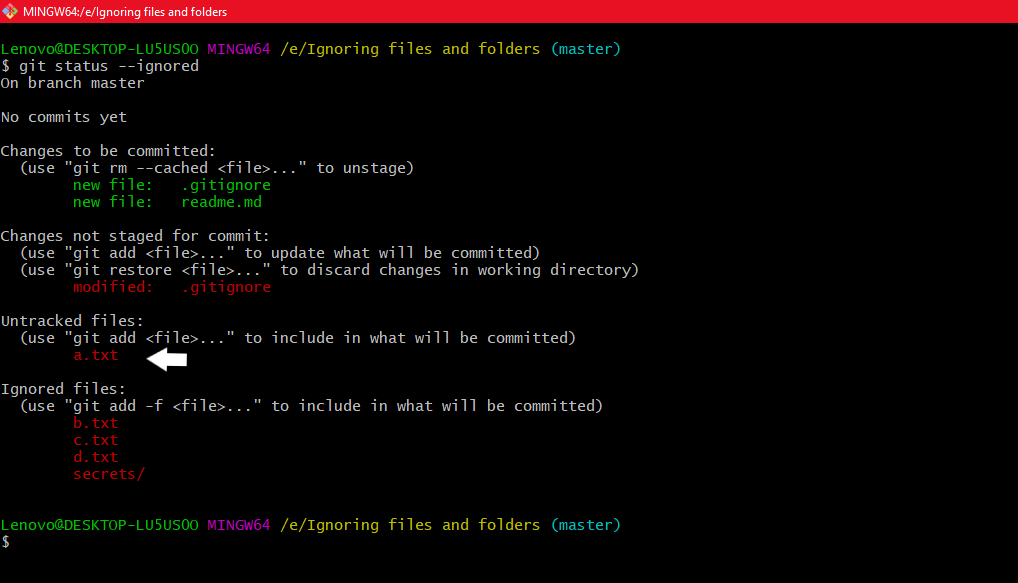
Ignorando Archivos Y Carpetas En Git Barcelona Geeks
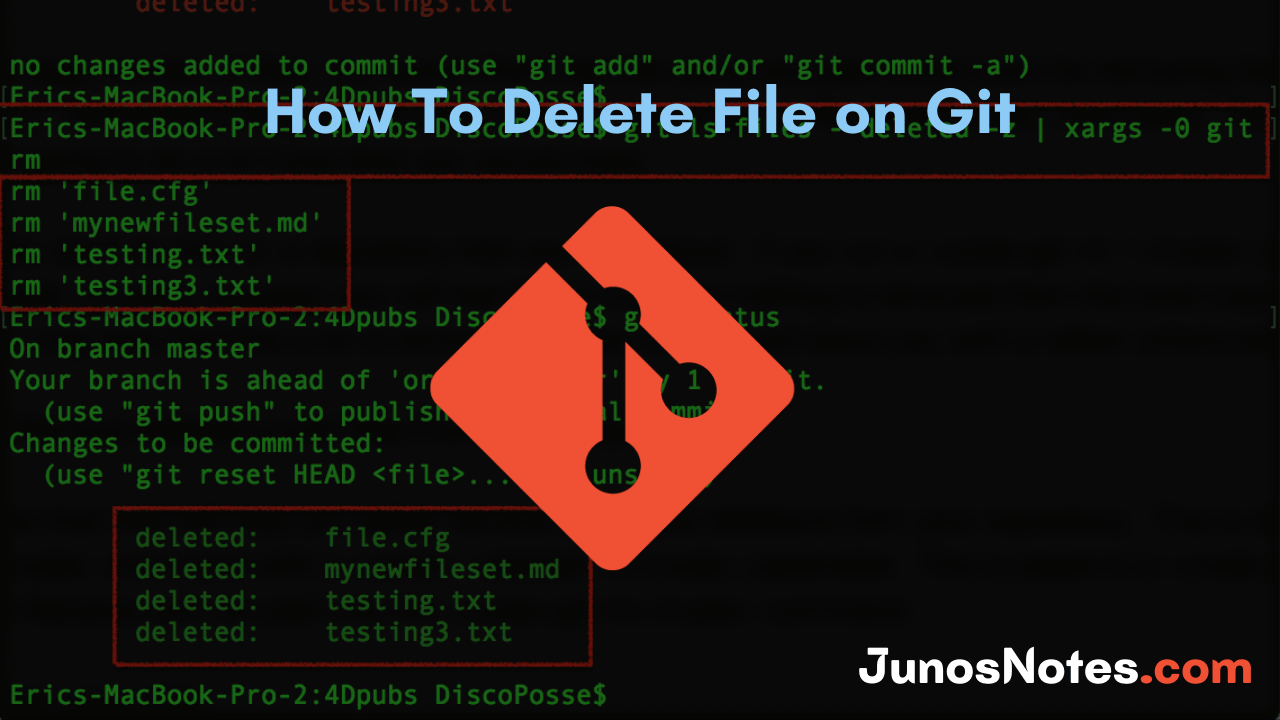
How To Delete File On Git Removing Files From Git Repository Using

Gitignore io Is Great Mike Bifulco
Git Ignore Files After Updating gitignore YouTube

GIT Remove Files From Git Local Repository 11 YouTube

Git Remove Files From Repository Only Viktors Blog

Reply I recently inherited a project from a beginning developer After inheriting the project I realized that while the developer was using Git to source control the project the developer had completely forgot to add a gitignore This meant that I now needed to add a gitignore file as well as remove files from git that were

From the Git Explorer Menu Open in Command Prompt git rm r cached This tells git to stop tracking everything and now I have all my files showing as deleted in Staged Changes and a smaller number of files showing as added in Changes This looks good
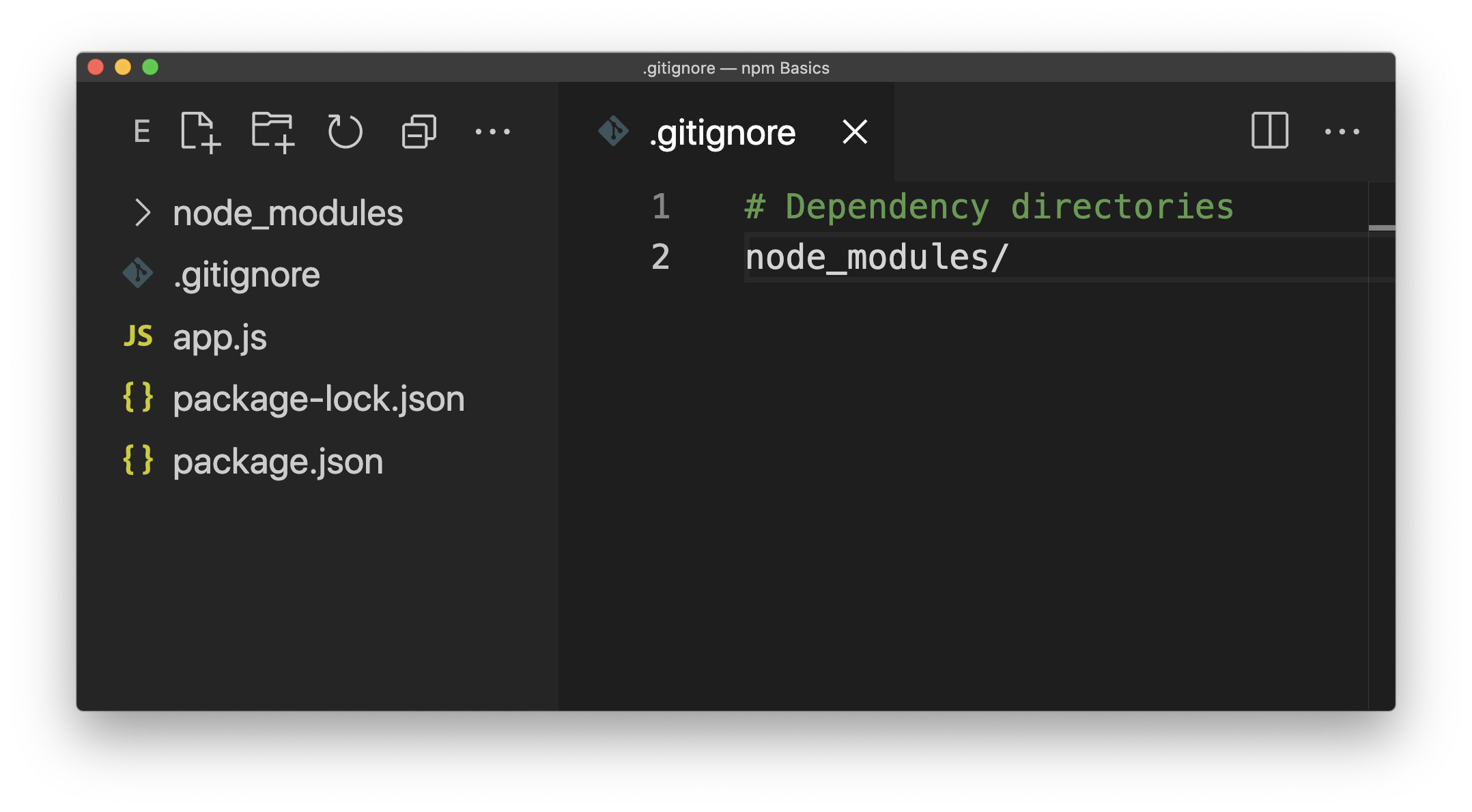
We can remove an entire folder by first adding the folder name to gitignore and running the git commands git rm cached r folder git commit m Message Notice the r addition to the command as without it the command will fail with fatal not removing folder recursively without r 4 Removing All Ignored Files

Files are either tracked or they re not and gitignore doesn t impact this part gitignore only impacts the general git add command to start tracking them in the first place or prevent them from being tracked

If you want to remove a file because it had sensitive information you ll need to do something more drastic Changing history especially for content you ve already pushed is a drastic action and should be avoided if possible Keith Thompson May 16 2013 at 21 06 11
If you try to delete a file or directory in a repository that you don t have write permissions to we ll fork the project to your personal account and help you send a pull request to the original repository after you commit your change For more information see About pull requests Step 1 Remove the folder from Git The first step is to remove the folder from Git using the following command git rm r cached folder name This command removes the folder named folder name from Git but leaves it in your local filesystem The cached flag ensures that the files are removed from Git but not from your local filesystem
It doesn t You have to remove the node modules folder from the git repository first right after creating your gitignore file git rm r cached node modules Now you can commit your repository without node modules git commit m Removed node modules And push your changes