Git Remove All Unstaged Changes 10 Insanely Useful Git Commands For Common Git Tasks Datree io Web IDE How To Git For Dummies NTU SCSE Style How To Discard Unstaged Changes In Git YouTube Git Pull rebase You Have Unstaged Changes Git staged Unstaged staged Changes hellopari CSDN Step 2 Unstage Individual Files To unstage specific files from being committed use the git restore staged command followed by the file name s git restore staged script js styles css This command will remove script js and styles css from the list of staged files when executing git unstaged changes
Prerequisites Git Solution s Remove unstaged changes to a single file git checkout filename Remove unstaged changes for the entire working tree directory git checkout Conclusion Related posts Unstaging files in Git Unstaging Git commits To find more neat Git commands and hacks simply browse the Git category Always unstaged If staged that means they are tracked What each commands do git checkout Removes Unstaged Tracked files ONLY Type 2 git clean f Removes Unstaged UnTracked files ONLY Type 3 git reset hard Removes Staged Tracked and UnStaged Tracked files ONLY Type 1 Type 2
Git staged Unstaged staged Changes hellopari CSDN How To Remove Local Untracked Files In Git Working Directory DNT Git Evan s Blog Visual Studio Git Is There A Setting To Prevent Committing Unstaged Solved How To Stash Only Unstaged Changes In Git 9to5Answer Git GUI How To Stage Individual Unstaged File Vishal Monpara GIT Staging View Fortune Salaire Mensuel De Git Remove All Changes Since Last Commit Quickly Switch To New Branch With Unstaged Changes In Git Amit
Git Remove All Unstaged Changes
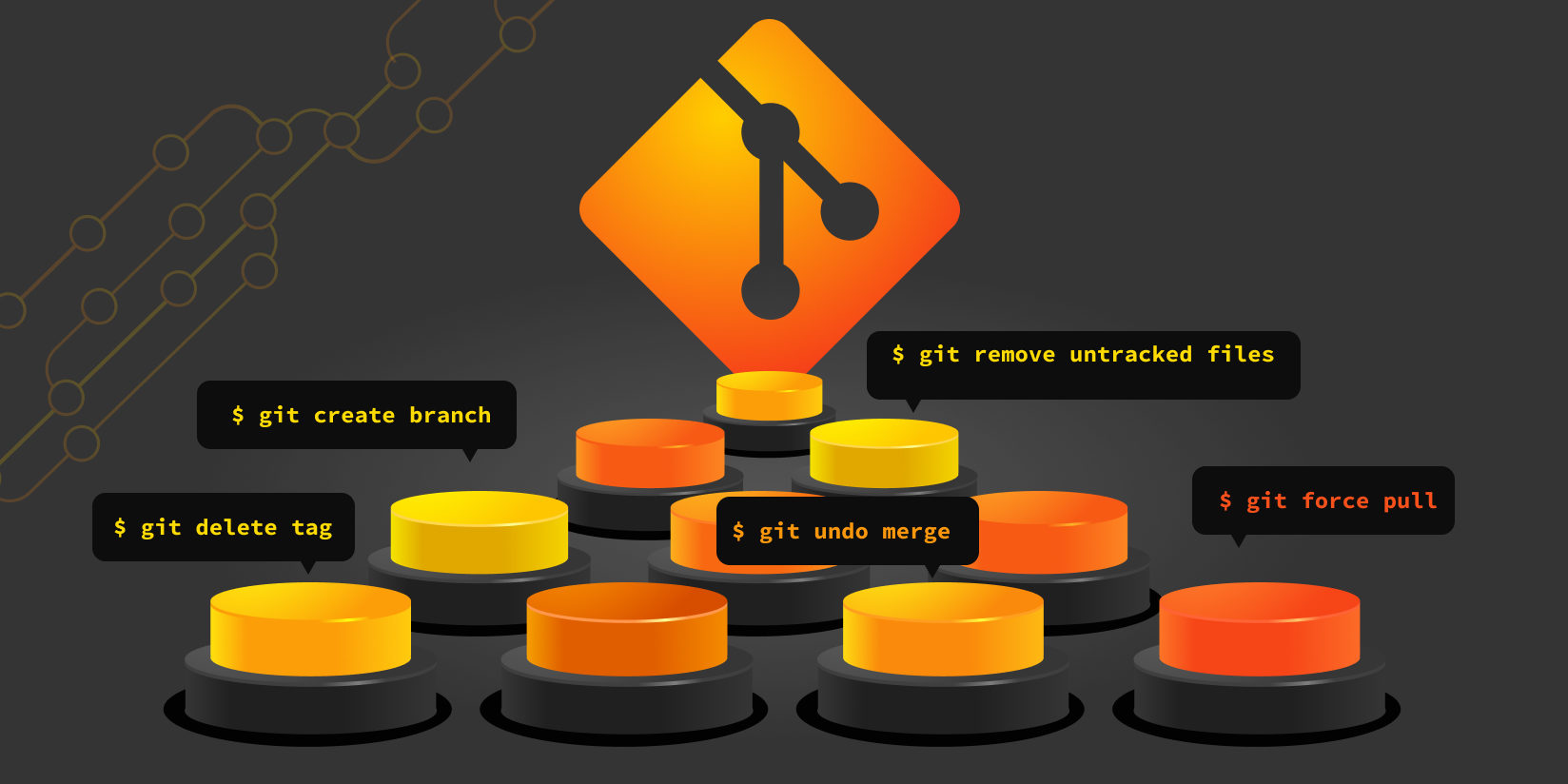 Git Remove All Unstaged Changes
https://assets-global.website-files.com/61c02e339c11997e6926e3d9/61c2e468e07f04bab44a38a0_5d664e055e626f58c6282c5a_10-git-commands-1648x824.jpeg
After that run the following command to clean and undo all the changes you made to files git checkout If you only need to discard some specific files you can mention them like this git checkout file1 txt file2 txt Alternatively you can use the git reset command with hard as well
Pre-crafted templates use a time-saving service for creating a varied series of documents and files. These pre-designed formats and designs can be made use of for different personal and professional projects, consisting of resumes, invites, flyers, newsletters, reports, presentations, and more, improving the material creation procedure.
Git Remove All Unstaged Changes
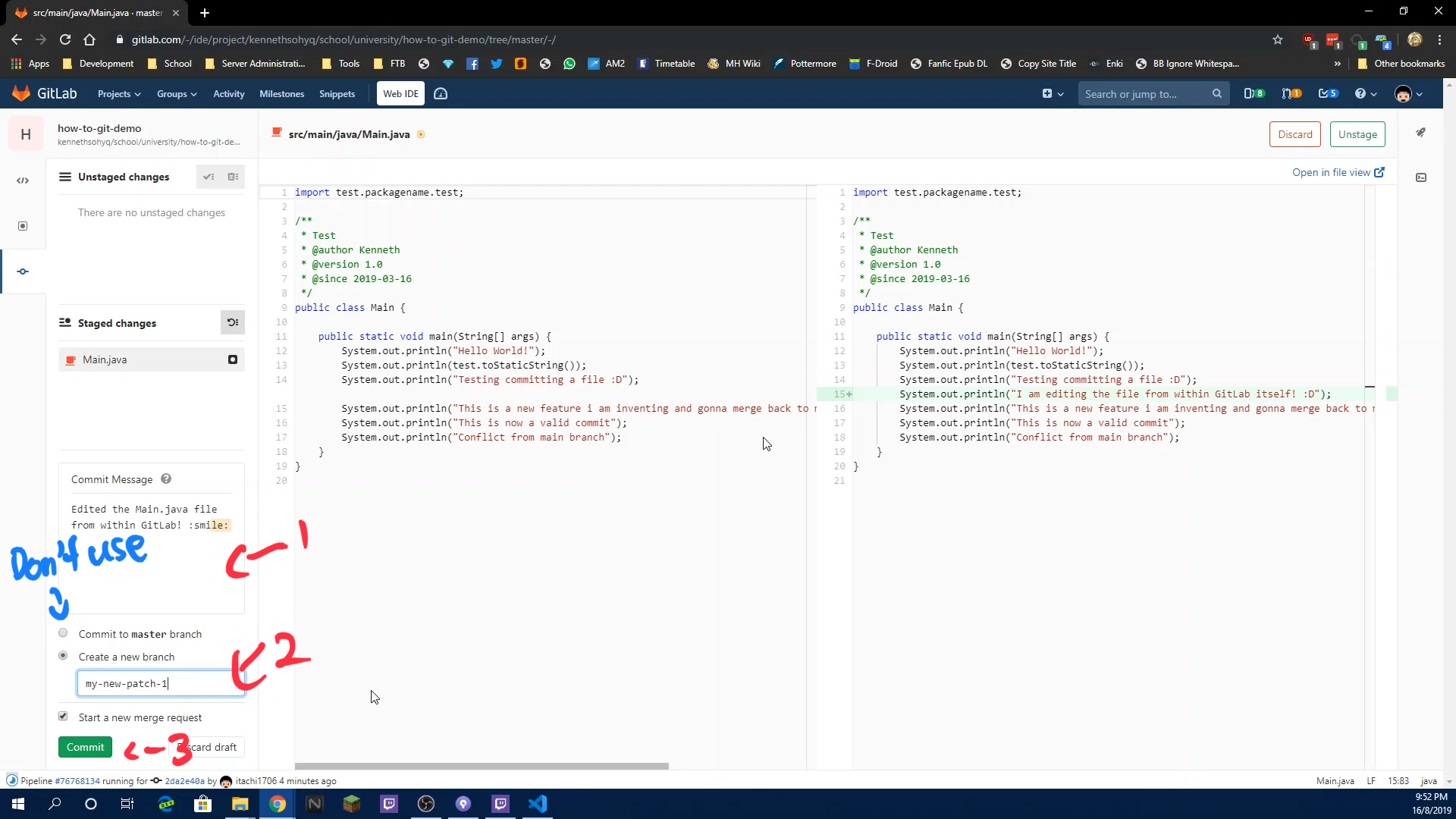
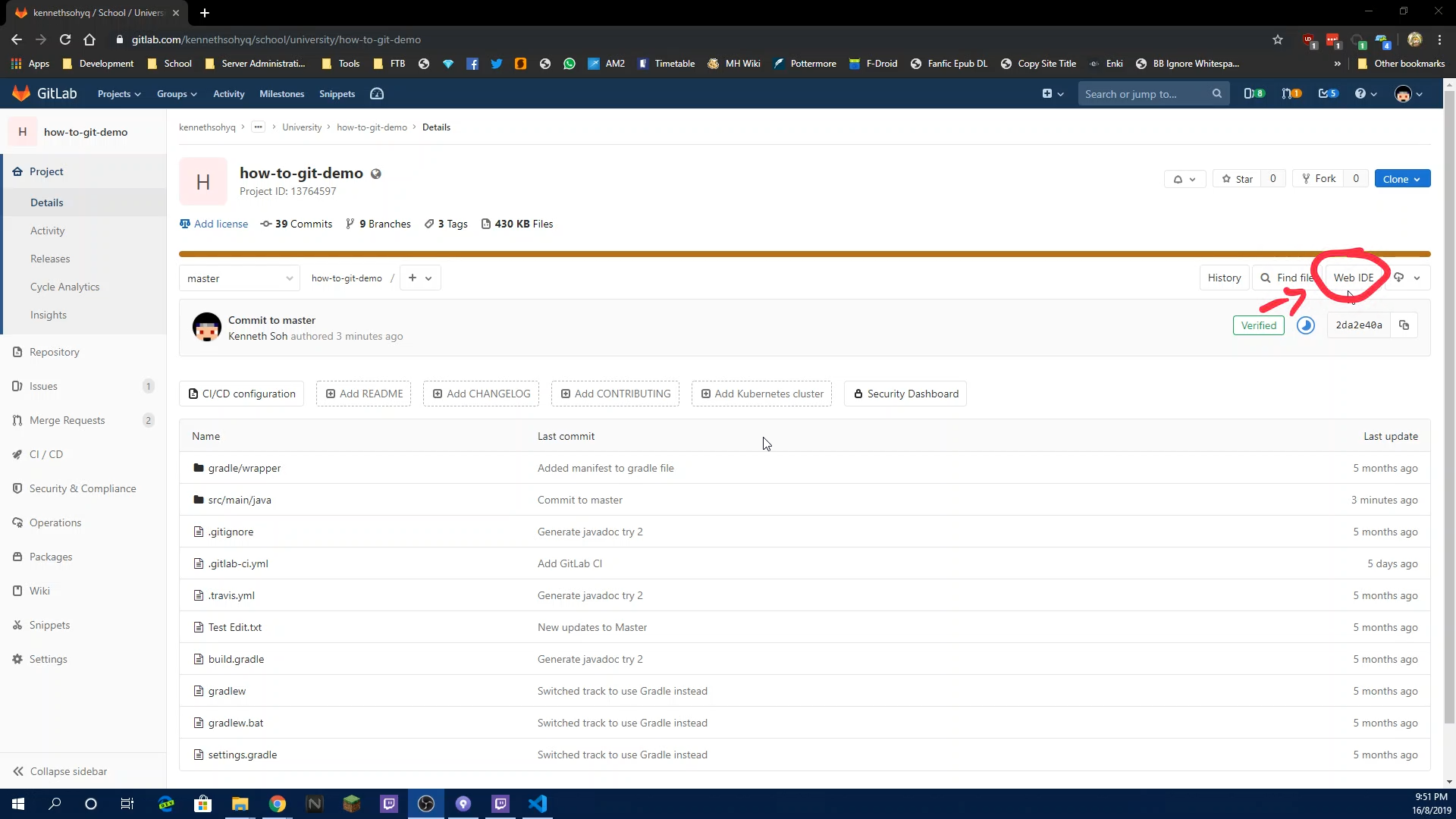
Web IDE How To Git For Dummies NTU SCSE Style
How To Remove Local Untracked Files In Git Working Directory DNT
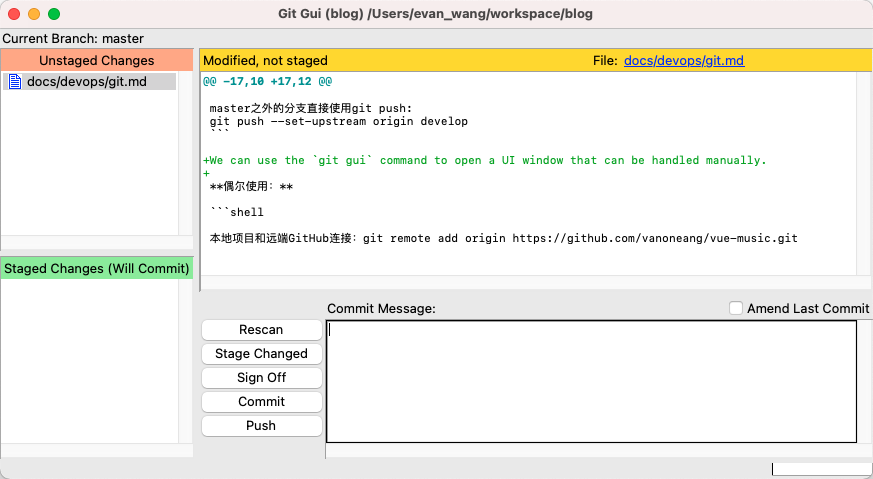
Git Evan s Blog

Visual Studio Git Is There A Setting To Prevent Committing Unstaged
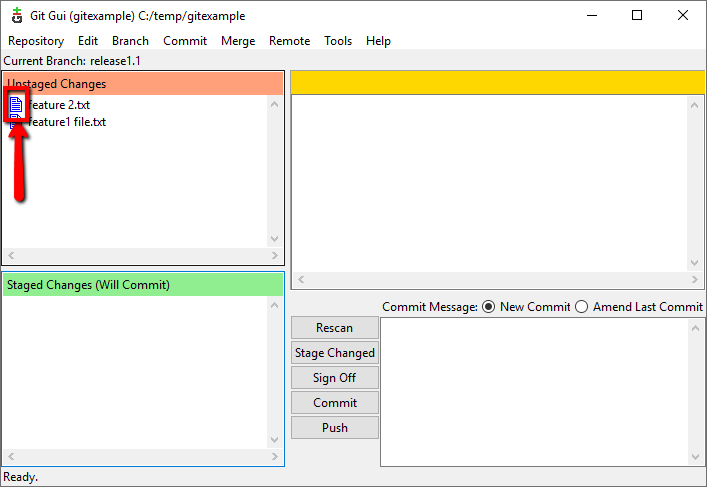
Git GUI How To Stage Individual Unstaged File Vishal Monpara
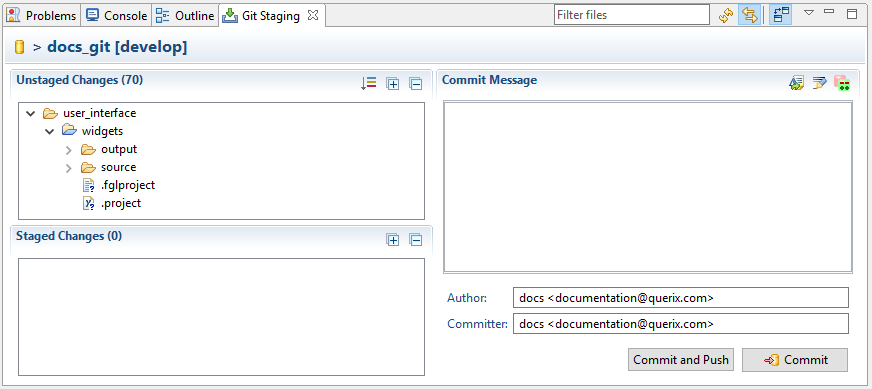
GIT Staging View

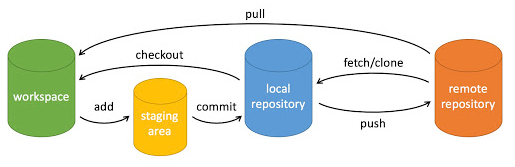
To discard local changes to a file permanently you can run git checkout file Undoing changes with git reset To discard all local changes to all the files permanently you can do git reset hard Staged and Unstaged Changes The staging area index is a container where Git gathers all changes which will be part of the next commit
We can remove these with the clean command git clean df The df option ensures that removal is forced and that untracked directories are also included for removal Running this command will output which files were removed Removing gradle maven to gradle src main java com sample javacode TimeZones java

By executing the following command you will lose all of the staged and unstaged changes that were made down the line What do you mean by saying clean state I mean a situation where you have nothing to commit and nothing to push literally no changes made where calling git status outputs

Git has a couple utilities that help manage the working directory There is the git clean command which is a convenience utility for undoing changes to the working directory Additionally git reset can be invoked with the mixed or hard options and will apply a reset to the working directory
Git reset example txt Unstage All Changes To remove all files from the staging area git reset 2 Using git restore Introduced in Git version 2 23 git restore is designed to make unstaging and other tasks more intuitive Unstage a Specific File For unstaging changes in a file called example txt git restore source HEAD staged
Use git stash and git stash to Remove Uncommitted Changes in Git This article will guide you on how to undo uncommitted changes we have made to the local repository When working with a feature we might first create new files add changes to existing files and then delete some files Git the powerful version control system provides a straightforward way to undo or discard local changes and revert to the last committed state In this blog post we ll walk you through the process of discarding local changes in Git using practical examples TL DR To discard all changes git checkout
To only unstage a certain file and thereby undo a previous git add you need to provide the staged flag git restore staged index html You can of course also remove multiple files at once from the Staging Area git restore staged css If you want to discard uncommitted local changes in a file simply omit the staged flag