Git Move To Branch With Changes Git Branch How To Use A Git Branch Updated 2024 How To Move A Git Repository With History Atlassian Git Tutorial Commit Changes To A Git Branch Delft Stack Kadidlo Ust pi Menova Git Switch To Remote Branch Poskytn Puberta GIT Branch And Its Operations An Easy Understanding Digital Varys WEB Feb 1 2020 nbsp 0183 32 The easiest way to switch branch on Git is to use the git checkout command and specify the name of the branch you want to switch to If the destination branch does not exist you have to append the b option otherwise you won t be able to switch to that branch
WEB Apr 19 2021 nbsp 0183 32 To switch to an existing branch you can use git checkout again without the b flag and pass the name of the branch you want to switch to my feature git checkout master Switched to branch master master There is also a handy shortcut for returning to the previous branch you were on by passing to git checkout instead of a branch WEB Learn how to move commits between branches in Git using various techniques such as git cherry pick This guide provides step by step instructions for transferring commits from one branch to another
GIT Branch And Its Operations An Easy Understanding Digital Varys Git Move Committed Changes From One Branch To Another Git Move Changes To Another Existing Branch How To Use Branches In Git The Ultimate Cheatsheet Git Create Branch From Another Popdase Git Create Branch From Another Branch Console Lasopaireland How To Move Commit To Another Branch In Git Scaler Topics Git Change Branch And Reset Files Londonseka How To Move A Git Repository With History Atlassian Git Tutorial
Git Move To Branch With Changes
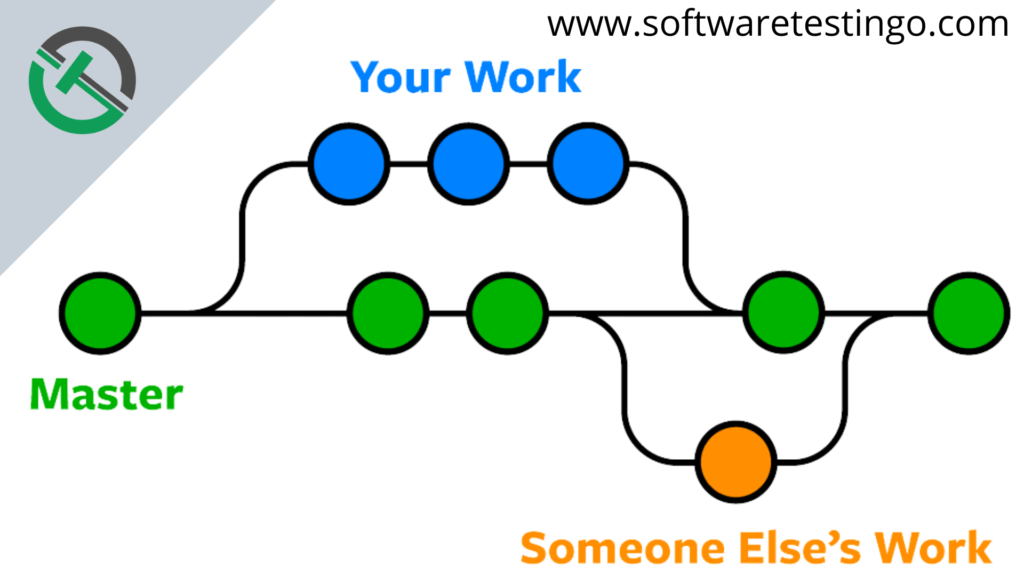 Git Move To Branch With Changes
https://www.softwaretestingo.com/wp-content/uploads/2022/07/Different-Git-Branch-1024x576.png
WEB May 8 2018 nbsp 0183 32 If you want to move your changes to a new branch use the following command git checkout b lt new branch gt As per the git checkout documentation Specifying b causes a new branch to be created as if
Templates are pre-designed documents or files that can be used for various functions. They can conserve effort and time by providing a ready-made format and design for developing different kinds of material. Templates can be utilized for personal or professional projects, such as resumes, invites, flyers, newsletters, reports, presentations, and more.
Git Move To Branch With Changes

How To Create New Branch And Merge In Github Recode Hive

Git Move Committed Changes From One Branch To Another

Git Move Changes To Another Existing Branch
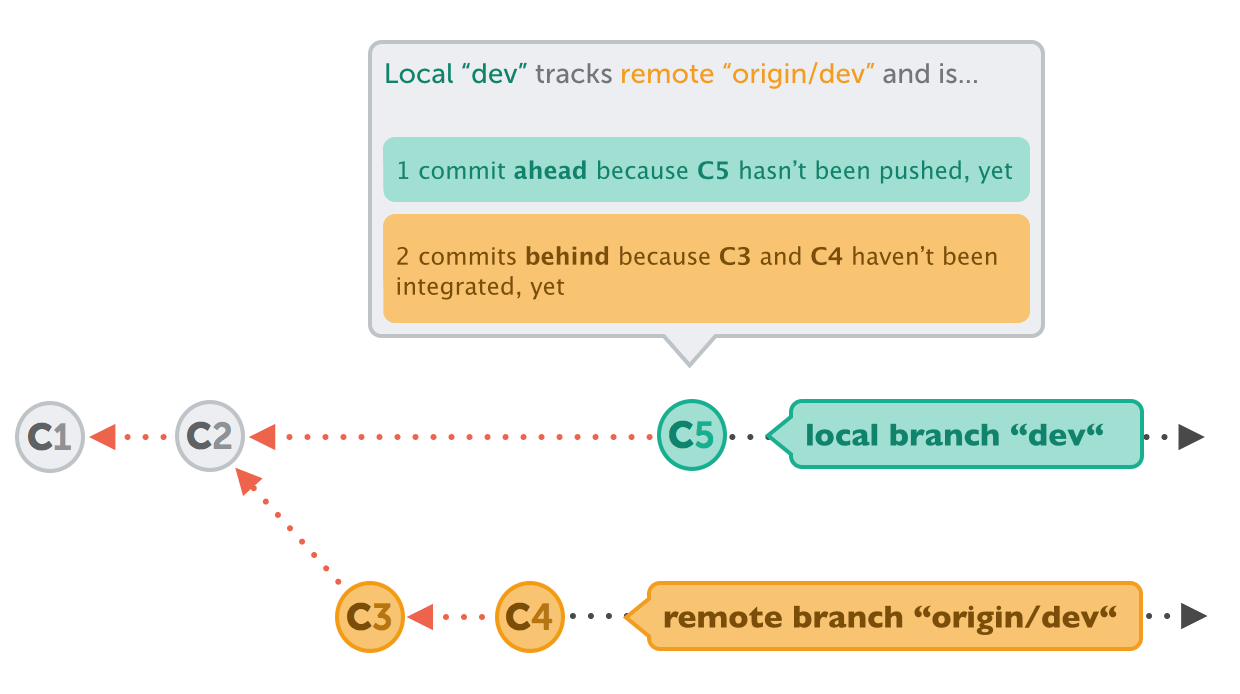
How To Use Branches In Git The Ultimate Cheatsheet
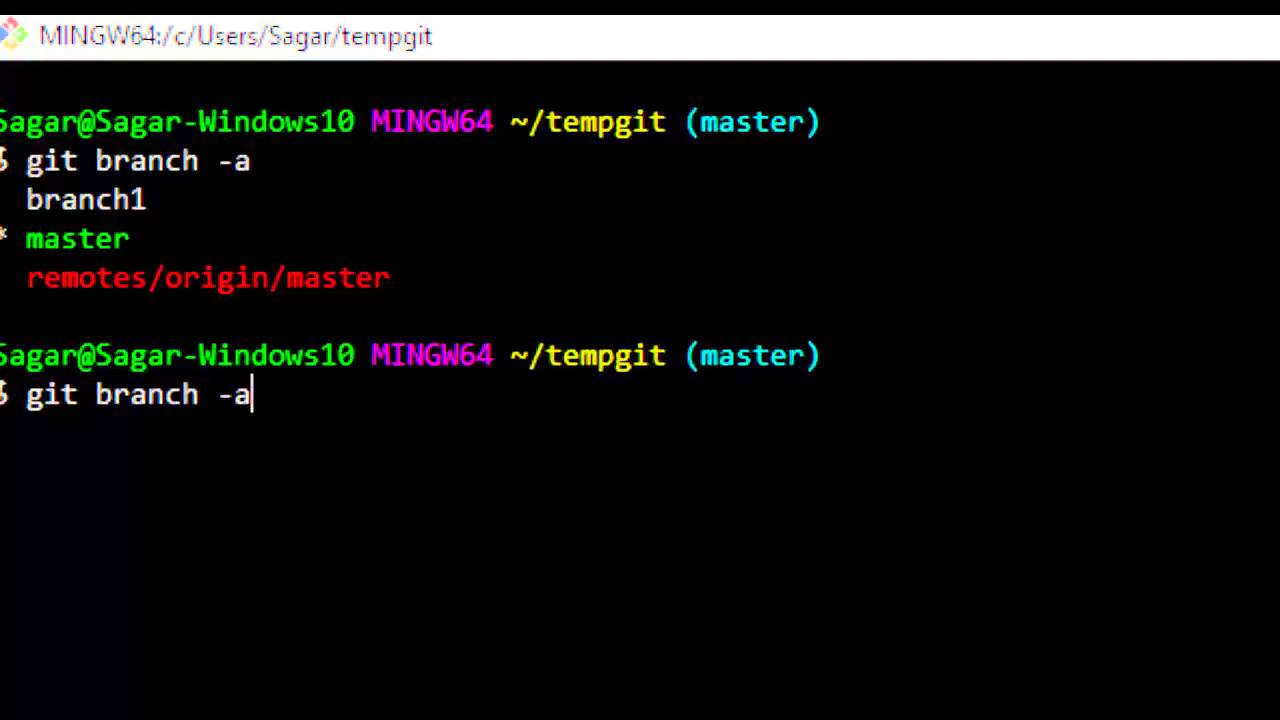
Git Create Branch From Another Branch Console Lasopaireland
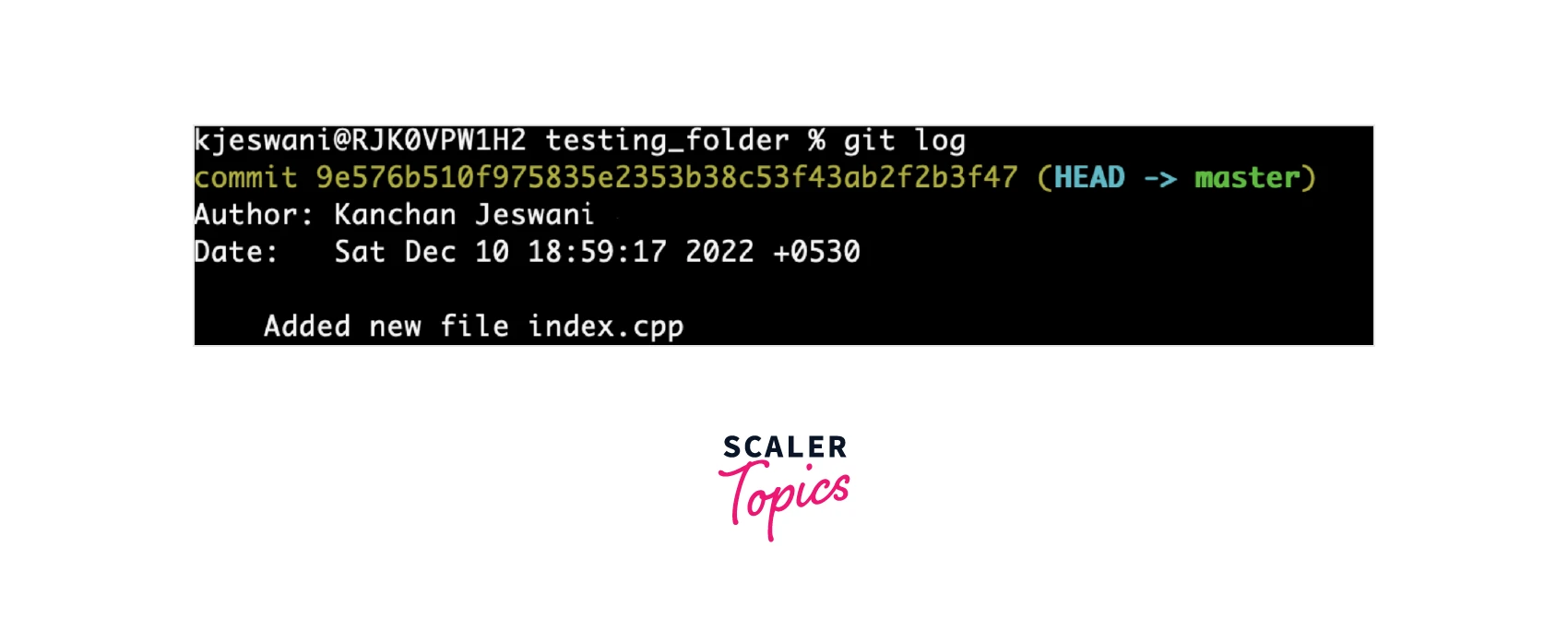
How To Move Commit To Another Branch In Git Scaler Topics

WEB Nov 16 2021 nbsp 0183 32 You can move branches and bring those changes along with you The simplest option is to simply switch branches but this will only work if the two branches you re targeting have a matching history git checkout feature You can get around this in
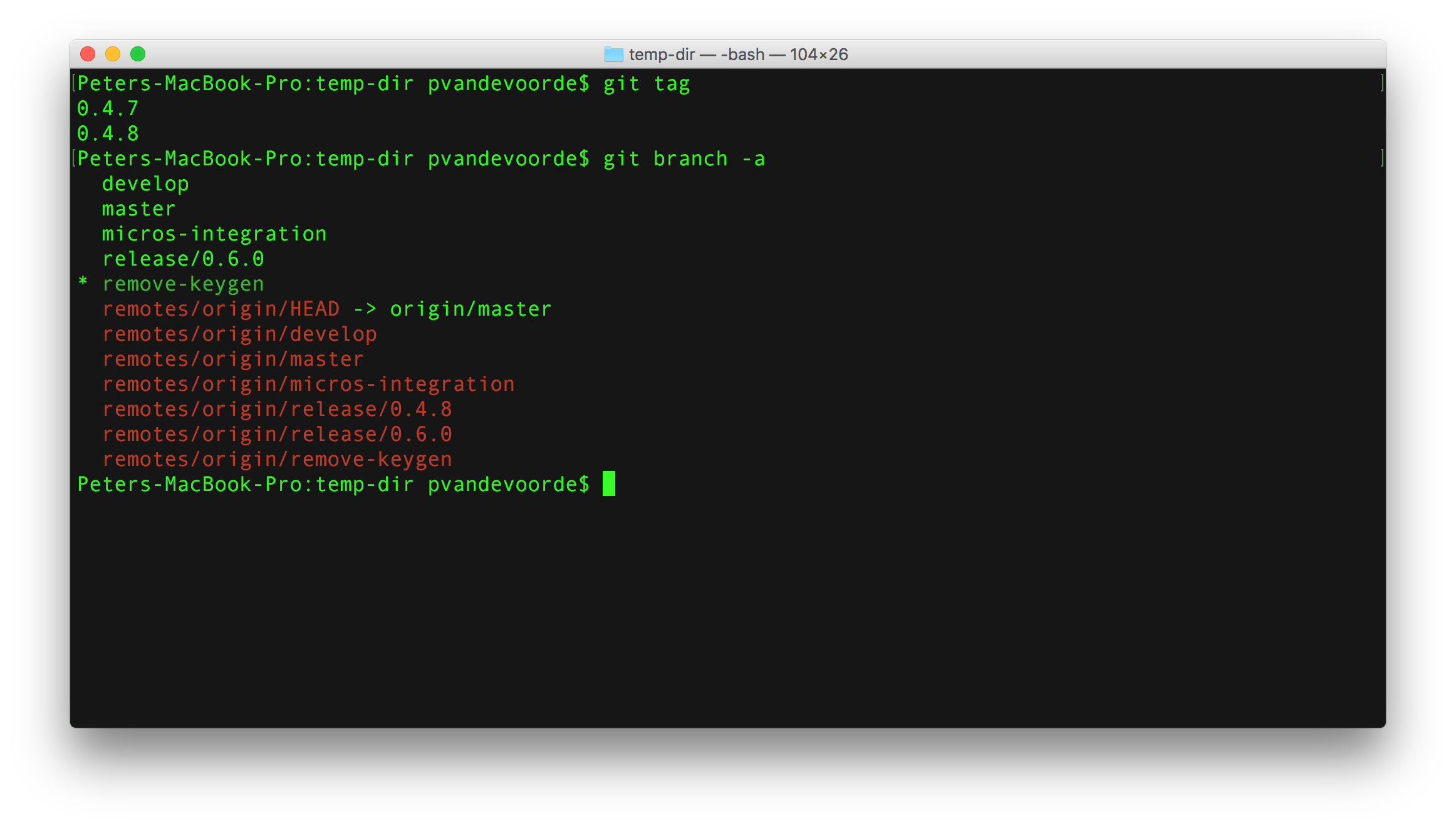
WEB Mar 20 2013 nbsp 0183 32 Create a new branch git checkout b edge Your files haven t changed Just git add what needs to and commit as usual When you re done committing on edge switch back to master with git checkout and git merge edge

WEB Dec 4 2017 nbsp 0183 32 If another branch already exists locally and you are not on this branch then git checkout another branch switches to the branch If another branch does not exist but origin another branch does then git checkout another branch is equivalent to git checkout b another branch origin another branch git branch u origin another branch

WEB Feb 6 2024 nbsp 0183 32 The git checkout b lt BranchName gt command will create a new branch and switch to it Moreover this command will leave the current branch as it is and bring all uncommitted changes to the new branch

WEB Nov 13 2023 nbsp 0183 32 The easiest and safest way to switch branches with uncommitted changes is to temporarily stash your changes out of the way The Git stash allows you to shelve changes from your working directory and staging area providing a fresh working state so you can change branches
WEB Jun 25 2024 nbsp 0183 32 The git checkout command is a versatile tool for navigating between branches in Git It allows developers to switch to a different branch and update the working directory to reflect the state of the selected branch WEB Learn how to use the git switch command to check out a different branch and make it your new HEAD branch
WEB You can git reset soft or git reset mixed later or use git commit amend to shove it aside when you re back to working on that branch In modern Git you can also use git