Git List Tags Remote Repo Git How To Link A Local Repo To A Remote In Github Stack Overflow 10 Git Commands You Should Know Towards Data Science Techmaster Vi t Nam H c L C Vi c Jan David Narkiewicz Developer Git Adding Remote Origin To A Local GitHub On Twitter Want To Quickly Find A String In Your Project You p If you want to list git tags from a specific remote then you can use the following command p pre git ls remote tags remote name pre p For example to list all tags for the remote called code origin code you would do the following p pre git ls remote tags origin pre p This would result in an output si
Listing the existing tags in Git is straightforward Just type git tag with optional l or list git tag v1 0 v2 0 This command lists the tags in alphabetical order the order in which they are displayed has no real importance You can also search for tags that match a particular pattern Git show ref List references in a local repository SYNOPSIS By default shows the tags heads and remote refs The exclude existing form is a filter that does the inverse It reads refs from stdin one ref per line and shows those that don t exist in the local repository This will show refs heads master but also refs
GitHub On Twitter Want To Quickly Find A String In Your Project You Cultural Analytics Open Science Guide 6 Create A GitHub Account GIT Commands Basic To Advanced GIT Commands List That You Should Know Come Creare Un Nuovo Ramo Git Come Un Professionista Winadmin it Git Index GeeksforGeeks Git Tag Git Tagging Explained Initialize A GitHub Repo Git List Branches How To Show All Remote And Local Branch Names Synchronize Remote Repositories Via Git To Local Server And Auto Update
Git List Tags Remote Repo
 Git List Tags Remote Repo
https://i.stack.imgur.com/wKHHz.png
In order to push them to a remote repo you have a few options git push repo name tag name This command will push a single tag to the remote repo and it is commonly the preferred method which I ll explain more about below The other way would be to push all of the tags to the remote repo git push tags repo name
Templates are pre-designed files or files that can be used for numerous purposes. They can save time and effort by providing a ready-made format and layout for producing various sort of content. Templates can be utilized for individual or expert jobs, such as resumes, invitations, leaflets, newsletters, reports, discussions, and more.
Git List Tags Remote Repo
Use La Etiqueta HR En Su C digo HTML
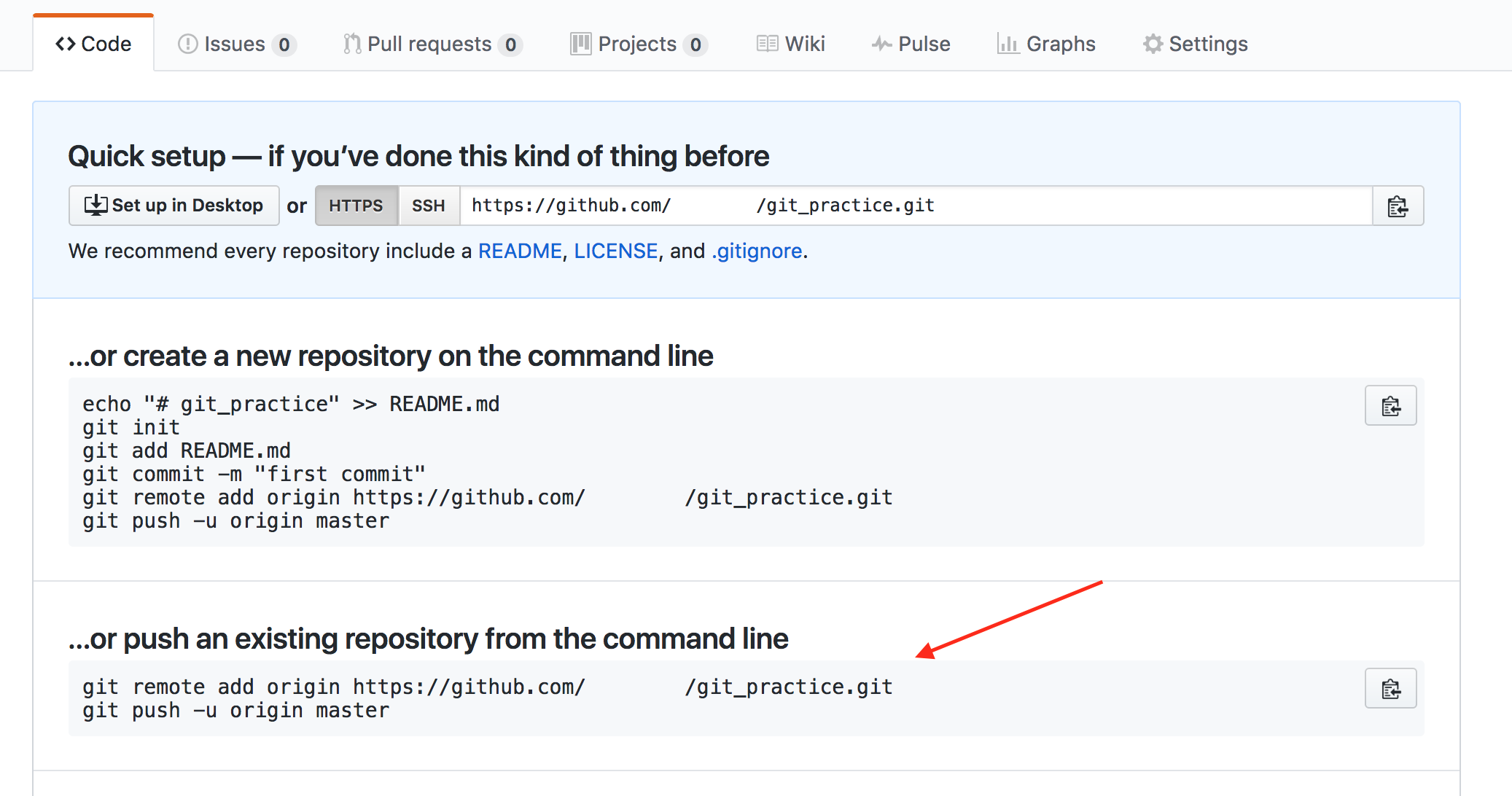
Cultural Analytics Open Science Guide 6 Create A GitHub Account
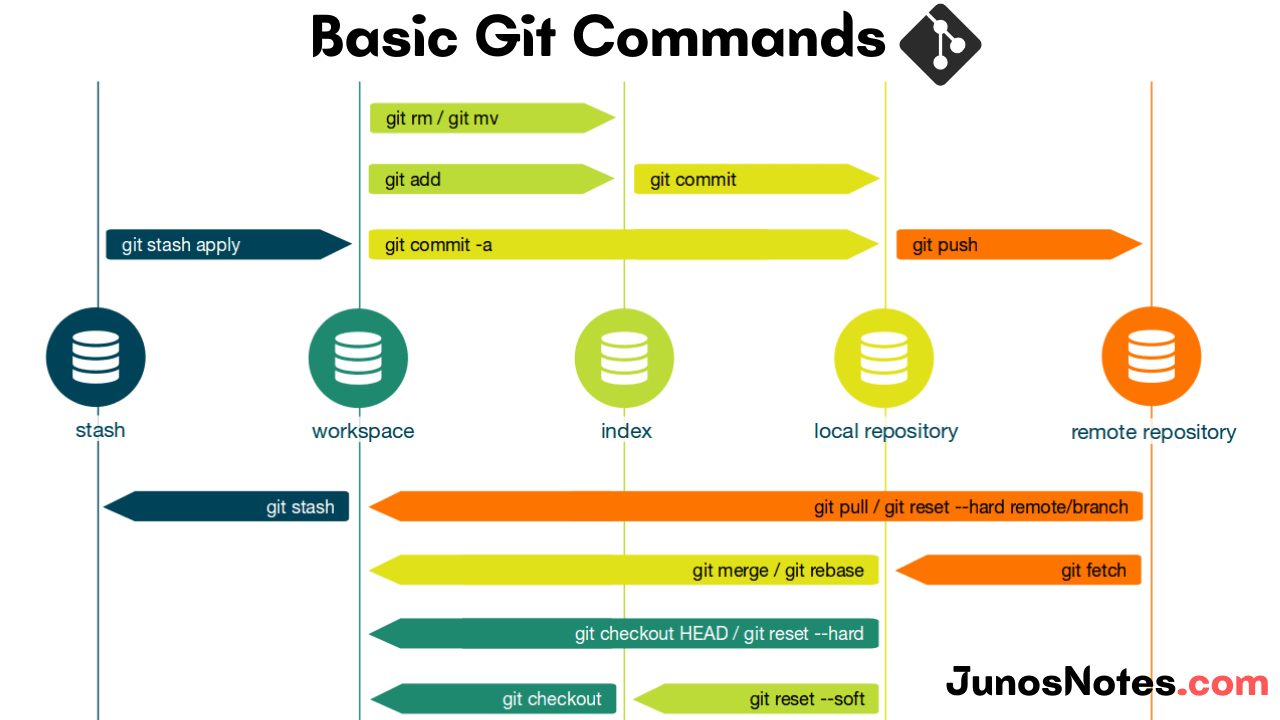
GIT Commands Basic To Advanced GIT Commands List That You Should Know
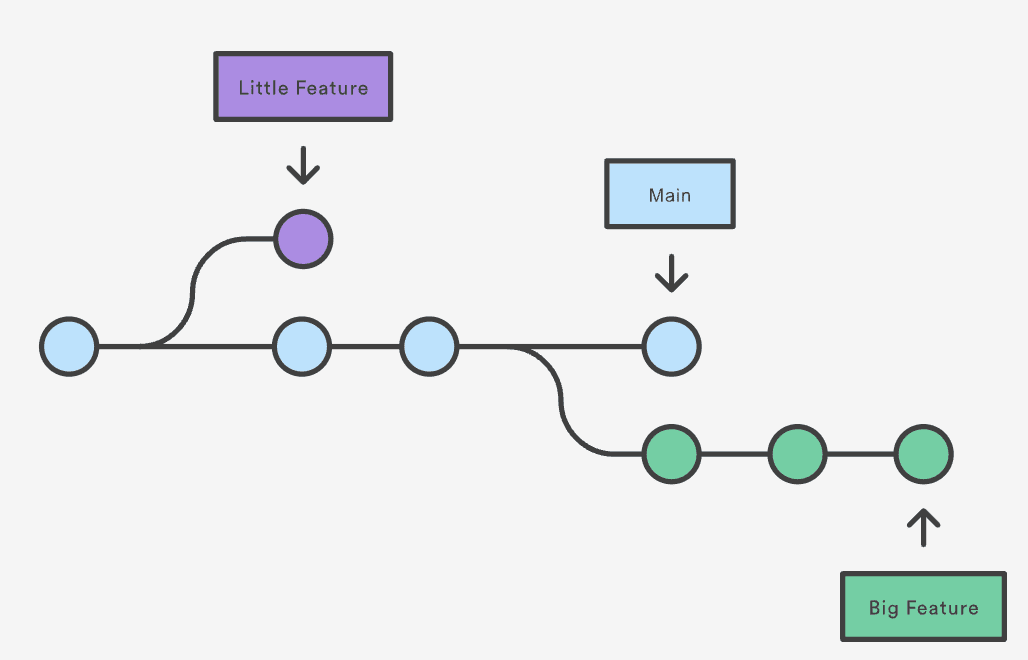
Come Creare Un Nuovo Ramo Git Come Un Professionista Winadmin it

Git Tag Git Tagging Explained
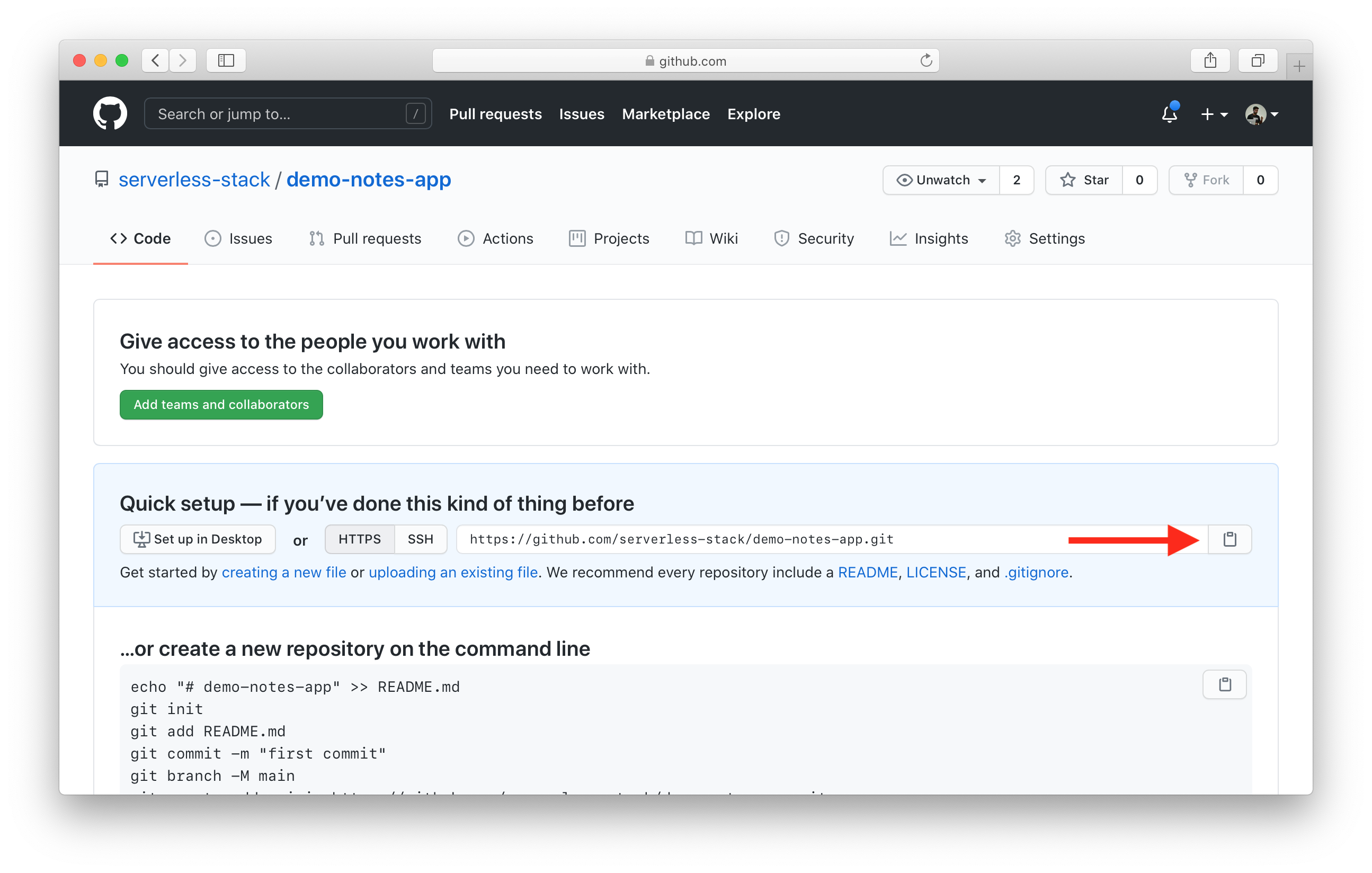
Initialize A GitHub Repo

Listing Git tags is a practical option when dealing with multiple commits or versions in a repository and pinpointing a single one In this tutorial you will learn to list existing Git tags in a local and remote repository Prerequisites Git installed see how to install Git on Windows macOS Ubuntu CentOS 7 or CentOS 8

Fetching Remote Tags Easily Find Latest Git Tag Available Conclusion List Local Git Tags In order to list Git tags you have to use the git tag command with no arguments git tag v1 0 v2 0 You can also execute git tag with the n option in order to have an extensive description of your tag list git tag n
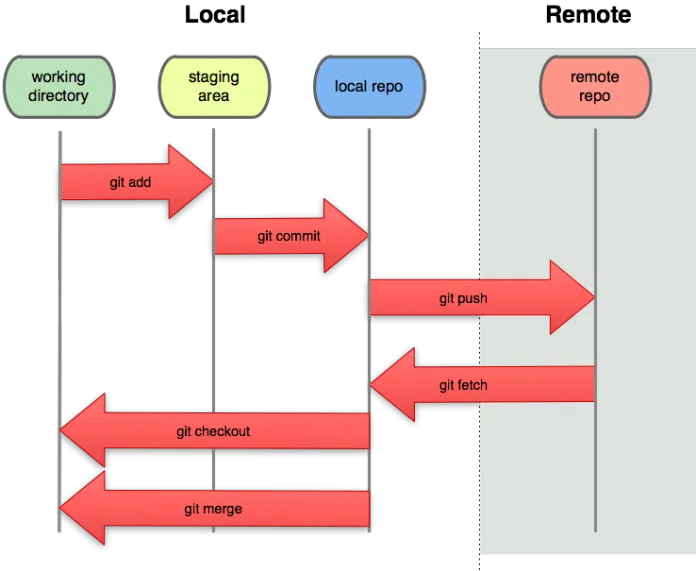
Git ls remote List references in a remote repository SYNOPSIS git ls remote heads tags refs upload pack exec q quiet exit code get url sort key symref repository patterns DESCRIPTION Displays references available in a remote repository along with the associated commit IDs OPTIONS h
8 I have to get the latest git tag from the remote git repository I have used following command for finding the latest tag git ls remote tags xxxxx xxxx xxxx xxxx git grep grep v grep v sort n t k3 k4 This gives me following output

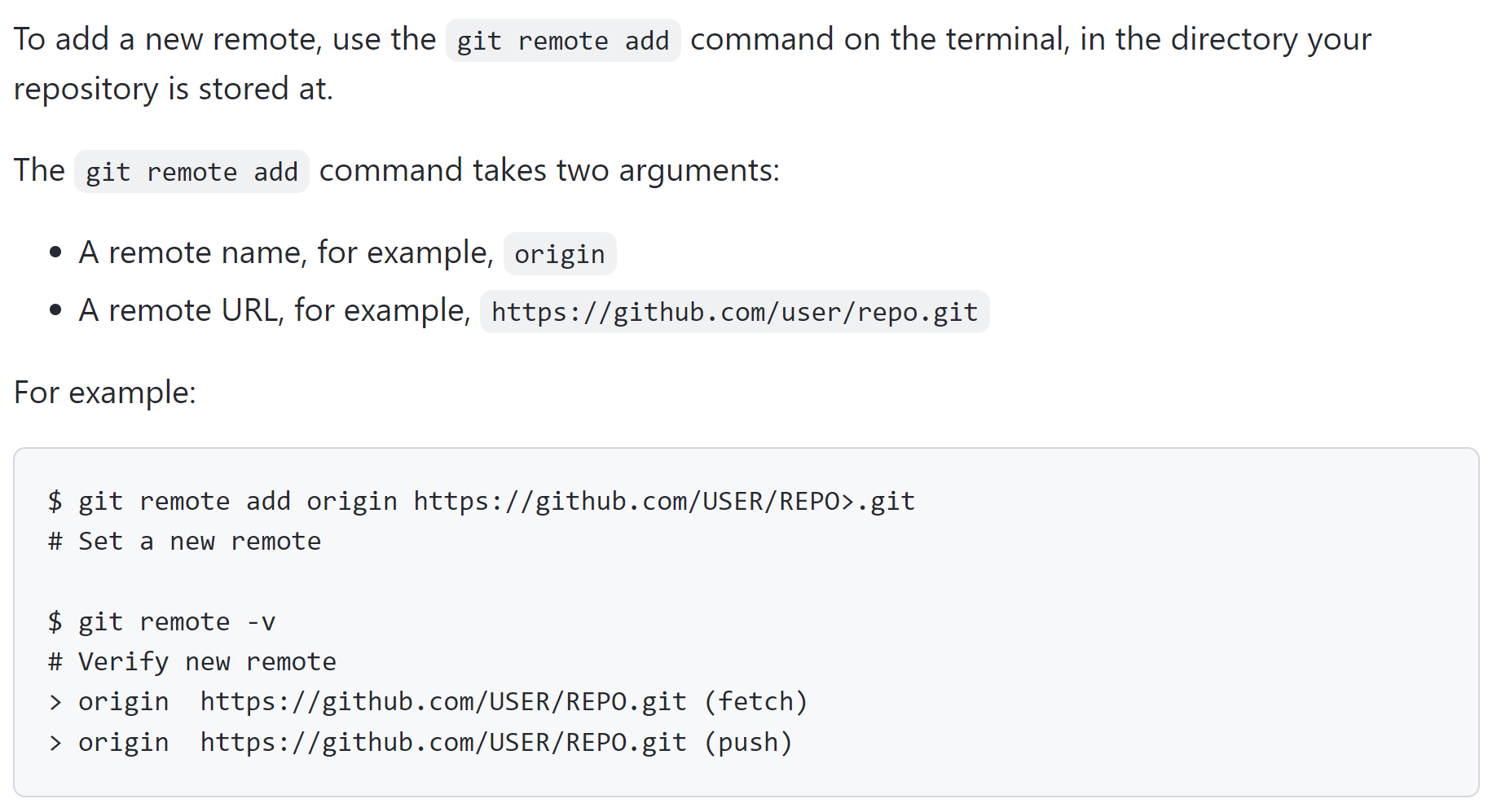
Showing Your Remotes To see which remote servers you have configured you can run the git remote command It lists the shortnames of each remote handle you ve specified If you ve cloned your repository you should at least see origin that is the default name Git gives to the server you cloned from
In order to list remote Git tags you have to use the git ls remote command with the tags option and the name of your remote repository git ls remote tags remote For example if your remote name is origin you will have to execute the following command Git rev list HEAD Documentation Print the list of commits authored by you in the past year on any branch tag or other ref git rev list author you example since 1 year ago all Print the list of objects reachable from the current branch i e all commits and the blobs and trees they contain
6 Answers Sorted by 1107 You can get a list of any configured remote URLs with the command git remote v This will give you something like the following base home htdocs base fetch base home htdocs base push origin git bitbucket fetch origin git bitbucket push Share Improve this answer Follow