Git How To Remove Commit On Remote How Do You Correct A Commit Message In Git O Reilly To Write Git Vrogue How To Add And Commit Files In Single Command In Git YouTube Squashing Commits In Git 50 Hilarious Git Commit Messages Git Commit Messages From Humorous How To Revert A Git Commit The Git Revert Command YouTube WEB By following these steps you can delete a specific commit from your Git history using interactive rebase Remember editing published history should be done with caution especially in collaborative environments Deleting a Commit from a Remote Repository
WEB Feb 2 2024 nbsp 0183 32 This tutorial demonstrates how to delete commit from the remote repository through the Git command line WEB Nov 11 2023 nbsp 0183 32 You can git remove commit by resetting the head squashing the commits on a branch or clearing the commit history However you should understand the working tree reset and branching before that Use the following commands to remove target commit s respectively
How To Revert A Git Commit The Git Revert Command YouTube Git Last Commit How To View The Details Of Your Last Commit Crayon Couronne Crocodile Git Correct Commit Message Stylo Magasin La Collaborating With You And Others With Github Beginners Guide For R Commit Changes To A Git Repository TestingDocs A Beginner s Guide To Git How To Write A Good Commit Message Git Checkout To Previous Commit ID Didn t Revert The Changes Any How and Why To Keep Your Git Commit History Clean GitLab How To Git Commit With Message Best Practices Rules Write Good Modify
Git How To Remove Commit On Remote
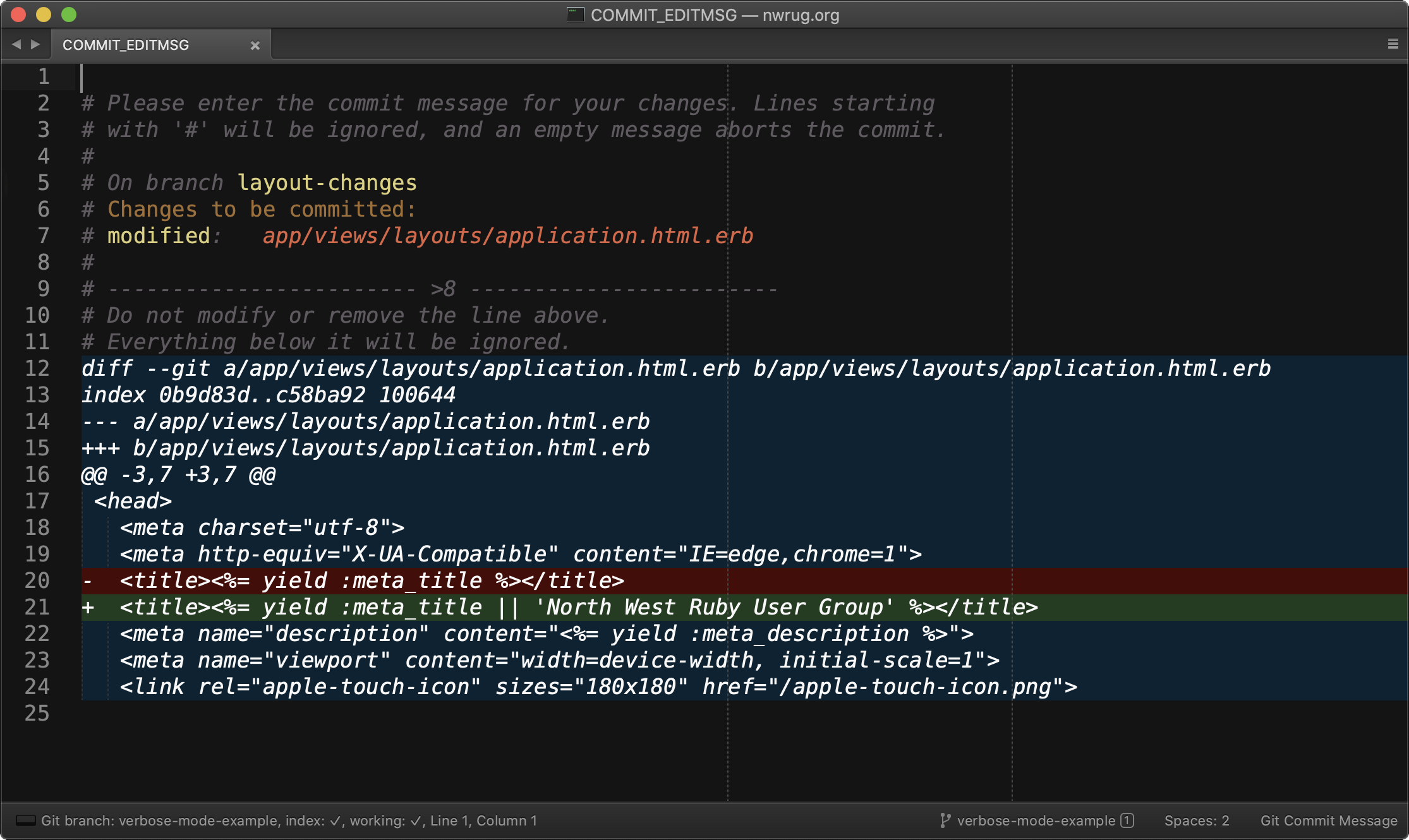 Git How To Remove Commit On Remote
https://tekin.co.uk/images/20200306/git-commit-verbose-mode-output.png
WEB Aug 23 2019 nbsp 0183 32 How to clear Git history of a repository by removing all commits both locally and remotely
Pre-crafted templates provide a time-saving solution for creating a diverse variety of files and files. These pre-designed formats and designs can be utilized for numerous personal and professional projects, including resumes, invitations, leaflets, newsletters, reports, discussions, and more, streamlining the material development procedure.
Git How To Remove Commit On Remote
I Want To Delete Or Remove Last Commit In Git Git Questions YouTube
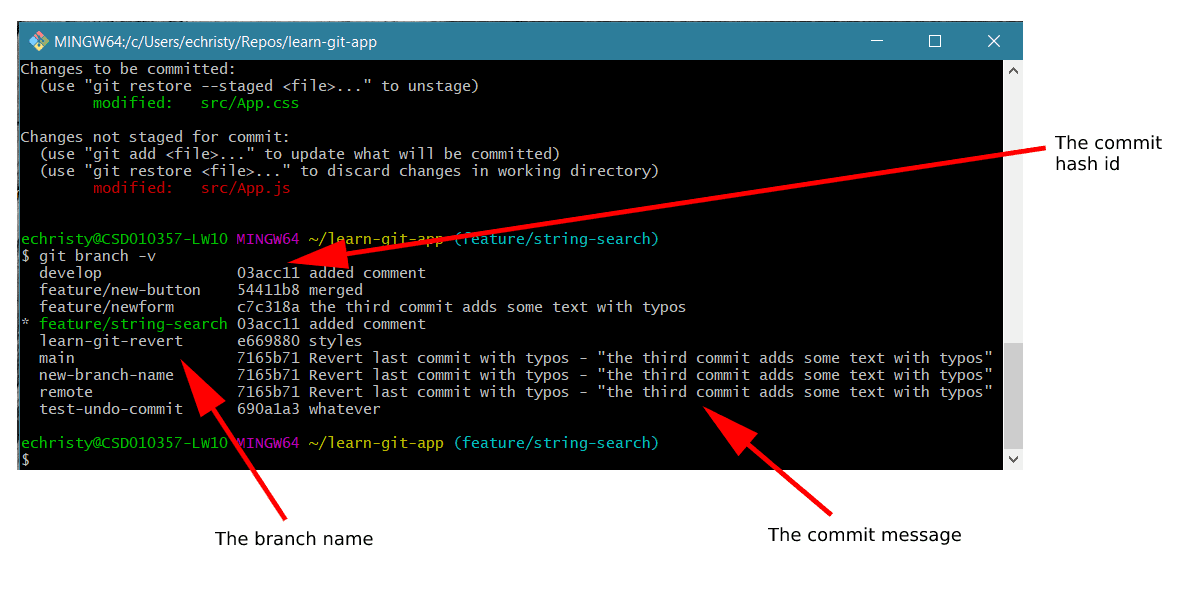
Git Last Commit How To View The Details Of Your Last Commit
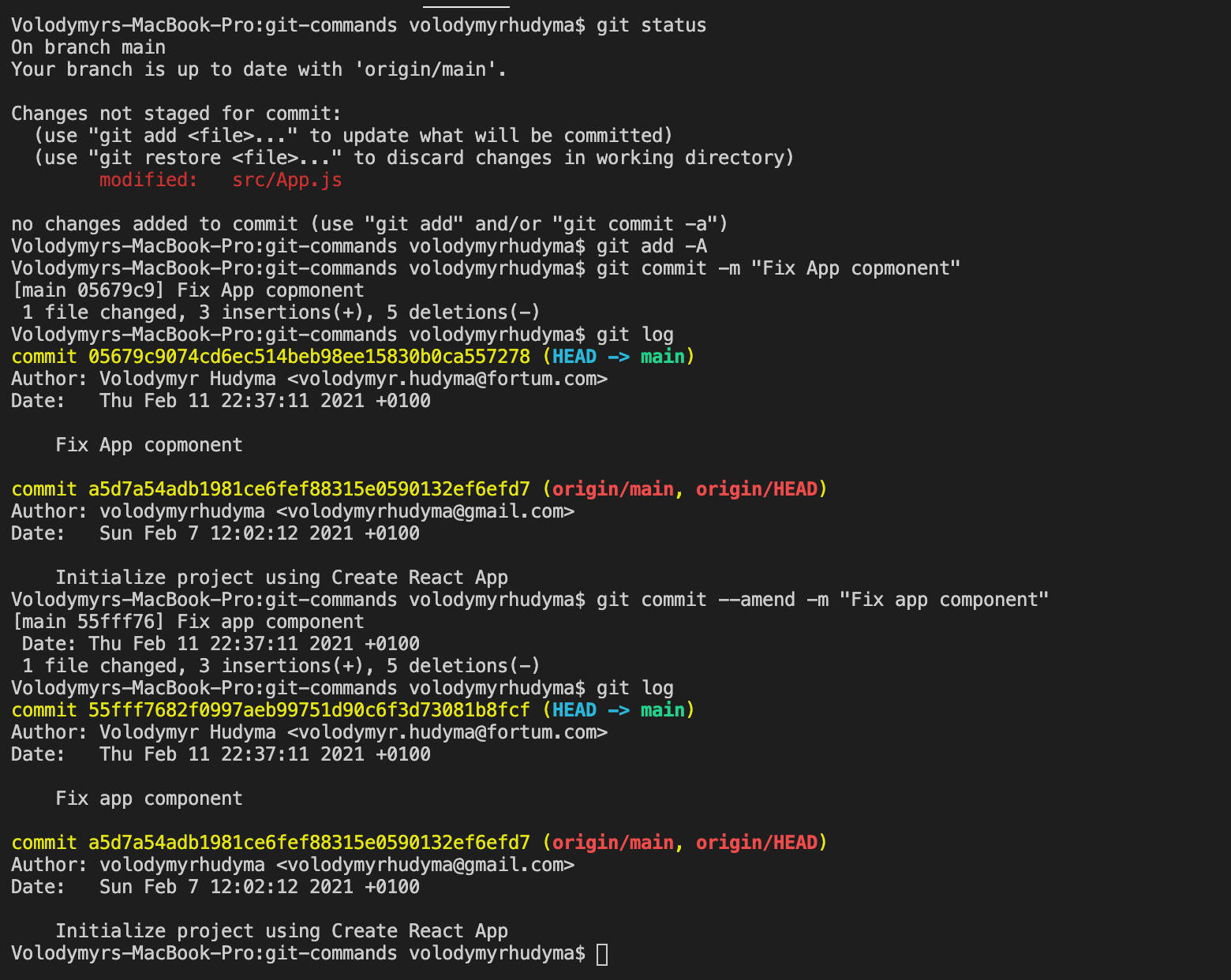
Crayon Couronne Crocodile Git Correct Commit Message Stylo Magasin La
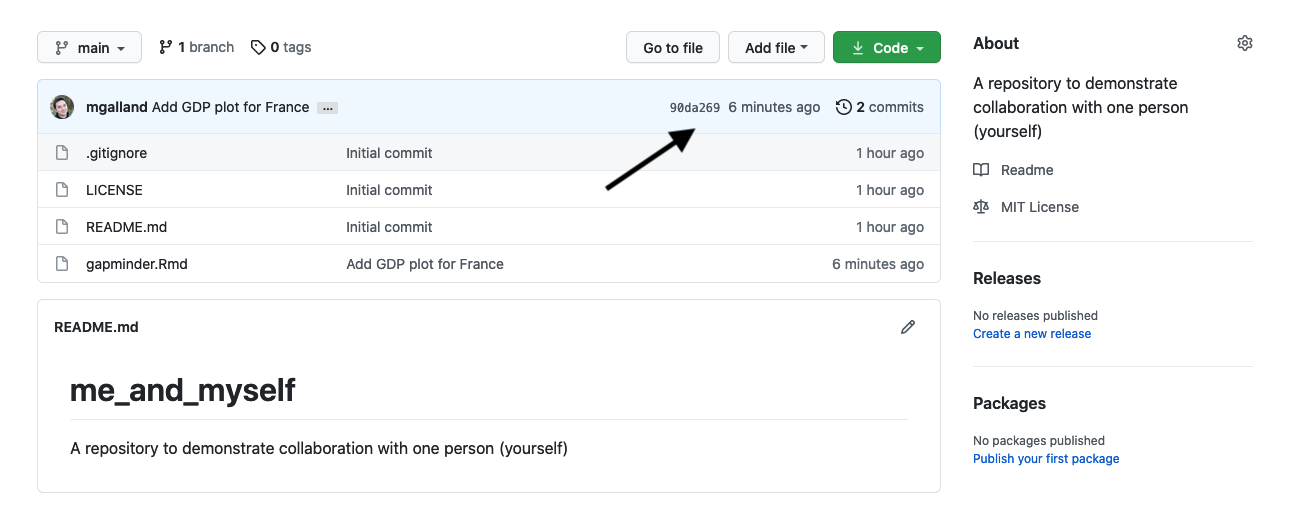
Collaborating With You And Others With Github Beginners Guide For R
A Beginner s Guide To Git How To Write A Good Commit Message

Git Checkout To Previous Commit ID Didn t Revert The Changes Any
WEB Jun 8 2017 nbsp 0183 32 There are several methods to delete or undo the commit In that case you can use git revert or git rebase or git reset One information git rebase don t add one extra commit compared to using git revert git revert adds one extra commit during the merge
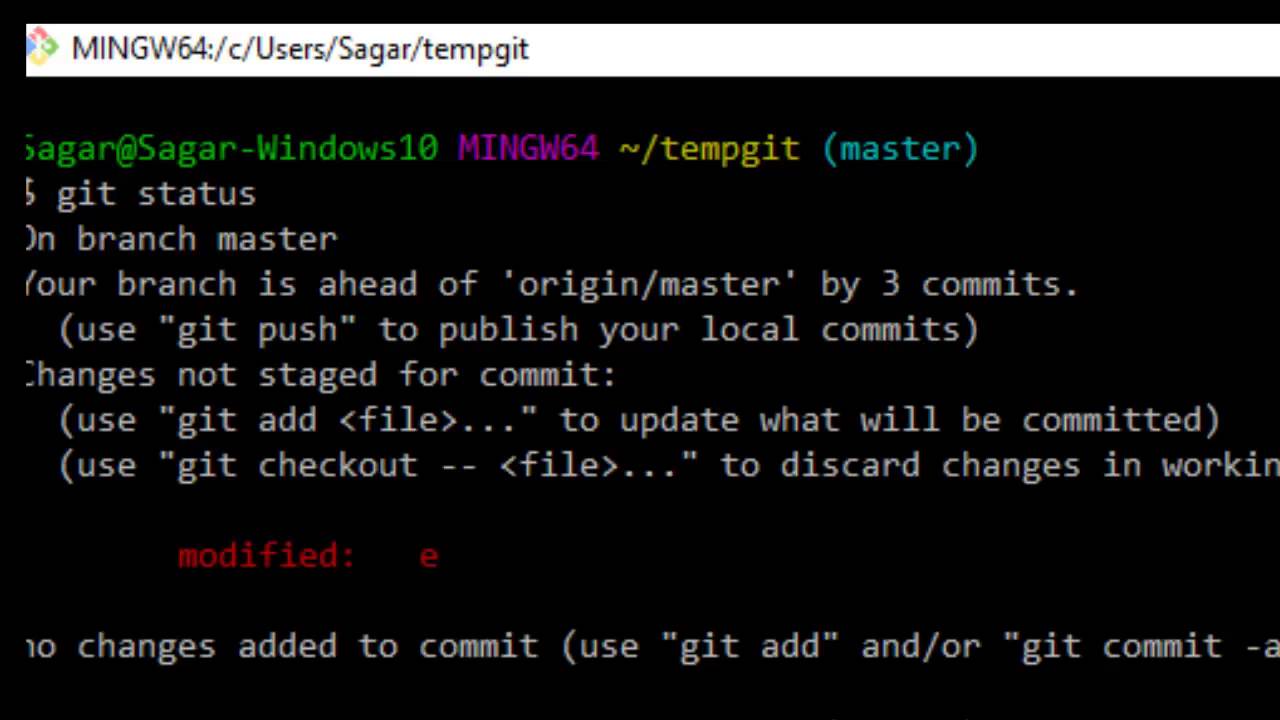
WEB May 31 2022 nbsp 0183 32 To delete commits from remote you can use the git reset command if your commits are consecutive from the top or an interactive rebase otherwise After you delete the commits locally push those changes to the remote using the git
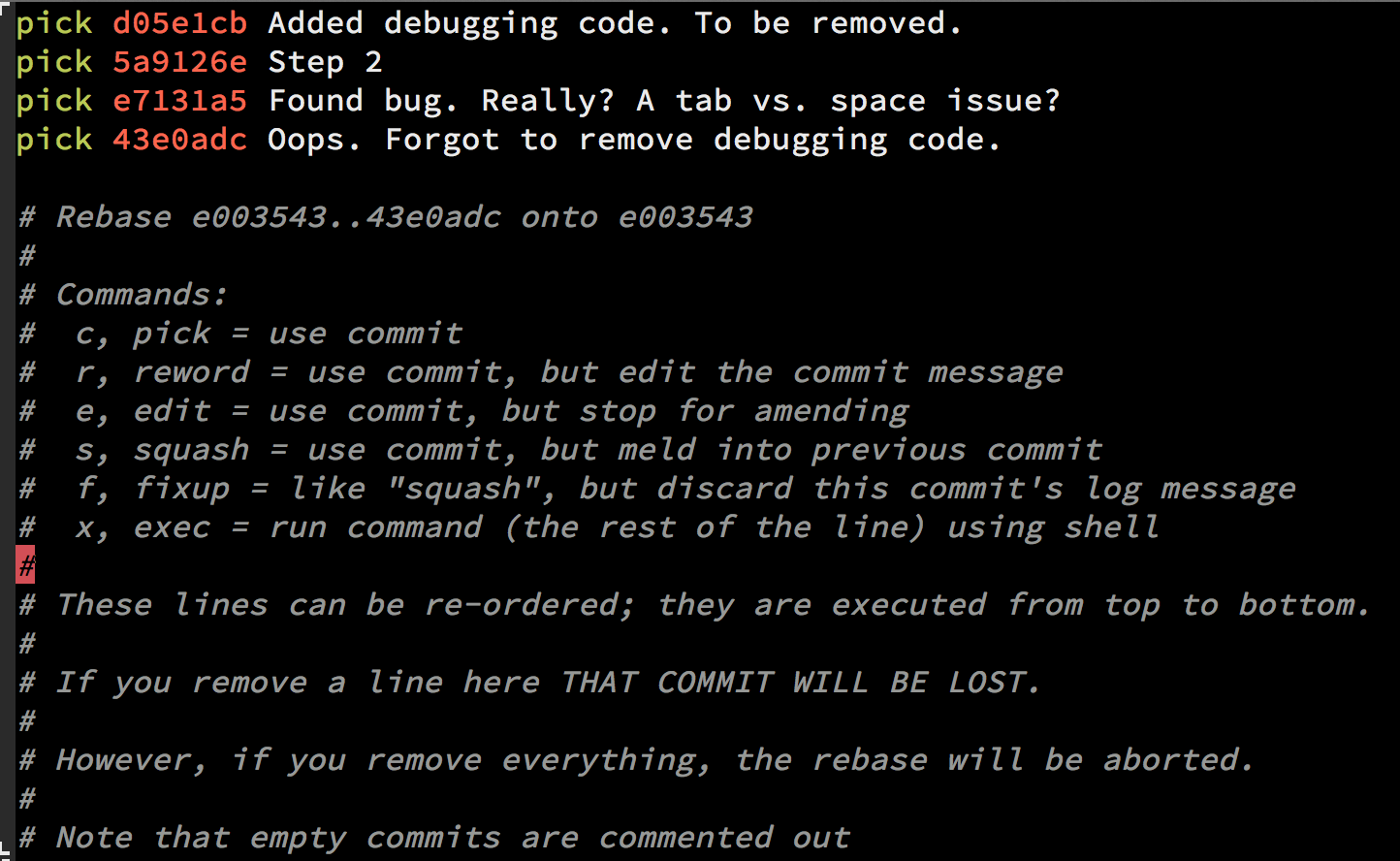
WEB Change your commit history and force push the change You can remove the commit that you just pushed up with git reset hard HEAD 1 git push origin master force You don t want to do this unless you re absolutely sure that no one has pulled down your changes from master For more info see Delete commits from a branch in Git
WEB Jul 26 2024 nbsp 0183 32 Steps to Permanently Remove Commits from a Remote Branch 1 Identify the Commits to Remove First identify the commit hashes of the commits you want to remove You can do this by using the git log command to list the commit history git log oneline This will give you an output with commit hashes and messages

WEB Jan 6 2022 nbsp 0183 32 The simple solution is as follows using git reset git reset hard lt A1 commit id gt git push f origin lt branch name gt However you should avoid doing this if anyone else is working with your remote repository and has pulled your changes C3 and B2 That s where git revert comes in
WEB Nov 22 2011 nbsp 0183 32 If you want to still have it in your local repository and only remove it from the remote then you can use git push origin HEAD quot name of your branch quot e g HEAD master Some shells interpret the character For those shells either quote escape or use HEAD WEB If you want to remove a remote for some reason you ve moved the server or are no longer using a particular mirror or perhaps a contributor isn t contributing anymore you can either use git remote remove or git remote rm
WEB Apr 13 2022 nbsp 0183 32 The easiest approach to remove it is to reset git head to the previous commit To do that use git reset hard lt previous commit hash gt Now commit is removed from your local branch