Git Discard All Local Files GIT How To Discard All Local Changes Within A Branch David Raleche Git discard How To Discard Your Local Changes In Git Example Lista De Iptv M3u Actualiza Jplokasin Git What Command Is Used To Discard All Local Changes Since The Last Web Let s say you ve programmed yourself into a dead end and want to start over with a clean working copy git reset hard is a classic command in this situation but it will only
Web If you want to discard uncommitted local changes in a file simply omit the staged flag Keep in mind however that you cannot undo this git restore index html Another interesting use case is to restore a specific historic Web 01 Sep 2023 Remove uncommitted changes in Git Git offers you several commands to discard local changes in your working directory These include the following The git
Git What Command Is Used To Discard All Local Changes Since The Last Windows Subsystem For Linux Git Impossible To Discard Permissions How To Discard All Local Changes In Git vscode Git Git discard Git Discard vscode Git TortoiseGit CodeAntenna Ba l ca Git Komutlar Nelerdir Github Bitbucket Ahmet mamo lu
Git Discard All Local Files
 Git Discard All Local Files
https://david.raleche.com/wp-content/uploads/2021/08/git.jpeg
Web Mar 29 2022 nbsp 0183 32 1 Overview A Git working directory can contain different types of files including staged files unstaged files and untracked files In this tutorial we ll see how
Templates are pre-designed documents or files that can be used for numerous purposes. They can conserve time and effort by providing a ready-made format and layout for producing different kinds of content. Templates can be used for individual or professional jobs, such as resumes, invites, flyers, newsletters, reports, discussions, and more.
Git Discard All Local Files

Week 2 Git Discard Changes With GitHub Desktop YouTube

Windows Subsystem For Linux Git Impossible To Discard Permissions

How To Discard All Local Changes In Git
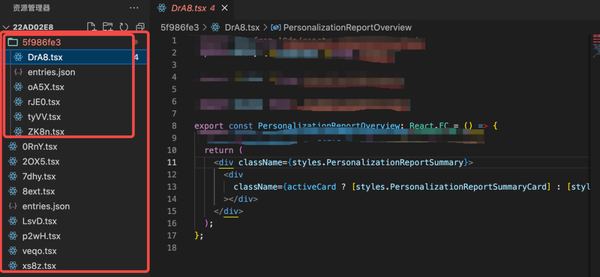
vscode Git

Git Discard
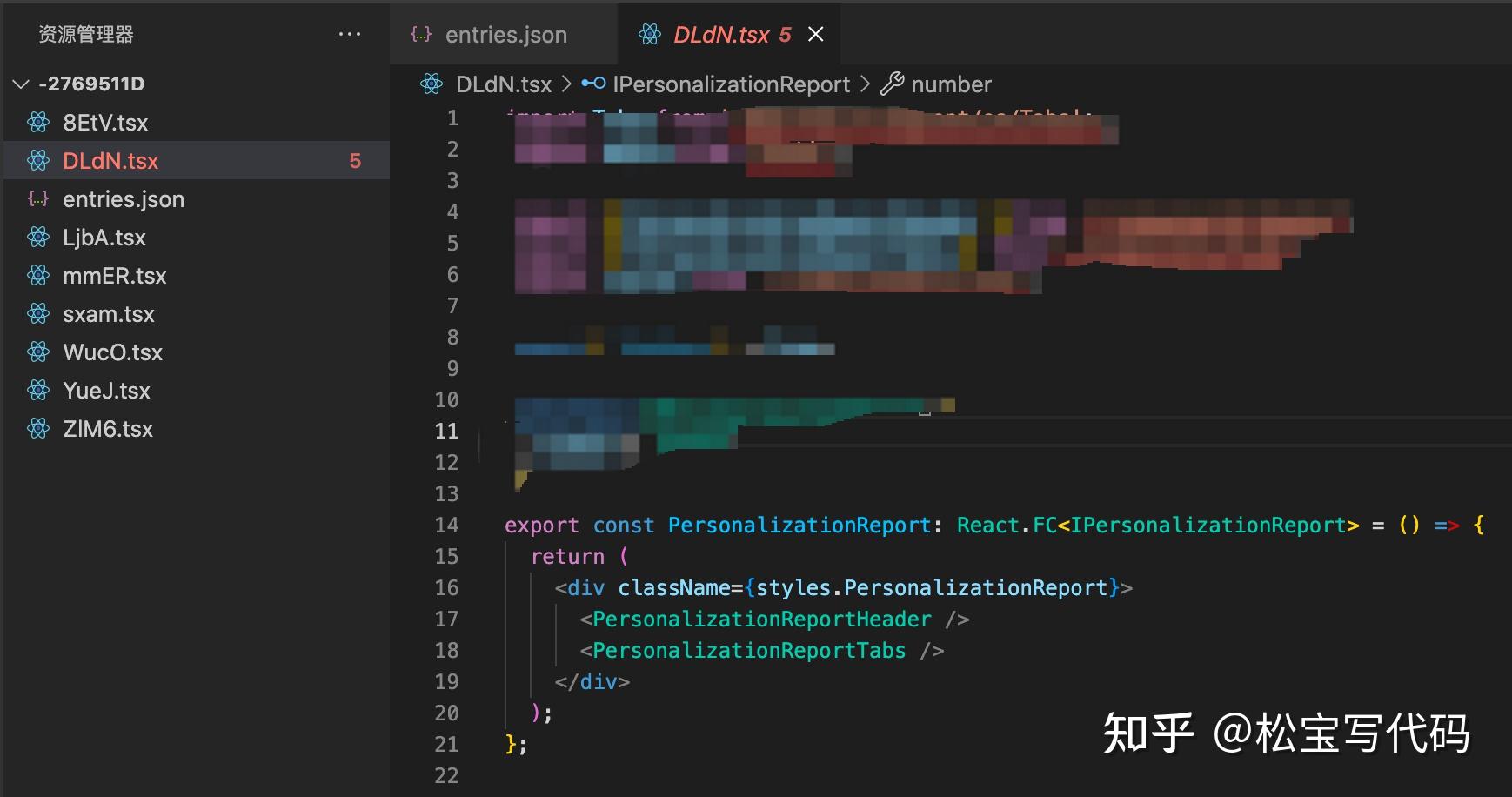
vscode Git

Web You can now discard unstaged changes in one tracked file with git restore lt file gt and in all tracked files in the current directory recursively with git restore If you run the latter
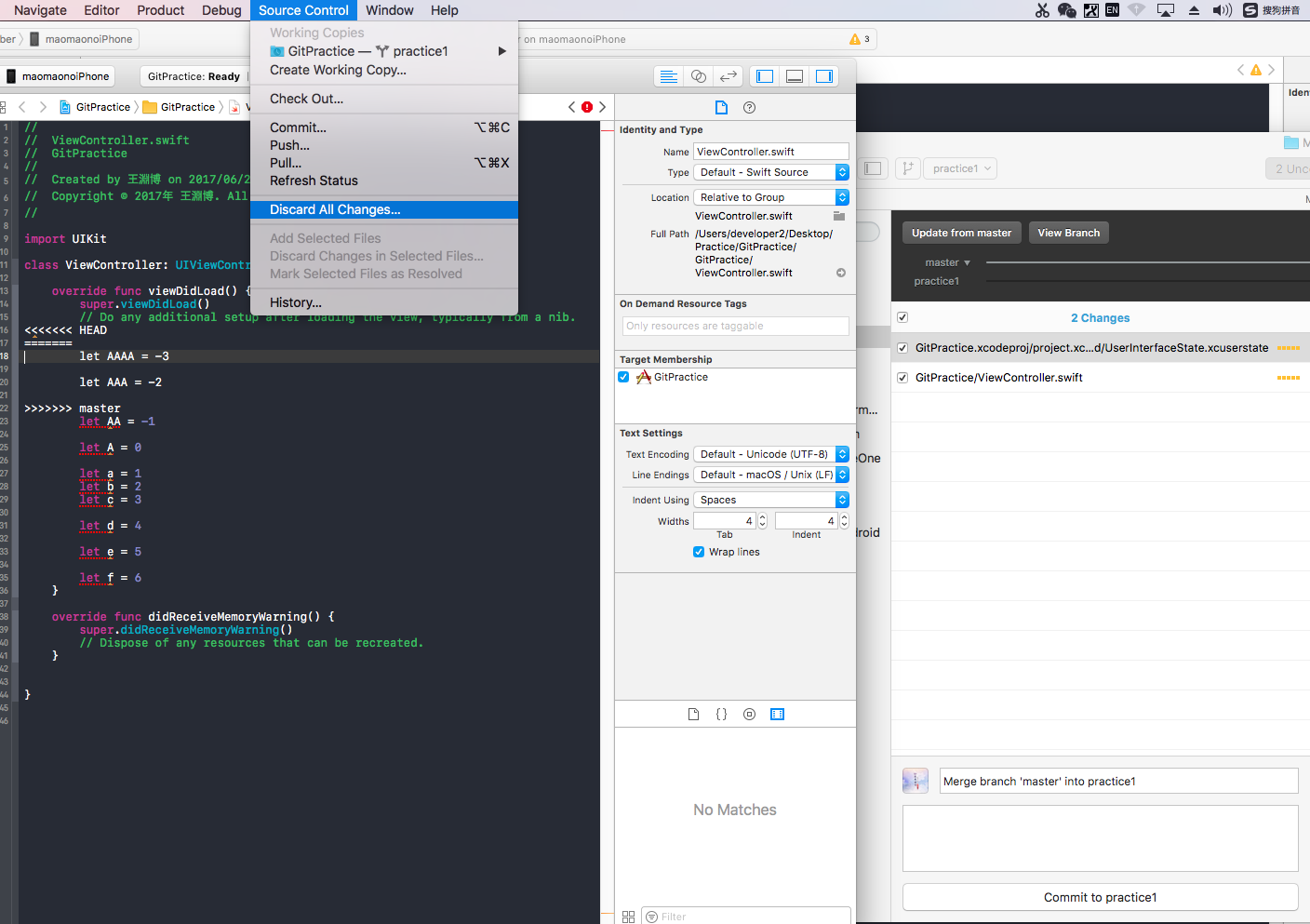
Web Jul 7 2009 nbsp 0183 32 If you want to discard all changes you can use any of the valid options in an alias in gitconfig For instance alias discard quot f git add amp amp git stash amp amp git
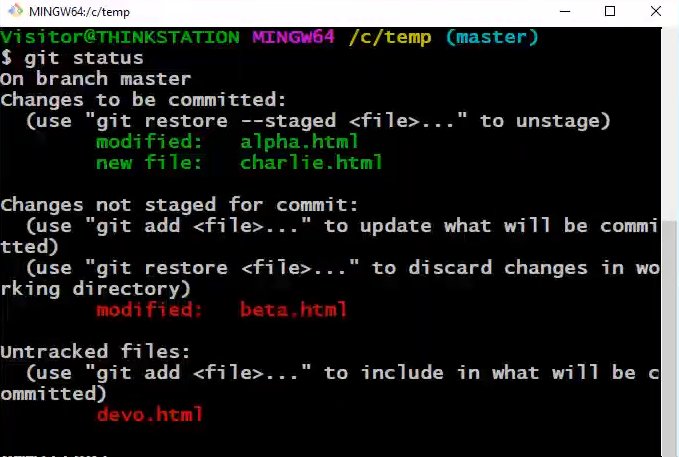
Web Discarding Local Changes in a File Changes that haven t been committed to the local repository are called quot local quot changes in Git They exist in your Working Copy but you

Web There s only a bit of metadata that tells git that a specific local copy is actually a remote branch In git all files are on your hard disk all the time If you don t have any branches

Web Jul 19 2023 nbsp 0183 32 How to Discard Your Local Changes in Git An Illustrated Guide Step 1 Check Status The first step is to check the status of your current repository Open your
Web With Tower you can do that easily In the sidebar simply right click the Working Copy item And then select Discard all local changes from the menu That s it Please be careful Web Nov 14 2018 nbsp 0183 32 1 Remove untracked directories in addition to untracked files git clean fd This git clean command will remove all new directories 2 Reset all changes in your
Web The Uptide Dec 15 2022 1 min read Git has plenty of different ways to let you discard your local uncommitted changes depending on the status of files in your project This