Git Discard All Changes In Working Directory How To Discard Your Local Changes In Git Example Git discard Git discard Git Ignore Deleted Files Week 2 Git Discard Changes With GitHub Desktop YouTube 01 Sep 2023 Remove uncommitted changes in Git Git offers you several commands to discard local changes in your working directory These include the following The git stash command which saves uncommitted changes and reset your workspace The git reset command which only touches tracked files
A reset is an operation that takes a specified commit and resets the three trees to match the state of the repository at that specified commit A reset can be invoked in three different modes which correspond to the three trees Checkout and reset are generally used for making local or private undos To discard all uncommitted changes in your working directory run git restore To discard changes to a specific file use the following command replacing path to your file with the actual file path ADVERTISEMENT git restore path to your file
Week 2 Git Discard Changes With GitHub Desktop YouTube Descartar Cambios En Git Delft Stack Solved Git Discard All Changes And Pull From Upstream 9to5Answer How To Discard All Local Changes In Git Git Discard Changes The RIGHT Way Let s FIX It GoLinuxCloud Git Discard vscode Git Git cherrypick 2 8 GotGit
Git Discard All Changes In Working Directory
 Git Discard All Changes In Working Directory
https://itknowledgeexchange.techtarget.com/coffee-talk/files/2021/10/discard-local-changes-remove-git.jpg
This command takes your staging area and uses it for the commit If you ve made no changes since your last commit for instance you run this command immediately after your previous commit then your snapshot will look exactly the same and all you ll change is your commit message
Pre-crafted templates use a time-saving service for developing a diverse variety of files and files. These pre-designed formats and layouts can be used for numerous personal and expert jobs, including resumes, invitations, flyers, newsletters, reports, presentations, and more, streamlining the material production process.
Git Discard All Changes In Working Directory
vscode Git

Descartar Cambios En Git Delft Stack

Solved Git Discard All Changes And Pull From Upstream 9to5Answer

How To Discard All Local Changes In Git

Git Discard
vscode Git
Discarding Changes in the Working Directory Unstaging Changes Reverting to a Previous Commit Scenario 1 Git discard uncommitted changes Example 1 Using git clean command Example 2 Use either git checkout or git restore command Example 3 Use git stash command to stash the changes Example 4 Reset the HEAD
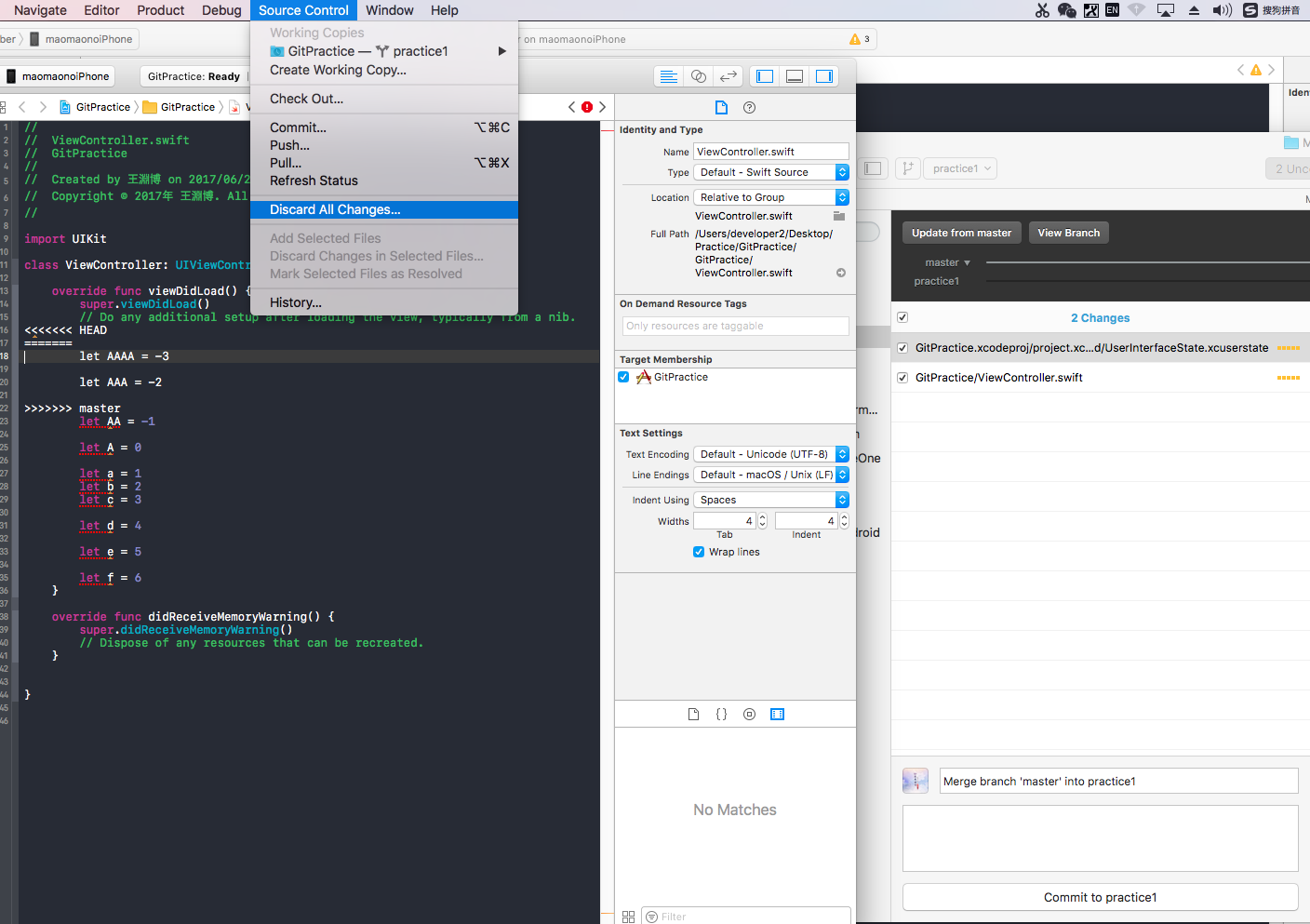
Although it s not possible in Git Tower allows you to undo any wrongfully discarded changes with a simple shortcut CMD Z or CTRL Z on Windows Discarding All Local Changes If you want to undo all of your current changes you can use the git restore command with the parameter instead of specifying a file path git restore
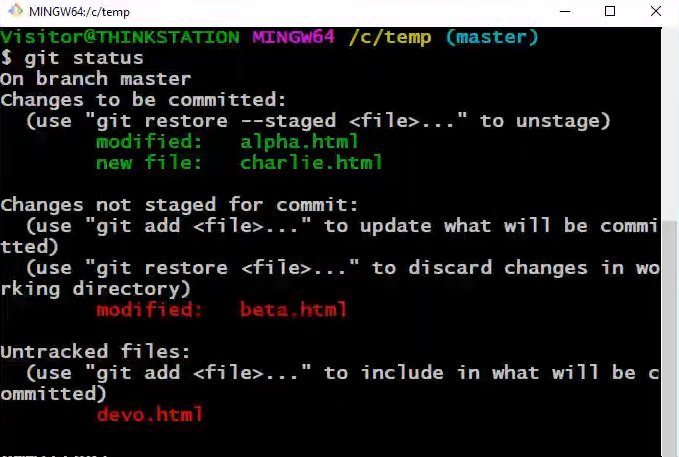
To push a new stash onto your stack run git stash or git stash push git stash Saved working directory and index state WIP on master 049d078 Create index file HEAD is now at 049d078 Create index file To restore them type git stash apply You can now see that your working directory is clean git status On branch master nothing to

A Git working directory can contain different types of files including staged files unstaged files and untracked files In this tutorial we ll see how to discard changes in our working directory that are not in the index 2 Analyzing the State of a Working Directory
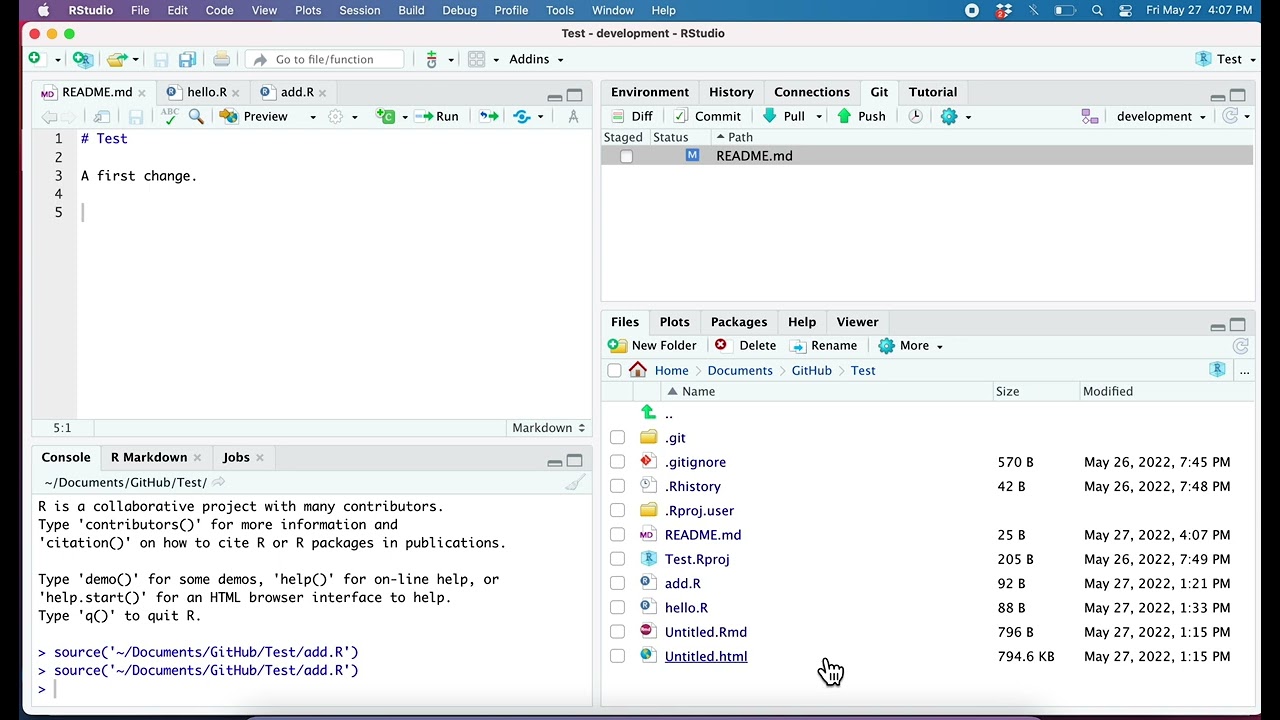
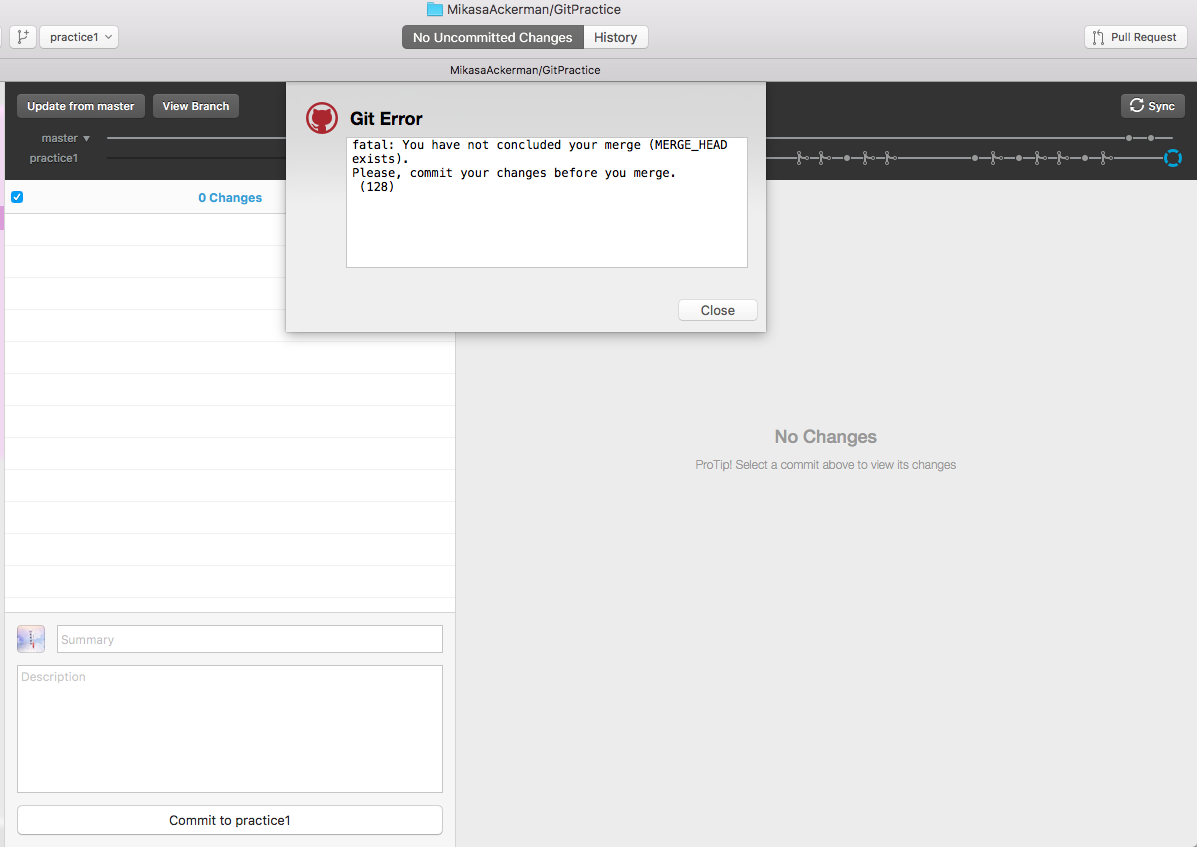
In some cases you may want to discard all local changes at once and revert your working directory to the state of the last commit You can achieve this using the git checkout command with the argument git checkout
Git version controlling system lets you discard and undo mistakes that happen in several stages such as working directory stage index history and remote In this question we are going to discard and undo changes in the working directory In other words discard the changes that are not yet staged in the repository By default the git restore command will discard any local uncommitted changes in the corresponding files and thereby restore their last committed state With the staged option however the file will only be removed from the Staging Area but its actual modifications will remain untouched source ref
1 First run git status to see which files have been modified 2 Identify the file that you want to undo changes for and copy its path 3 Run the following command replacing path to file with the actual path of the file git checkout path to file This command will discard any changes made to the specified file since the last commit