Git Dirty Index Cannot Apply Patches Fuck This Guinea Pigs YouTube Horizon Raptors Events Forza Horizon 5 Points Of Interest Git dirty NP Python R 2017 Programador Clic LeetCode 35 Search Insertion Position Solution C Sign in chromium external github git git refs tags v1 7 6 1 git am sh blob f1a03c912824a264cbe29905d53e2fe58c2c9dd6
Apply a patch without touching the working tree Instead take the cached data apply the patch and store the result in the index without using the working tree This implies index 3 3way When the patch does not apply cleanly fall back on 3 way merge if the patch records the identity of blobs When you try to run git pull to merge with others or to run git am to apply patches from others they both first check if dirty index git am Dirty index cannot apply patches dirty hello c
LeetCode 35 Search Insertion Position Solution C Horizon Raptors Events Forza Horizon 5 Points Of Interest Github 1 Jetson Nano CSI CCMSLAM Dirty Nano The Dirty Block Index Error Running index Cannot Run Program C Users testgu AppData Local Programs Python Cloud Studio Git dirty index CSDN DirtyRU
Git Dirty Index Cannot Apply Patches
 Git Dirty Index Cannot Apply Patches
https://i.ytimg.com/vi/dEZChfbBI1U/maxresdefault.jpg
And we will apply this patch nano my patch patch This patch tells git to find the lines This is a new file With new content That used to be lines 1 and 2 and add a line START right above them Run this command to apply the patch git apply my patch patch And as a result you get this version of your file just like the commit you have
Templates are pre-designed files or files that can be used for various purposes. They can save effort and time by providing a ready-made format and design for creating different type of content. Templates can be used for personal or expert projects, such as resumes, invites, leaflets, newsletters, reports, discussions, and more.
Git Dirty Index Cannot Apply Patches
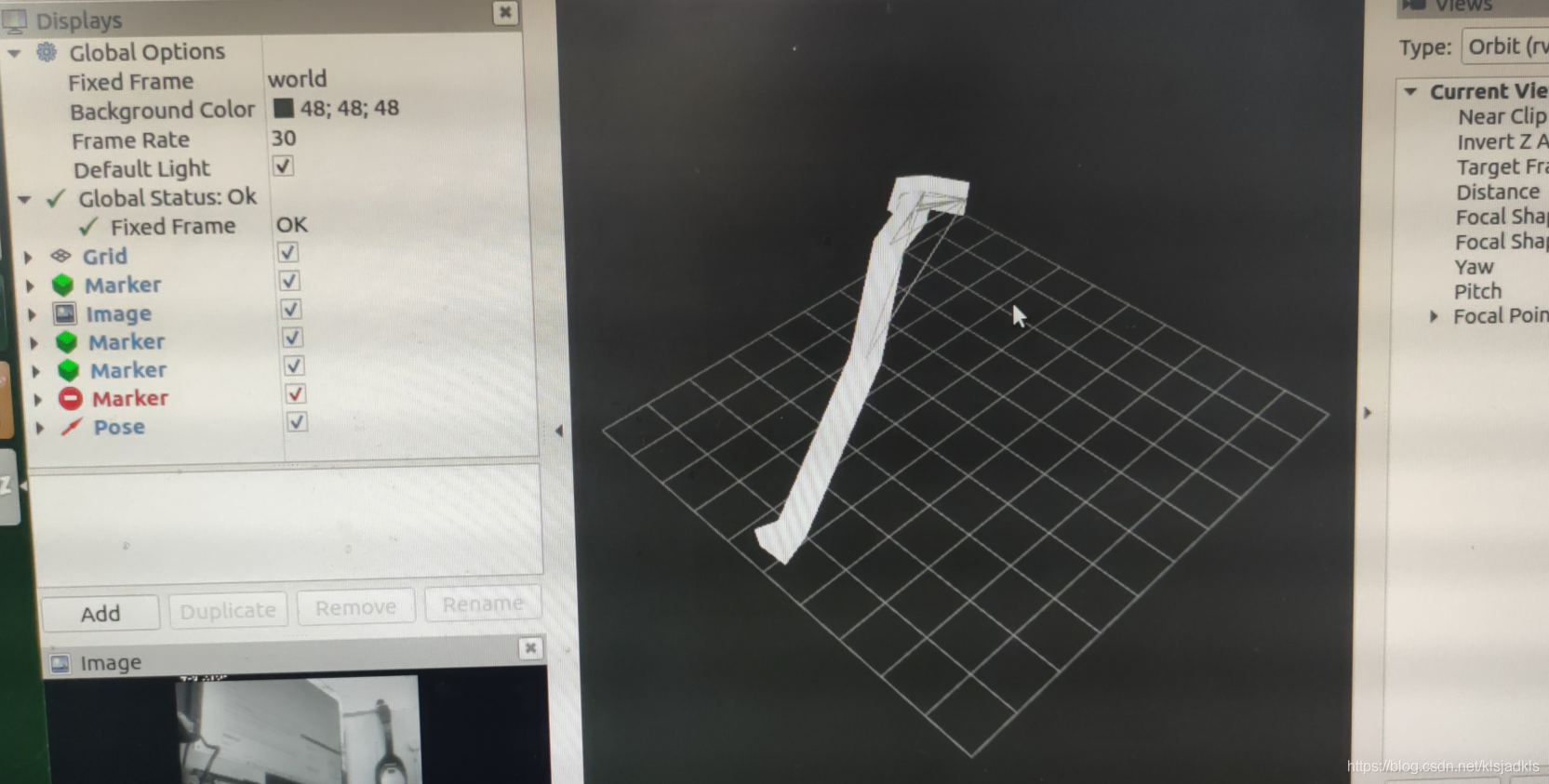
Jetson Nano CSI CCMSLAM Dirty Nano

Horizon Raptors Events Forza Horizon 5 Points Of Interest
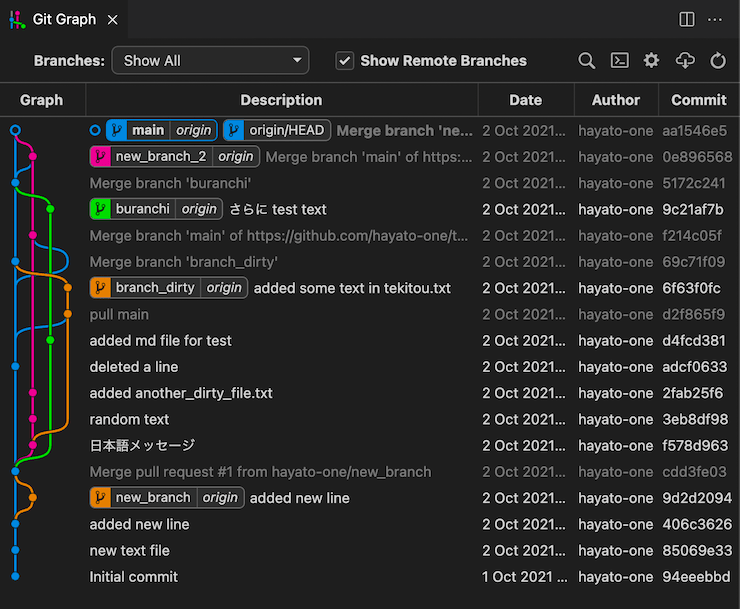
Github 1
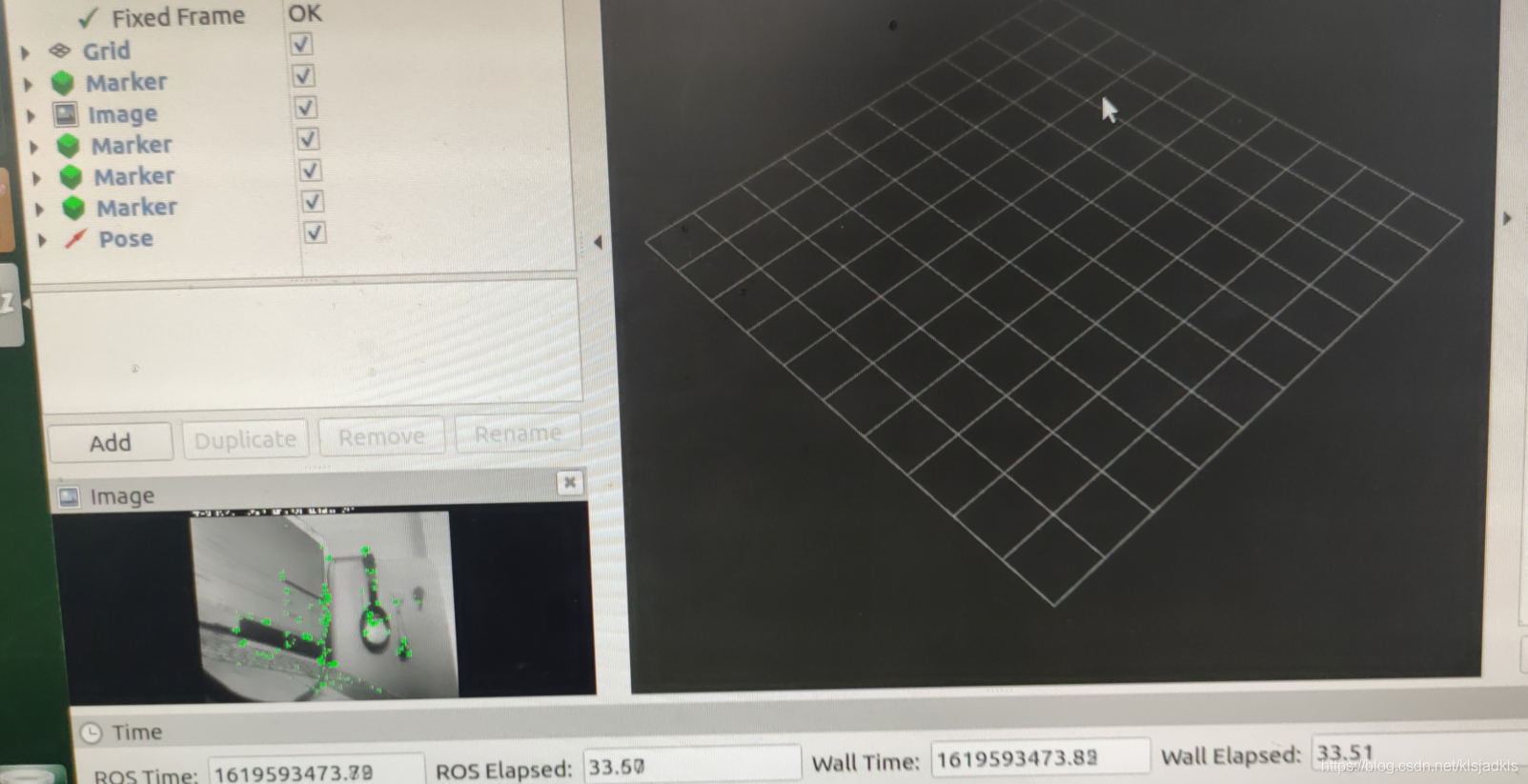
Jetson Nano CSI CCMSLAM Dirty Nano

Error Running index Cannot Run Program C Users testgu AppData Local Programs Python
Cloud Studio

From J C Hamano Git maintainer himself this is about patch applications and merges in a dirty work tree with a clean index A dirty work tree is where you have changes that are not added to the index A work tree that is not dirty is a clean work tree A dirty index is where you have changes already added to it in other words git diff cached will report some changes

Apply Patches in Git The git am command can apply patches in Git as shown below git am patch file Before applying a patch make sure you are on the correct branch Double check the files present in your index Use the git ls files command and add the stage option

Tierninho commented on Mar 15 2019 Have a LFS file committed Get into a force push with lease state Click the force push button wait for it to fail State reverts back to Push origin with rebase Cannot commit files due to dirty index as DS Store file present Fixed with git rebase abort

By default when a file path exists in the index git update index refuses an attempt to add path file Similarly if a file path file exists a file path cannot be added With replace flag existing entries that conflict with the entry being added are automatically removed with warning messages stdin

Turns off apply summary Instead of applying the patch output a condensed summary of information obtained from git diff extended headers such as creations renames and mode changes Turns off apply check Instead of applying the patch see if the patch is applicable to the current working tree and or the index file and detects errors
In order to create Git patch file for a specific commit use the git format patch command with the 1 option and the commit SHA git format patch 1 commit sha In order to get the commit SHA you have to use the git log command and look for the corresponding commit SHA For example given the example we just used let s This flexibility allows you to apply patches generated by different tools or in different formats Applying Multiple Patches You can apply multiple patches sequentially using git apply by providing multiple patch files as arguments The patches will be applied in the order specified allowing you to combine multiple sets of changes into
DESCRIPTION Reads the supplied diff output i e a patch and applies it to files With the index option the patch is also applied to the index and with the cached option the patch is only applied to the index Without these options the command applies the patch only to files and does not require them to be in a Git repository