Git Delete Tags From Remote Git Tag Tutorial Create Checkout And Delete Git Tags Learn Git How To Delete A Git Tag Git Delete A Git Project Git Delete Remote Project Git Delete How To Use Git Delete File For Git Users EaseUS How To Delete A Remote Or Local Tag In Git Learning Git basics with GitHub Desktop For standard Git operations we recommend GitHub Desktop an app that lets you interact with Git visually instead of through written commands In this section we ll learn how to use GitHub Desktop to
Join the world s most widely adopted AI powered developer platform where millions of developers businesses and the largest open source community build software that advances humanity About version control and Git A version control system or VCS tracks the history of changes as people and teams collaborate on projects together As developers make changes to the project any earlier version of the project can be recovered at any time Developers can review project history to find out Which changes were made Who made the changes When were the
How To Delete A Remote Or Local Tag In Git Git Delete Branch How To For Both Local And Remote CloudBees How To Delete Local And Remote Git Branches Refine Jan David Narkiewicz Developer Git Adding Remote Origin To A Local How To Delete A Remote Tag In Git Alpha Efficiency Best Git Tag Create Push Delete Remove And Commit 2024 How To Delete A Remote Tag In Git StackTuts Git Add Remote After Init Stormauctions AnkiApp Support How To Delete Tags From Cards
Git Delete Tags From Remote
 Git Delete Tags From Remote
https://i.ytimg.com/vi/spkUevg1NqM/maxresdefault.jpg
GitHub is where people build software More than 150 million people use GitHub to discover fork and contribute to over 420 million projects
Templates are pre-designed documents or files that can be used for various purposes. They can conserve time and effort by providing a ready-made format and design for producing various sort of material. Templates can be used for personal or expert projects, such as resumes, invites, flyers, newsletters, reports, discussions, and more.
Git Delete Tags From Remote

Delete A Remote Git Tag Faish al

Git Delete Branch How To For Both Local And Remote CloudBees

How To Delete Local And Remote Git Branches Refine
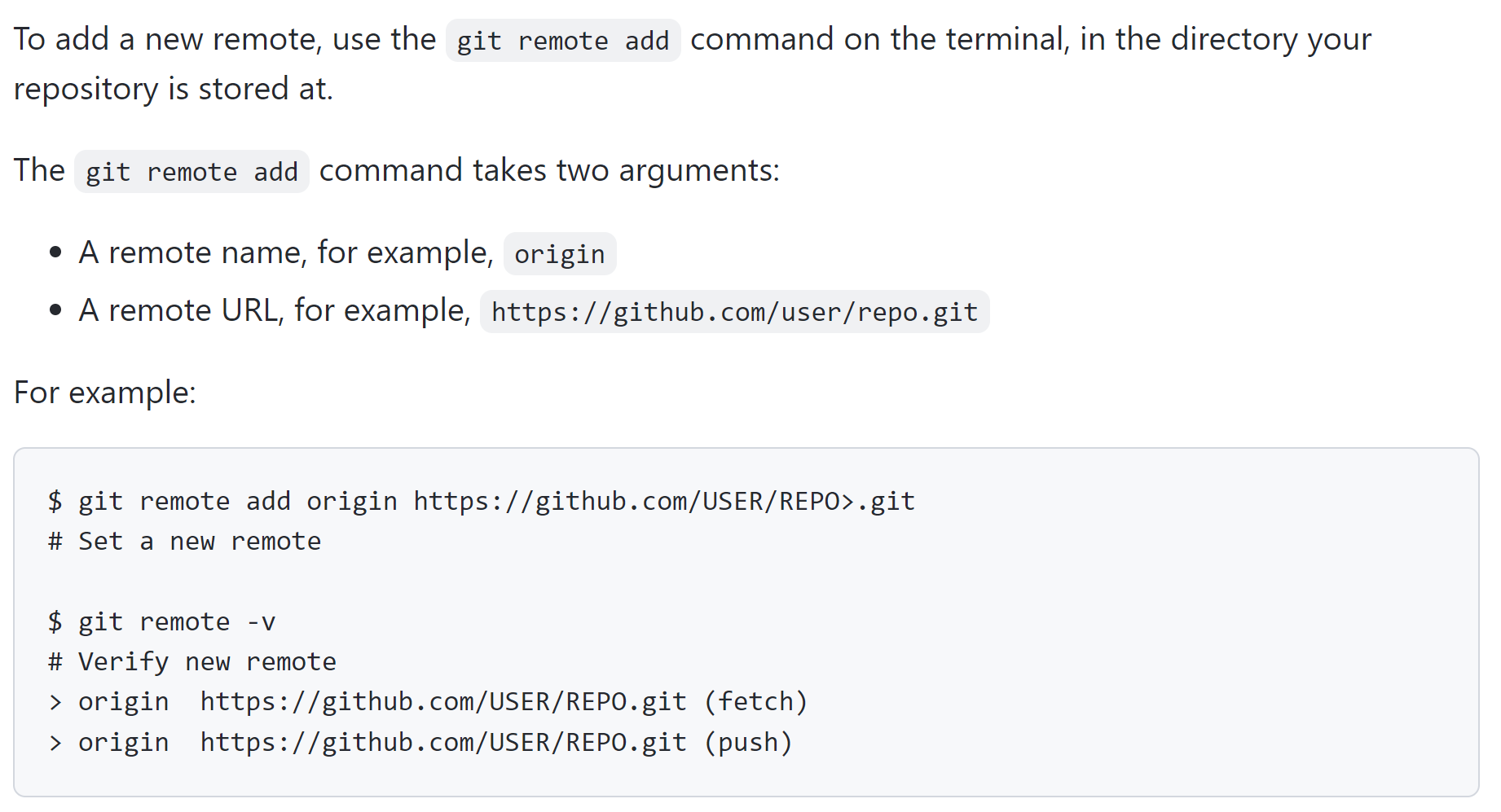
Jan David Narkiewicz Developer Git Adding Remote Origin To A Local
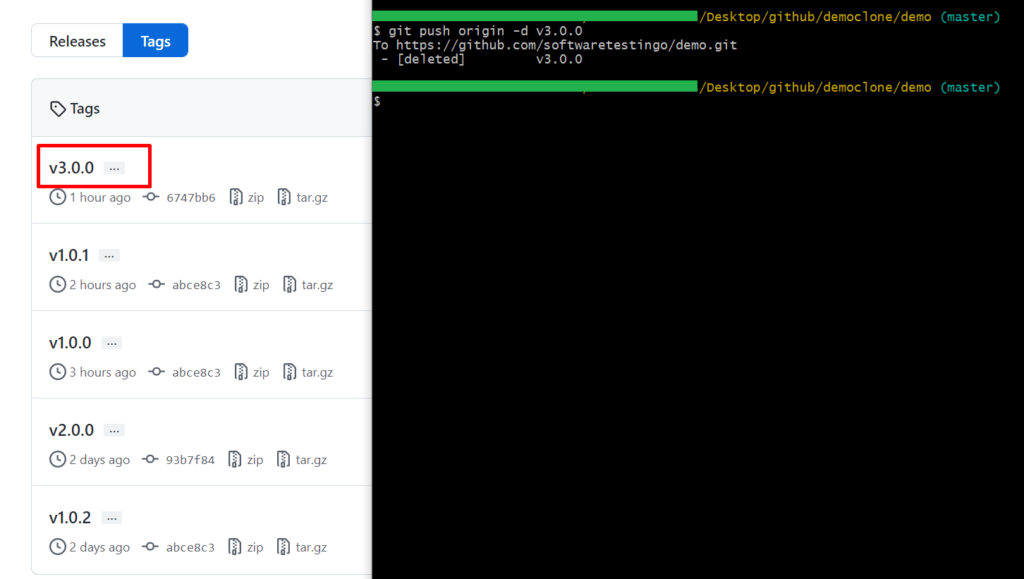
Best Git Tag Create Push Delete Remove And Commit 2024

How To Delete A Remote Tag In Git StackTuts

Git Public Git Source Code Mirror This is a publish only repository but pull requests can be turned into patches to the mailing list via GitGitGadget https gitgitgadget github io
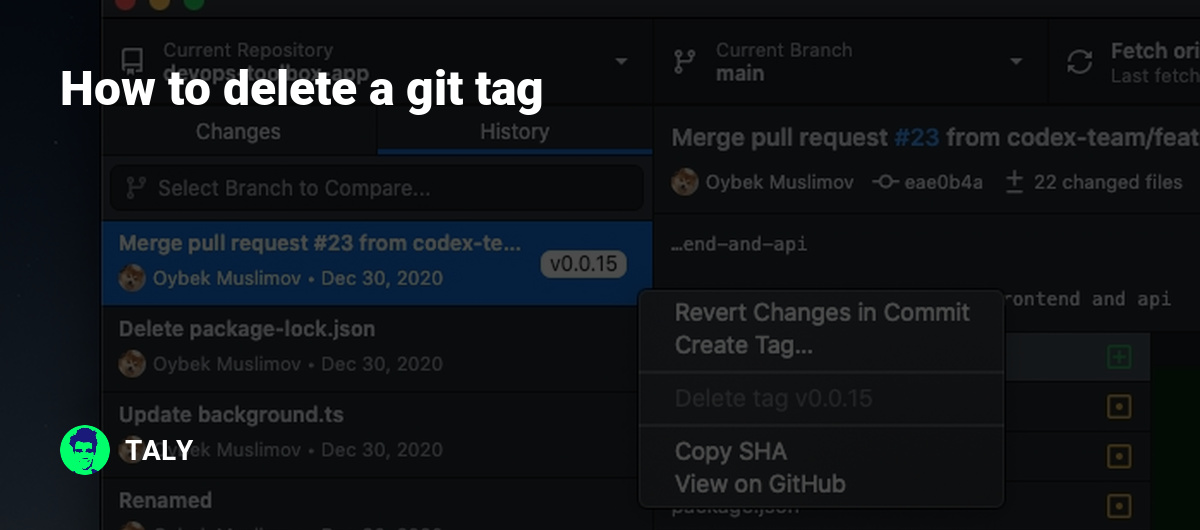
Install Git Using GitHub Desktop Installing GitHub Desktop will also install the latest version of Git if you don t already have it With GitHub Desktop you get a command line version of Git with a robust GUI Regardless of if you have Git installed or not GitHub Desktop offers a simple collaboration tool for Git You can learn more here
GIT CHEAT SHEET Git is the free and open source distributed version control system that s responsible for everything GitHub related that happens locally on your computer This cheat sheet features the most important and commonly used Git commands for easy reference

Git Git

This means that when you make changes or quot commits quot to your files in GitHub Git will automatically start to track and manage your changes There are plenty of Git related actions that you can complete on GitHub directly in your browser such as creating a Git repository creating branches and uploading and editing files
[desc-11] [desc-12]
[desc-13]