Git Create Commit To New Branch Git Create Branch In Local Jawerdu Create A Branch From A Previous Commit In Git Techie Delight Slowvvti Git Create Branch Off Previous Commit Git Create Branch With Anothers Code Misvsera Commit Changes To A Git Branch Delft Stack Web Feb 14 2017 nbsp 0183 32 Common scenario is master branch should keep working or not broken So when need to work on a new feature create a new branch say feature from master
Web Jul 30 2012 nbsp 0183 32 2 Answers git checkout b lt new branch name gt create and checkout the new branch git commit a commit to the new branch If you have already Web Jun 6 2016 nbsp 0183 32 git checkout b newbranch And that would create a new branch named newbranch based on the current commit If you want to revert the master branch as part
Commit Changes To A Git Branch Delft Stack Git Create Branch With Anothers Code Gdper Learning How To Git Creating A Longer Commit Message By Haydar Ali Truliant Federal Credit Union Offers Signing Bonuses To New Branch Git Create Branch Off Previous Commit Ordersapje Git Github 2 Today I Learned How To Create Commit Automatically In A Merge Request In GitLab Create A Git Branch TestingDocs GitHub GIT Tutorial
Git Create Commit To New Branch
 Git Create Commit To New Branch
https://recodehive.com/wp-content/uploads/2021/04/Github-Tutorials-1024x576.jpg
Web Alternatively you can do this in GitHub itself follow the steps In the repository click on the Commits on the commit you want to branch from click on lt gt to browse the repository at
Pre-crafted templates offer a time-saving solution for producing a diverse range of documents and files. These pre-designed formats and designs can be used for numerous individual and professional projects, including resumes, invites, leaflets, newsletters, reports, presentations, and more, improving the content production process.
Git Create Commit To New Branch
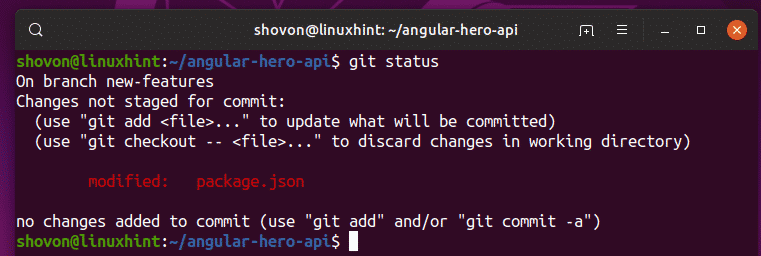
Git Create Branch From Older Commit Avsapje
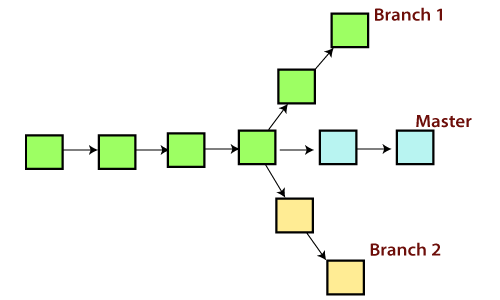
Git Create Branch With Anothers Code Gdper
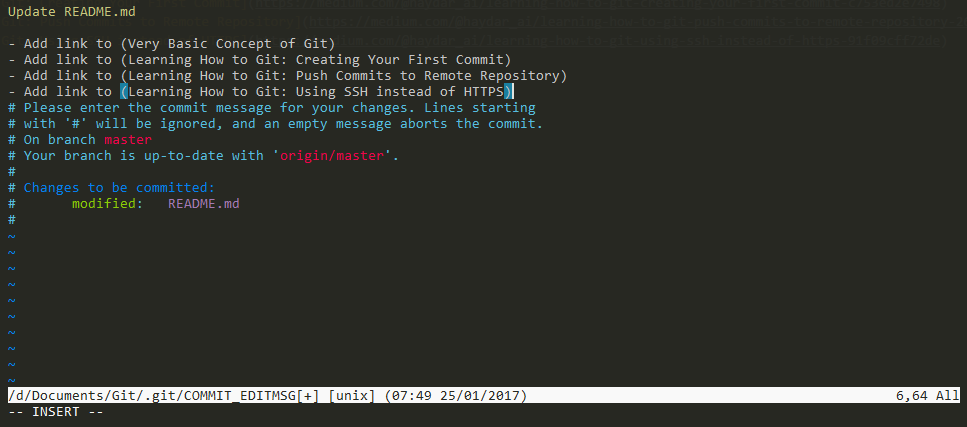
Learning How To Git Creating A Longer Commit Message By Haydar Ali

Truliant Federal Credit Union Offers Signing Bonuses To New Branch
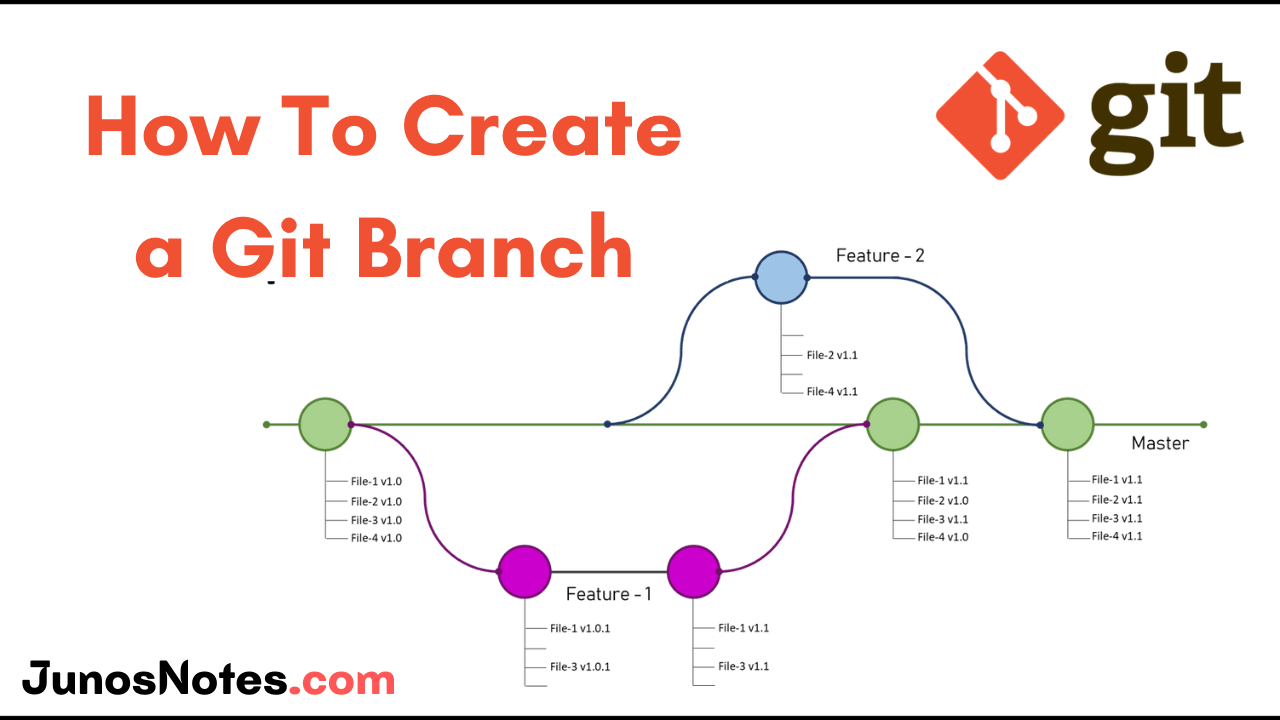
Git Github 2 Today I Learned
How To Create Commit Automatically In A Merge Request In GitLab
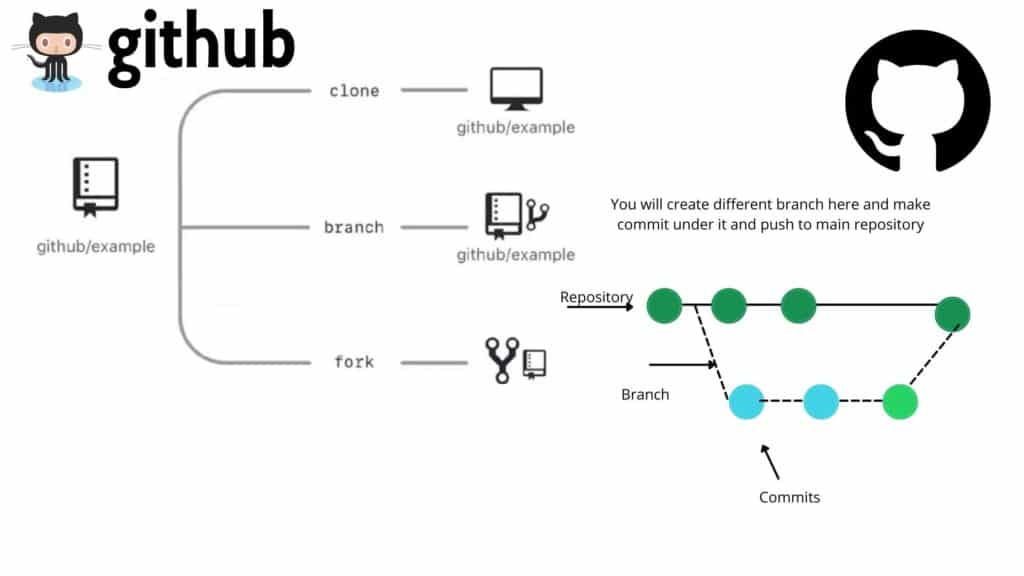
Web Instead of just moving the branch pointer forward Git creates a new snapshot that results from this three way merge and automatically creates a new commit that points to it This

Web May 30 2010 nbsp 0183 32 You can just create a new branch and switch onto it Commit your changes then git branch dirty git checkout dirty And your commit follows Alternatively you
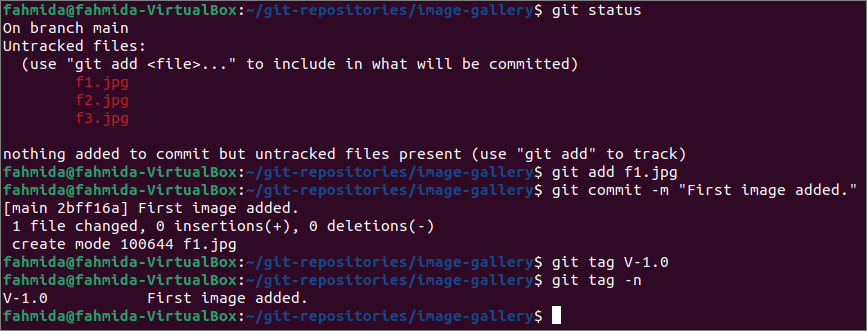
Web Nov 9 2022 nbsp 0183 32 git merge A to merge the committed changes from branch A to the new branch git add and git commit to add the untracked changes and commit them to the

Web 1 Answer Sorted by 1307 git checkout b NEW BRANCH NAME COMMIT ID This will create a new branch called NEW BRANCH NAME and check it out quot check out quot

Web May 12 2010 nbsp 0183 32 To do this in Eclipse Go to quot Git Repository Exploring quot Perspective Expand quot Tags quot and choose the commit from which you want to create branch Right click on the commit and choose quot Create
Web Create a branch git checkout b myfeature make the changes and commit then push this branch to your fork git push u origin HEAD On GitLab visit your fork s page and Web Next use the git branch command to see the current branch It will show feature branch with In front of it git branch check current branch git status check the state of your
Web Feb 28 2022 nbsp 0183 32 Use the git branch command to initialize a new branch git branch lt new branch gt The command above will create a branch a new branch Use the git reset