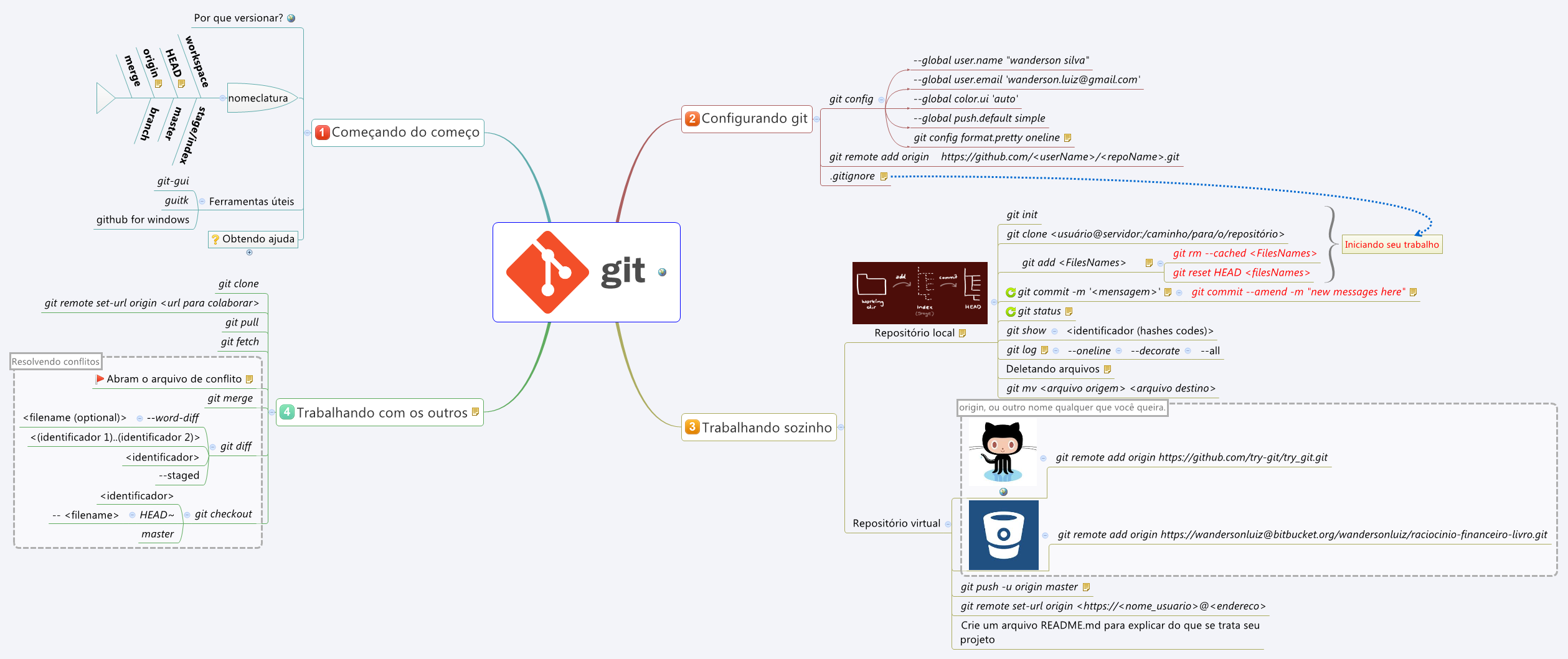
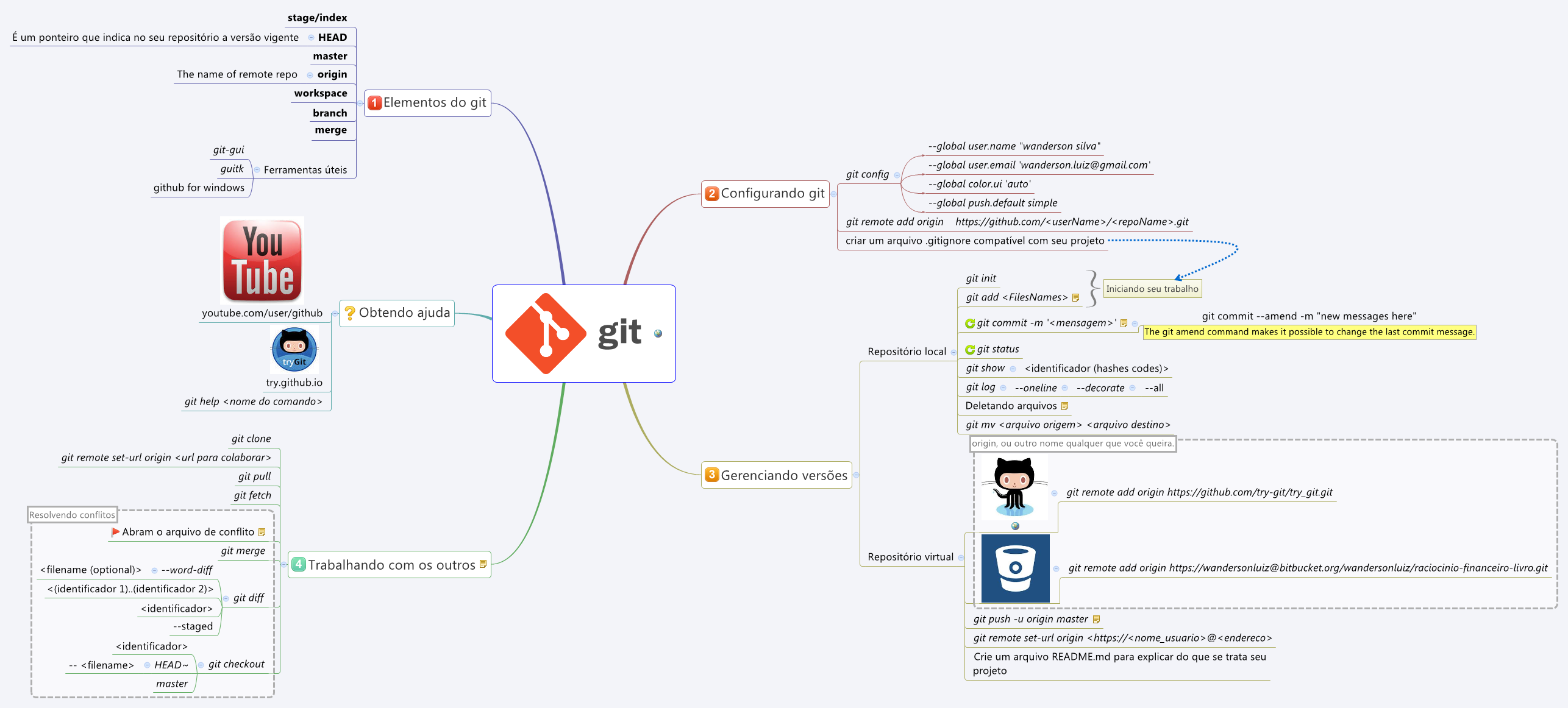
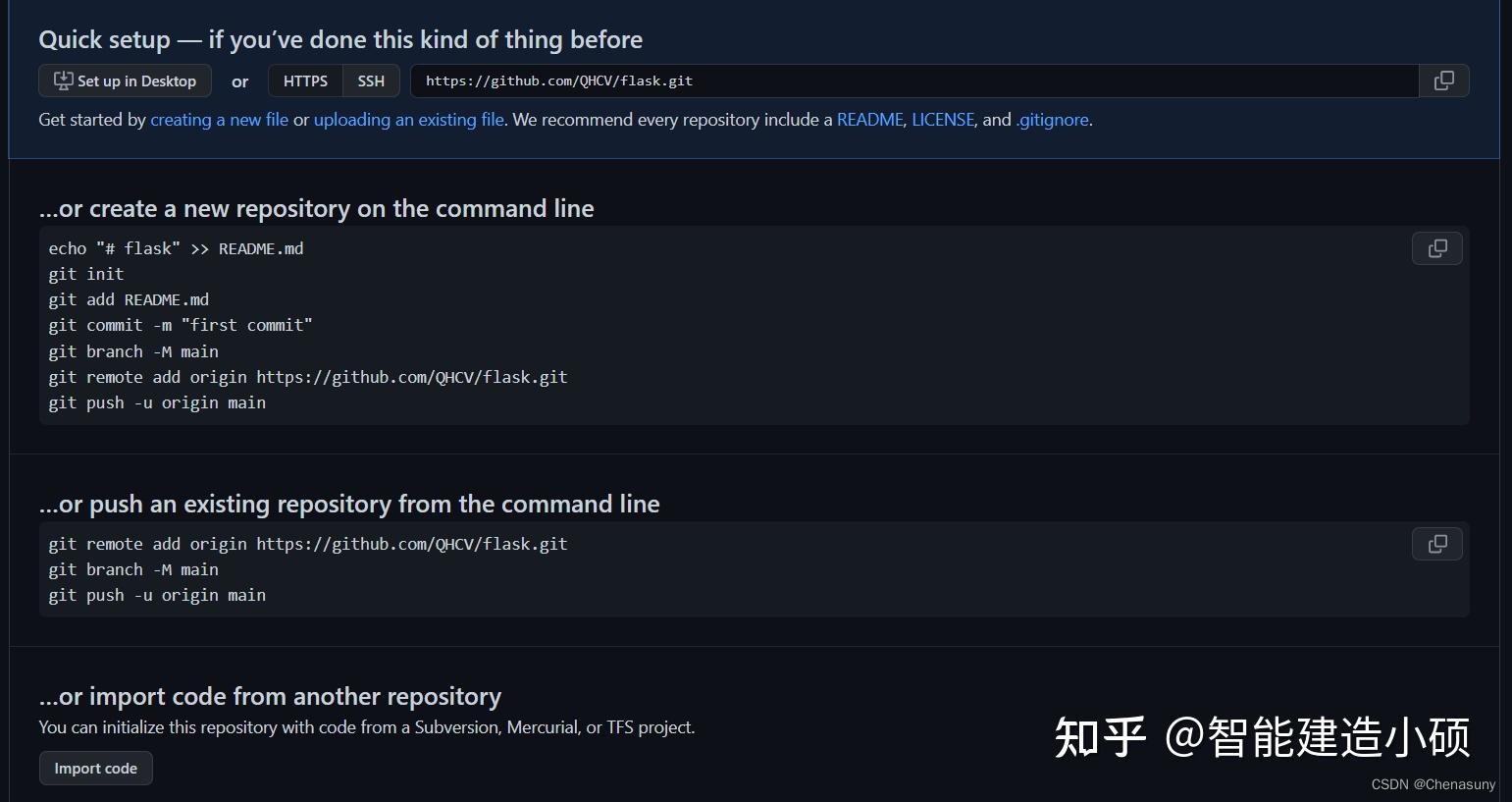
Git Config Global Username Mac How To Configure Git Username And Email In Terminal YouTube Git XMind Mind Mapping Software Python Learn Python Programming Language From Beginner To Advance Git XMind Mind Mapping Software git Github In GitHub navigate to the account settings and choose SSH and GPG keys from the left navigation menu Click the New SSH Key button Type a Title for the key and paste the clipboard contents into the Key field Click the Add SSH Key button to save it Configure git locally using the email address from the GitHub account
When converting a value to its canonical form using the type bool type specifier git config will ensure that the output is true or false spelled in lowercase integer The value for many variables that specify various sizes can be suffixed with k M to mean scale the number by 1024 by 1024x1024 etc Macos How to switch git user at terminal Super User I am trying to push a project to a remote repository from the command line git push and obtain the following error remote Permission to username1 r Stack Exchange Network
git Github Mac nvm node Git Iblogc Qt git gitee Git Config Tutorial Ihatetomatoes GithubAction Runrab Uthor Identity Unknown Please Tell Me Who You Are Run Git Config Using Git On Mac Enaswifi Idea Git Git
Git Config Global Username Mac
 Git Config Global Username Mac
https://i.ytimg.com/vi/dGboL3AEswA/maxresdefault.jpg
1 Answer Sorted by 3 Your Git configuration is spread across up to three config files one for each level You can edit your config add remove entries by editing those files or by using the right git config commands more robust but possibly more tedious
Templates are pre-designed files or files that can be used for numerous purposes. They can save effort and time by supplying a ready-made format and layout for developing various type of material. Templates can be utilized for personal or expert jobs, such as resumes, invitations, flyers, newsletters, reports, presentations, and more.
Git Config Global Username Mac
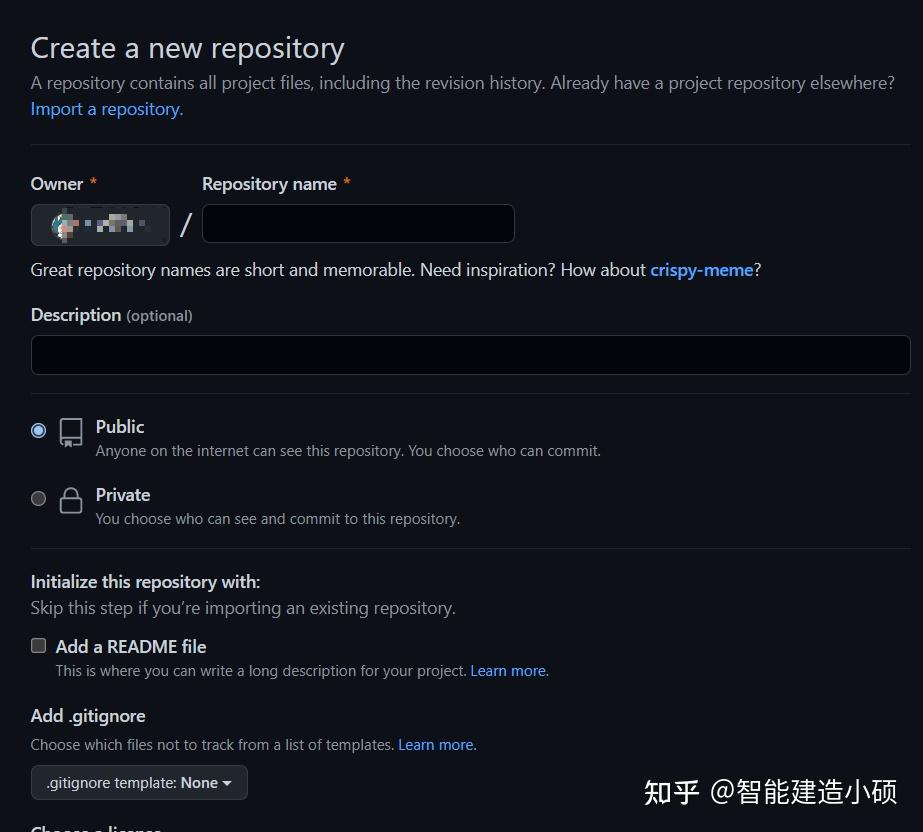
git Github
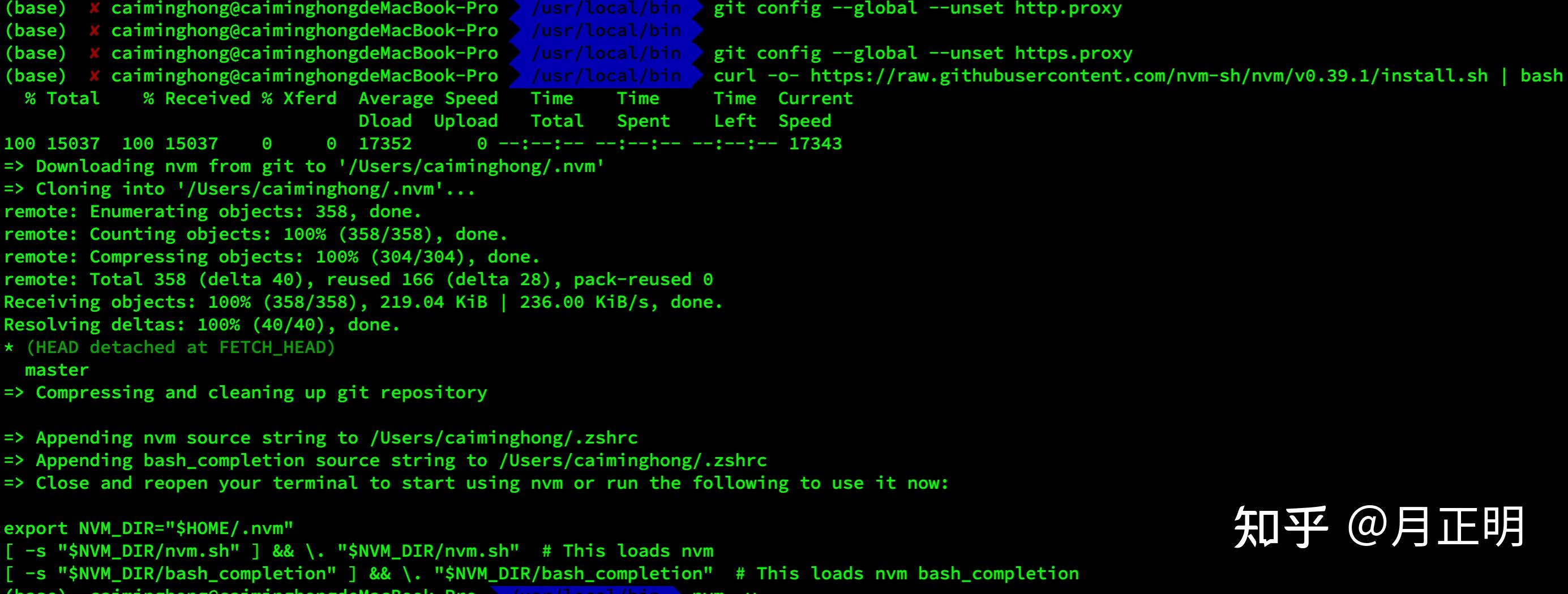
Mac nvm node
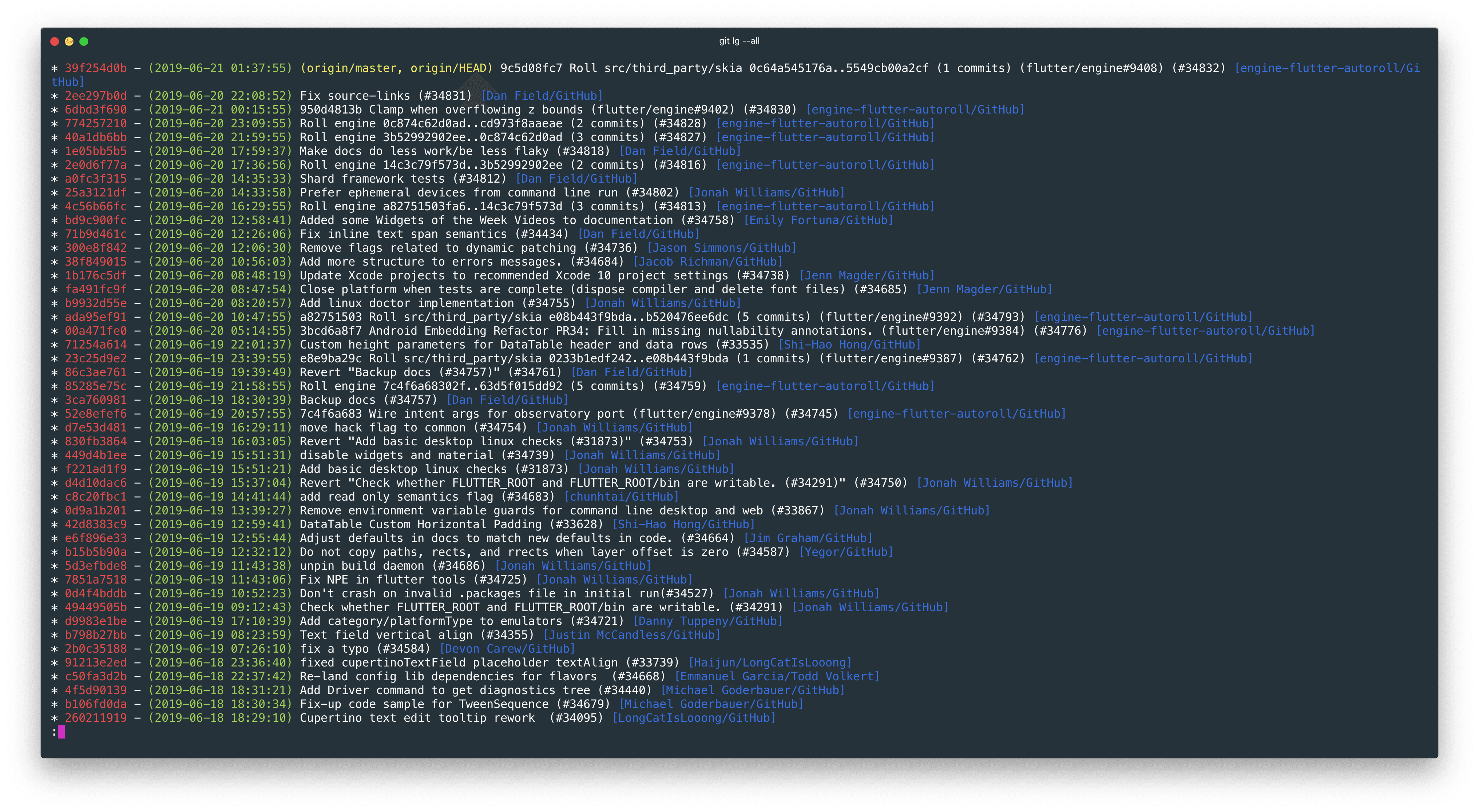
Git Iblogc

Qt git gitee
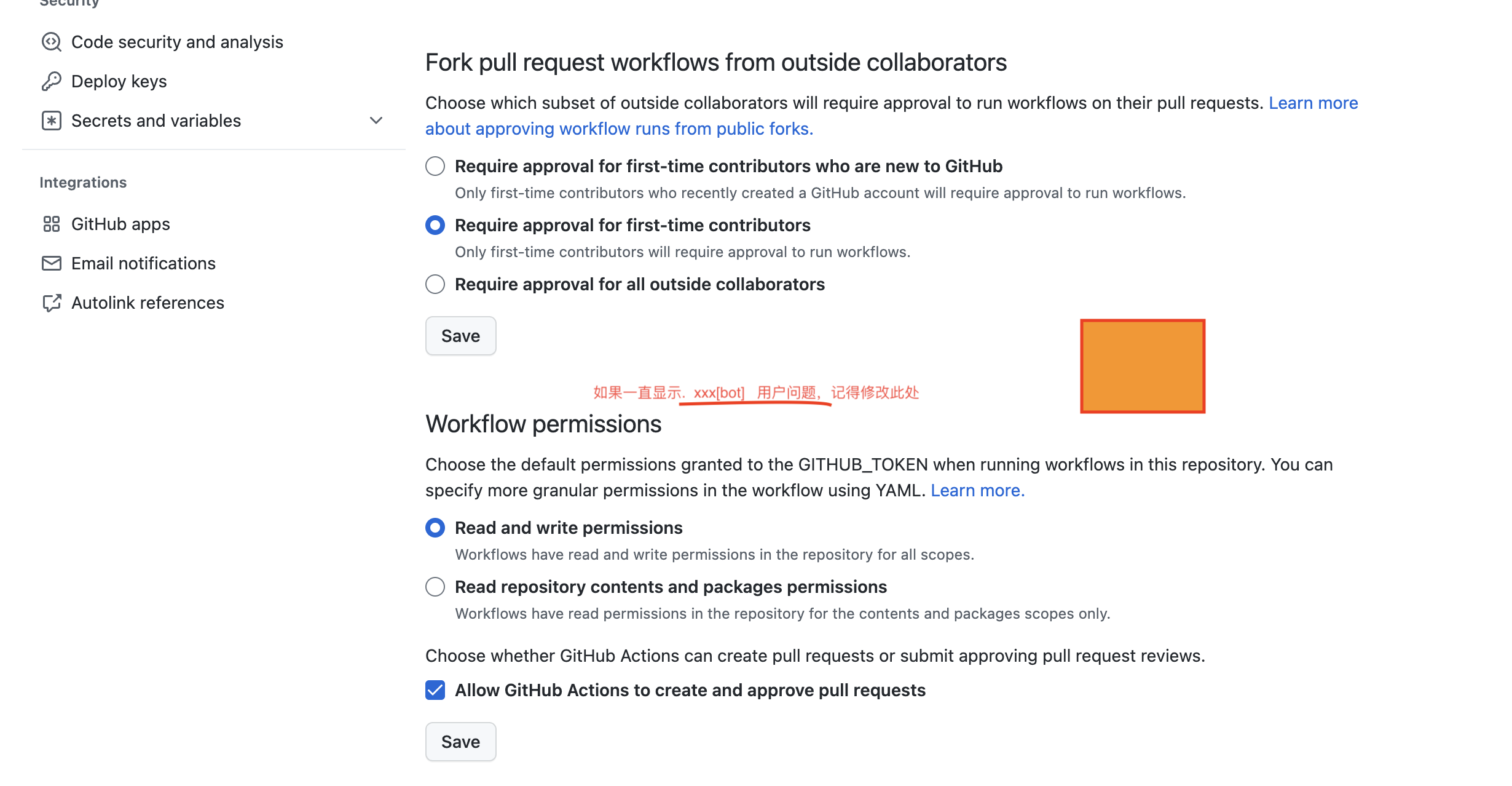
GithubAction Runrab
Uthor Identity Unknown Please Tell Me Who You Are Run Git Config

Set a Git username git config global user name Mona Lisa Confirm that you have set the Git username correctly git config global user name Mona Lisa Setting your Git username for a single repository Open Terminal
Git config global credential helper osxkeychain This tells Git to use the osxkeychain credentials helper Once you have authenticated successfully your credentials will be stored in

4 Answers Sorted by 238 The global Git configuration file is stored at HOME gitconfig on all platforms However you can simply open a terminal and execute git config which will write the appropriate changes to this file You shouldn t need to manually tweak gitconfig unless you particularly want to Share Follow edited Sep 7 2017 at 11 53
Nov 25 2013 at 14 17 3 help github articles D W Jan 3 2017 at 23 41 If you are on macOS and nothing else works try updating Internet Password github entry in Keychain Access app Then set the new Personal Access Token PAT as password gusa Oct 4 2022 at 21 47
How to Install Git on Mac Method 1 Installing Git on a Mac Using Homebrew Method 2 Installing Git on a Mac Using MacPorts Method 3 Installing Git on a Mac Using the Git Installer How to
Git config global user name username git config global user email email This will set the global config to the new username and email However another issue is the result Because it sets it globally if you want to checkout a project on a different account you ll break the settings for your other repositories To access the command line on Mac navigate to Applications Utilities and open Terminal app On Windows use either the Command Prompt or Git Bash To change the name linked to your Git enter the command git config global user name Your Name replacing Your Name with your actual first and last name
The git config command is a convenience function that is used to set Git configuration values on a global or local project level These configuration levels correspond to gitconfig text files Executing git config will modify a configuration text file We ll be covering common configuration settings like email username and editor