Git Commit Example Command Line GitHub Mlange 42 git graph Command Line Tool To Show Clear Git Git graph Command line Utility In Rust Lib rs 4 Control De Versiones Computaci n Cient fica Con Python Git Commit Messages With Subject And Body In The Command Line YouTube Mastering Git Commit Types Proper Usage And Best Practices Web Feb 21 2023 nbsp 0183 32 Key Takeaways The Git commit command stores copies of the changes from your working directory in your Git repository But it can also be used to amend existing commits and to revert commits too A basic requirement of any version control system is to store different versions of files for you
Web Usage Examples For a basic workflow you can use the quot git add quot command to stage changes for the next commit The actual commit command will then wrap up the mentioned changes in a new commit object git add index html css styles css git commit m quot Change titles and styling on homepage quot Web Dec 29 2019 nbsp 0183 32 An example of how to use the m option git commit m quot My message quot The output in your terminal should look something like this master 13vc6b2 My message 1 file changed 1 insertion
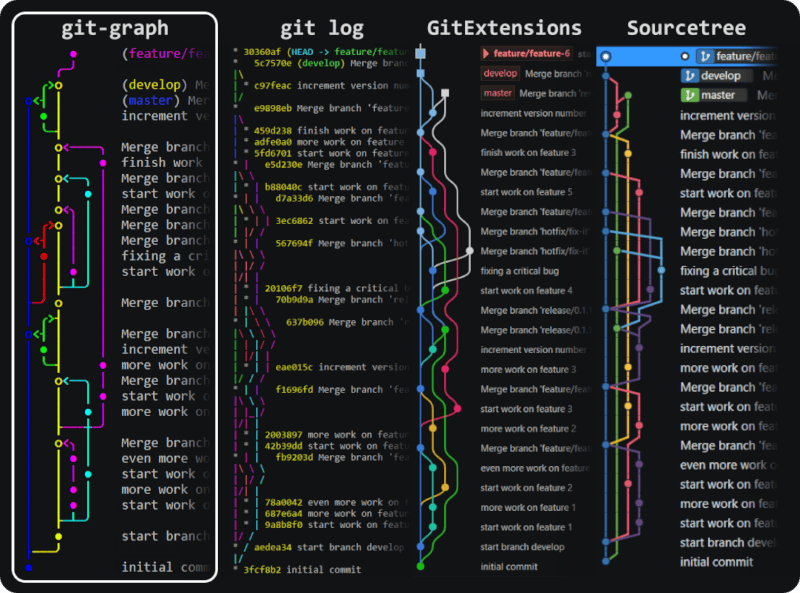
Mastering Git Commit Types Proper Usage And Best Practices How To Write Good Commit Messages How To Add And Commit Files In Single Command In Git YouTube Git Branching Commands Explained With Examples Does Amending A Commit Change Its Hash One Command To Change The Last Git Commit Message DEV Community Git Tip Committing With Verbose Mode Tekin co uk Top Git Commands With Examples Developer Uses Everyday Commit Changes To A Git Repository TestingDocs
Git Commit Example Command Line
Git Commit Example Command Line
https://repository-images.githubusercontent.com/319462847/66d33300-4713-11eb-8217-5c49f8daa732
Web The Command Line There are a lot of different ways to use Git There are the original command line tools and there are many graphical user interfaces of varying capabilities For this book we will be using Git on the command line For one the command line is the only place you can run all Git commands most of the GUIs implement only a
Templates are pre-designed documents or files that can be utilized for various functions. They can conserve effort and time by supplying a ready-made format and design for producing different type of content. Templates can be used for individual or expert projects, such as resumes, invites, flyers, newsletters, reports, presentations, and more.
Git Commit Example Command Line
Git Commands Cheat Sheet PDF
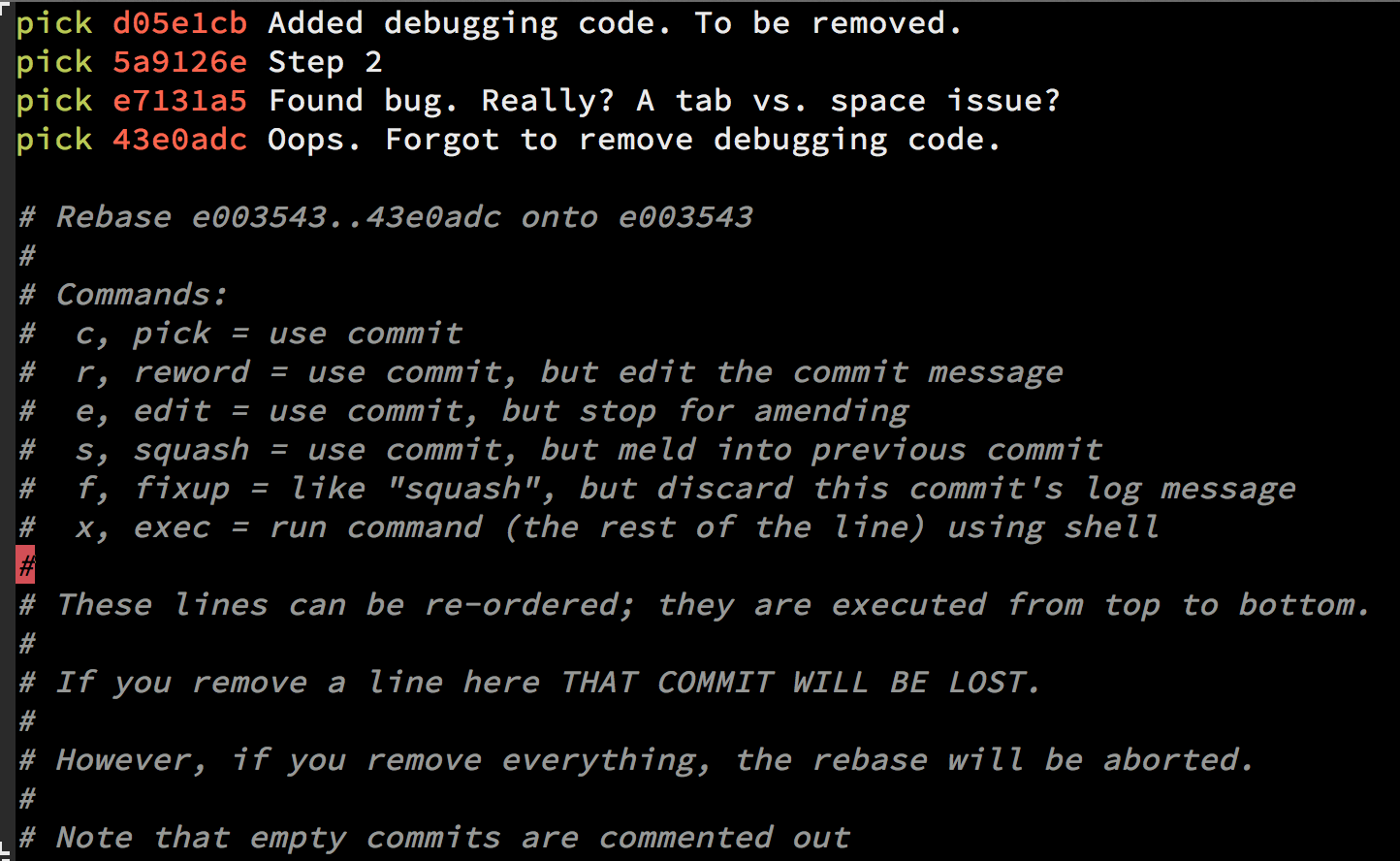
How To Write Good Commit Messages
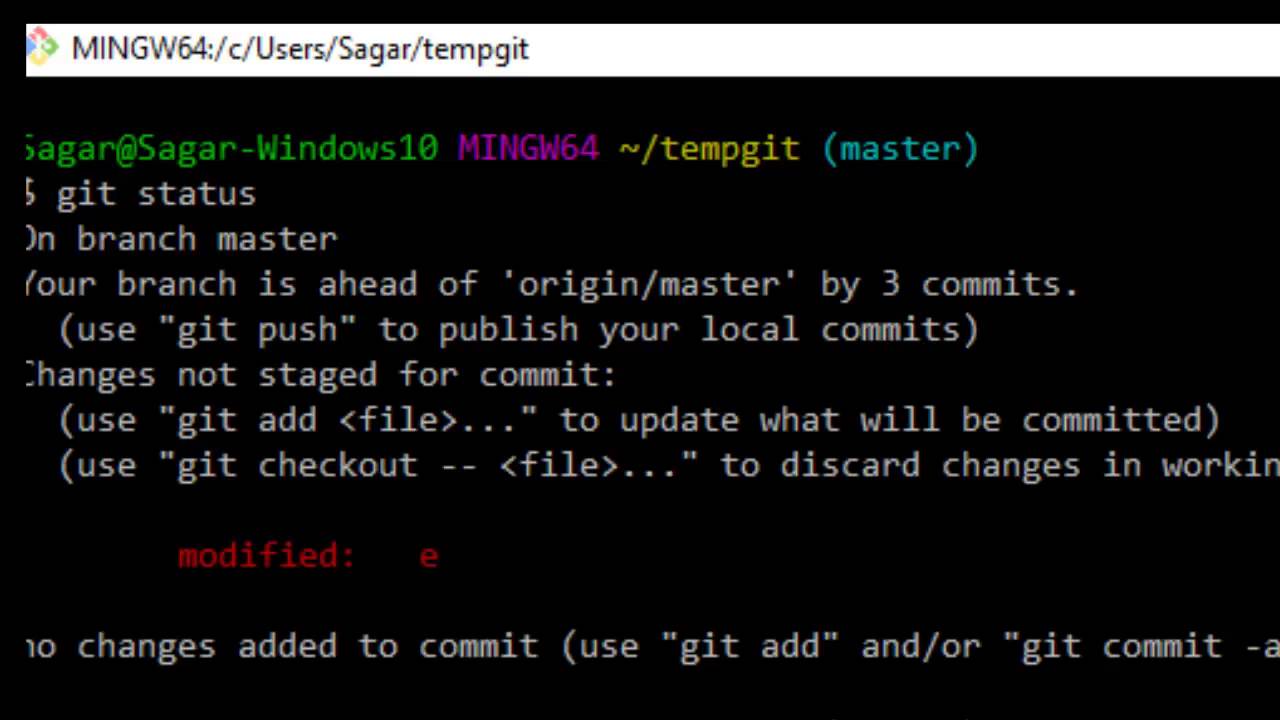
How To Add And Commit Files In Single Command In Git YouTube
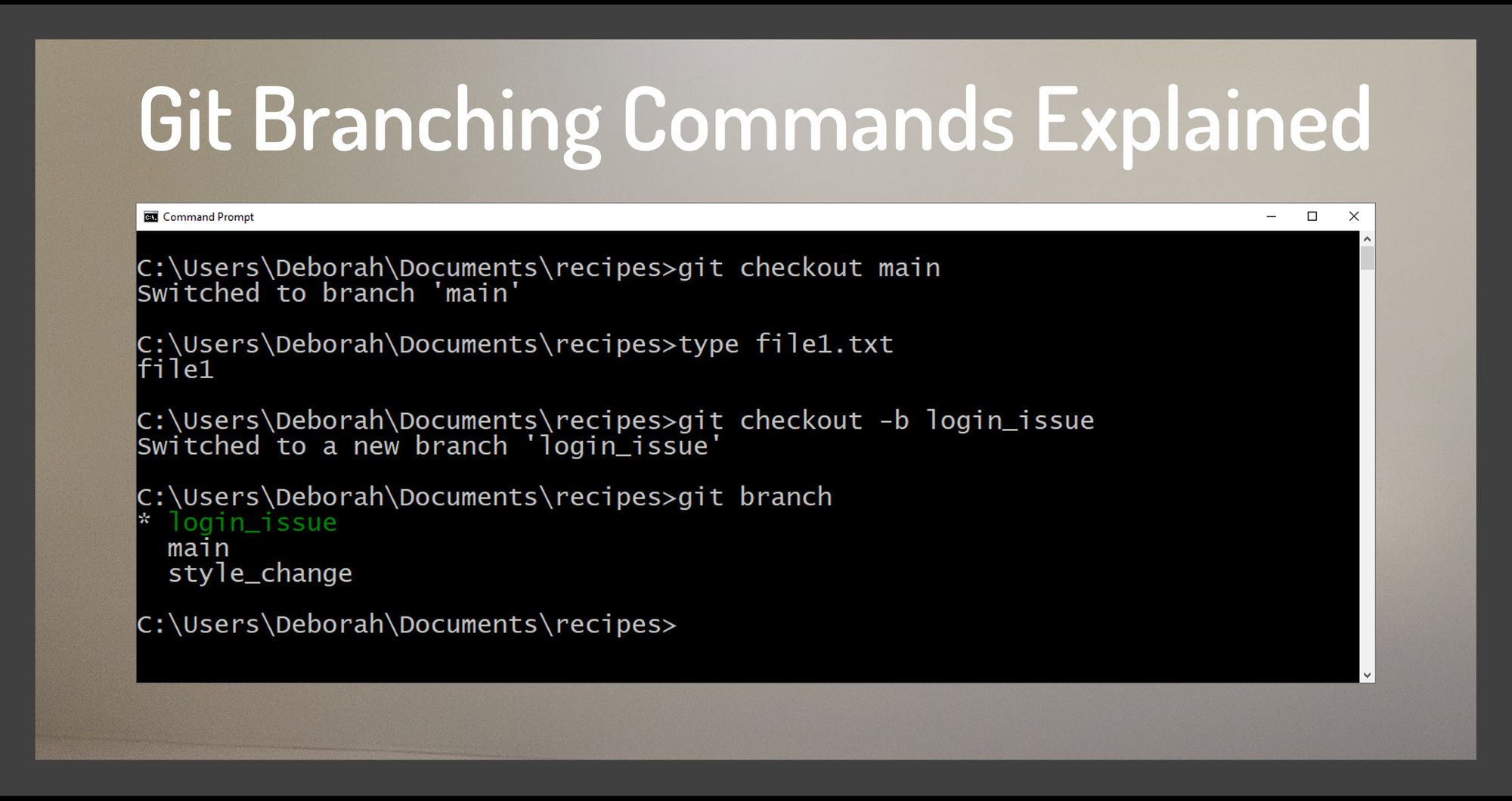
Git Branching Commands Explained With Examples
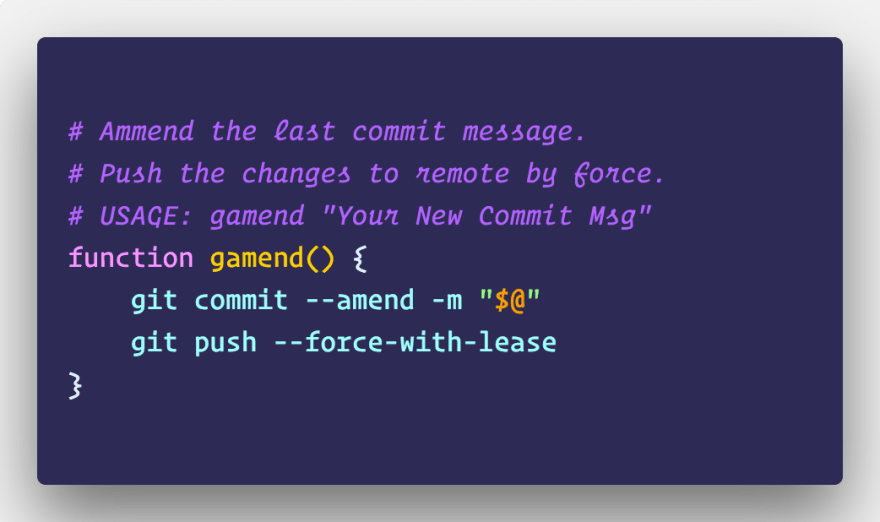
One Command To Change The Last Git Commit Message DEV Community
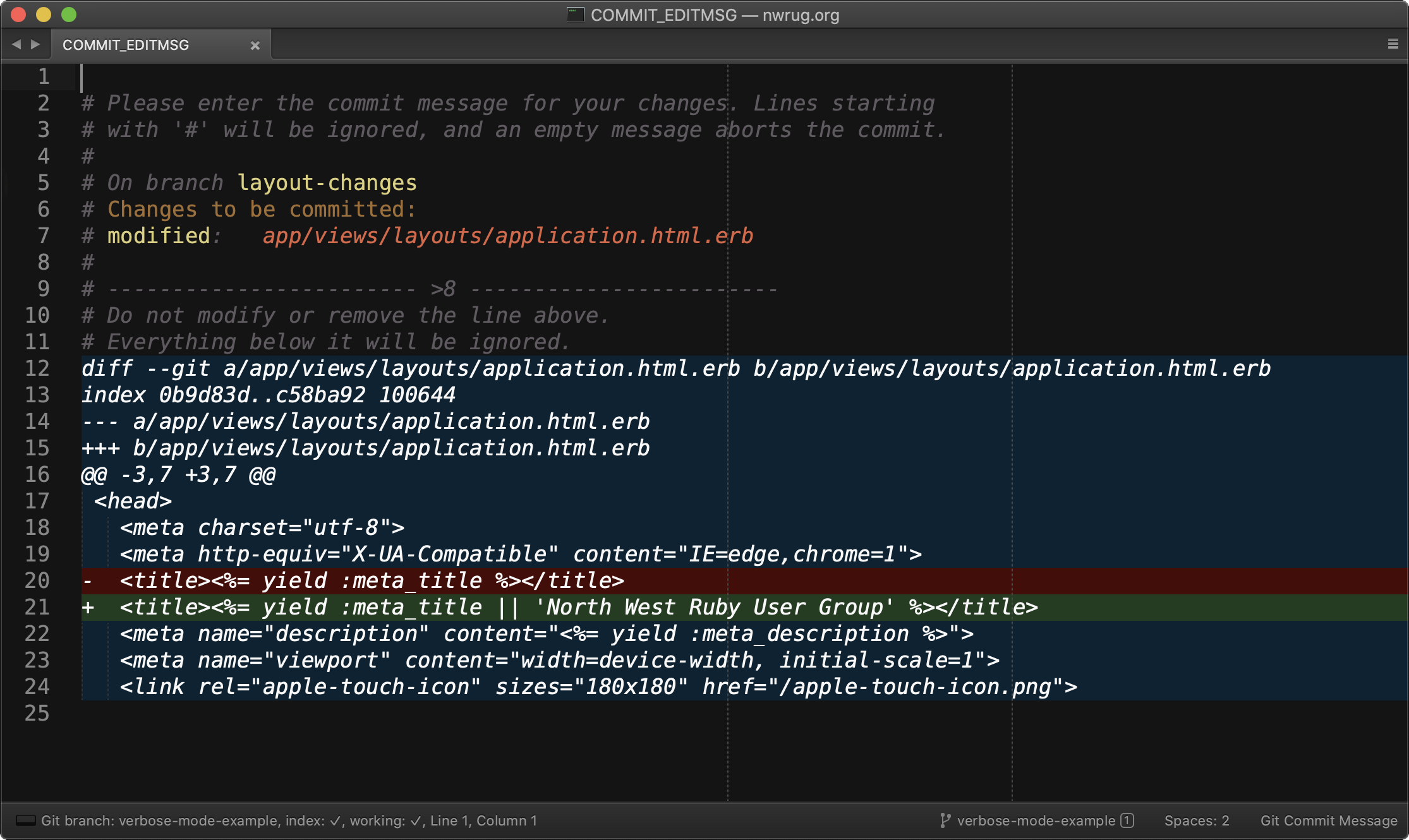
Git Tip Committing With Verbose Mode Tekin co uk
Web Example git log commit 09f4acd3f8836b7f6fc44ad9e012f82faf861803 HEAD gt master Author w3schools test lt test w3schools gt Date Fri Mar 26 09 35 54 2021 0100 Updated index html with a new line commit 221ec6e10aeedbfd02b85264087cd9adc18e4b26 Author w3schools test
Web git commit Record changes to the repository SYNOPSIS git commit a interactive patch s v u lt mode gt amend dry run c C squash lt commit gt fixup amend reword lt commit gt F lt file gt m lt msg gt reset author allow empty allow empty message no verify e author lt author gt
Web Sep 7 2018 nbsp 0183 32 git add filename git commit m quot my message quot Check repository on github website and see that changes are not there Open github desktop app Open quot x uncommitted changes quot tab and uncheck everything there since those are binaries Then go into history tab and see my change highlight along with commit message Click sync

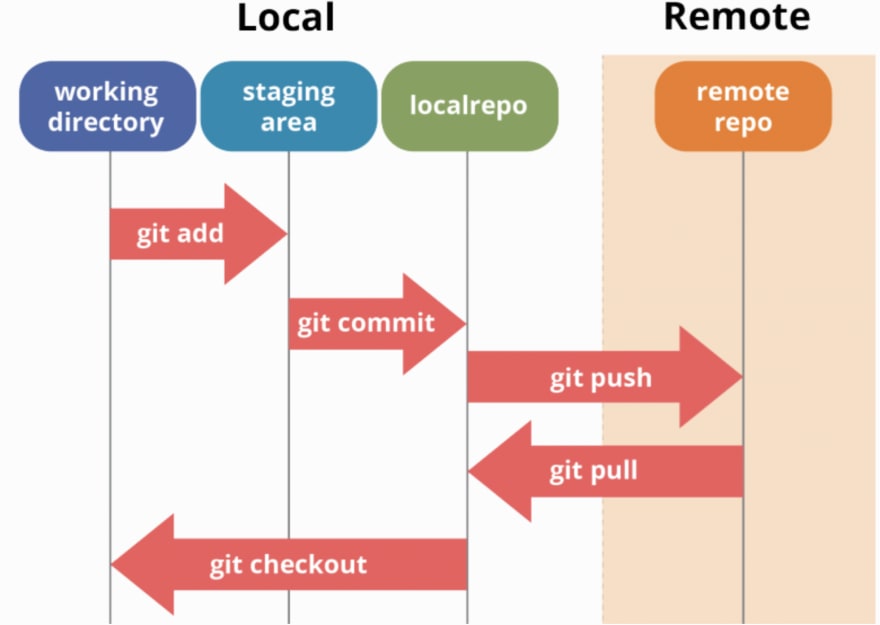
Web The git commit command is one of the core primary functions of Git Prior use of the git add command is required to select the changes that will be staged for the next commit Then git commit is used to create a snapshot of the staged changes along a timeline of a Git projects history

Web The command git commit a first looks at your working tree notices that you have modified hello c and removed goodbye c and performs necessary git add and git rm for you After staging changes to many files you can alter the order the changes are recorded in by giving pathnames to git commit
Web Jul 27 2021 nbsp 0183 32 Step 1 Files Ready Before using git commit make sure to have all the necessary files staged for the commit git add filename The git add command can be used to add all files in the current directory Step 2 Commit After the files are staged for commit use the following syntax git commit Web Mar 28 2024 nbsp 0183 32 2 1 What is a Commit Message When working in a Git repository we make changes to the codebase and save them all the time In this context we call each saved change a commit Each commit has a set of attributes such as an identifier hash metadata author creation date etc and a message
Web Mar 10 2010 nbsp 0183 32 15 Answers Sorted by 712 Does git add A amp amp git commit m quot Your Message quot count as a quot single command quot Edit based on thefinnomenon s answer below To have it as a git alias use git config global alias coa quot git add A amp amp git commit m quot and commit all files including new files with a message with git coa quot A bunch of horrible