Git Command To List All Local Branches Git Cheat Sheet DataCamp GIT Commands Basic To Advanced GIT Commands List That You Should Know Git What Is The Command To List Your Branches In Git YouTube Git Create Branch From Terminal Lasopachristian Get List Of All Local Branches Git Command Code2care Learn about the version control system Git and how it works with GitHub
Git is a fast scalable distributed revision control system with an unusually rich command set that provides both high level operations and full access to internals Git is an Open Source project covered by the GNU General Public License version 2 some parts of it are under different licenses compatible with the GPLv2 Learning Git basics with GitHub Desktop For standard Git operations we recommend GitHub Desktop an app that lets you interact with Git visually instead of through written commands In this section we ll learn how to use GitHub Desktop to
Get List Of All Local Branches Git Command Code2care Git Branching Commands Explained With Examples Git Commands Cheat Sheet PDF Git Useful Commands NTechDevelopers Git Commands BytesofGigabytes Git How Can I Generate A Diff For A Single File Between Two Branches Top Git Commands List With Examples Tuts Make Git List All Branches Tags And Remotes With Commit Hash And Date Git Commands Cloud Studio
Git Command To List All Local Branches
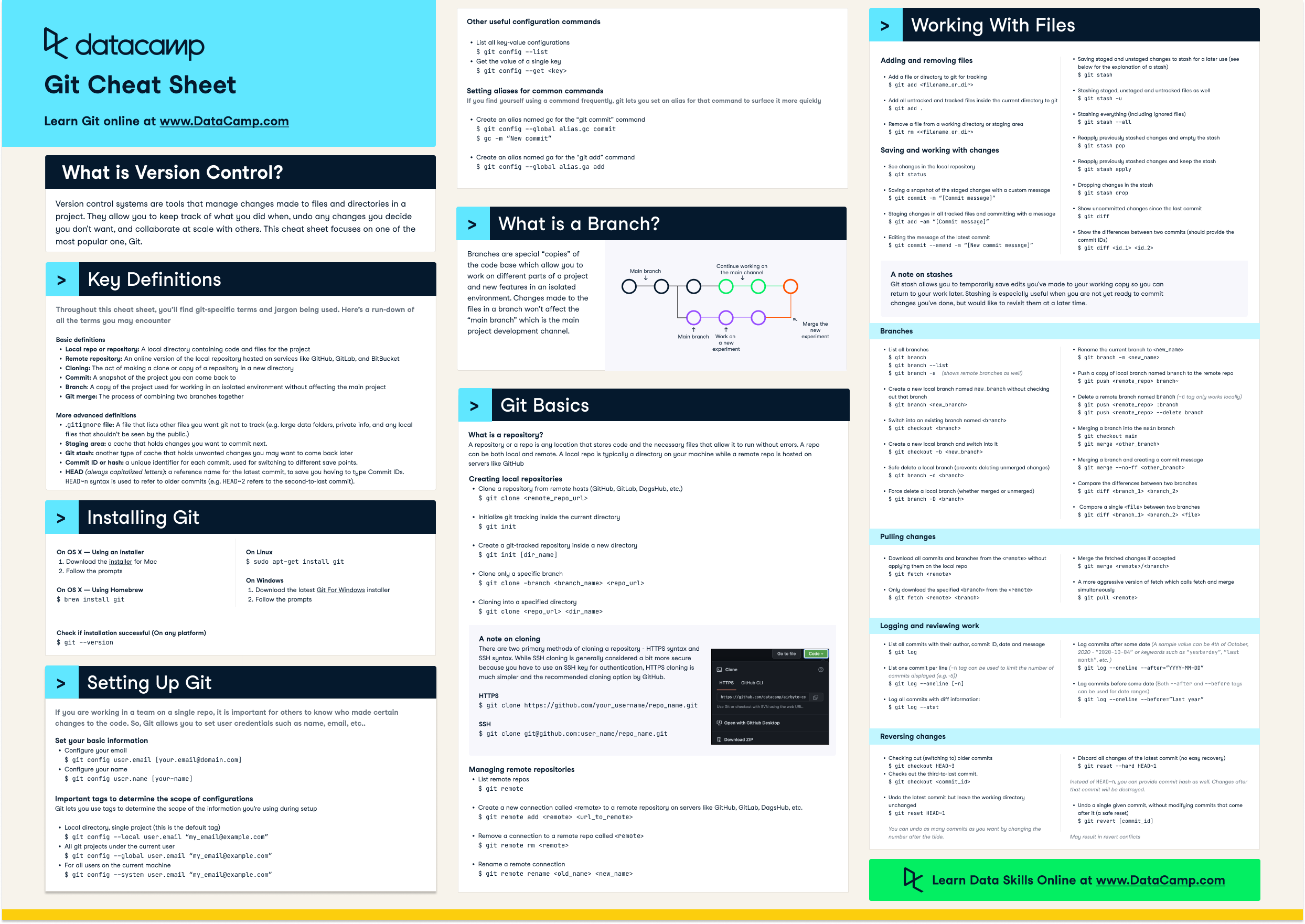 Git Command To List All Local Branches
https://res.cloudinary.com/dyd911kmh/image/upload/v1656574156/git_cheat_sheet_85713d75cb.png
GitHub is where people build software More than 150 million people use GitHub to discover fork and contribute to over 420 million projects
Pre-crafted templates use a time-saving service for producing a diverse series of files and files. These pre-designed formats and layouts can be made use of for various individual and professional jobs, including resumes, invites, flyers, newsletters, reports, presentations, and more, streamlining the content creation procedure.
Git Command To List All Local Branches
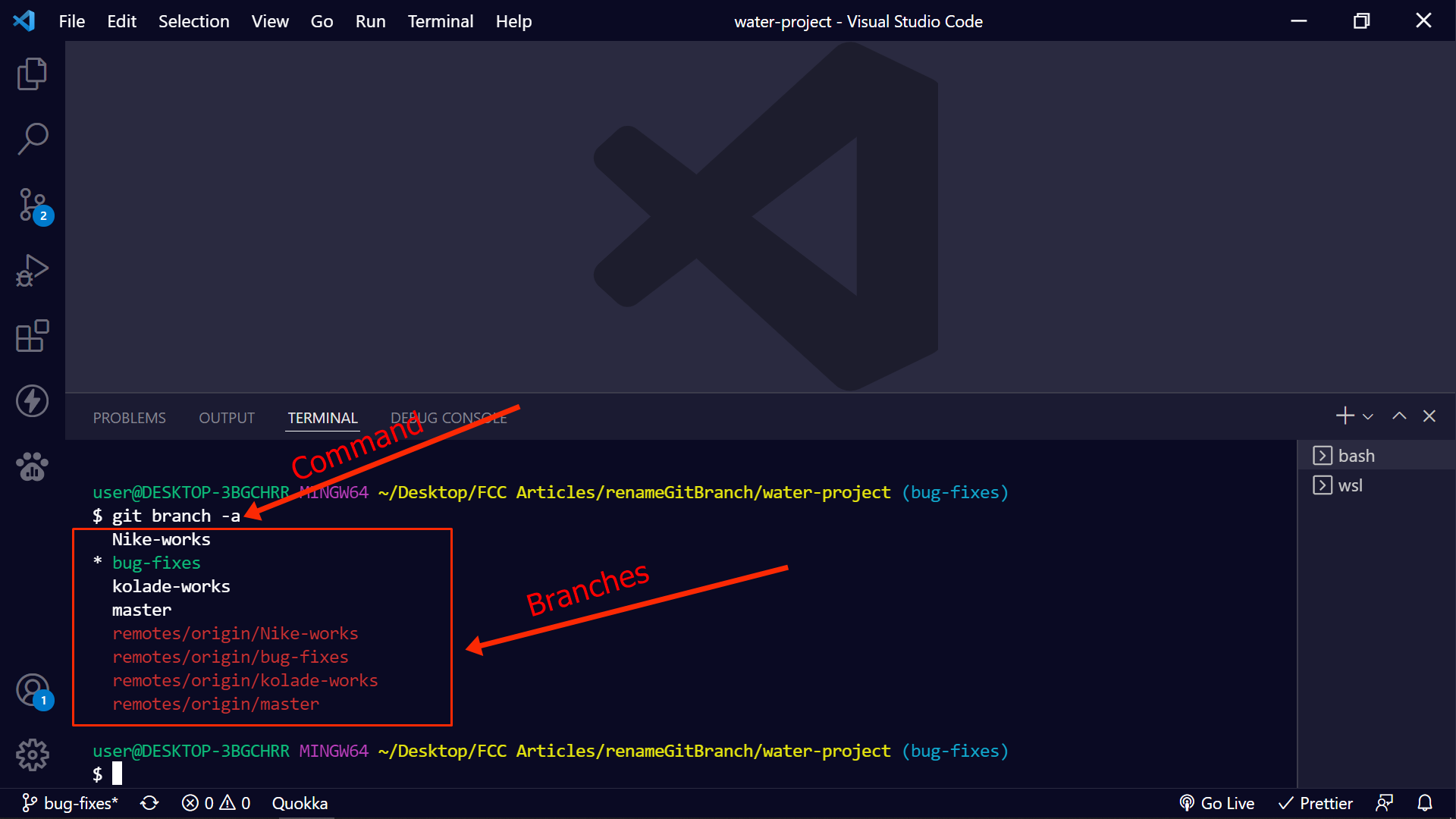
C ch X a M t Nh nh Git C C c B V T Xa
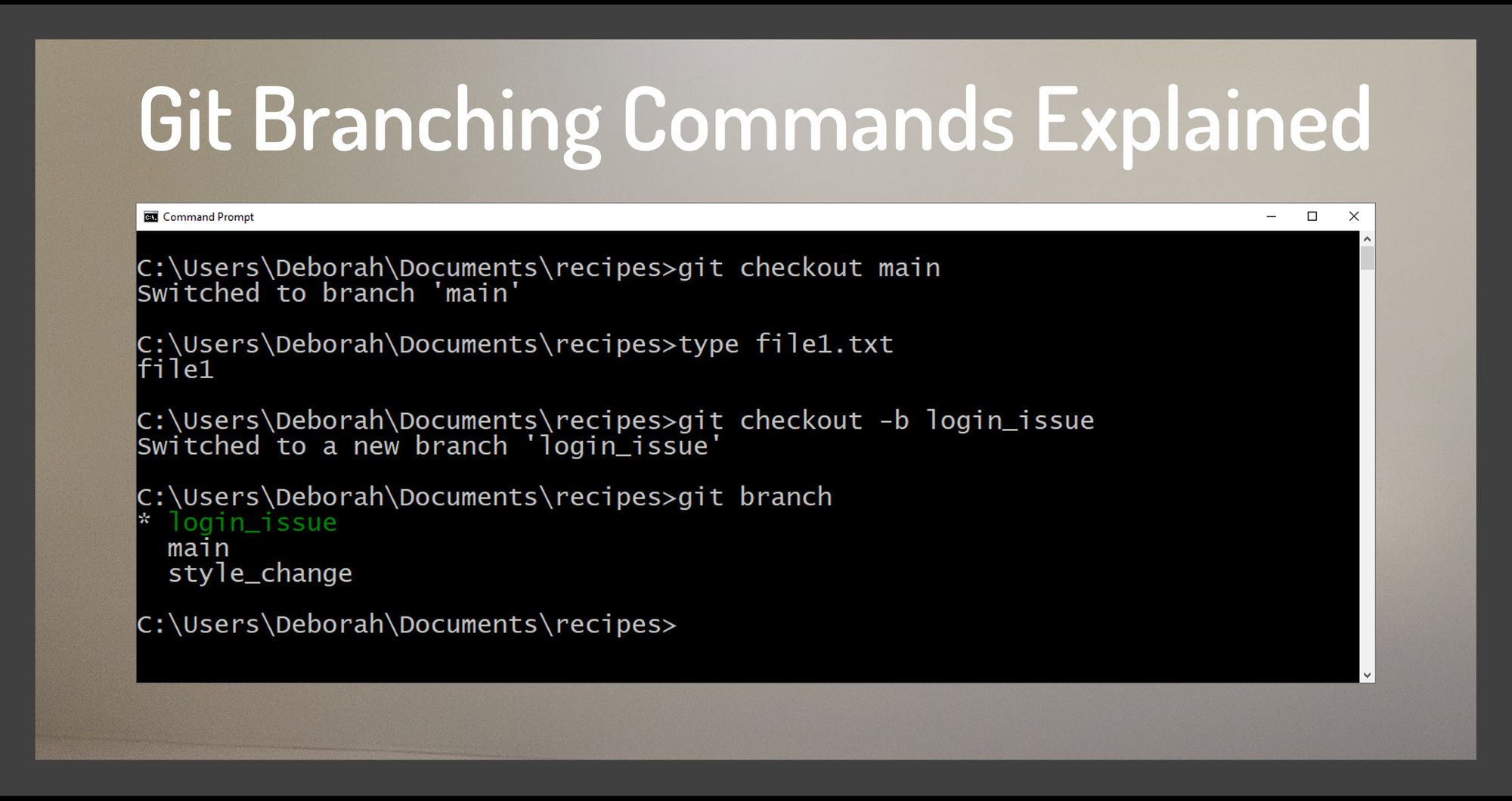
Git Branching Commands Explained With Examples
Git Commands Cheat Sheet PDF
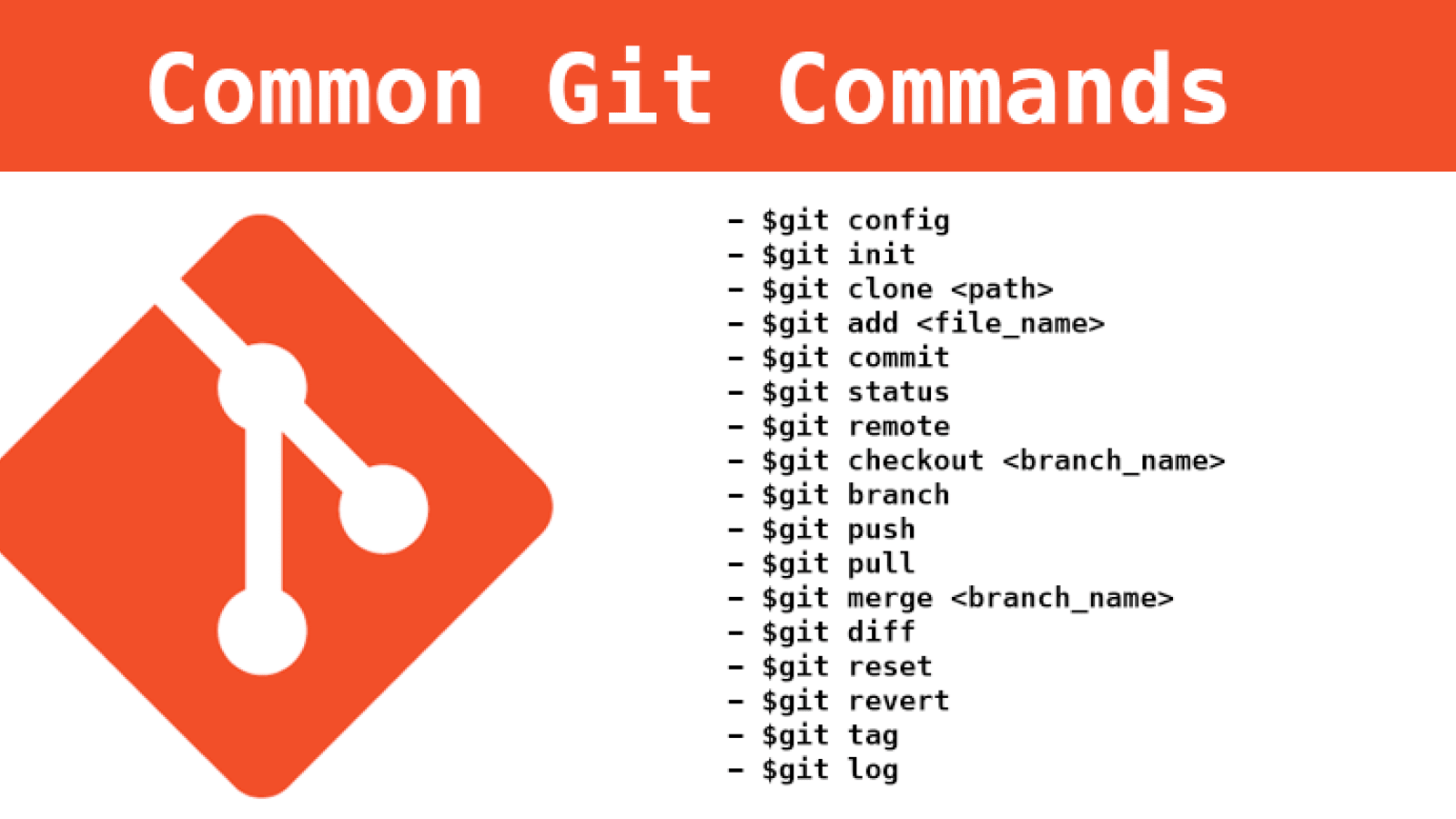
Git Useful Commands NTechDevelopers

Git How Can I Generate A Diff For A Single File Between Two Branches
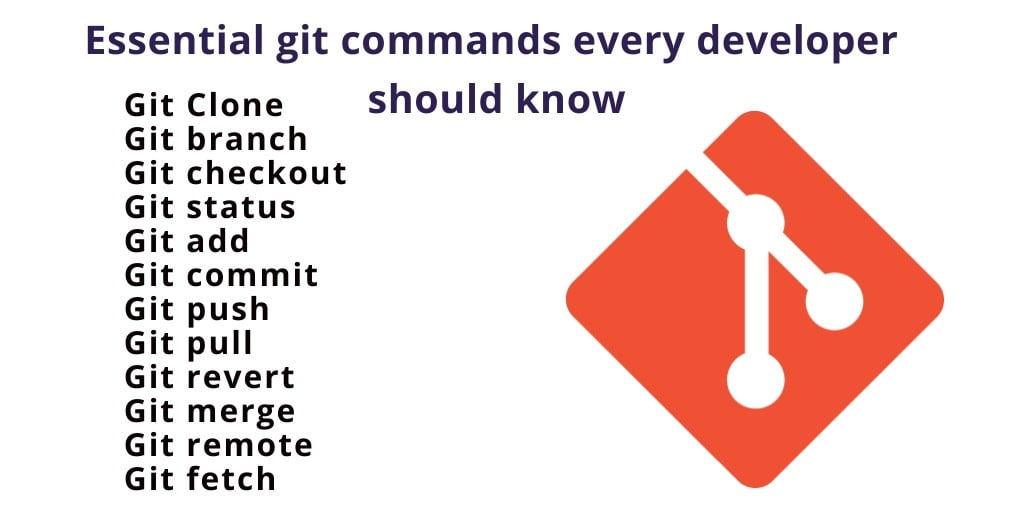
Top Git Commands List With Examples Tuts Make
Git Public Git Source Code Mirror This is a publish only repository but pull requests can be turned into patches to the mailing list via GitGitGadget https gitgitgadget github io
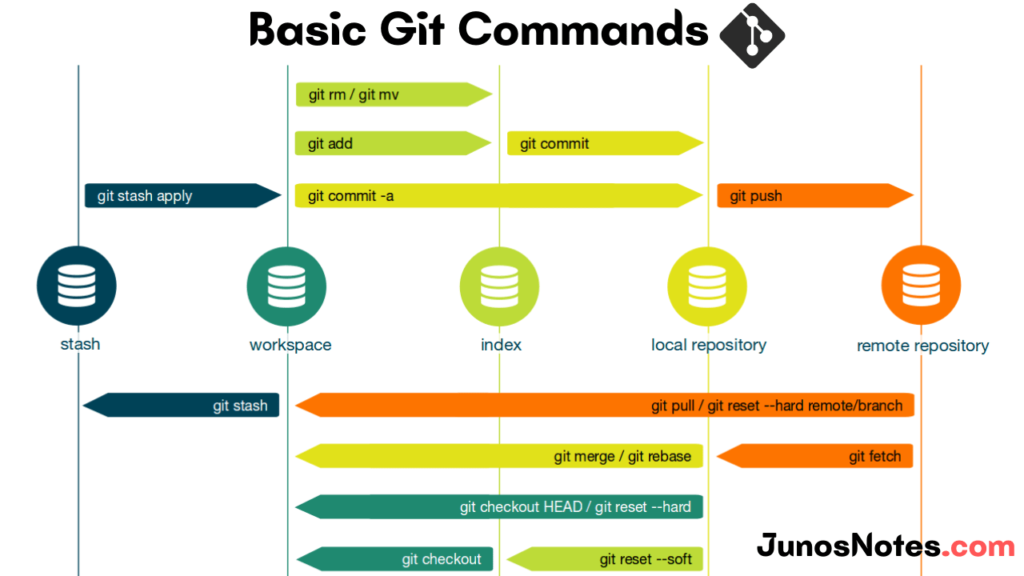
The advantage of downloading Git from git scm is that your download automatically starts with the latest version of Git included with the recommended command prompt Git Bash The download source is the same Git for Windows installer as referenced in the steps above

Join the world s most widely adopted AI powered developer platform where millions of developers businesses and the largest open source community build software that advances humanity

GIT CHEAT SHEET Git is the free and open source distributed version control system that s responsible for everything GitHub related that happens locally on your computer This cheat sheet features the most important and commonly used Git commands for easy reference
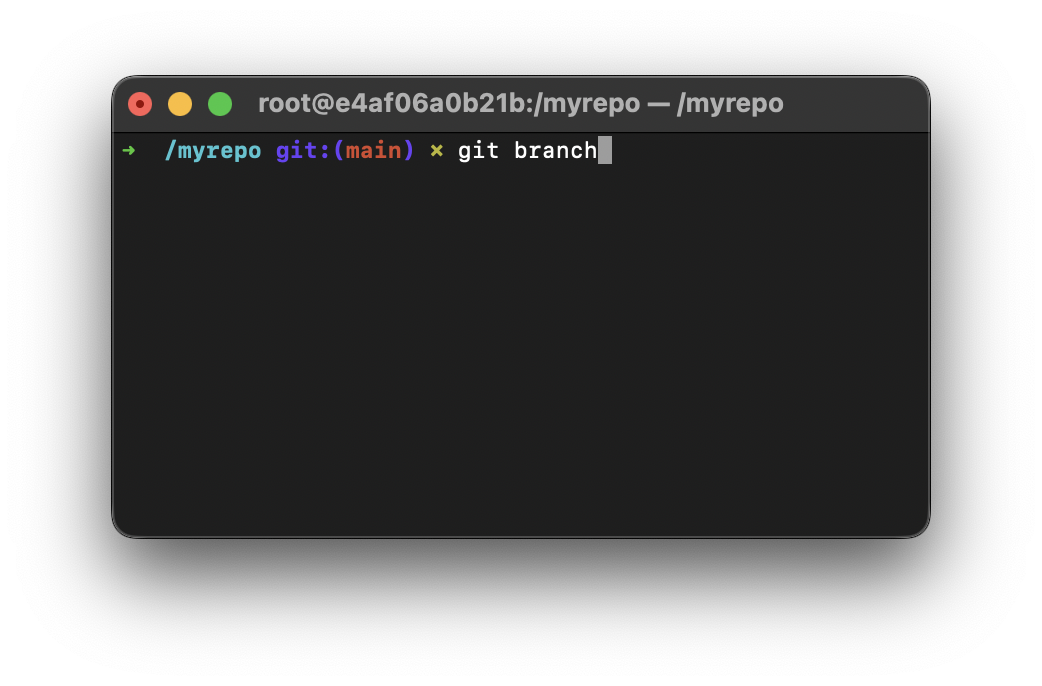
About Git Git is a version control system that intelligently tracks changes in files Git is particularly useful when you and a group of people are all making changes to the same files at the same time Typically to do this in a Git based workflow you would
[desc-11] [desc-12]
[desc-13]