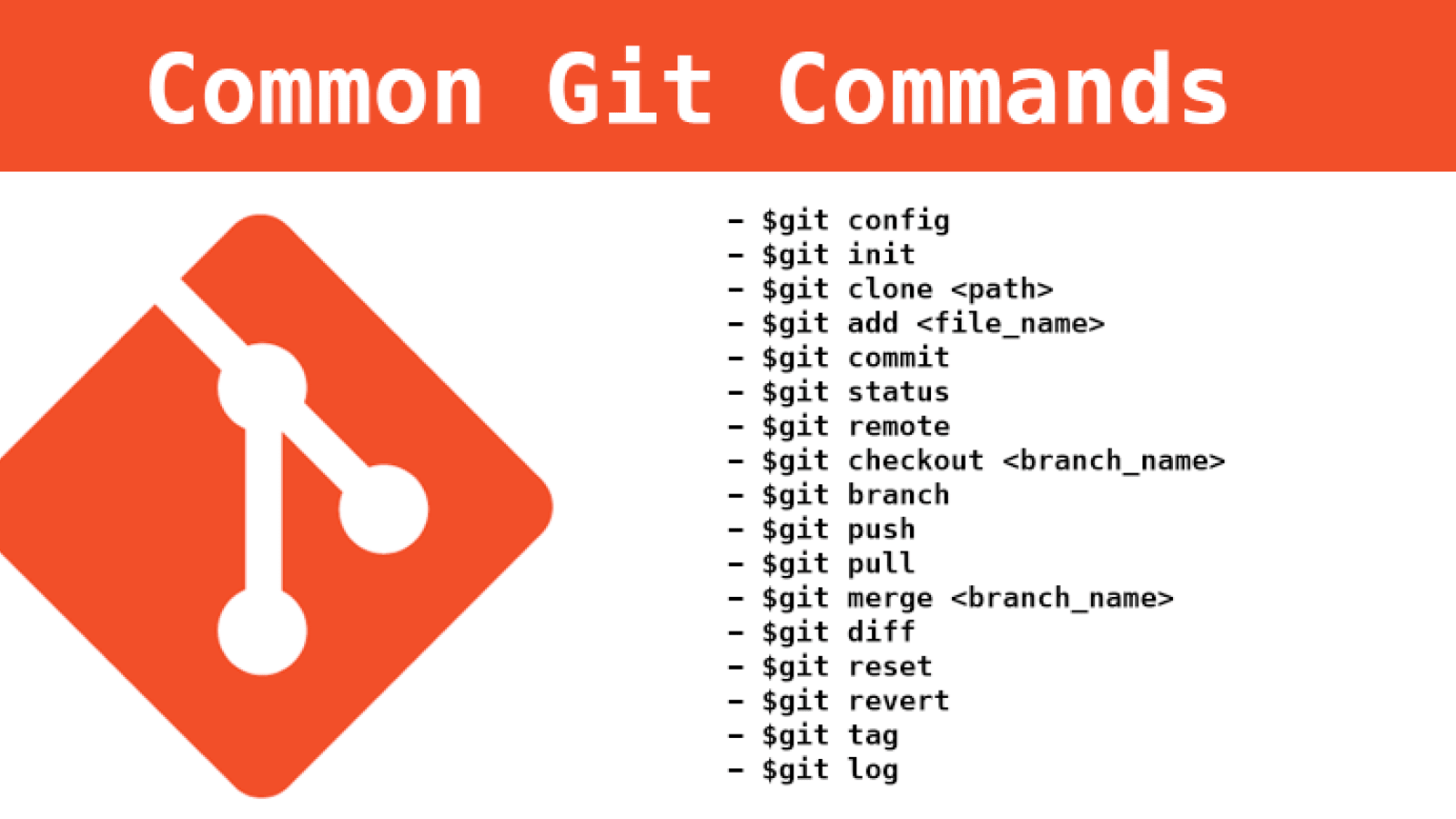
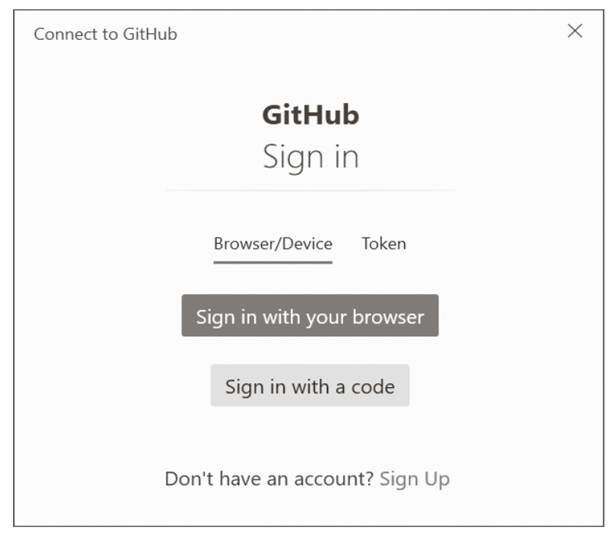
Git Clone Master Branch Command Git Useful Commands NTechDevelopers Git Clone Git Branching Commands Explained With Examples U S Army Installation Management Command Creating A New Branch And Switching To It With Just One Command Cloning a repository On GitHub navigate to the main page of the repository Above the list of files click Code Copy the URL for the repository To clone the repository using HTTPS under HTTPS click To clone the repository using an SSH key including a certificate issued by your organization s SSH certificate authority click SSH
Have a look for all the branches first just input following command in the terminal git branch all And then you will see the all the branches on local and remote Something like this master remotes origin develop remotes origin master remotes origin web remotes origin app Let s pretend you want to switch to the remotes origin develop From the Checkout Existing dialog in Sourcetree click Checkout Now you ve got a branch in Bitbucket and it s checked out to your local system allowing you to work on and push that separate line of code Step 3 Make a change to the branch Now it s your turn to makes some changes to your repository
Creating A New Branch And Switching To It With Just One Command Searching With Command K By Ruby On Dribbble Git Clone How To Use Git Clone W3Docs Git Online Tutorial Git Clone Command Studytonight Git Commands BytesofGigabytes How To Clone A Git Repository Git Clone Command Studytonight How To Merge A Branch Into Master Branch In Git YouTube Git Create Branch From Another Branch Console Lasopaireland
Git Clone Master Branch Command
 Git Clone Master Branch Command
http://blog.ntechdevelopers.com/wp-content/uploads/2021/07/1-2.png
December 1 2023 The git clone command creates a copy of a remote repository on your local machine By default the clone command saves your code in a folder that shares the name of your repository This can be overwritten by specifying a folder name after the URL of the repository you want to clone
Pre-crafted templates provide a time-saving solution for creating a diverse series of documents and files. These pre-designed formats and layouts can be used for different individual and professional jobs, including resumes, invites, flyers, newsletters, reports, discussions, and more, simplifying the material development process.
Git Clone Master Branch Command

Git Clone On Windows Coding And Techology Articles
Searching With Command K By Ruby On Dribbble

Git Clone How To Use Git Clone W3Docs Git Online Tutorial

Git Clone Command Studytonight
How To Clone A Git Repository

Git Clone Command Studytonight
It has a few branches git branch master rails c c To clone the local repository I do git clone local repo new repo Initialized empty Git repository in home username new repo git The new repo master branch points to the local repo master branch and I can push pull But I am unable to clone another branch

Clones a repository into a newly created directory creates remote tracking branches for each branch in the cloned repository visible using git branch remotes and creates and checks out an initial branch that is forked from the cloned repository s currently active branch

The command used to clone a Git branch is git clone However the git clone command clones all the branches and the remote HEAD usually the master main branch There are two ways to clone a single Git branch with git clone Method 1 Clone the entire repository fetch all the branches and check out the specified branch after the cloning

To git clone only a single specific Git branch issue this command git clone single branch branch development https github username project git The steps to clone a specific Git branch differ from a typical clone command in two ways The single branch two dashes flag limits the clone to only one branch
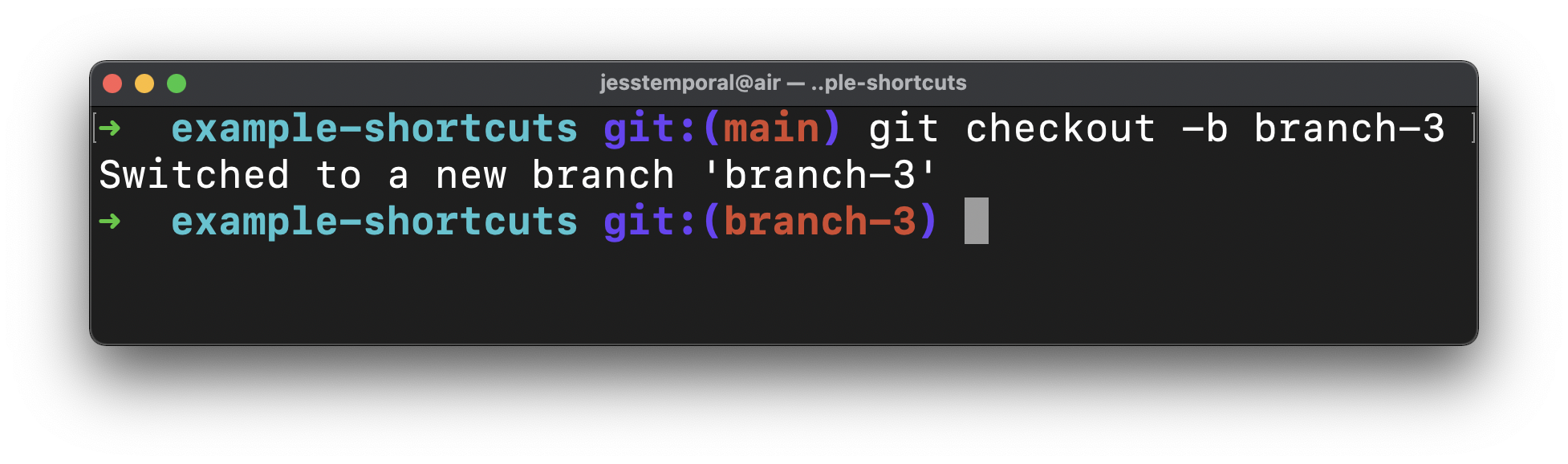
If you take this URL and run git clone it will download the default branch usually master You can change this with some flags usually done in one of two ways git clone branch dev https github username Repo git git clone branch dev single branch https github username Repo git
To clone a git repository use the git clone command with the URL of your Git repository git clone url For example let s say that you want to clone a public repository from Github you are going to execute the following command The git clone single branch branch command clones a specific branch This command lets you copy the contents of a repository without downloading all the branches on the repository It is useful if a repository is large and you only want to download the code you will use git clone single branch branch master https github
2 Answers Sorted by 42 When you clone a repository all remote branches are created as remote tracking branches in your repository These aren t shown by default but you can see these with git branch a