Git Clone All Branches From Remote Prerequisite CharlesChiuGit Logseq Git Sync 101 Wiki GitHub FaceChat2 PNG Git Fetch Command How To Use It Examples Getting Started With Git For Windows Gambaran How To Create A Git Branch Learn New From Current What Is In And Use It Ultimate Guide Vrogue Web TL DR answer git branch r grep v gt sed quot s x1B 0 9 a zA Z g quot while read remote do git branch track quot remote origin quot quot remote quot done git fetch all git pull all It seems that pull fetches all branches from all remotes but I
Web Feb 7 2024 nbsp 0183 32 How to Clone all Branches of a Remote Git Repository By Victor Ashiedu Published February 7 2024 0share On this page Overview Step 1 Prepare a Local Directory for the Git Repo Step 2 Create a Git Project for the Repository Step 3 Clone the Remote Git Repo Step 4 Replace the Remote Origin and Push the Git Repo Web DESCRIPTION Clones a repository into a newly created directory creates remote tracking branches for each branch in the cloned repository visible using git branch remotes and creates and checks out an initial branch that is forked from the cloned repository s currently active branch
How To Create A Git Branch Learn New From Current What Is In And Use It Ultimate Guide Vrogue Git Clone All Branches Git Clone All Branches Git Clone All Branches Git Clone All Branches Git Bash Shell git Git Clone 51CTO git The Best Git Gui Olporon GIT Branch And Its Operations An Easy Understanding Digital Varys Continuous Integration And DevOps Tools Setup And Tips Git Workflow And Commands Git Popular
Git Clone All Branches From Remote
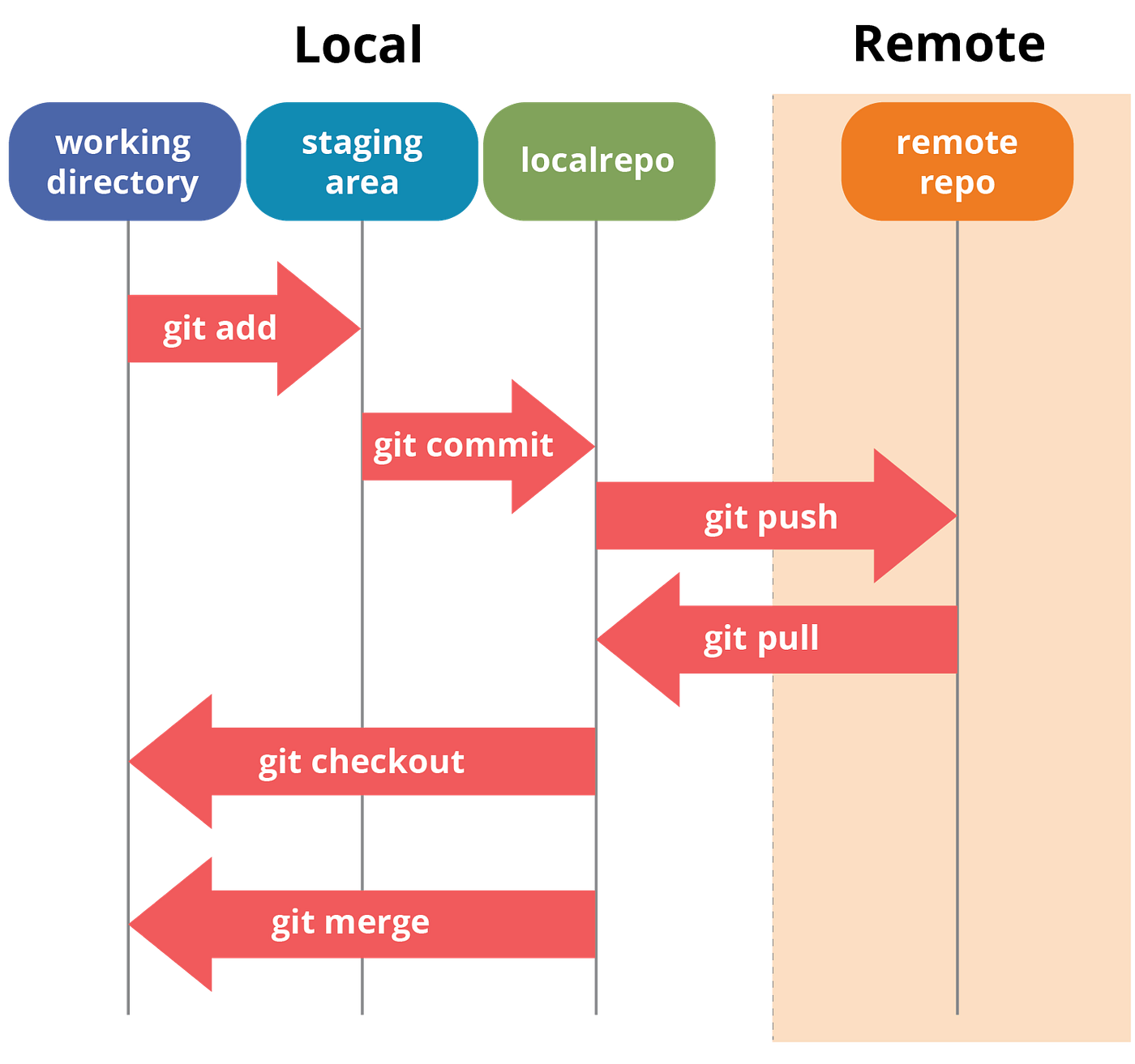 Git Clone All Branches From Remote
https://miro.medium.com/max/1400/1*2QHqhirz3VbOCjfEwFbVXA.png
Web Concept of Cloning When cloning a repository all the files are downloaded to the local system not affecting the remote git repository The git clone command clones and copies of an existing repository into a new directory It is also used to create remote tracking branches for each branch in the cloned repository
Pre-crafted templates provide a time-saving service for creating a diverse series of files and files. These pre-designed formats and layouts can be utilized for various personal and expert jobs, including resumes, invitations, flyers, newsletters, reports, presentations, and more, streamlining the content production process.
Git Clone All Branches From Remote

Solved Git Checkout Branchname Is Not Working 9to5Answer
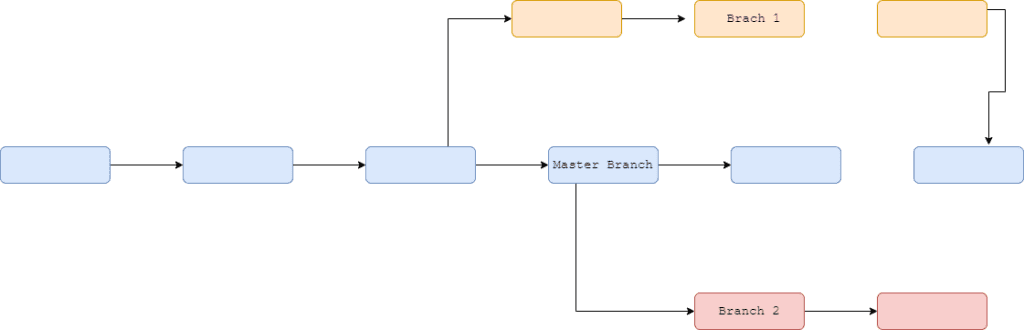
Git Clone All Branches

Git Clone All Branches
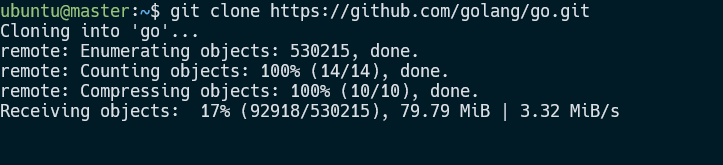
Git Clone All Branches

Git Bash Shell git Git Clone 51CTO git
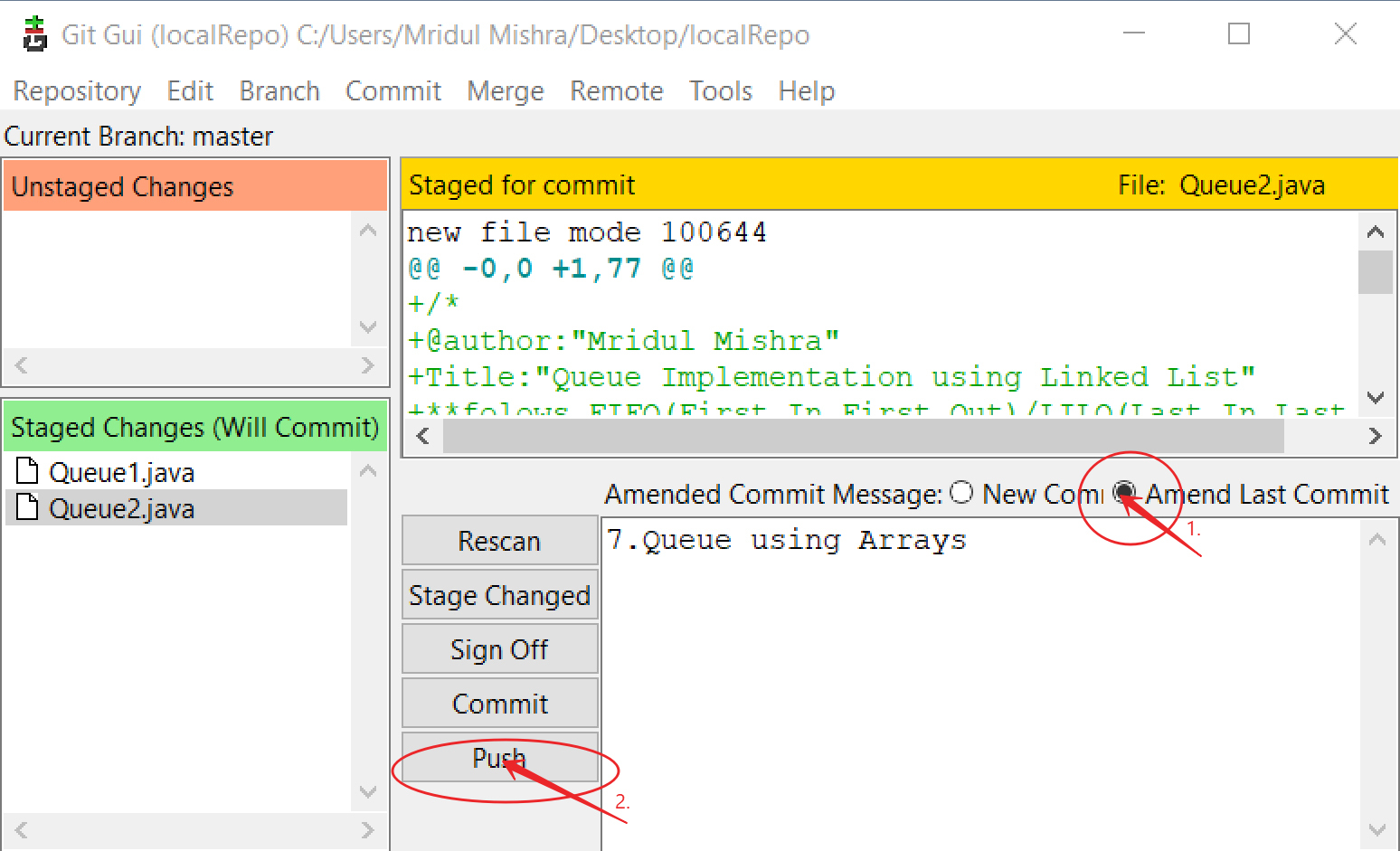
The Best Git Gui Olporon
Web Mar 4 2024 nbsp 0183 32 In this tutorial we ll demystify the process of cloning all remote branches in Git First we ll start with the basics of the git clone command moving through how to list and checkout remote branches Then we ll delve into methods for cloning every branch in

Web Use the git clone command followed by the repository s URL git clone git account name reponame Change to the Repository Directory After cloning navigate into the repository s directory cd reponame Fetching All Remote Branches Pull All Remote Branches To fetch all the branches from the remote use git pull all
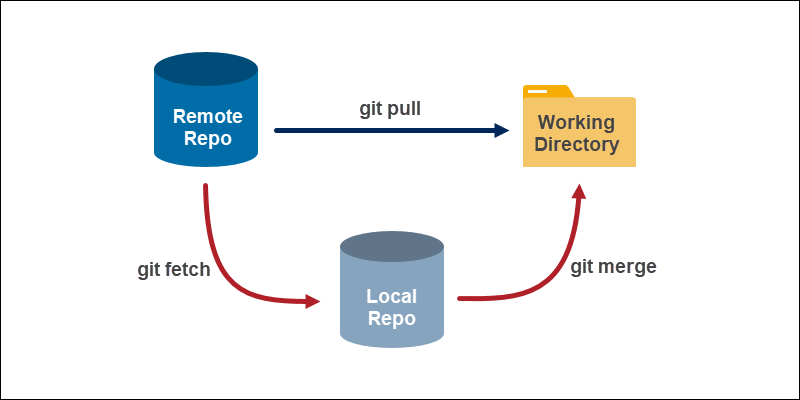
Web Mar 24 2023 nbsp 0183 32 Step 3 Fetch All Remote Branches By default the git clone command only fetches the default branch usually main or master To fetch all the remote branches use the git fetch command with the all flag git fetch all This command will download all the remote branches and their commit history to your local repository
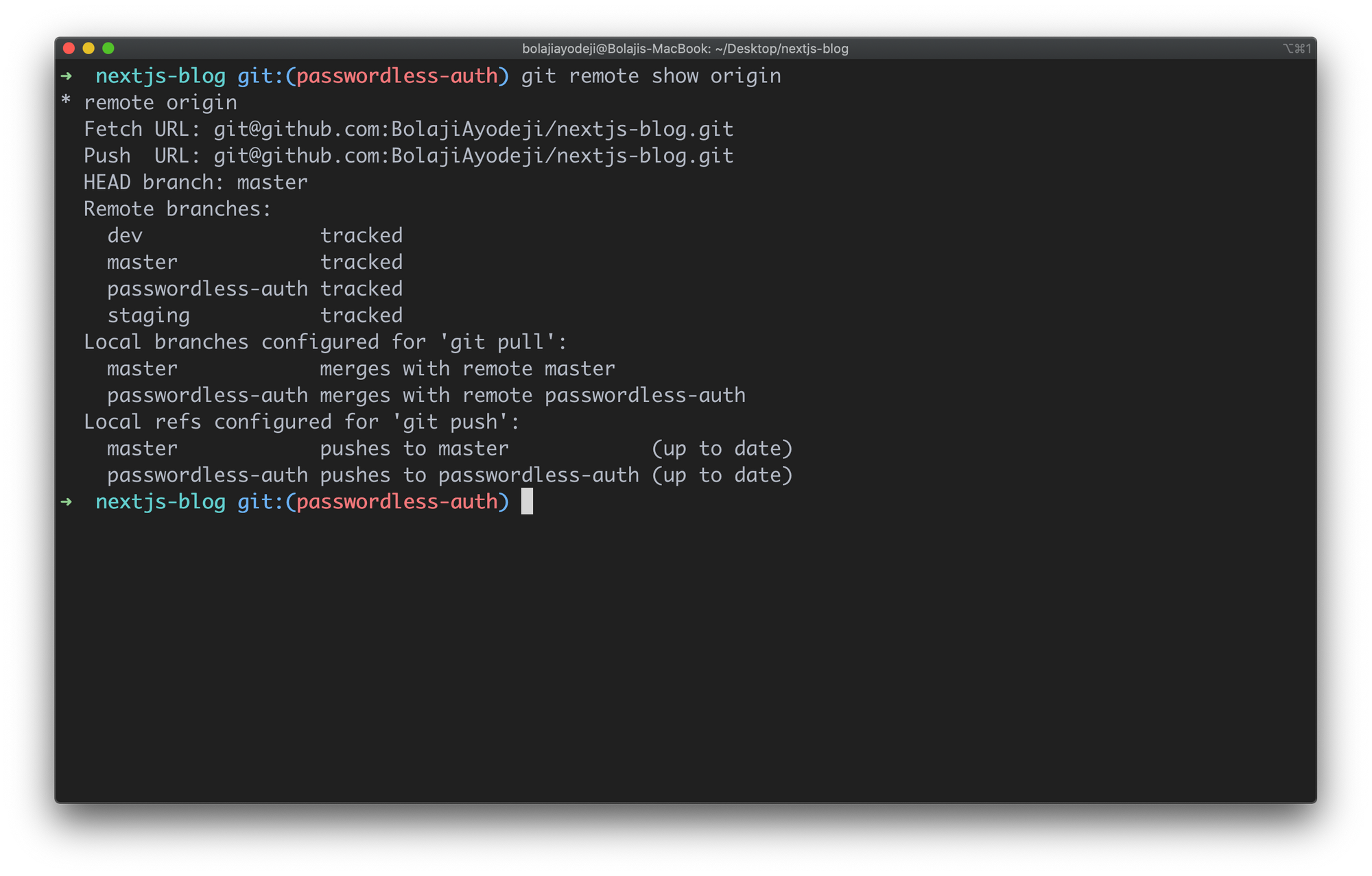
Web Feb 2 2024 nbsp 0183 32 Git Clone All Branches When using the Git tool you may need to use and track different branches These branches are not automatically cloned when you download the master The rest of the article will explain how to clone all different branches from remote to local in different ways

Web Aug 2 2013 nbsp 0183 32 git clone git myhost mybackup git cd mybackup git branch a master origin remotes origin HEAD gt origin master remotes origin master How do I clone the repo with all tags and branches The only way I have found is to mirror the repo
Web Guide camperbot June 21 2016 8 35pm 1 To clone a remote git repository enter the following into the terminal Note Make sure you are in a root folder e g webdev instead of a project specific folder git clone lt remote repo gt cd lt remote repo gt List your branches using these commands git branch Lists local branches Web Jan 22 2024 nbsp 0183 32 1 Clone the Repository git clone lt repository url gt cd lt repository directory gt Replace lt repository url gt with the URL of the Git repository you want to clone 2 Fetch All Branches
Web Mar 16 2023 nbsp 0183 32 1 Open a Git bash command prompt on Windows or open a new terminal window in Linux Ctrl Alt T or macOS 2 Navigate to the directory where you want to store the repository files Use the cd command to change the directory 3 On GitHub locate the remote repository you want to clone and click the lt gt Code button