Git Add Local Folder To Remote Repository 2 Examples Of Git Add Remote Repository Branch And Files Learn How To Use Local And Remote Repositories In Git YouTube How To Push An Existing Project To GitHub Tutorial Ph n 1 T ng Quan V Git V Nh ng C u L nh C B n By Long Nguyen F8 How To Connect Git Local Repository With Remote Repository Over GitHub Web Feb 17 2022 nbsp 0183 32 Step 1 Make the folder git managed Open a terminal navigate to the target folder and run the git init command to put the folder under git control cd path to dir git init Step 2
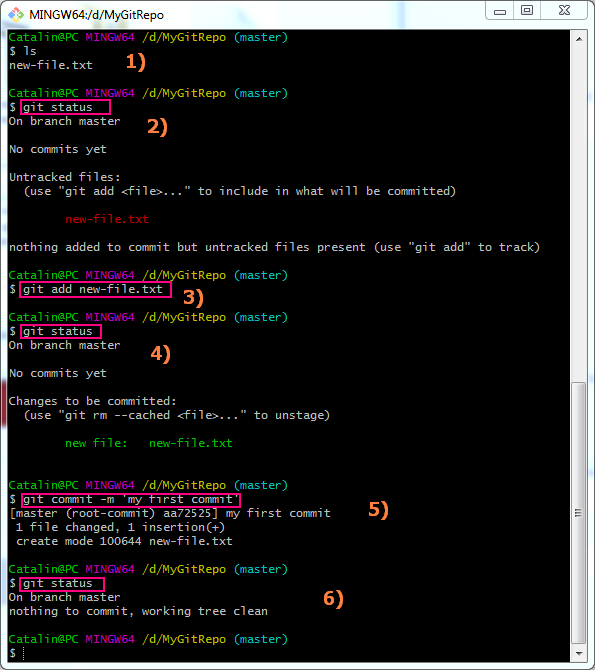
Web Apr 25 2018 nbsp 0183 32 Adding an existing project to GitHub using the command line Initialize the local directory as a Git repository git init Add files git add Commit your changes git commit m quot First commit quot Add remote origin git remote add origin lt Remote repository URL gt lt Remote repository URL gt looks like https github user repo git Verifies Web From https github paulboone ticgit new branch master gt pb master new branch ticgit gt pb ticgit Paul s master branch is now accessible locally as pb master you can merge it into one of your branches or you can check out a local branch at that point if you want to inspect it
How To Connect Git Local Repository With Remote Repository Over GitHub Add Files To Git Repository 02 Qu n L Source Code V L m Vi c Nh m V i GIT By Trung Hi u Tr n How To Push Local Git Repository To Github YouTube How To Push Folders From Local PC To GitHub Using Git Commands Github How To Upload Folders On GitHub ITecNote Commit Changes To A Git Repository TestingDocs GIT Tutorial Remote Repositories Vividbreeze Dev Blog GIT 1 CodingBucks Dev Blog
Git Add Local Folder To Remote Repository
 Git Add Local Folder To Remote Repository
https://www.jquery-az.com/wp-content/uploads/2018/07/7.0_2-Git-remote-add.png
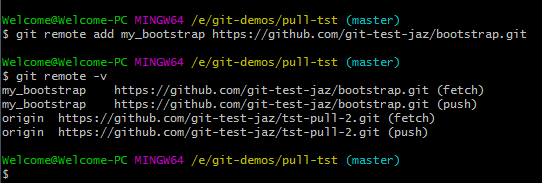
Web To add a new remote use the git remote add command on the terminal in the directory your repository is stored at The git remote add command takes two arguments A remote name for example origin A remote URL for example https github OWNER REPOSITORY git For example
Templates are pre-designed documents or files that can be utilized for different functions. They can conserve effort and time by offering a ready-made format and design for producing various sort of content. Templates can be utilized for individual or expert tasks, such as resumes, invitations, flyers, newsletters, reports, presentations, and more.
Git Add Local Folder To Remote Repository
Getting Changes From A Remote Repository GitHub Docs
Add Files To Git Repository

02 Qu n L Source Code V L m Vi c Nh m V i GIT By Trung Hi u Tr n
How To Push Local Git Repository To Github YouTube

Github How To Upload Folders On GitHub ITecNote
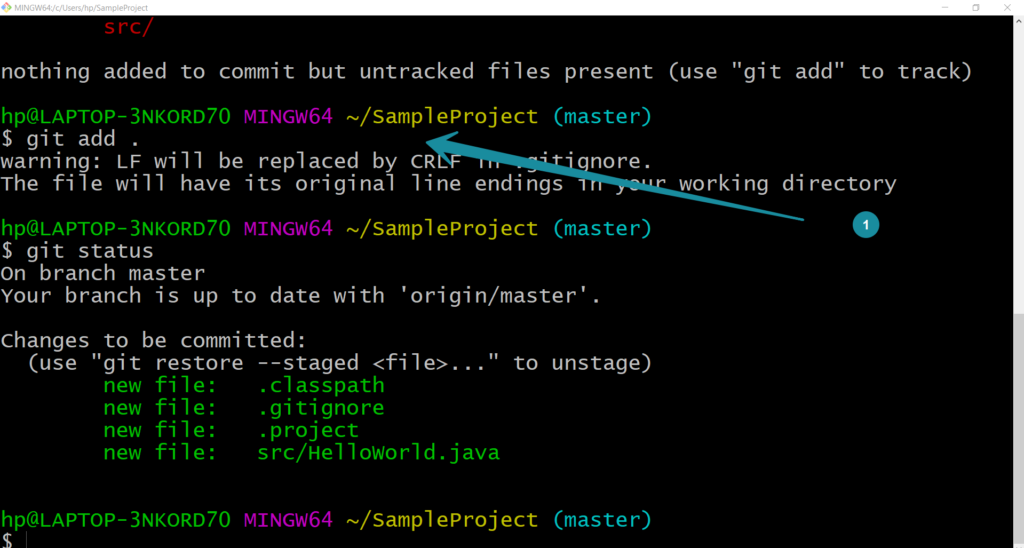
Commit Changes To A Git Repository TestingDocs

Web 346 I m trying to make a local repo act as a remote with the name bak for another local repo on my PC using the following git remote add home sas dev apps smx repo bak ontologybackend git bak which gives this error fatal home sas dev apps smx repo bak ontologybackend git is not a valid remote name
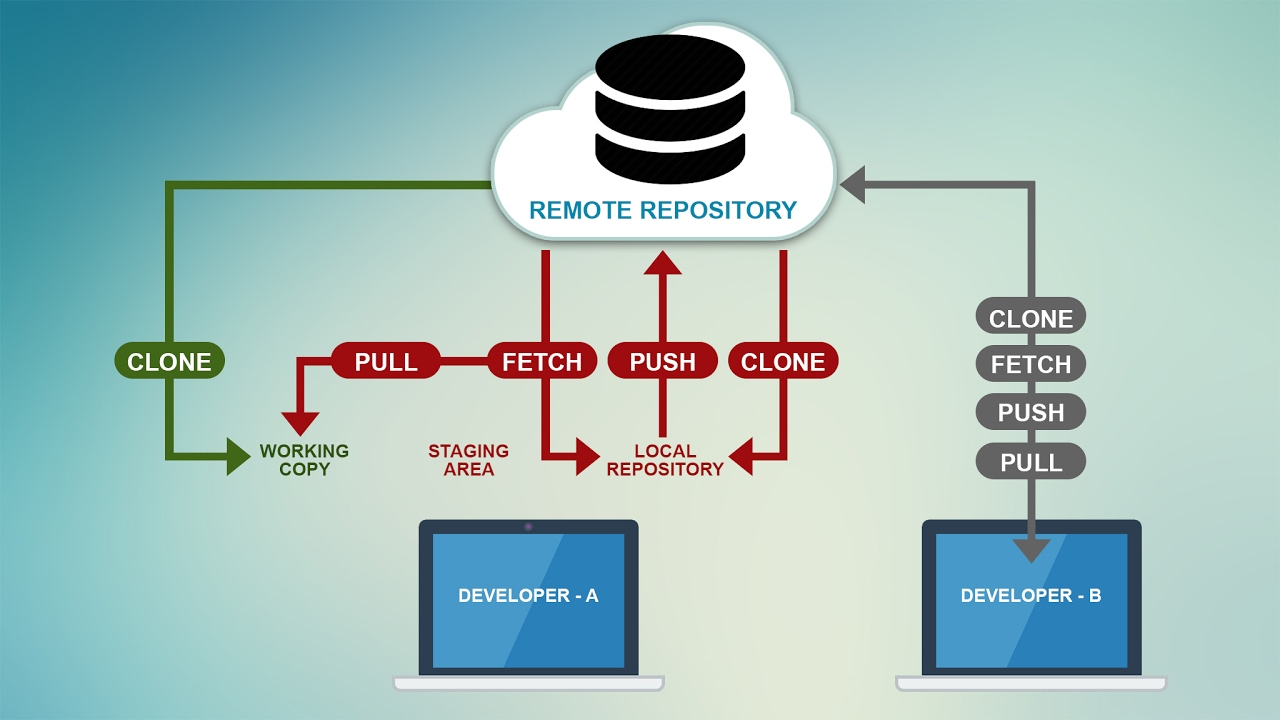
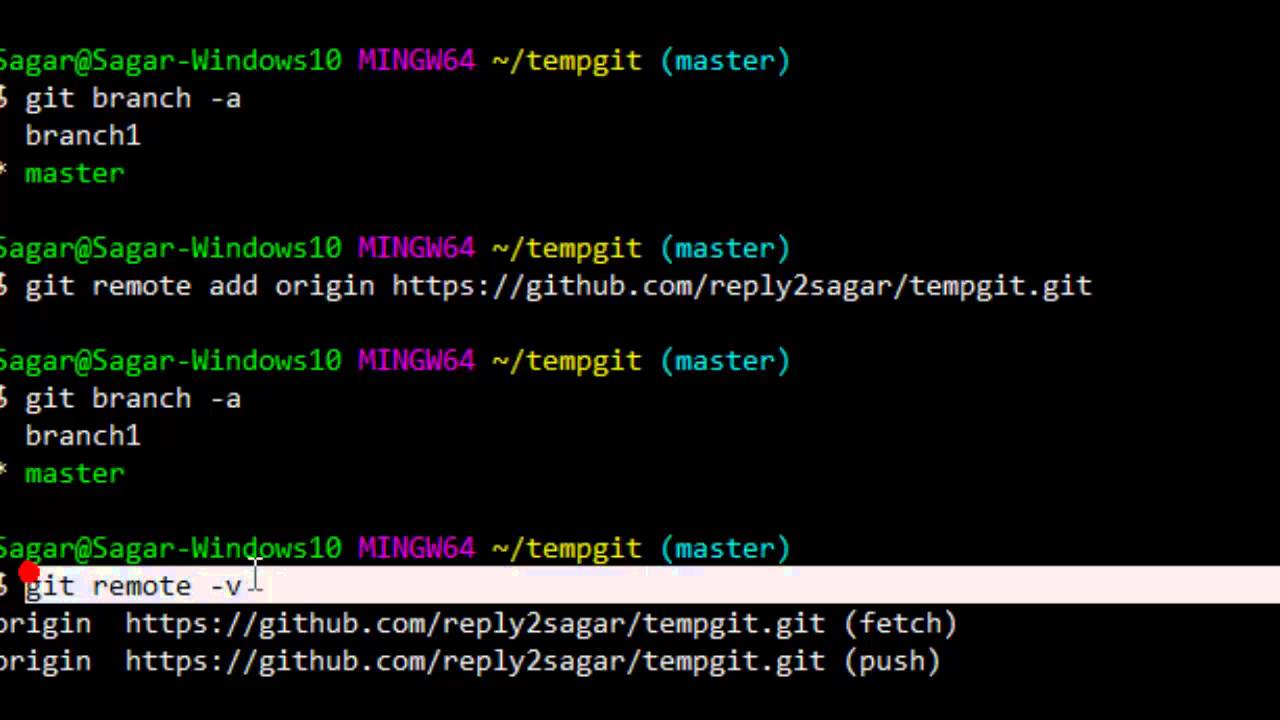
Web May 16 2018 nbsp 0183 32 To add the remote repo as a remote for the local repo and push changes to the remote repo you can use below commands git remote add origin lt URL for the remote repo gt git push u origin master Getting the URL correct can be tricky Something like this git remote add origin file host share blah repo git
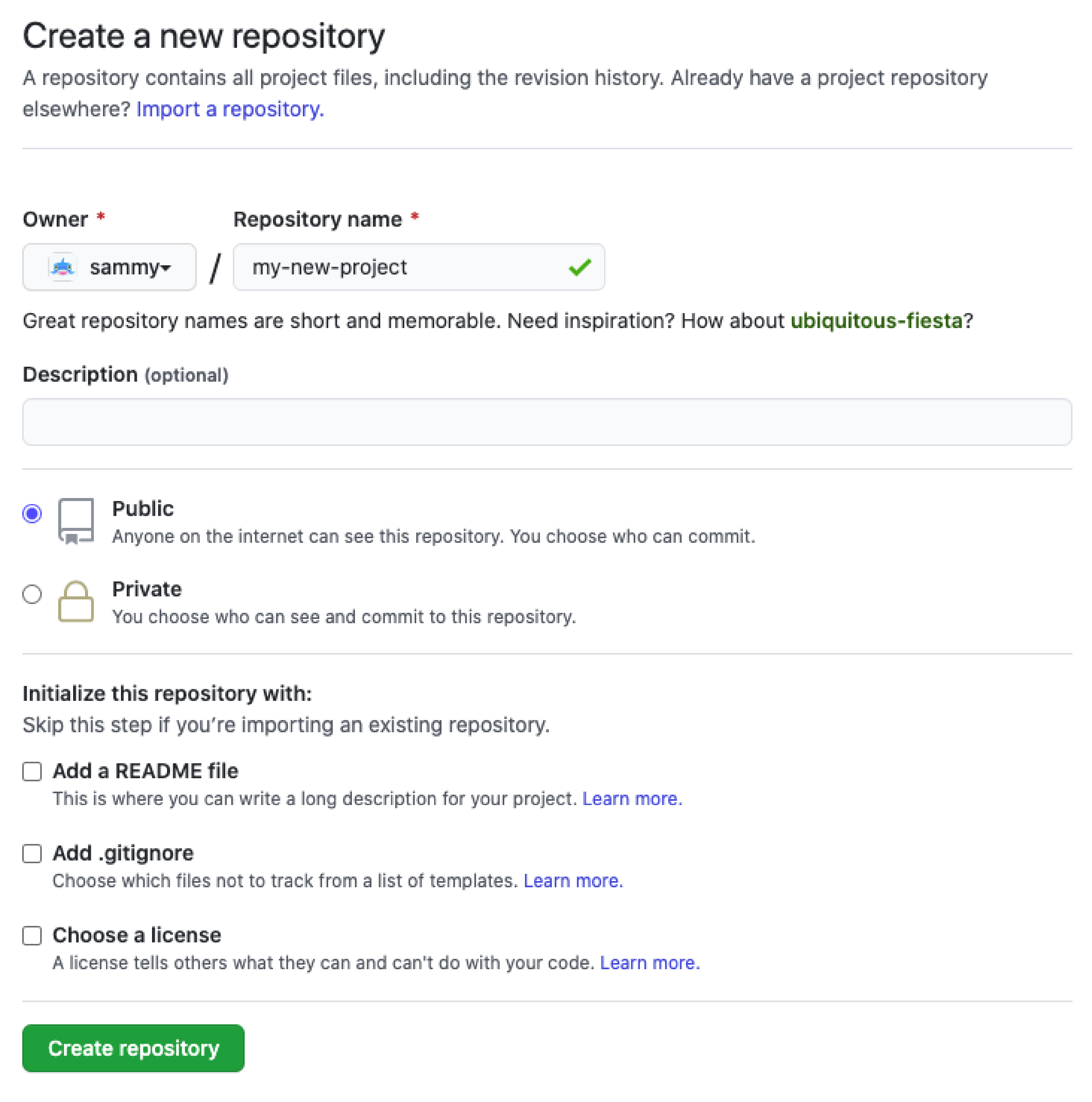
Web Mar 7 2022 nbsp 0183 32 your local project already tracked by git an empty remote repository existing which you want to contain the project do the following steps cd existingLocalRepo git remote set url origin lt remote repo URL gt git push u origin all Explanation navigate to your local repo tell git where the remote repo is located
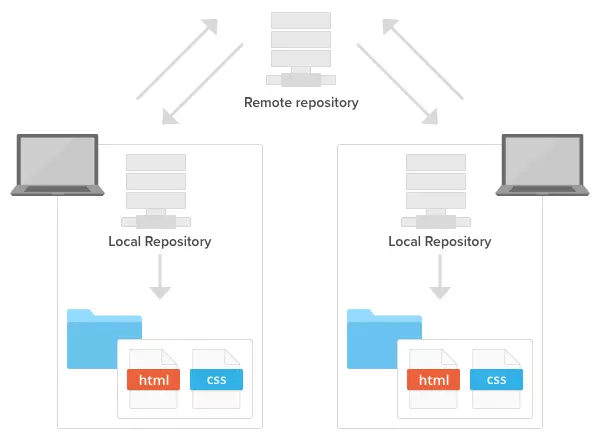
Web Mar 21 2016 nbsp 0183 32 This will create a git folder at your project root and will allow you to start using Git in that repository If you want to quot push quot your local Git repository to a remote Git server in your case to GitLab you ll need to perform the following command first git remote add origin lt Repository Location gt
Web Feb 7 2011 nbsp 0183 32 Sorted by 14 Clone the remote repository on to your PC git clone user example myproject git Checkout the branch to which you would like to add those files cd myproject git checkout b my new branch Move the files into your project directory then add amp commit them git add
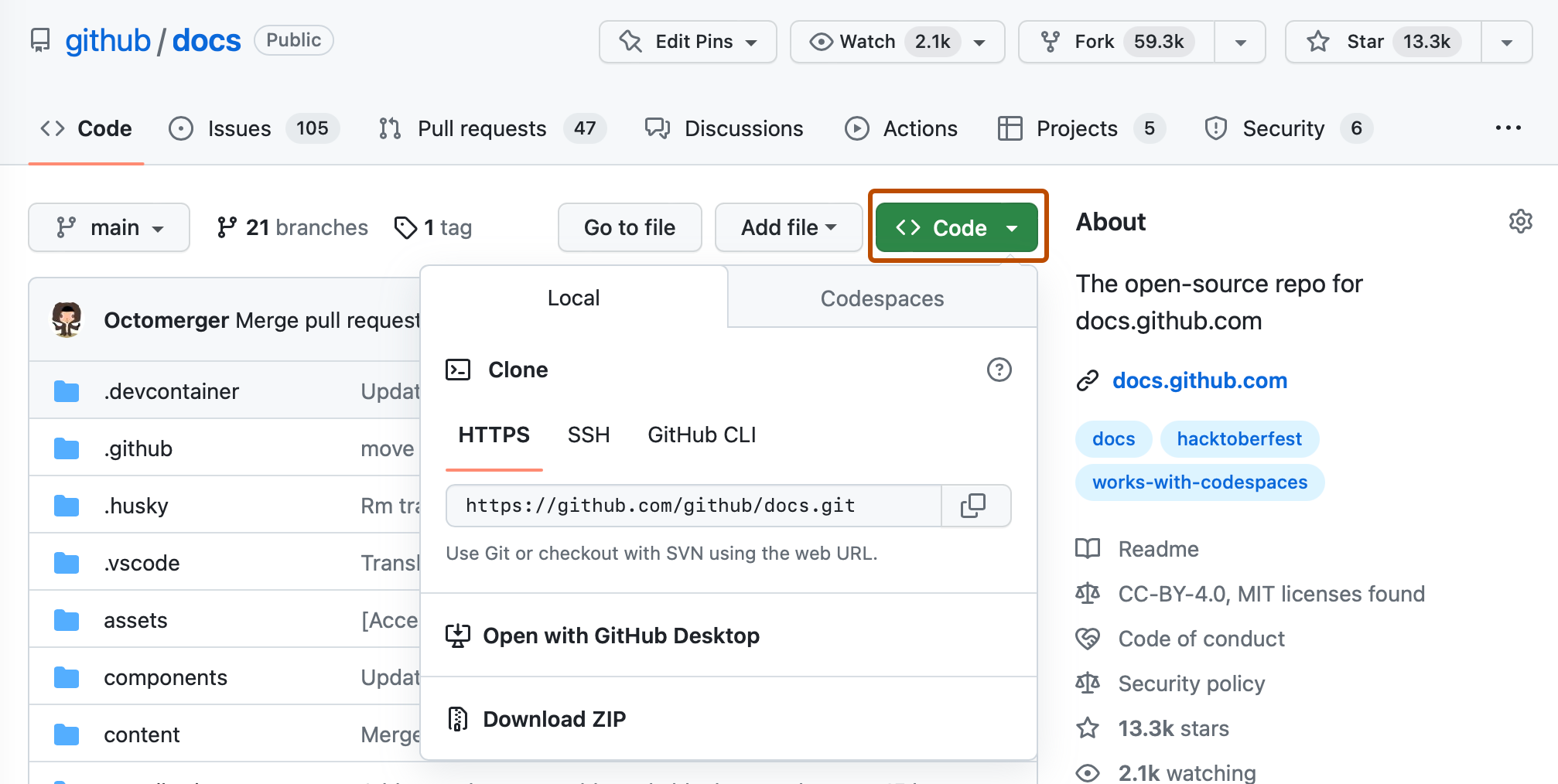
Web To solve this either use a different remote name or rename the original remote lt p gt n lt h2 tabindex quot 1 quot dir quot auto quot gt lt a id quot user content removing a remote repository quot class quot anchor quot aria hidden quot true quot tabindex quot 1 quot href quot removing a remote repository quot gt lt svg class quot octicon octicon link quot viewBox quot 0 0 16 16 quot version quot 1 1 quot Web Windows Linux About adding existing source code to GitHub If you have source code stored locally on your computer that is tracked by Git or not tracked by any version control system VCS you can add the code to GitHub by typing commands in a terminal You can do this by typing Git commands directly or by using GitHub CLI
Web Jul 7 2021 nbsp 0183 32 A git remote command is used to make the remote connections such as connecting a Git local repository with GitHub remote repository Now it might look like that git remote is a live exchange of data everything you do locally between a local and a remote repository this is not the case