Ghostscript Not Working Windows 10 How To Convert PDFs To Images For ML Projects Using Ghostscript And FIX Wireless Mouse Not Working Windows 10 Tutorial YouTube Ghostscript The Ultimate Guide To Getting Started With Install Fix Lenovo Laptop Sound Not Working In Windows 11 2023 Windows Update Troubleshooter Not Working Windows 10 11 FIXED EaseUS WEB Apr 2 2022 nbsp 0183 32 In the terminal window type gs h If Ghostscript is installed you will see Ghostscript help information If you see an error then Ghostscript is not installed Installing Ghostscript on Windows Go to the Ghostscript download page at https www ghostscript releases gsdnld html
WEB Jan 5 2024 nbsp 0183 32 Ghostscript is a powerful tool used for creating and manipulating PDF files However sometimes users encounter issues where Ghostscript fails to work as expected This article covers common problems and provides troubleshooting fixes to WEB Jul 21 2016 nbsp 0183 32 My problem I am using Python to print plots which I usually output as pdf file Now I want to use eps files but Ghostscript is required which I noticed because my Python console gave the error quot Command gs not found quot
Windows Update Troubleshooter Not Working Windows 10 11 FIXED EaseUS Ghostscript 10 03 1 Full Version Free Download FileCR Fix HP Laptop Wi Fi Is Not Working Problem In Windows 10 8 7 2022 How To Fix G SYNC NOT WORKING G SYNC Not Showing Up In NVIDIA 2023 Solved How To Fix Print Screen Button Not Working In Windows Browser Sound Not Working In Windows 10 5 Quick Fixes How To Fix Audio Not Working After Windows 11 Update Solved Realtek Audio Not Working On Windows 11 Here s What To Do Fix ethernet not working windows 11 1 jpg
Ghostscript Not Working Windows 10
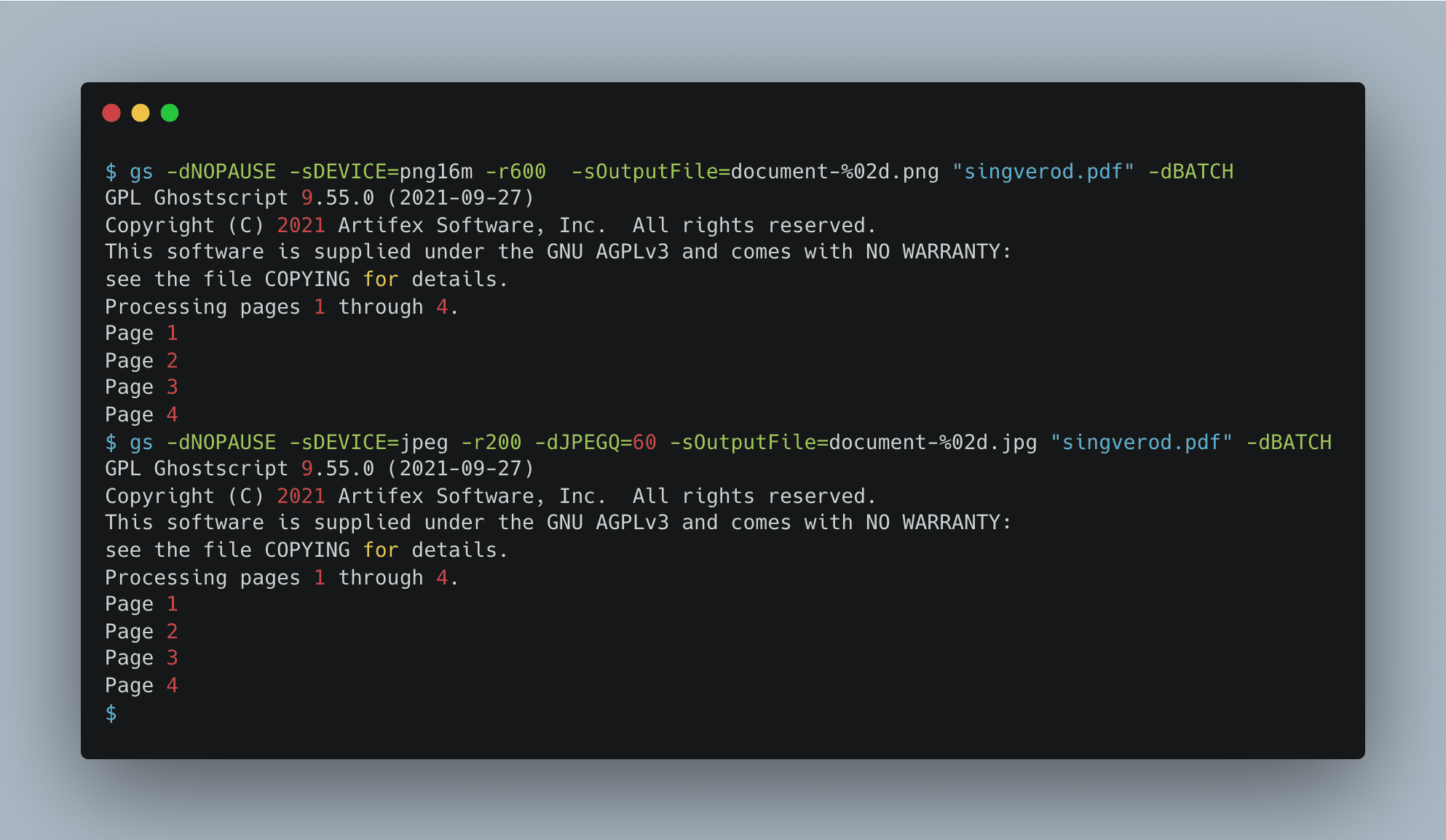 Ghostscript Not Working Windows 10
https://victordibia.com/static/4ace7994b5465f5f200ae7f422647fc9/c7bb6/ghostscript.png
WEB I am working in Windows 8 command prompt It was working just last week but now when I type the gswin64c exe h command I get this error GPL Ghostscript 9 25 2018 09 13 Copyright C 2018 Artifex Software Inc
Templates are pre-designed files or files that can be utilized for various functions. They can save effort and time by offering a ready-made format and design for producing different type of material. Templates can be utilized for personal or professional jobs, such as resumes, invites, flyers, newsletters, reports, discussions, and more.
Ghostscript Not Working Windows 10

Brightness Not Working In Windows 11 Laptop Brightness Control Not

Ghostscript 10 03 1 Full Version Free Download FileCR

Fix HP Laptop Wi Fi Is Not Working Problem In Windows 10 8 7 2022

How To Fix G SYNC NOT WORKING G SYNC Not Showing Up In NVIDIA
Browser Sound Not Working In Windows 10 5 Quick Fixes

How To Fix Audio Not Working After Windows 11 Update Solved
WEB Jun 1 2021 nbsp 0183 32 1 I ve solved it by using gswin32c exe command instead of gs In my case gswin32c exe dBATCH dNOPAUSE Victor Jun 2 2021 at 6 40

WEB May 28 2020 nbsp 0183 32 Note that on Windows the Ghostscript executable is not called gs it is either gswin32 gswin32c gswin64 or gswin64c depending on whether you install the 32 or 64 bit version and want the command line or windowed version of

WEB To install Ghostscript on Windows you should run the installer executable The installer is NSIS based and supports a few standard NSIS options NCRC disables the CRC check D sets the default installation directory It must be the last parameter used in the command line and must not contain any quotes even if the path contains spaces

WEB This document describes how to use the command line Ghostscript client Ghostscript is also used as a general engine inside other applications for viewing files for example Please refer to the documentation for those applications

WEB Apr 22 2018 nbsp 0183 32 I ve installed Ghostscript on Windows but there seems to be a bug The executable gs9win64 exe won t run any commands Always gives me similar error messages Even if I just give it GS gt h
WEB What should I do to be able to call Ghostscript in Windows by its invocation name I added Ghostscript bin folder to Windows PATH and Path variables but it doesn t work neither does gswin32c exe nor gswin32c WEB Oct 4 2017 nbsp 0183 32 At that point you will have to use something else can I suggest GSView 6 which is at least an Artifex product stop updating to newer versions of Ghostscript or fix GSView 5 yourself I m marking this as fixed because the updated release binaries should sort the problem
WEB Ghostscript is the 1 PDL conversion and interpreter tool available offering native rendering of PDF PostScript PCL XPS raster and vector files as well as ASCII text