Get Process By Pid Linux How To Use Kill Pkill And Killall Commands To Kill Any Linux Process How To Find Process ID PID And PPID In Linux Linux Namespace In Go Part 1 UTS And PID Blog Songrgg Linux PID linux Linux List Processes How To Check Running Processes WEB In this quick article we ve explored how to get the name and the command line of a given PID in the Linux command line The ps p lt PID gt command is pretty straightforward to
WEB The most common way to find out the Linux PID is to use the ps command ps aux grep name of process In addition the command will also display the PID for grep because WEB In this section I will walk you through a detailed explanation of how I used the ps command to get the process name Also I will show you how you can find a process name directly
Linux List Processes How To Check Running Processes How To Find Process Information In Linux PID And More Linux Unix Process Status Codes In Linux Posetke Linux Ubuntu PID How To Learn The Linux Terminal As A Beginner Tips And Examples How To Find The Process ID Of A Program And Kill It In Linux Linux Kill Process By PID Linux Kill Process By PID How To Find Process ID PID And PPID In Linux
Get Process By Pid Linux
 Get Process By Pid Linux
https://www.yeahhub.com/wp-content/uploads/2018/09/linux-process-kill-1.png
WEB If you know the PID of a process here s how to get the process name in Linux command line If you know the process ID PID you can get the process name using the ps
Templates are pre-designed documents or files that can be utilized for different functions. They can save time and effort by providing a ready-made format and layout for developing different type of material. Templates can be used for individual or expert projects, such as resumes, invitations, flyers, newsletters, reports, presentations, and more.
Get Process By Pid Linux

PC PID Based Multi Process Control Trainer

How To Find Process Information In Linux PID And More Linux Unix
Process Status Codes In Linux Posetke
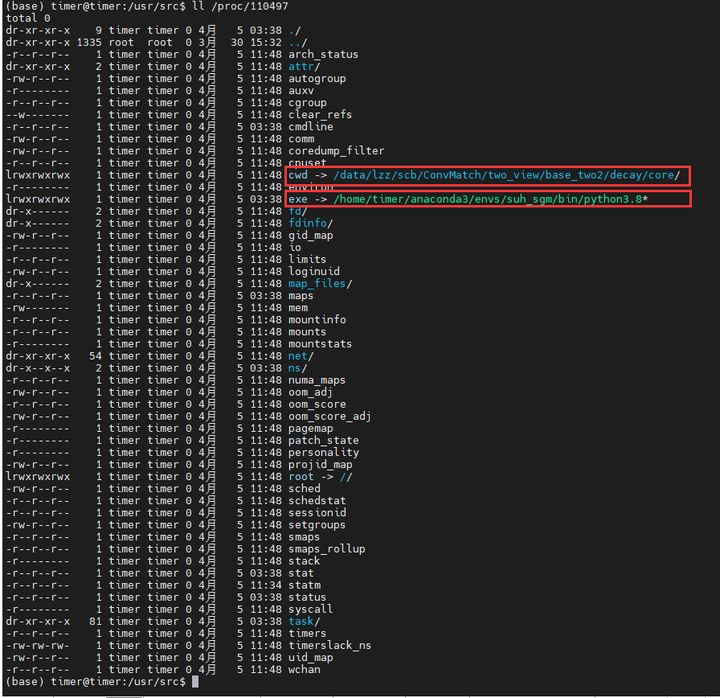
Linux Ubuntu PID
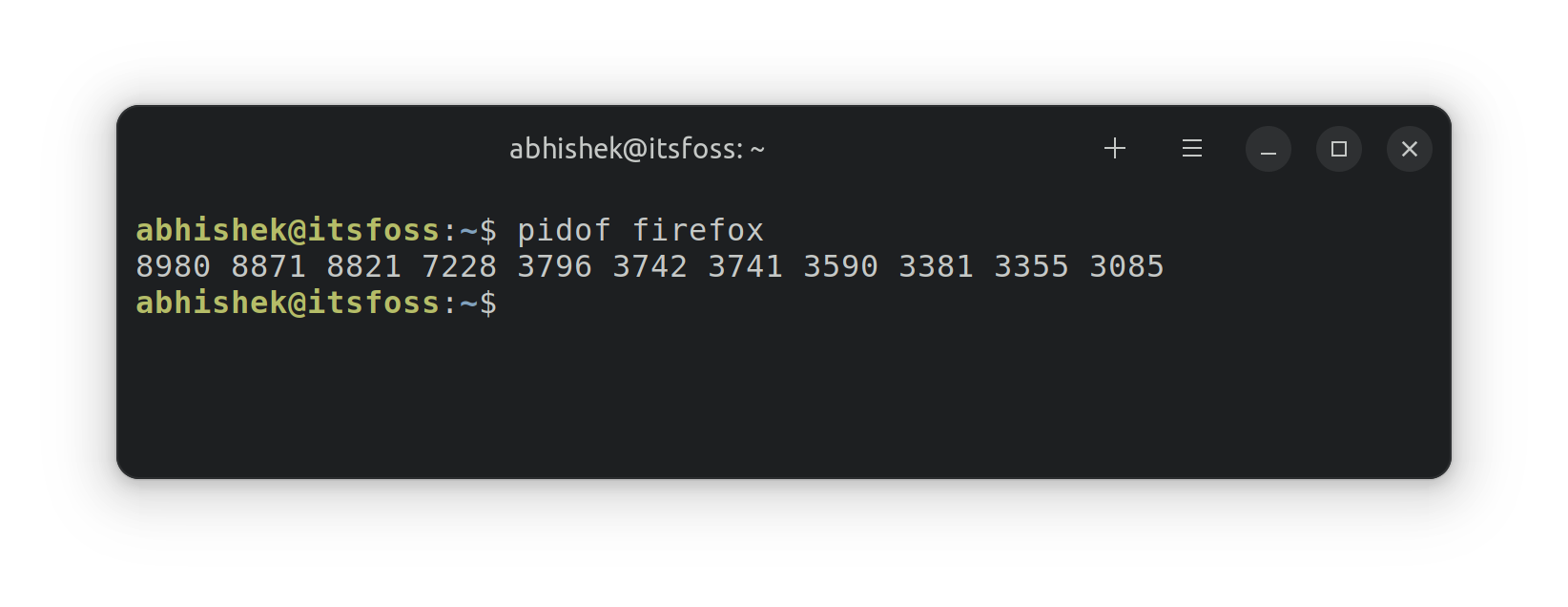
How To Find The Process ID Of A Program And Kill It In Linux
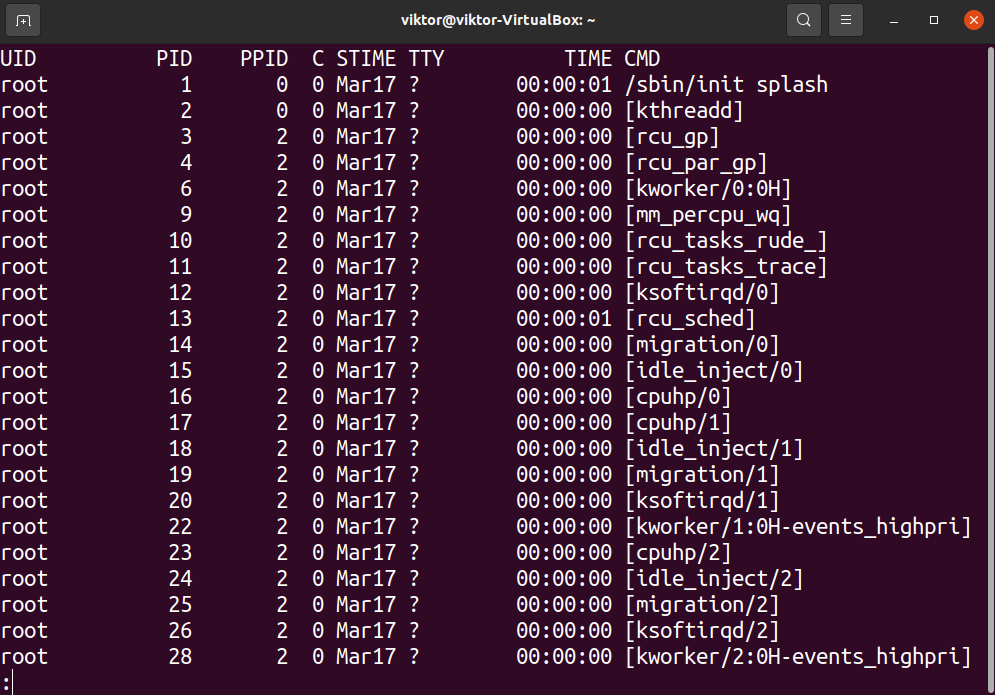
Linux Kill Process By PID

WEB Jul 3 2013 nbsp 0183 32 variable get pid of process by processname Then use this command kill 9 variable
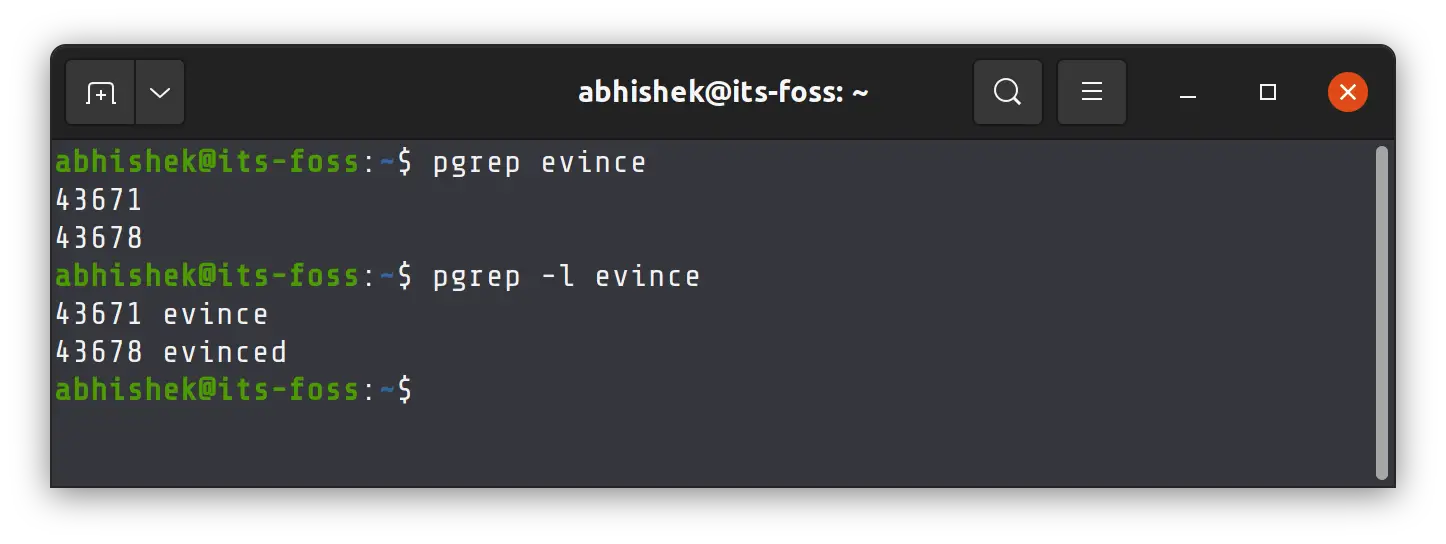
WEB Key Takeaways To find the process ID of a Linux process use the pidof command like this quot pidof examplename quot If you only know part of the PID name you can use quot pgrep
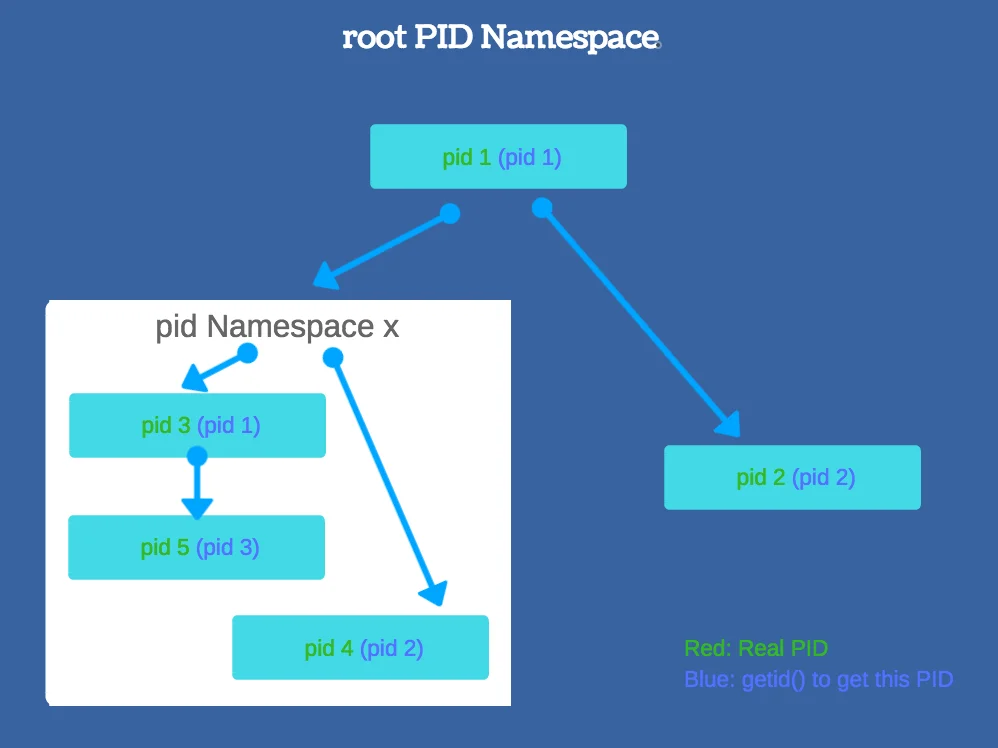
WEB Do psutil Process pid to obtain the process object and then use its interface to retrieve information about memory cpu etc etc
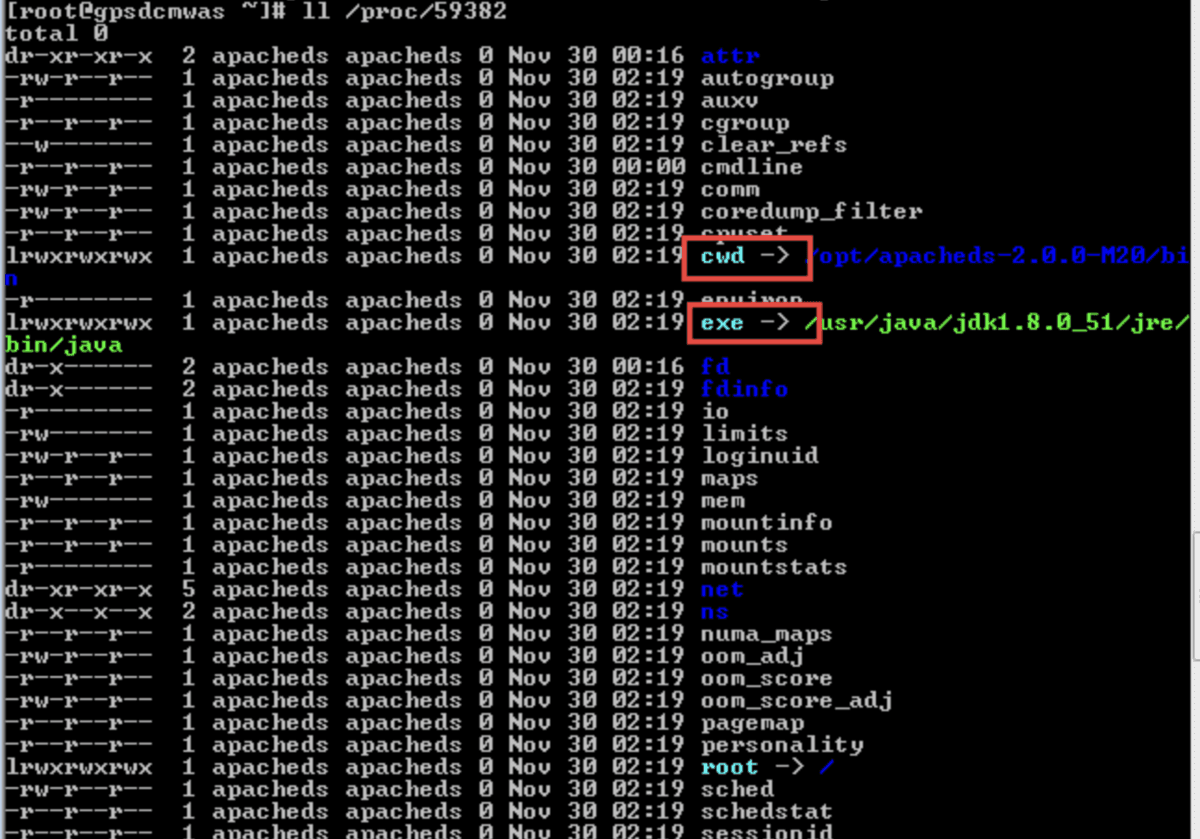
WEB Learn how to find PID using a process name in Linux Also learn to get the parent process ID PPID of the given process Knowing the PID and PPID of a process can be helpful if

WEB On all POSIX compliant systems and with Linux you can use ps ps p 1337 o comm Here the process is selected by its PID with p The o option specifies the output format
WEB In this tutorial we ll explore various methods to obtain the PID of a process that we just initiated on a system In the examples below we first start a sleep process and send it WEB Find out process pid is running or not on your Linux and Unix machine Simply use ps command command as follows ps aux grep process name here ps aux grep
WEB We can simply pipe the netstat output to the grep command to get the process information on an individual port For example let s see which process is listening on port 22 root