Gdb List Source Files GDB Media Prod Vid o X Influence X SOME GDB Reference Card SMART Notebook SMART Technologies Learning Golang some Rough Notes S02E07 Splitting Go Code Into How To Use GDB With VS Code Muchen He GDB finds it in your program s symbol table in the file indicated when you started GDB see Choosing Files or by one of the file management commands see Commands to Specify Files Occasionally you may need to refer to symbols that contain unusual characters which GDB ordinarily treats as word delimiters
How to open a source file in GDB I use GDB to attach to a running process and catch a breakpoint I execute the following commands sequence gdb attach PID And now I have the GUI open without any source file in GDB has a list of directories to search for source files this is called the source path Each time GDB wants a source file it tries all the directories in the list in the order they are present in the list until it finds a file with the desired name Note that the executable search path is not used for this purpose
How To Use GDB With VS Code Muchen He GDB Source Magazine Case Study Print Magazine Layout Running GDB In The Browser GdB Debugging With GDB The GNU Source Level Debugger V 7 3 1 FSF Shop GDB A Minimal GDB Cheat Sheet Chciken Closed source Debugging With GDB Cheat Sheet From Fristle A Reference Gdb Q U R I O S
Gdb List Source Files
 Gdb List Source Files
https://www.gdbmedia.fr/wp-content/uploads/2020/10/Logo_GDBMediaW.png
GDB finds it in your program s symbol table in the file indicated when you started GDB see section Choosing files or by one of the file management commands see section Commands to specify files Occasionally you may need to refer to symbols that contain unusual characters which GDB ordinarily treats as word delimiters
Templates are pre-designed documents or files that can be utilized for various functions. They can conserve time and effort by offering a ready-made format and layout for creating various kinds of content. Templates can be used for individual or professional projects, such as resumes, invitations, leaflets, newsletters, reports, discussions, and more.
Gdb List Source Files
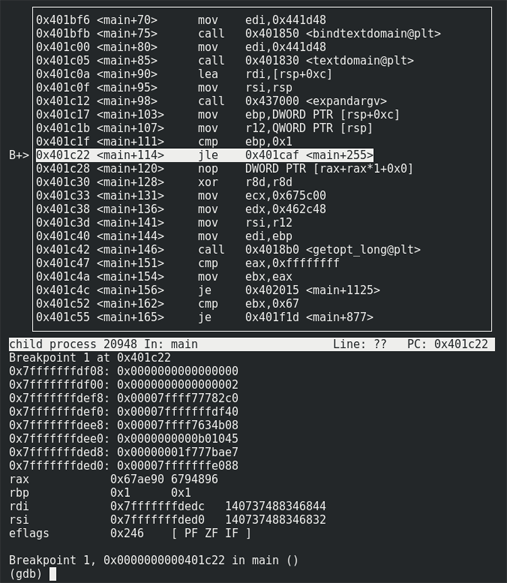
GDB Command Files

GDB Source Magazine Case Study Print Magazine Layout

Running GDB In The Browser

GdB
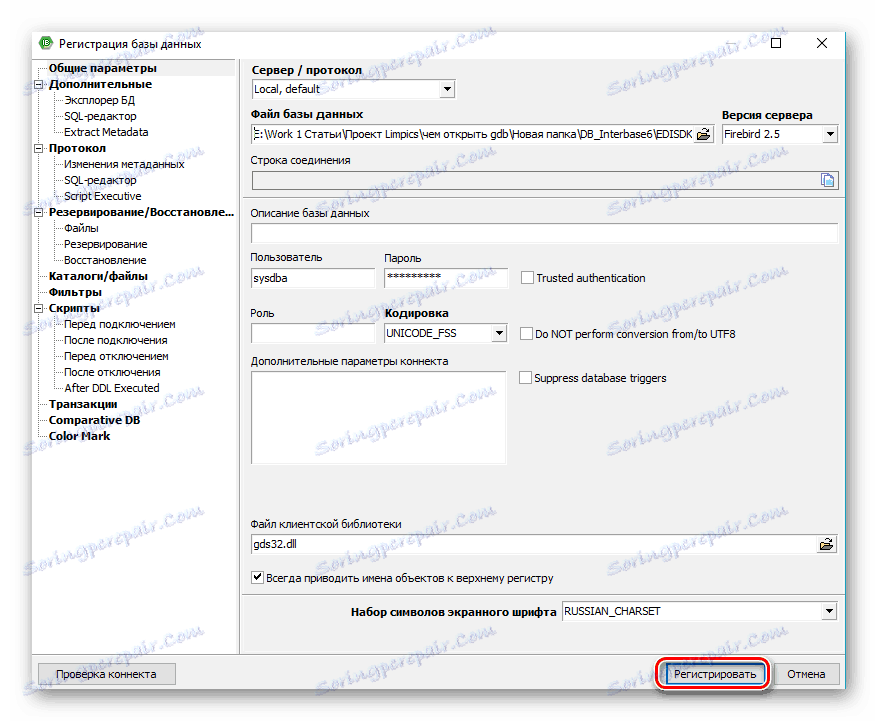
GDB
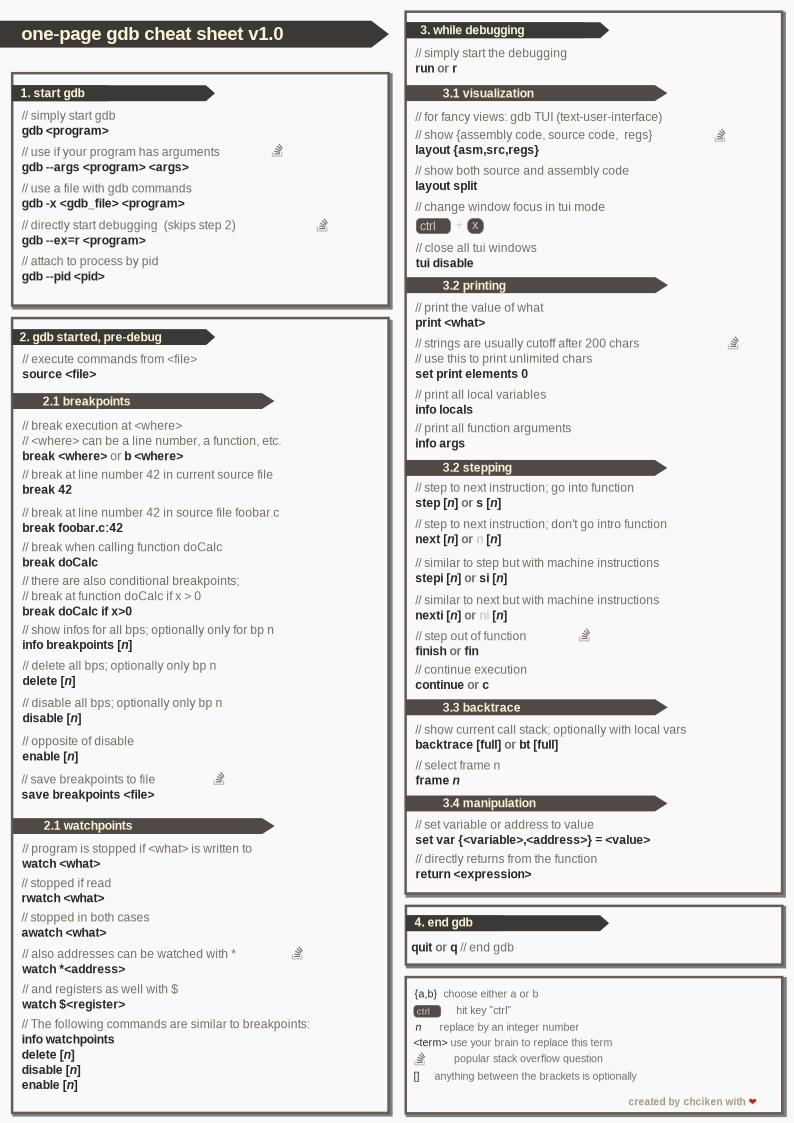
A Minimal GDB Cheat Sheet Chciken

To print lines from a source file use the list command abbreviated l There are several ways to specify what part of the file you want to print Here are the forms of the list command most commonly used Print lines centered around line number in the current source file Print lines centered around the beginning of function Print more lines

GDB has a list of directories to search for source files this is called the source path Each time GDB wants a source file it tries all the directories in the list in the order they are present in the list until it finds a file with the desired name

To print lines from a source file use the list command abbreviated l By default ten lines are printed There are several ways to specify what part of the file you want to print see Location Specifications for the full list Here are the forms of the list command most commonly used list linenum

9 1 Printing Source Lines To print lines from a source file use the list command abbreviated l By default ten lines are printed There are several ways to specify what part of the file you want to print see Specify Location for the full list Here are the forms of the list command most commonly used list linenum
List Printing source lines Location Specifications How to specify code locations Edit Editing source files Search Searching source files Source Path Specifying source directories Machine Code Source and machine code Disable Reading Source Disable Reading Source Code Source Debugging with GDB
If you want to see the list of all source files rather than information about the current source file use the info sources command Examples Below is a sample output of the info source command gdb Temporary breakpoint 1 at 0x80486b6 file test cpp line 5 Starting program home bazis test Temporary breakpoint 1 main argc 1 argv 8 1 Printing Source Lines To print lines from a source file use the list command abbreviated l By default ten lines are printed There are several ways to specify what part of the file you want to print see 8 2 Specifying a Location for the full list Here are the forms of the list command most commonly used list linenum Print lines centered around line number linenum in the
How GDB finds source code To find the sources GDB parses debug info section to find all DIEs with tag DW TAG compile unit The DIE with this tag has 2 main attributes DW AT comp dir compilation directory and DW AT name path to the source file