Free Interactive Excel Dashboard Templates HR Interactive Excel Dashboard YouTube Excel Dashboard Templates EXCEL DASHBOARD DESIGN YOU HAVE NEVER SEEN Interactive Excel Dashboard Advanced Excel Dashboard Using Grid Layout And Modern Chart Types Marvelous Excel Business Dashboard Templates Progress Tracker Template Microsoft Excel Dashboard Examples Web Download our well designed and interactive Excel Dashboard Templates for FREE and adapt them to your needs Your boss and colleagues will be impressed
Web An interactive dashboard in Excel is a type of dashboard where you can track KPIs and metrics with your team change data as per your business KPIs fluctuate and track changes in real time To create an interactive dashboard in Excel you first need to create interactive charts Web Jun 13 2017 nbsp 0183 32 Excel dashboards can look quite different depending on business needs To get you started with a dashboard we ve compiled the top Excel dashboard templates compatible with earlier versions of Excel including Excel 2007 and Excel 2010 that you can download for free
Microsoft Excel Dashboard Examples Excel Dashboard Templates Xlsx Listmachinepro Inside Dashboard Xlsx Riset Excel Dashboards Excel Dashboards VBA And More Excel Interactive Dashboard Tutorial Full Scenario Analysis Dashboard Dashboards Chinese Excel Dashboards VBA Free Safety Dashboard Template Of Kpi Template Excel Download Vrogue How To Create Interactive Excel Dashboard For Excel Data Analysis How To Create An Interactive Dashboard In Excel Free Templates Included Excel Dashboard Template Free Download Addictionary
Free Interactive Excel Dashboard Templates
 Free Interactive Excel Dashboard Templates
https://i.pinimg.com/originals/10/41/be/1041be11606db539bfadefe380e9ad0a.jpg
Web Dec 6 2023 nbsp 0183 32 This page has sample Excel dashboard templates that you can download to help you get started or add new features to your existing dashboards Introduction Dashboards 5 Quick Tips Dashboard Interactive Totals Show Chart or Data Change All Charts 1 Filter Report Diagnostic Dashboard Excel Dashboard Training
Templates are pre-designed files or files that can be used for numerous functions. They can save time and effort by offering a ready-made format and design for developing various kinds of content. Templates can be used for personal or expert jobs, such as resumes, invites, leaflets, newsletters, reports, presentations, and more.
Free Interactive Excel Dashboard Templates

How To Create Interactive Excel Dashboard For Excel Data Analysis
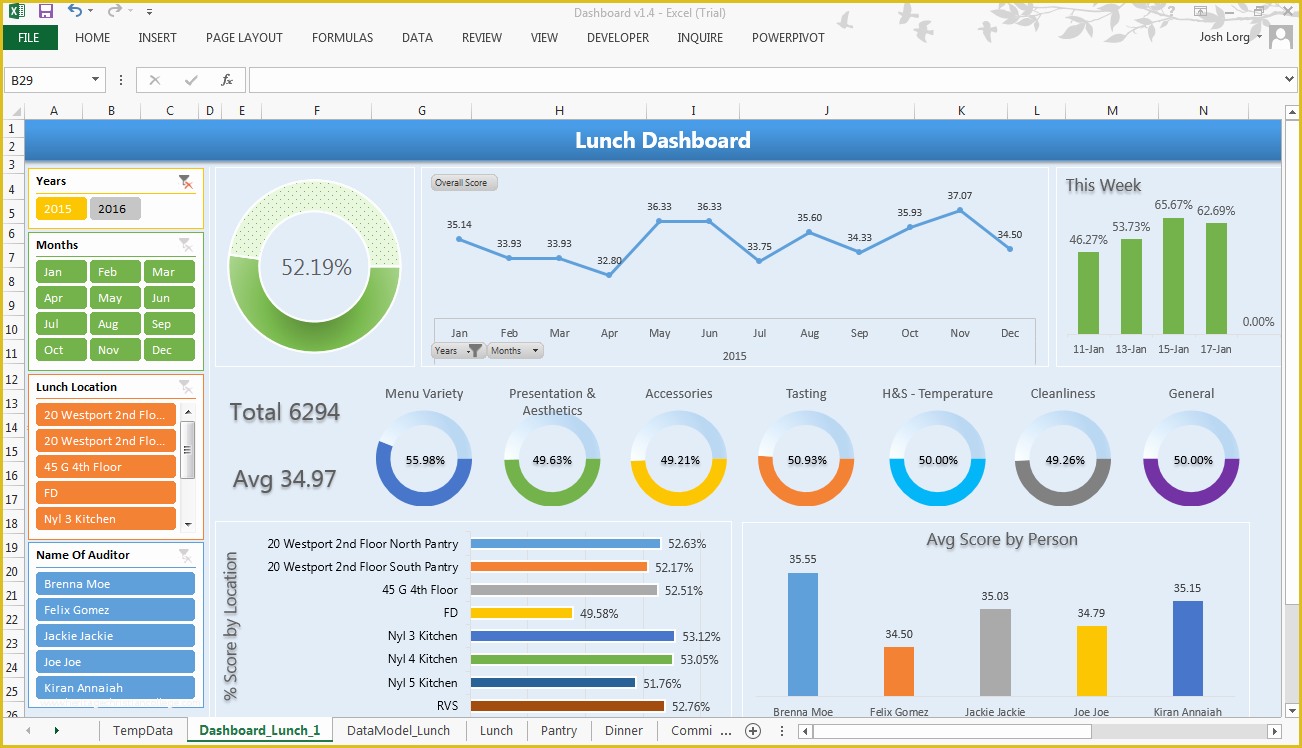
Excel Dashboard Templates Xlsx Listmachinepro Inside Dashboard Xlsx Riset
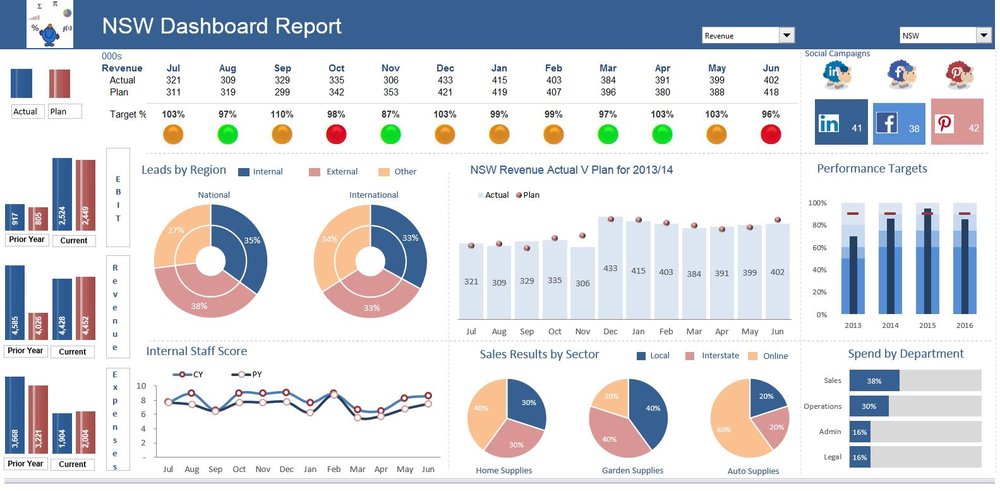
Excel Dashboards Excel Dashboards VBA And More
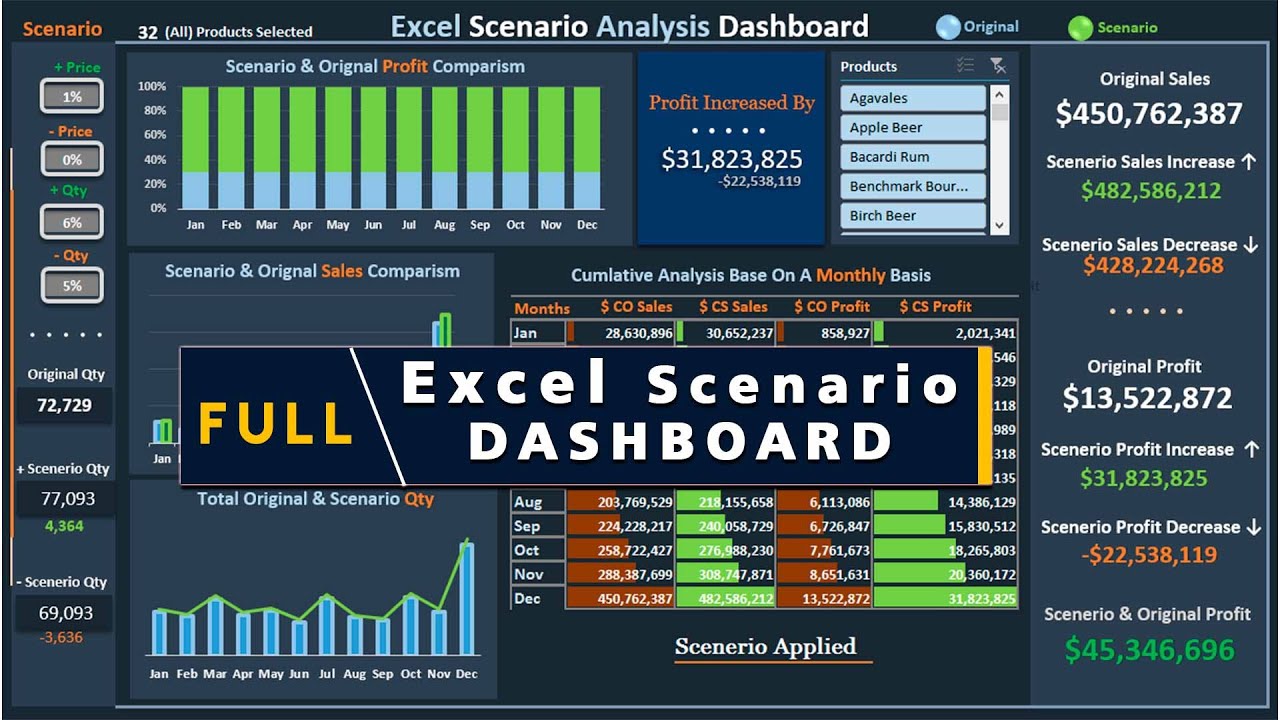
Excel Interactive Dashboard Tutorial Full Scenario Analysis Dashboard

Free Safety Dashboard Template Of Kpi Template Excel Download Vrogue

How To Create Interactive Excel Dashboard For Excel Data Analysis

Web 1 Operational Dashboards This is the most common type It usually shows performance related metrics on a daily weekly or monthly basis Companies often have these to track work performance across their teams or departments Example A weekly operations dashboard for a restaurant
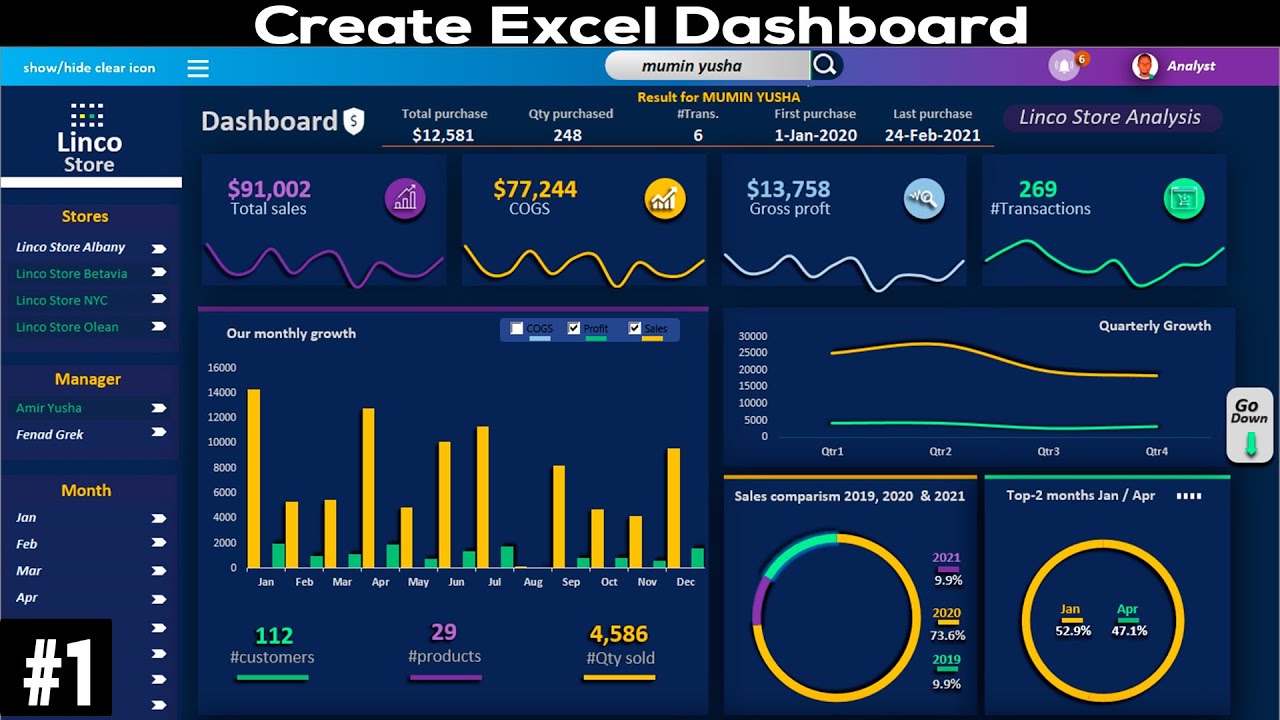
Web You can create a lot of good interactive Excel dashboards by just using Excel formulas When you make a selection from a drop down list or use a scroll bar or select a checkbox there are formulas that update based on the results and give you the updated data view in the dashboard

Web Interactive dashboards allow users to engage with the data such as drilling down for more details In summary widgets and charts enhance data presentation and lead to more effective decision making processes You can download all demonstrated dashboard templates for free

Web Excel dashboard templates are a type of information management tool that you can use to visually monitor analyze then display Key Performance Indications or KPIs Key data points and metrics that monitor the health of your business its departments or a certain process

Web 1 You can get a free Corporate Summary Excel Dashboard template from Eloquens This is a feature rich dashboard that delivers a wide range of metrics on a single page These include such things as revenue expenses and customer satisfaction 2 Smartsheet also has a free Executive Dashboard template that is a bit more simplified
Web Excel Dashboard Examples and Template Files Excel Dashboards VBA On this dashboard page you can download and utilise a variety of Excel dashboard templates from TheSmallman s Excel dashboard area and incorporate your own data Web Jan 5 2024 nbsp 0183 32 Free Excel KPI dashboard templates Supercharge your KPI Excel dashboard with automation What is a KPI dashboard and why build one in Excel An Excel KPI dashboard is a visual representation of your key performance indicators KPIs giving you a bird s eye view of what s working and what s not
Web Step 1 Build Your Database Like there s no Hogwarts without Hagrid there s no Dashboard without Data So firstly we ll see how to import data to Excel Excel has a limited number of options to assist the data import process But hopefully you will find your preferred option among the few