Formula To Filter Pivot Table How To Use The Timeline Feature In Excel Pivot Tables How To Filter Slicer In Excel Say No To Filter Pivot Table Slice Pivot Table Pivot Table Multiple Date Ranges Infoupdate SlideFab Version 7 0 Available Now New Features And Bugfixes Excel How To Filter Pivot Table By Month The sign causes the cell column or row or both in a formula to be fixed That is if you drag the formula cell horizontally or vertically in order to copy the formula Excel will not adjust this value
Feb 25 2016 nbsp 0183 32 Using quot If cell contains N A quot as a formula condition Asked 11 years 9 months ago Modified 11 months ago Viewed 423k times Jun 9 2022 nbsp 0183 32 1 Returning an empty or zero length string e g quot quot to make a cell appear blank is a common practise in a worksheet formula but recreating that option when inserting the formula
Excel How To Filter Pivot Table By Month How To Create Year Filter In Pivot Table Bios Pics How To Include More Rows In Pivot Table Excel My Bios How To Filter Amounts In Pivot Table Bios Pics How To Filter Amounts In Pivot Table Bios Pics How To Insert Lines In Pivot Table Bios Pics Filter With Multiple Criteria Excel Formula Exceljet Pivot Table Display Items With No Data Exceljet How To Enable Filter In Pivot Table Printable Online
Formula To Filter Pivot Table
 Formula To Filter Pivot Table
https://i.ytimg.com/vi/LdWNTP5wZzw/maxresdefault.jpg
Jul 8 2015 nbsp 0183 32 After doing such I ll copy amp paste them as values to extract my created formula After this process they re typically stuck displaying a formula and not displaying a value unless I
Templates are pre-designed documents or files that can be utilized for various functions. They can save effort and time by providing a ready-made format and layout for creating various sort of content. Templates can be used for personal or expert projects, such as resumes, invitations, leaflets, newsletters, reports, presentations, and more.
Formula To Filter Pivot Table

Excel How To Filter Pivot Table By Month
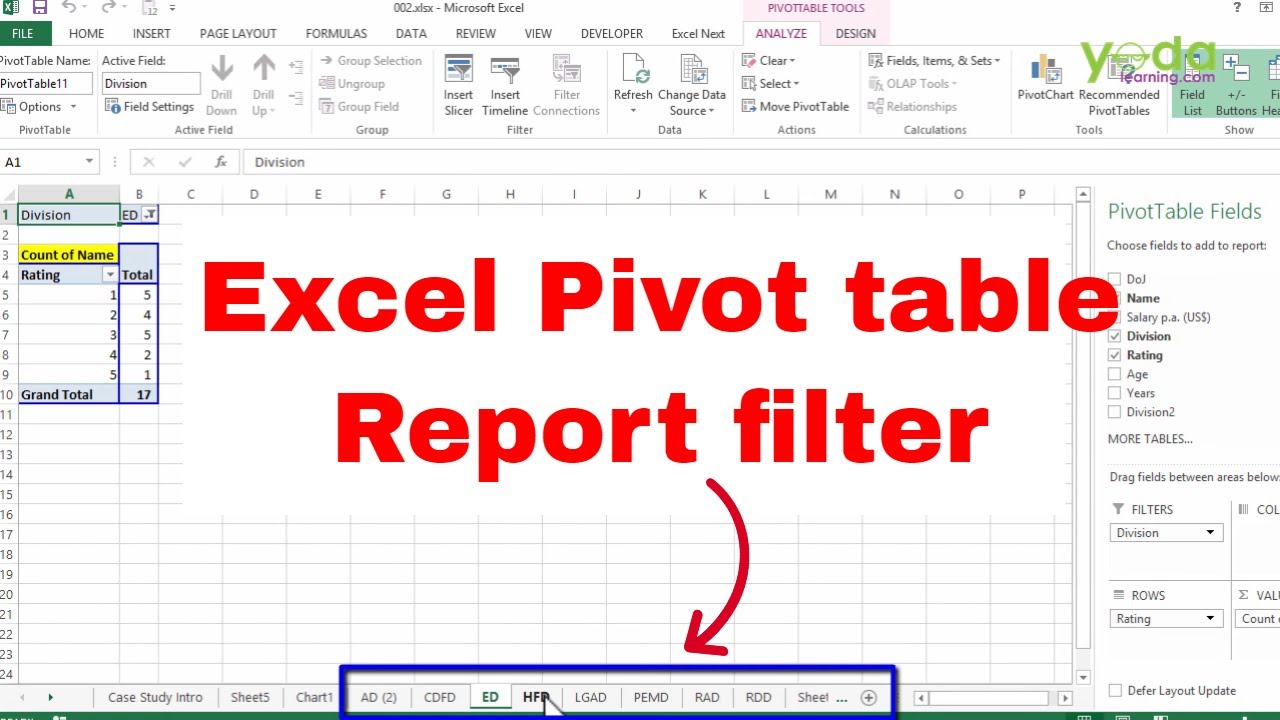
How To Create Year Filter In Pivot Table Bios Pics
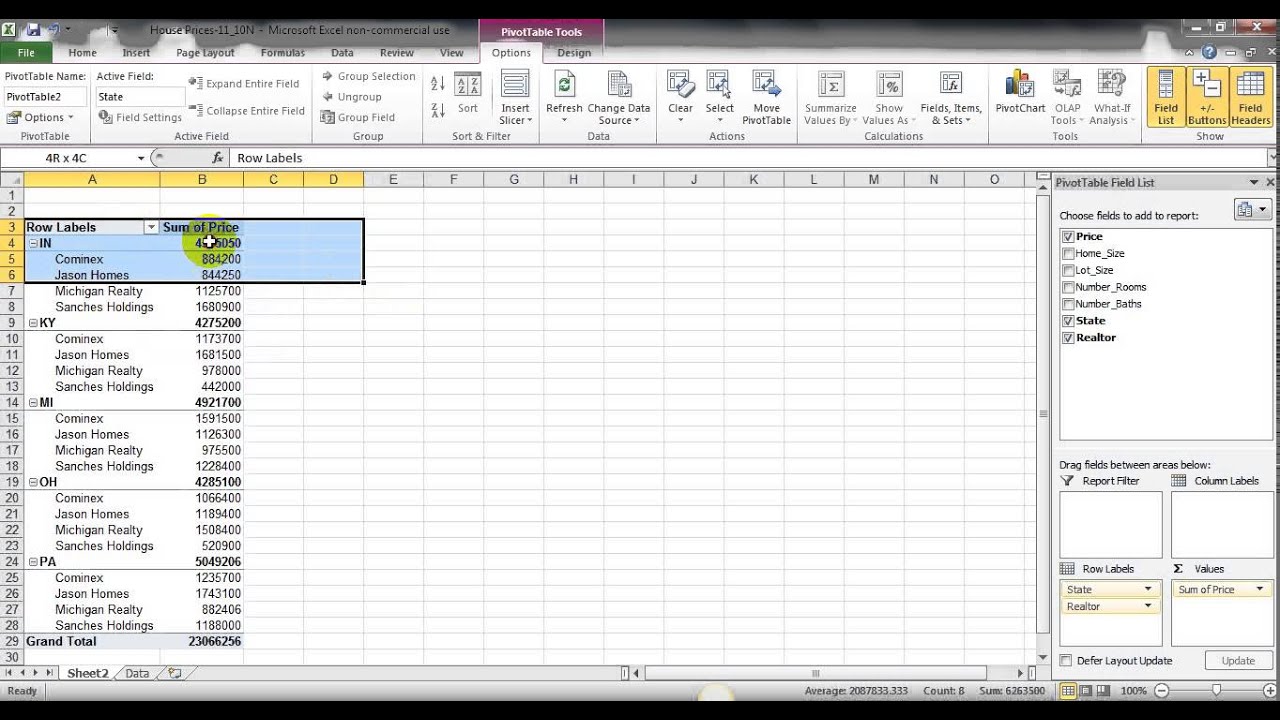
How To Include More Rows In Pivot Table Excel My Bios
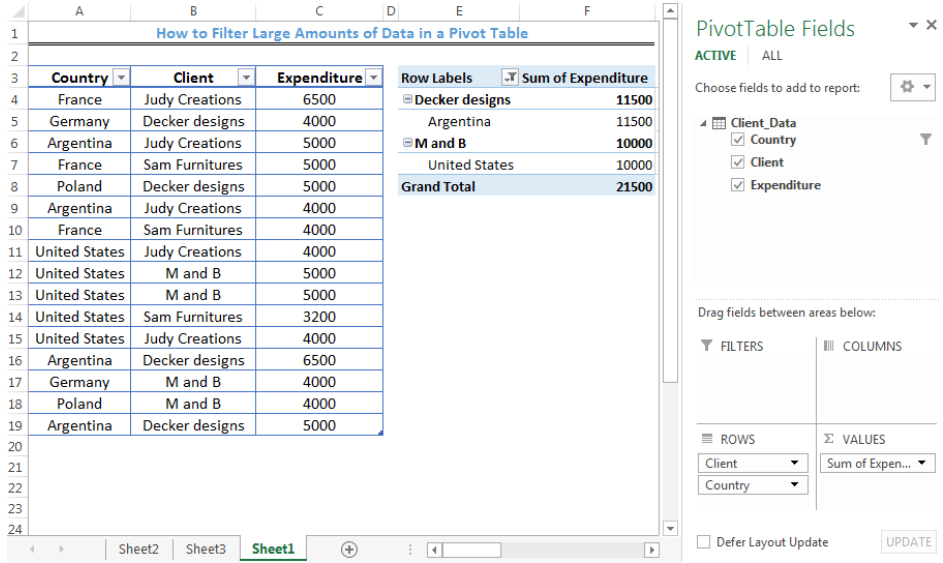
How To Filter Amounts In Pivot Table Bios Pics

How To Insert Lines In Pivot Table Bios Pics

Filter With Multiple Criteria Excel Formula Exceljet

skeleton formula

I m using Excel 2016 I have a table with headers and when I plug in a formula Excel is automatically replicating the formula to all other cells in the column While that would normally
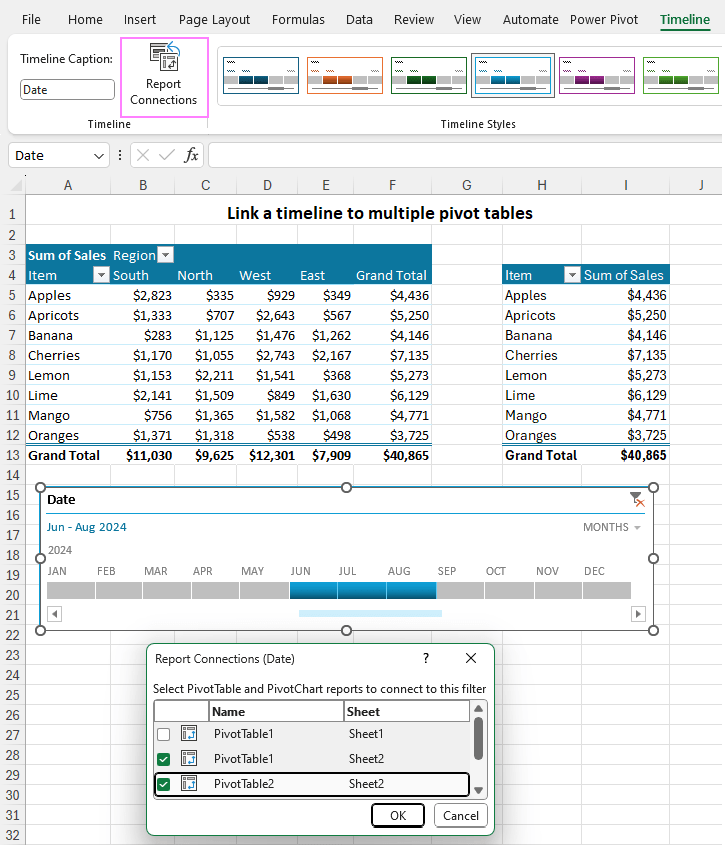
In the formula E Excel file is the full file path of the unopened workbook test xlsx is the name of the workbook Sheet2 is the sheet name which contains the cell value you need to reference
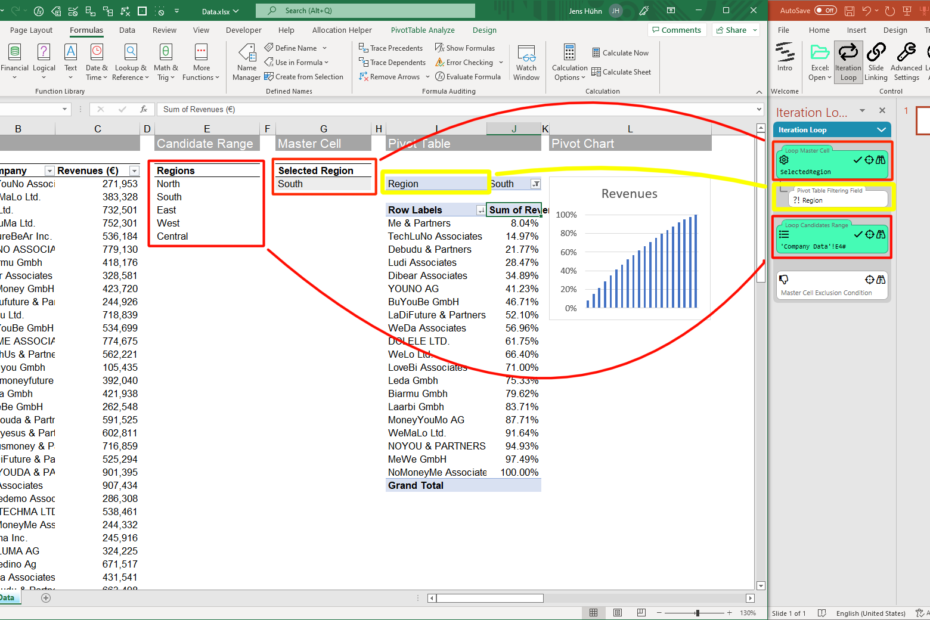
Jul 18 2016 nbsp 0183 32 Have you tried using conditional formatting as below I simplified the formula in the example but should work for your case as well It seems to me more practical for large ranges

Jun 12 2016 nbsp 0183 32 OP asked this So how can I enforce Excel to use the value displayed of a cell instead of its formula they mean what you see when the cell is formatted rather than what s
[desc-11] [desc-12]
[desc-13]