Formula Parse Error Google Sheets Phone Number 1920x1080px Free Download HD Wallpaper F1 Formula One Ayrton F1 Formula 1 Sports Car Free Photo On Pixabay 5120x2880px Free Download HD Wallpaper Formula 1 Race Car Track Free Images Structure Vehicle Drive Speed Sports Car Race Car Formula Sports Cars At Hungaroring Free Stock Photo Public Domain I would like to know if we can find out the Color of the CELL with the help of any inline formula without using any macros I m using Home User Office package 2010
skeleton formula Jul 18 2016 nbsp 0183 32 6 Have you tried using conditional formatting as below I simplified the formula in the example but should work for your case as well It seems to me more practical for large ranges than
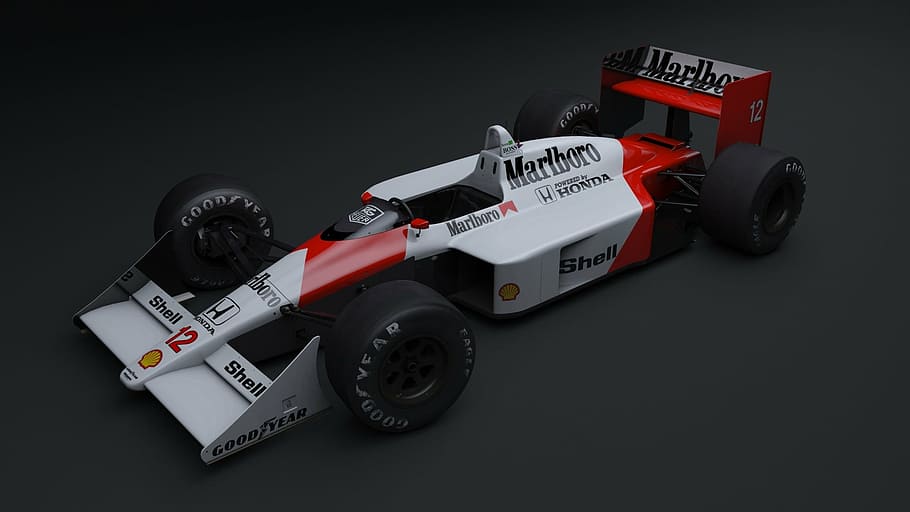
Formula Sports Cars At Hungaroring Free Stock Photo Public Domain F1 Car Racing Free Photo On Pixabay Formula 1 PNG Formula 1 PNG Formula 1 PNG Formula 1 PNG Formula 1 PNG F rmula 1 Crece La Pol mica Por Adelantamiento De Sebastian Vettel Formula 1 PNG
Formula Parse Error Google Sheets Phone Number
 Formula Parse Error Google Sheets Phone Number
https://c1.wallpaperflare.com/preview/282/39/646/f1-formula-one-ayrton-senna-mclaren-mp4-24.jpg
May 16 2020 nbsp 0183 32 0 I had a case of SUM failing on formula cells that outputted a number but using IMSUM for adding complex numbers worked instead Not sure how consistently it would work but
Pre-crafted templates provide a time-saving solution for developing a varied range of documents and files. These pre-designed formats and layouts can be made use of for various personal and expert projects, including resumes, invitations, flyers, newsletters, reports, presentations, and more, streamlining the material development process.
Formula Parse Error Google Sheets Phone Number

Formula 1 PNG

F1 Car Racing Free Photo On Pixabay

Formula 1 PNG

Formula 1 PNG

Formula 1 PNG

Formula 1 PNG

Oct 24 2021 nbsp 0183 32 The file was saved using an older version of excel and I m using the latest O365 version What does the symbol mean and can I remove it Please note that I m aware of the use of

Jun 12 2016 nbsp 0183 32 OP asked this So how can I enforce Excel to use the value displayed of a cell instead of its formula they mean what you see when the cell is formatted rather than what s actually there

Jun 9 2022 nbsp 0183 32 1 Returning an empty or zero length string e g quot quot to make a cell appear blank is a common practise in a worksheet formula but recreating that option when inserting the formula

The sign causes the cell column or row or both in a formula to be fixed That is if you drag the formula cell horizontally or vertically in order to copy the formula Excel will not adjust this value

I m using Excel 2016 I have a table with headers and when I plug in a formula Excel is automatically replicating the formula to all other cells in the column While that would normally be fine i
[desc-11] [desc-12]
[desc-13]