Formula Parse Error Google Sheets Importrange IMPORTRANGE Function Google Sheets Sheets Help IMPORTRANGE Function Google Sheets Sheets Help Google Sheets How To Filter IMPORTRANGE Data Google Sheets Cn tab tv Google Sheets Importrange Form l Nedir Google E Tablolar The sign causes the cell column or row or both in a formula to be fixed That is if you drag the formula cell horizontally or vertically in order to copy the formula Excel will not adjust this value
May 16 2020 nbsp 0183 32 0 I had a case of SUM failing on formula cells that outputted a number but using IMSUM for adding complex numbers worked instead Not sure how consistently it would May 18 2023 nbsp 0183 32 Formula Firewall Query Query1 step Added Custom1 references other queries or steps so it may not directly access a data source Please rebuild this data combination
Google Sheets Importrange Form l Nedir Google E Tablolar C ch S D ng H m IMPORTRANGE Trong Google Sheets TINHOC ORG How To Use The IMPORTRANGE Function In Google Sheets How To IMPORTRANGE Multiple Ranges In Google Sheets Sheets For Marketers How To IMPORTRANGE With Conditions In Google Sheets Sheets For Marketers Marginal Cost Definition Formula And Examples How To IMPORTRANGE From Another Tab In Google Sheets Sheets For Marketers How To Fix IMPORTRANGE Errors In Google Sheets Formula Parse Error Google Sheets A Comprehensive Guide
Formula Parse Error Google Sheets Importrange
 Formula Parse Error Google Sheets Importrange
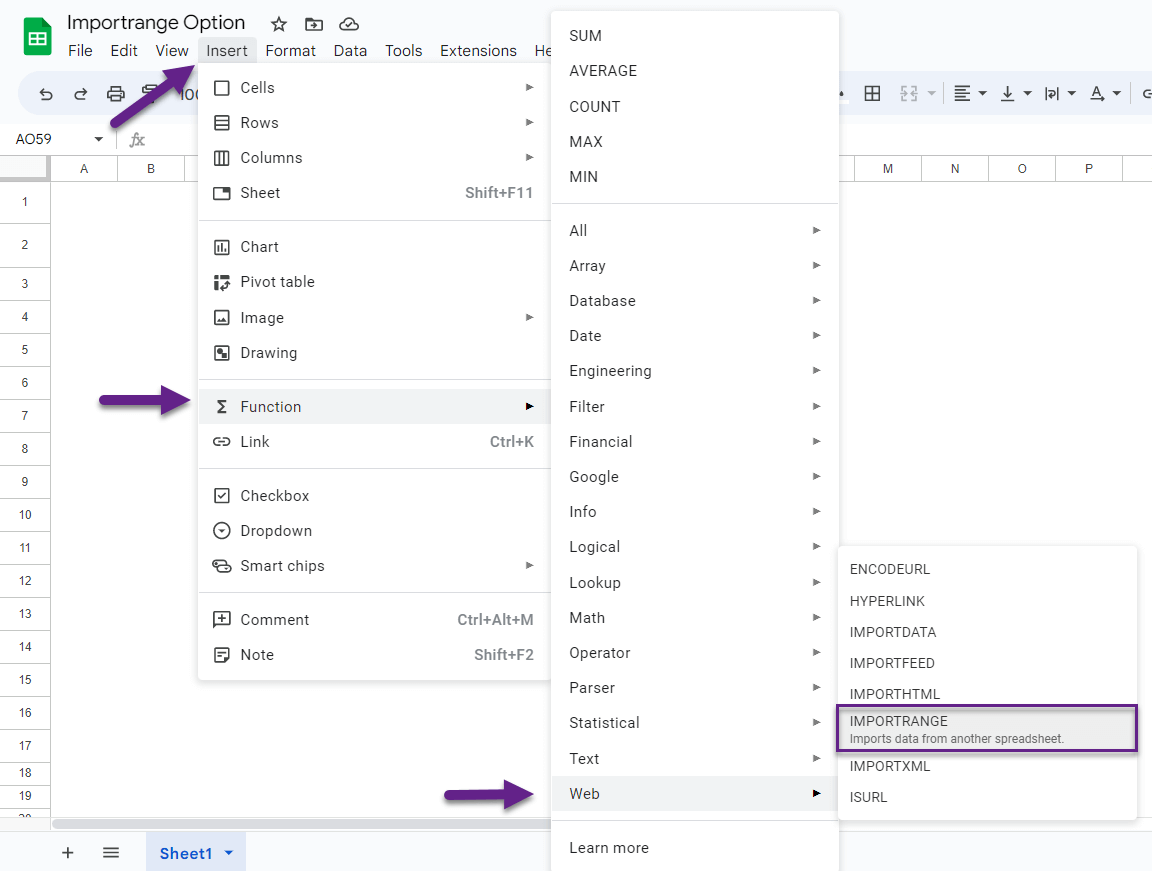
https://sheetshelp.com/wp-content/uploads/2022/05/importrange-source-1024x539.png
In the formula E Excel file is the full file path of the unopened workbook test xlsx is the name of the workbook Sheet2 is the sheet name which contains the cell value you need to reference
Templates are pre-designed files or files that can be used for numerous purposes. They can conserve time and effort by offering a ready-made format and layout for developing different kinds of material. Templates can be utilized for individual or expert jobs, such as resumes, invites, leaflets, newsletters, reports, discussions, and more.
Formula Parse Error Google Sheets Importrange
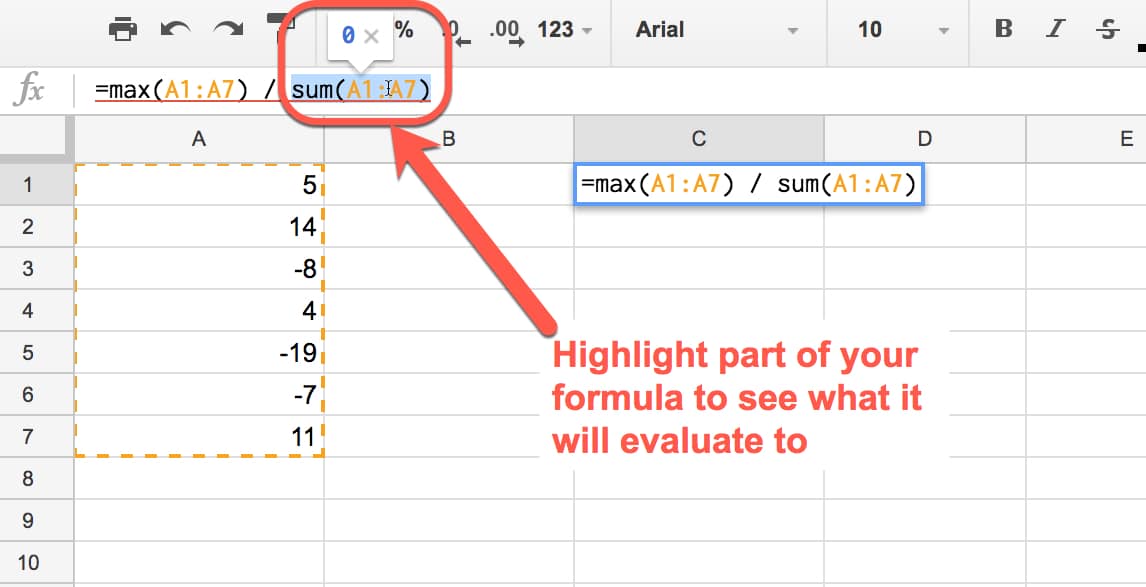
Percentage Formula Google Sheets Werymonitor

C ch S D ng H m IMPORTRANGE Trong Google Sheets TINHOC ORG
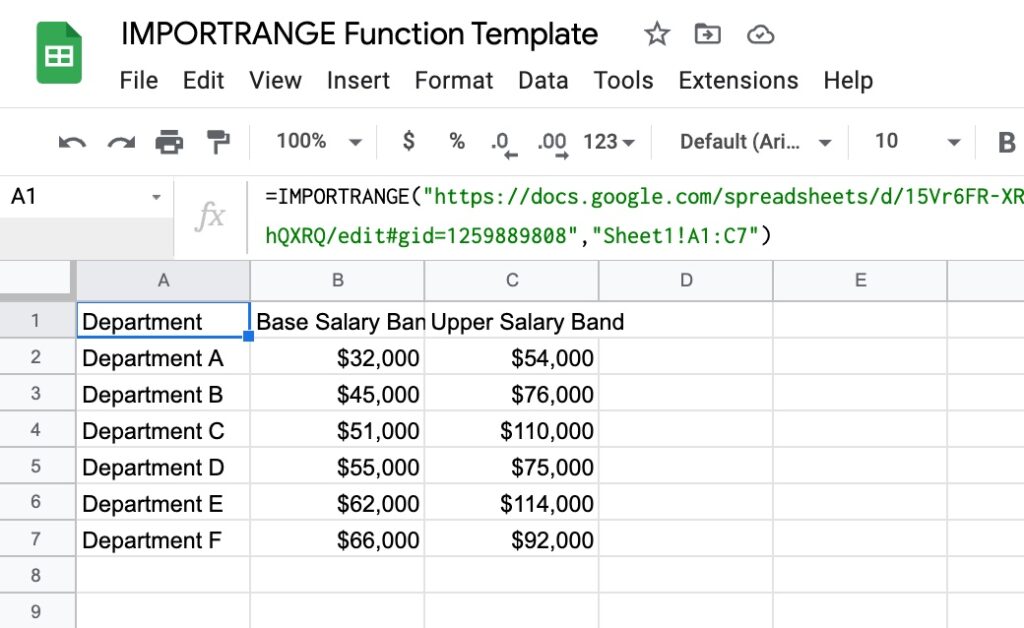
How To Use The IMPORTRANGE Function In Google Sheets

How To IMPORTRANGE Multiple Ranges In Google Sheets Sheets For Marketers
Marginal Cost Definition Formula And Examples

How To IMPORTRANGE From Another Tab In Google Sheets Sheets For Marketers

Jun 12 2016 nbsp 0183 32 OP asked this So how can I enforce Excel to use the value displayed of a cell instead of its formula they mean what you see when the cell is formatted rather than what s

skeleton formula

Jun 9 2022 nbsp 0183 32 1 Returning an empty or zero length string e g quot quot to make a cell appear blank is a common practise in a worksheet formula but recreating that option when inserting the formula
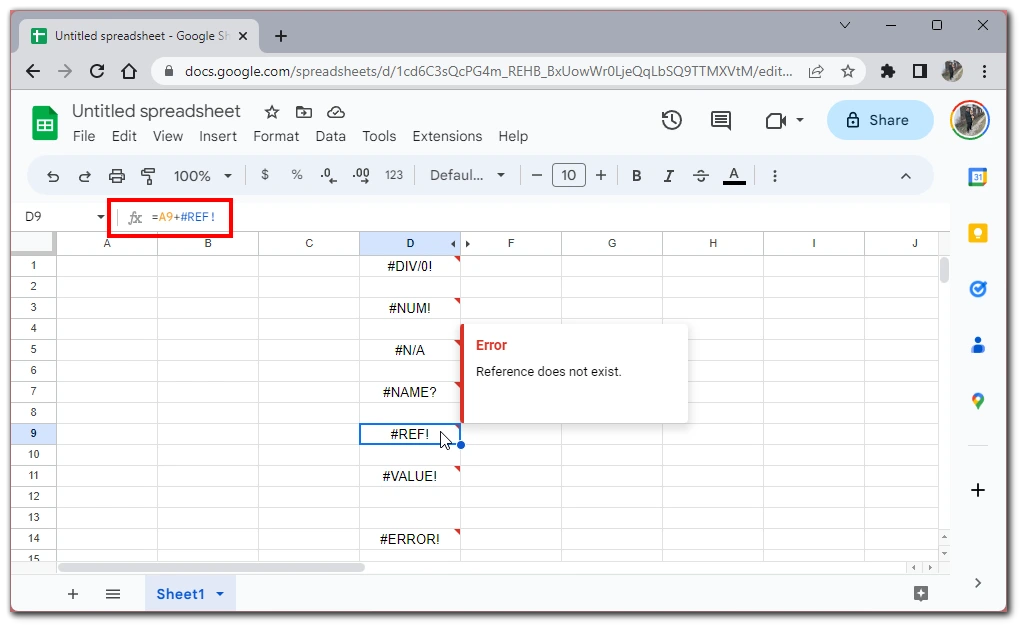
Jul 18 2016 nbsp 0183 32 Have you tried using conditional formatting as below I simplified the formula in the example but should work for your case as well It seems to me more practical for large ranges
I would like to know if we can find out the Color of the CELL with the help of any inline formula without using any macros I m using Home User Office package 2010
[desc-11] [desc-12]
[desc-13]