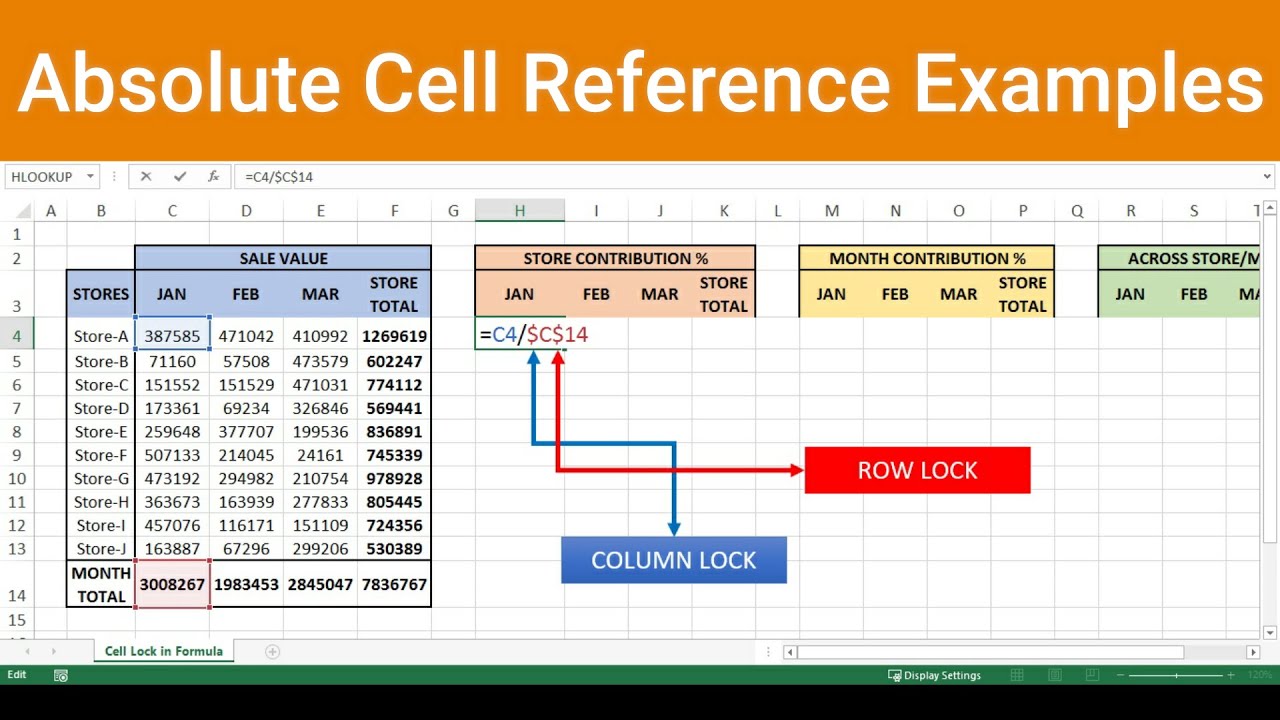
Formula Excel Cell Reference How To Change Cell References In Formulas In Excel Office 365 YouTube Locking Cell In Excel Formula Absolute Cell Reference Examples In Excel Cell Reference Tutorial 1 Cell Reference Excel Formulas How To Use Relative Cell Reference And Absolute Cell Reference In Excel Cell Reference In Excel Excel Cell Reference Absolute Relative Or Feb 25 2016 nbsp 0183 32 Using quot If cell contains N A quot as a formula condition Asked 11 years 10 months ago Modified 1 year ago Viewed 424k times
I have a problem with the last SWITCH in this formula If this condition ISERR Articles is met it returns one single celle with the string which is the expected behavior Note that the formula is entered into row 2 all the way down to the column M value to dictate the final row colMVal Also note the double quotes WITHIN the formula
Cell Reference In Excel Excel Cell Reference Absolute Relative Or Reference Cells Dynamic Worksheet Reference Excel Formula Exceljet How To Lock A Table Reference In Excel With Example Sum Values That Are Greater Than Zero SUMIF Cell Reference Cell Reference Excel Reference Another Sheet Or Workbook Cell Referencing Using Absolute Cell References In Excel For Mac Jadevil
Formula Excel Cell Reference
 Formula Excel Cell Reference
https://i.ytimg.com/vi/L8dsyjTYI9Q/maxresdefault.jpg
Feb 4 2016 nbsp 0183 32 Is it possible to add a comment within the cell of an excel formula I have an exceedingly long expression inside a cell that could better understood if I can comment within
Pre-crafted templates use a time-saving solution for creating a varied variety of files and files. These pre-designed formats and designs can be used for numerous individual and professional tasks, consisting of resumes, invites, leaflets, newsletters, reports, discussions, and more, streamlining the content production process.
Formula Excel Cell Reference
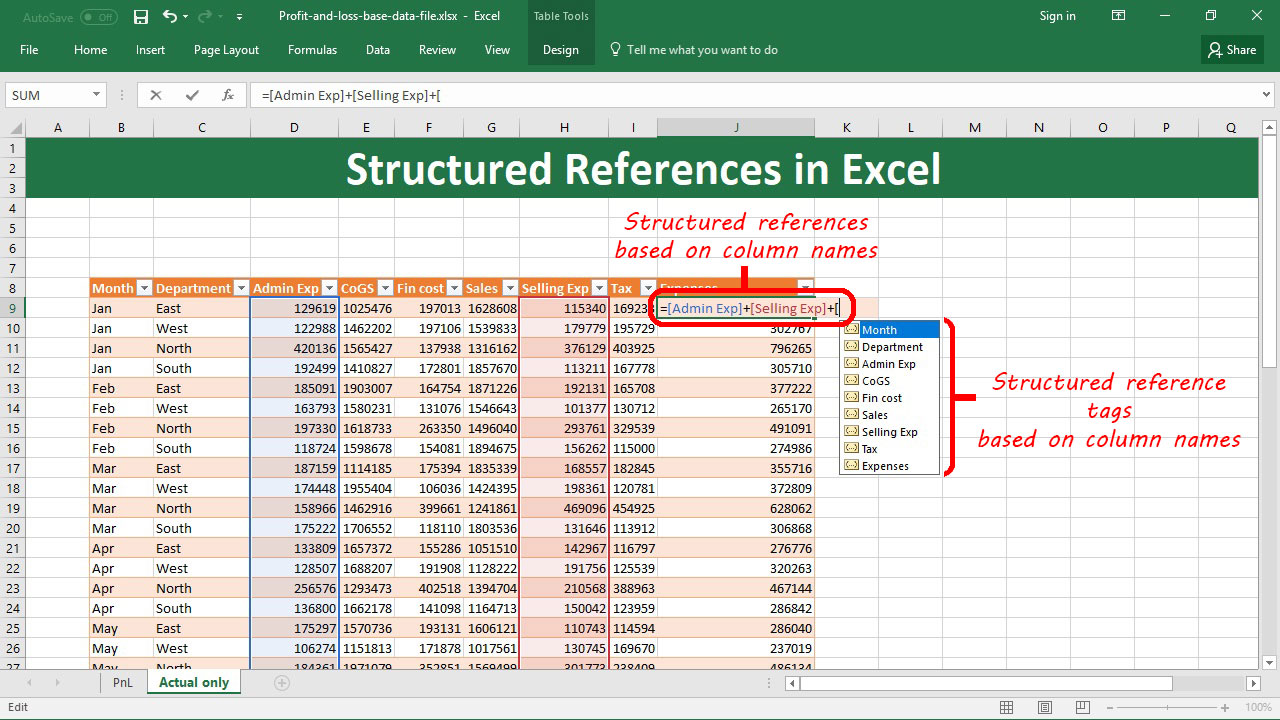
Excel 89
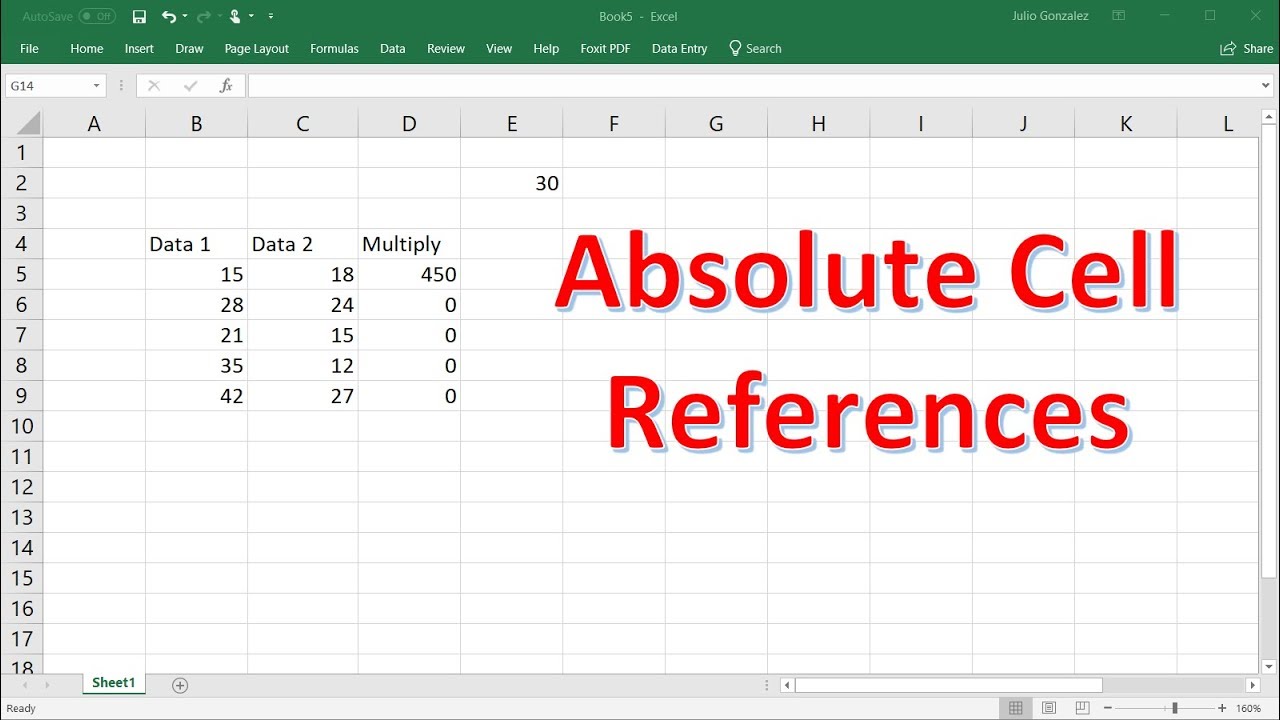
Reference Cells
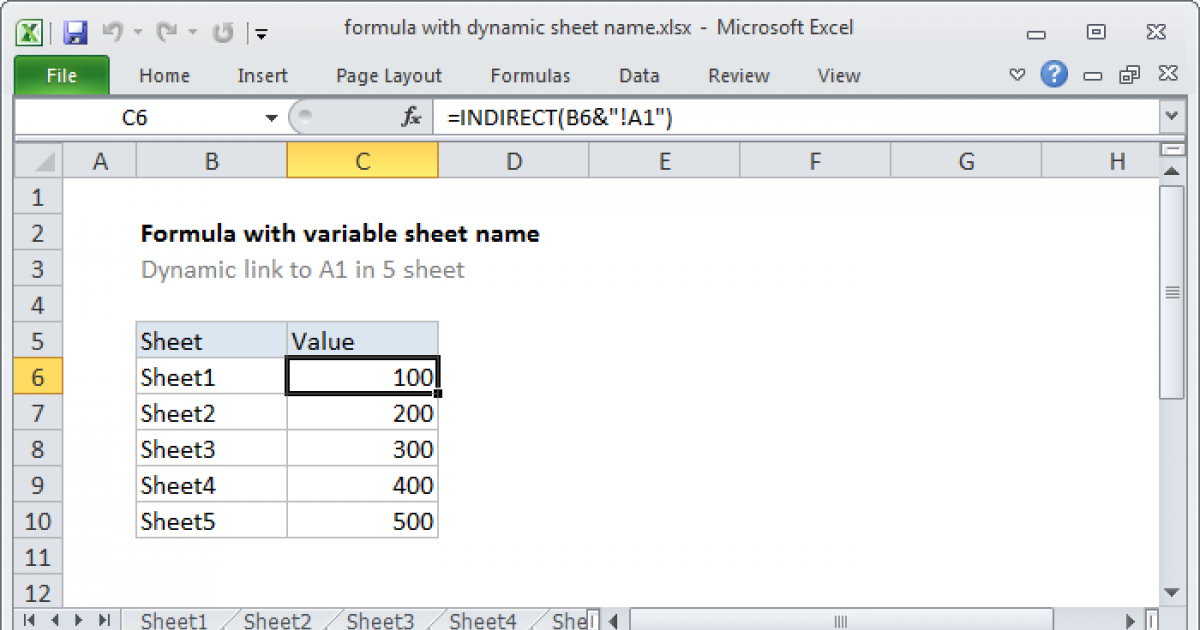
Dynamic Worksheet Reference Excel Formula Exceljet

How To Lock A Table Reference In Excel With Example
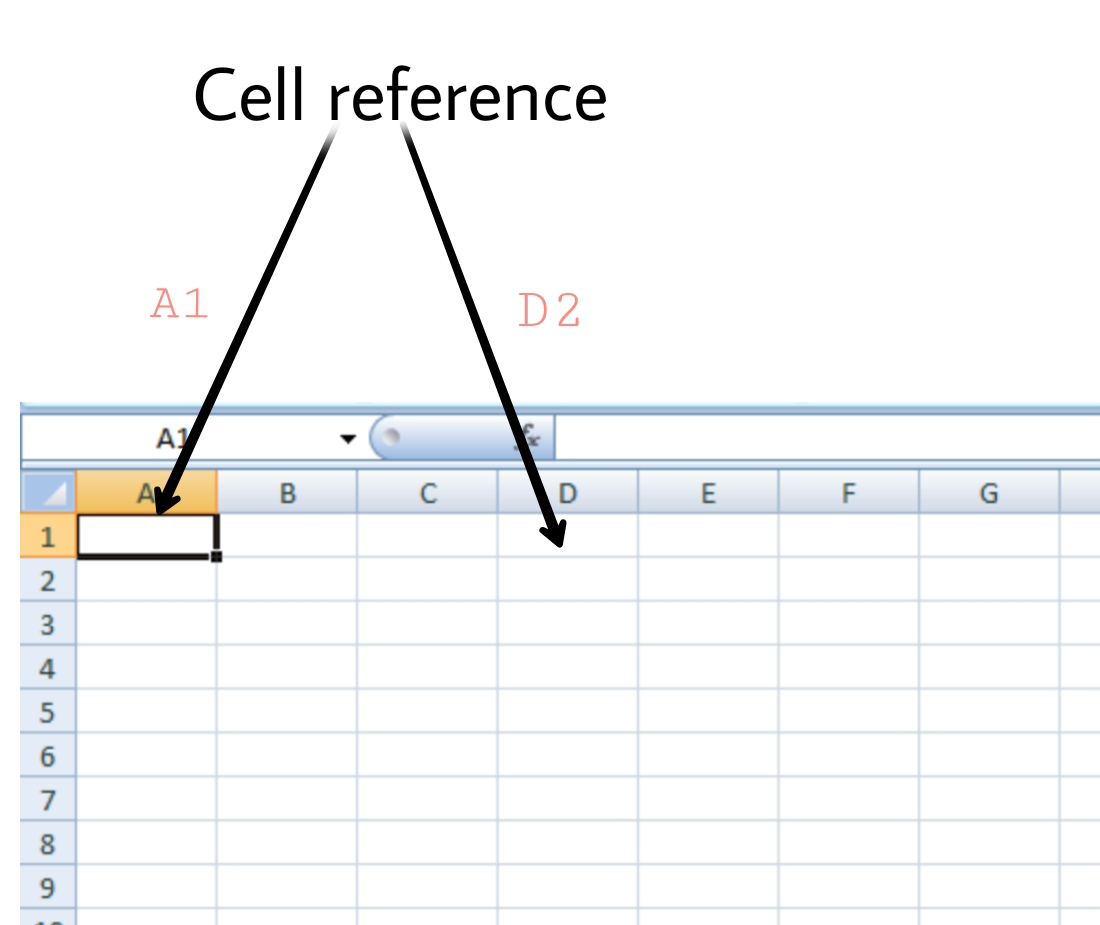
Cell Reference

Cell Reference

I would like to know if we can find out the Color of the CELL with the help of any inline formula without using any macros I m using Home User Office package 2010
My formula is exactly as I posted in the question so yes it is a SUM function All I need is to drag down that formula and each row must give me the value of the columns to the right not the

Mar 24 2019 nbsp 0183 32 In Excel 2016 a cell with formula which is not yet calculated appears blank But still ISBLANK returns False I am trying to find a way to return True for the cell having formula

Oct 24 2021 nbsp 0183 32 The file was saved using an older version of excel and I m using the latest O365 version What does the symbol mean and can I remove it Please note that I m aware of the

Jul 13 2009 nbsp 0183 32 I need to return an empty cell from an Excel formula but it appears that Excel treats an empty string or a reference to an empty cell differently than a true empty cell So essentially
[desc-11] [desc-12]
[desc-13]