Format Usb Drive For Mac Time Machine Best External Hard Drive For Mac Time Machine 2018 Datesselfie How To Format USB Drive For Mac PC Techwalla Triumf ln Deter Jim Format Usb Tr n Mac Citliv Pr za Pov en Best Router For A Mac Heavenlylarge How To Format A Hard Drive For Mac Windows YouTube If you want to erase any other type of storage device Double click Disk Utility in the Applications Utilities folder Choose View Show All Devices In the sidebar select the storage device you want to erase then click the Erase button Click the Scheme pop up menu then choose GUID Partition Map
Open Disk Utility Select the drive in sidebar If you don t see the drives only volumes choose View Show All Devices Click the Partition button Disk Utility prompts to ask if you want Format external hard drive for macOS Backing up a Mac with Time Machine requires an external hard drive formatted for macOS Formatting the drive will erase everything on it and configure it for macOS After formatting the drive if prompted to back up with Time Machine select Use as Backup Disk This will open the Time Machine preferences
How To Format A Hard Drive For Mac Windows YouTube WD Releases First Portable 2TB Hard Drive For Mac Backing Up Files In Mac s Time Machine How To Format Seagate Backup Plus Hard Drive For Mac Connect The Hard Format An External Hard Drive For Mac Time Machine YouTube How To Format A USB Drive For Mac And PC Compatibility YouTube Top 10 Best Portable Drive In 2016 Reviews Top 10 Best Product Seagate Backup Plus Portable Drive For Mac 1TB Review 2012 PCMag Format Usb Drive For Mac And Windows
Format Usb Drive For Mac Time Machine
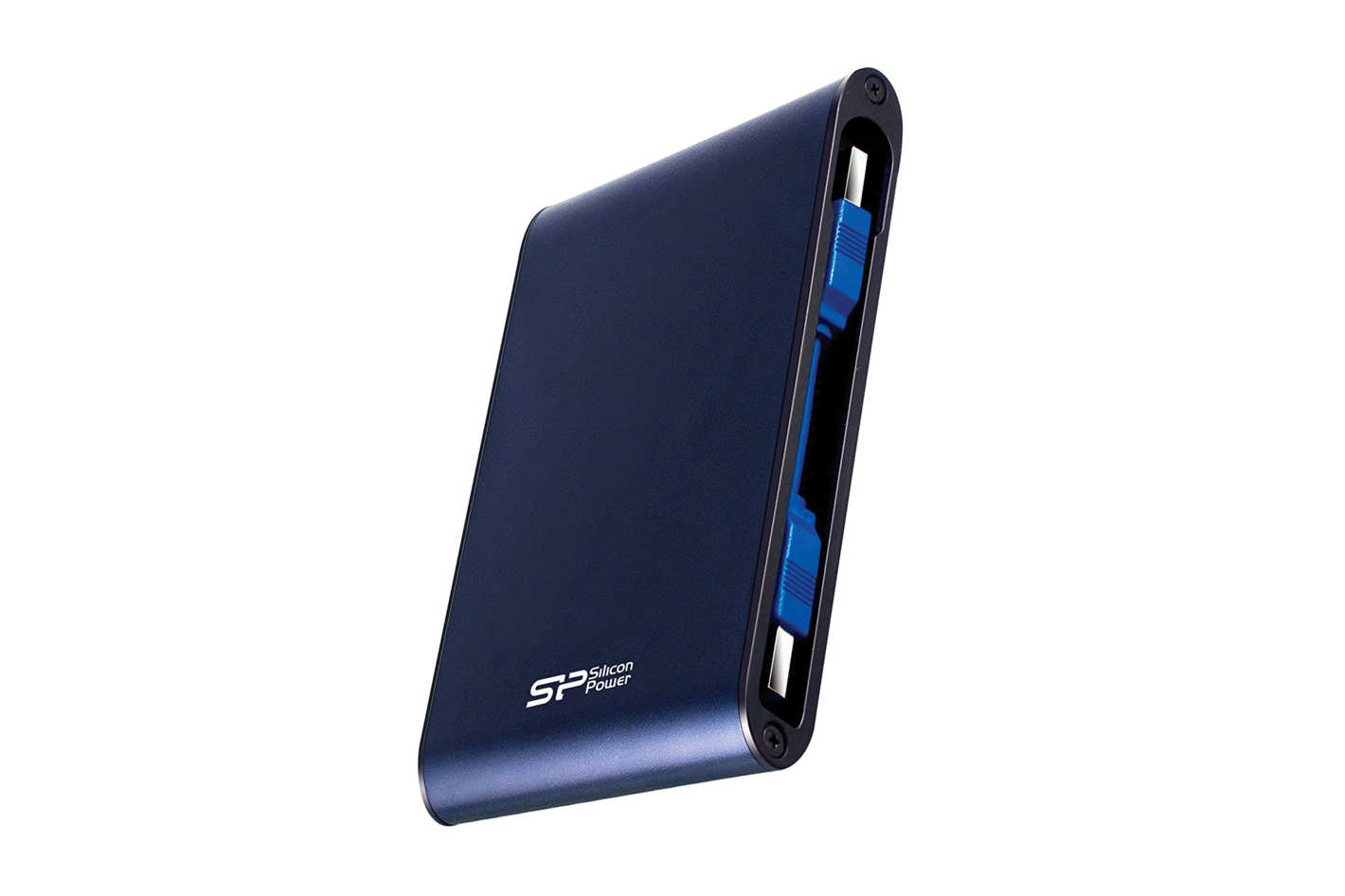 Format Usb Drive For Mac Time Machine
https://datesselfie803.weebly.com/uploads/1/2/4/7/124704458/256283581.jpg
Otherwise you can format a USB drive for Time Machine by opening Disk Utility selecting the drive you want to format clicking Erase and choosing the Mac OS Extended Journaled format Once formatted open System Preferences click Time Machine click Select Disk and choose your USB drive from the available options
Pre-crafted templates use a time-saving service for developing a diverse variety of documents and files. These pre-designed formats and designs can be used for different personal and expert projects, including resumes, invites, leaflets, newsletters, reports, presentations, and more, enhancing the content creation procedure.
Format Usb Drive For Mac Time Machine
Backups Maken Van Je Mac Met Time Machine Apple Coach

WD Releases First Portable 2TB Hard Drive For Mac
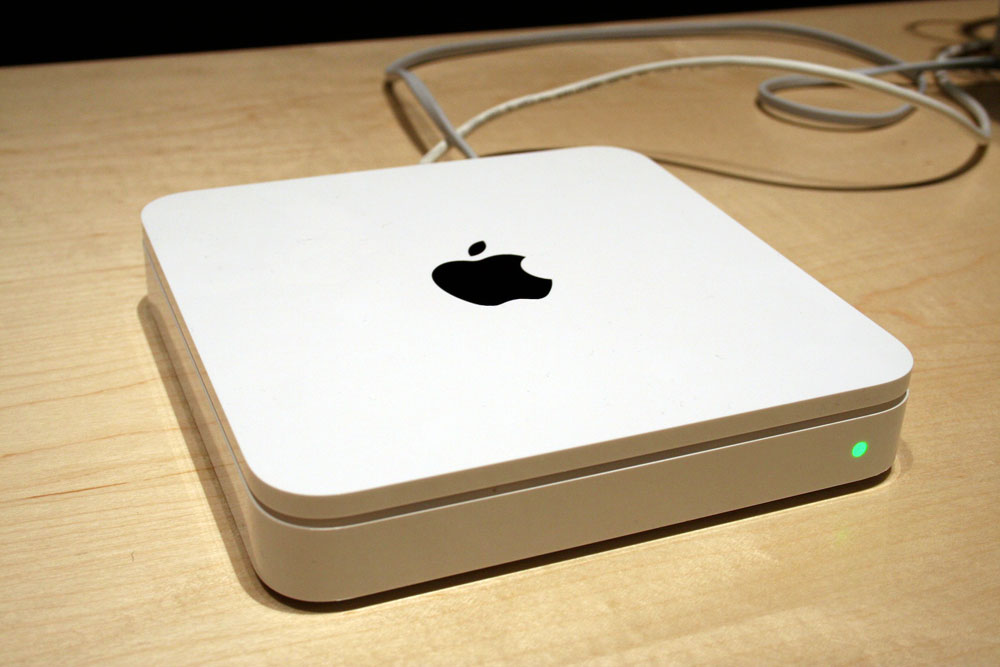
Backing Up Files In Mac s Time Machine
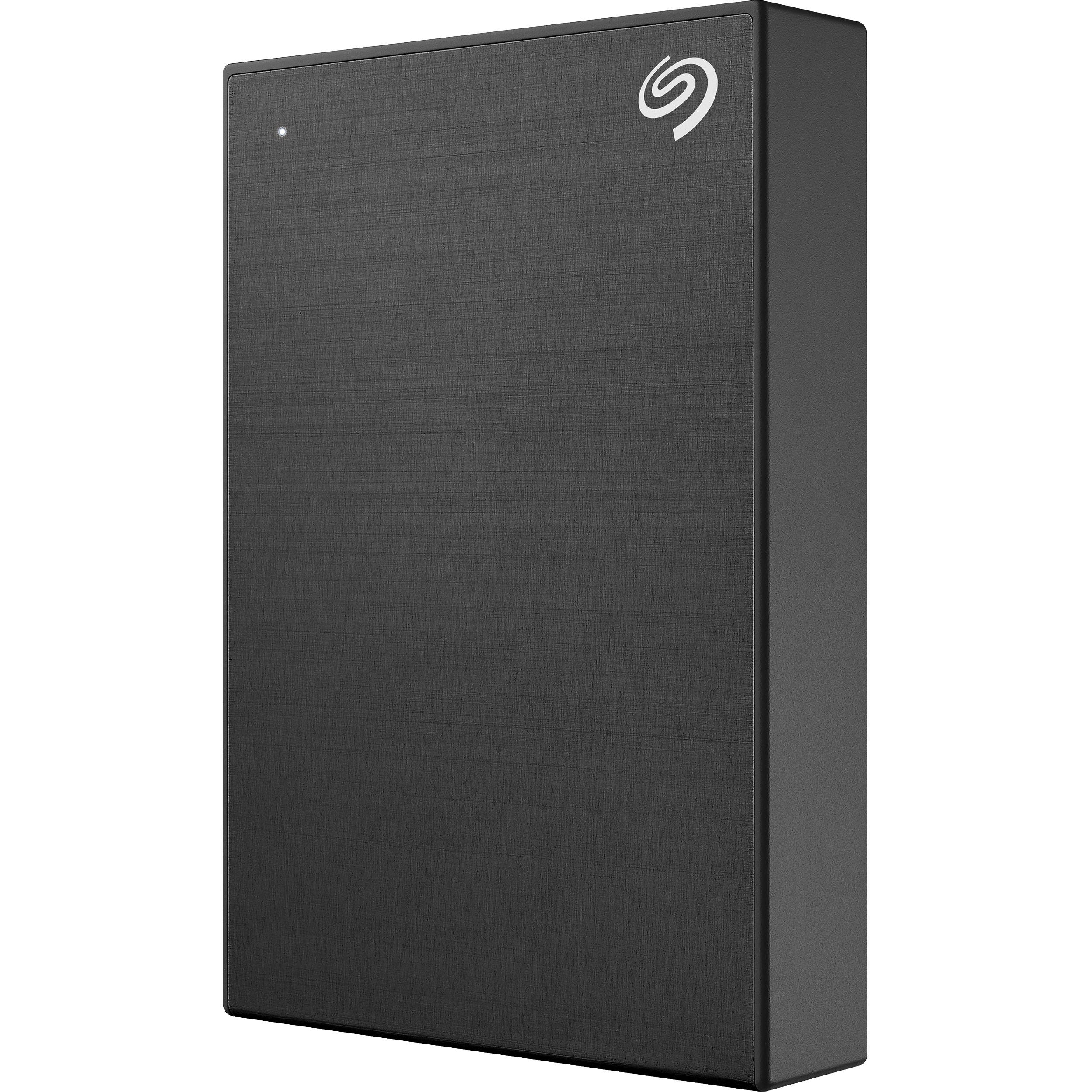
How To Format Seagate Backup Plus Hard Drive For Mac Connect The Hard
How To Format A USB Drive For Mac And PC Compatibility YouTube

Top 10 Best Portable Drive In 2016 Reviews Top 10 Best Product

To use Time Machine to make a backup of your Mac you need one of these types of storage devices External drive connected to your Mac Network attached storage NAS device that supports Time Machine over SMB Mac shared as a Time Machine backup destination

1 Connect Your External Hard Drive 2 Open System Settings Click General Then Time Machine 3 Click Button Add Backup Disk 4 Pick Your External Hard Drive Then Click Setup Disk Time machine then formats your hard drive ready for Time Machine Then sets your external hard drive as your time machine backup drive
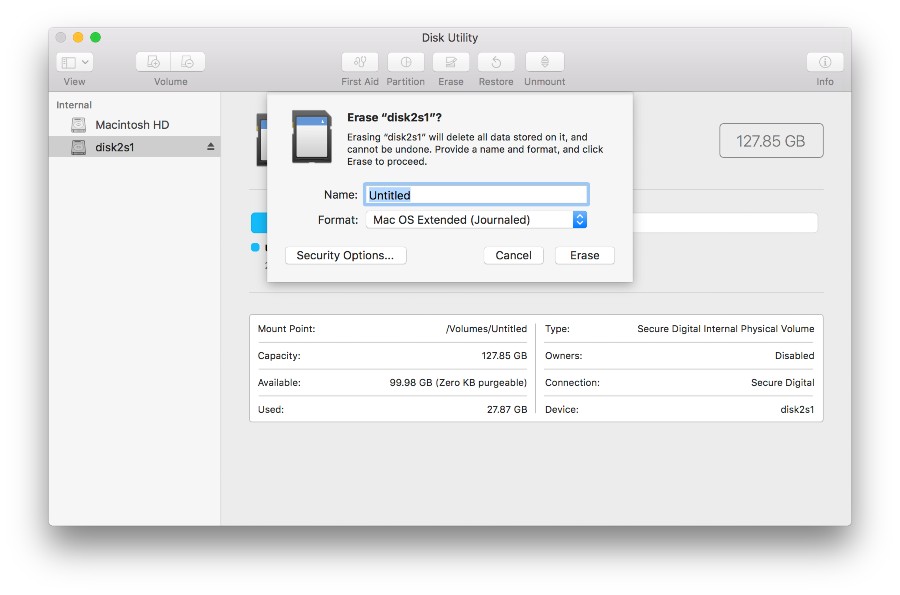
51 1 1 2 I would only use FAT32 if you plan to connect this drive to non Mac systems If you re still connecting it to a Mac use HFS or APFS benwiggy Jul 11 2020 at 18 53 Add a comment 4 Answers Sorted by 5 This process involves a few steps within the built in Disk Utility program particularly when your partition is encrypted

The best drive format for a Time Machine backup is APFS But for earlier Mac OS X versions like Catalina Mojave The best format to use is Mac OS Extended Journaled Mac OS Extended Journaled also known as HFS They are the same thing Table of Contents Best Format For Mac Time Machine Backup Why Does Time Machine Need A Special Format

Back up your Mac with Time Machine If you have a USB drive or other external storage device you can use Time Machine to automatically back up your files including apps music photos email and documents Connect a storage device to your Mac Connect an external storage device such as a USB drive or Thunderbolt drive
129 Share 18K views 6 years ago TimeMachine Mac externalharddrive A video tutorial on how to format your externalharddrive so it works with your Mac Video also covers setting it up with When you format hard drive for Mac to be used in conjunction with Time Machine you ll also want to go with Mac OS X Extended as Time Machine can t use APFS directly and will offer to reformat it if you try to do so Wondering how to format hard drive for Mac and Windows at the same time FAT32 and ExFAT are the best options in this case
How Do I Correctly Format External Hard Drive for Time Machine I am having a lot of difficulty with getting an external hard drive to work for backing up my laptop with Time Machine I am running macOS 12 3 1 Monterey on a 2021 MacBook Pro that uses an Apple M1Max chip The external hard drive is a LaCie 5TB Rugged that connects with USB C