Format Footnotes In Word Format Footnotes In A Word Document Adding A Footnote In Word To A Specific Page Professorkurt How To Modify The Style Of Footnotes And Endnotes In Microsoft Word Format Footnotes Word Video Change Footnote Font Size And Footnote And Bibliography Web Mar 28 2022 nbsp 0183 32 Select the References tab at the top and then select Insert Footnote Type whatever text you want into the footnote that appears Inserting footnotes in Google Docs You can also easily add footnotes in Google Docs Follow the steps below Click on the point in the text where you want to add a footnote
Web Jan 2 2023 nbsp 0183 32 Method 1 Setting Up Footnotes in Your Paper Download Article 1 Use the same font throughout your paper Typically the default font on your word processing app will be fine or you can use Times New Roman While your footnotes will be a smaller size they should be the same font as your main text 1 Web Click where you want to reference to the footnote or endnote On the References tab select Insert Footnote or Insert Endnote Enter what you want in the footnote or endnote Return to your place in the document by double clicking
Footnote And Bibliography Example Of A History Essay With Footnotes Difference Between Footnotes And Endnotes Differences Explained Chicago Citation Format Footnotes And How To Make Them Chicago Style How To Add Footnotes In Word Amicopax Footnote OSCOLA Referencing Libguides At Tun Hussein Onn Sunway Library Need Help In Chicago Style EndNote Styles Filters And Connections Using Endnotes In A Research Paper Bibliography Citations Chicago Manual Of Style Notes In Footnotes Academia
Format Footnotes In Word
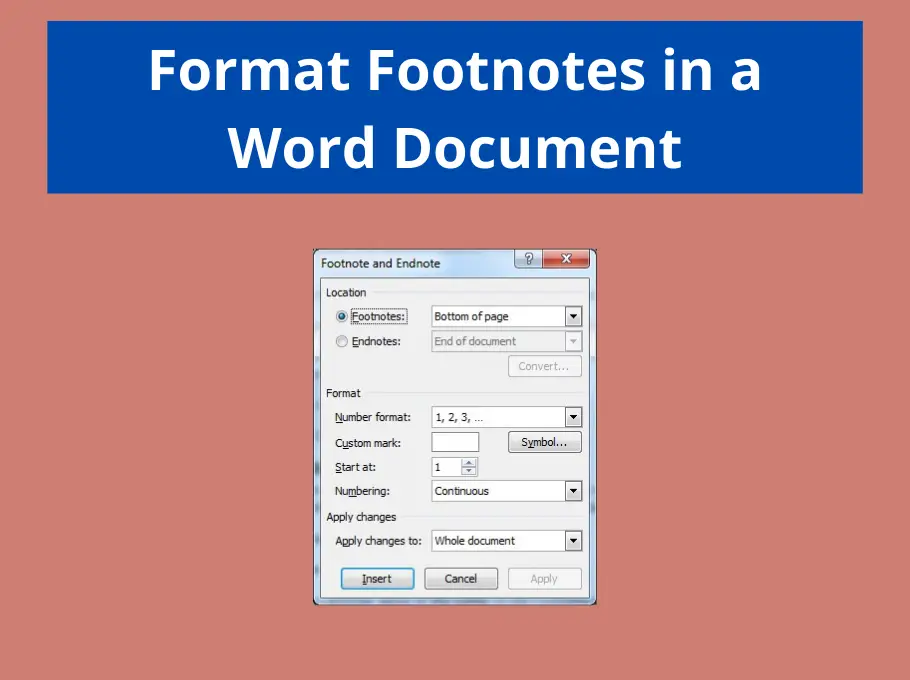 Format Footnotes In Word
https://www.computergaga.com/wp-content/uploads/2013/01/format-footnotes.png
Web Oct 5 2022 nbsp 0183 32 To format one or more footnotes on a page select the footnote text A format ribbon will appear with options to change the font text colour paragraph spacing and more To format all footnotes in a document you need to use Styles
Templates are pre-designed files or files that can be utilized for various purposes. They can save time and effort by providing a ready-made format and layout for developing various kinds of content. Templates can be used for individual or professional tasks, such as resumes, invitations, leaflets, newsletters, reports, discussions, and more.
Format Footnotes In Word
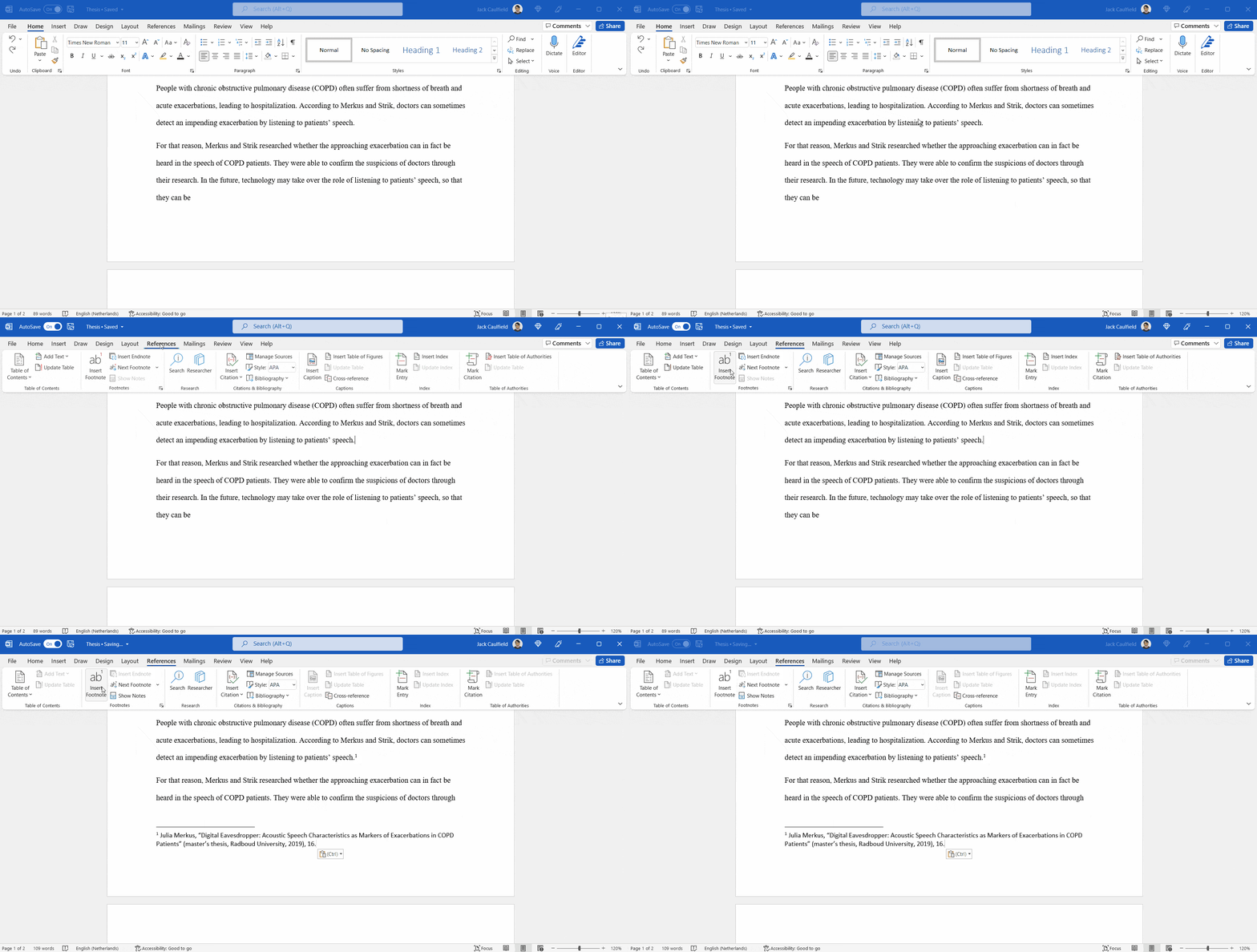
How Do I Insert A Footnote In Word Vseyard

Example Of A History Essay With Footnotes
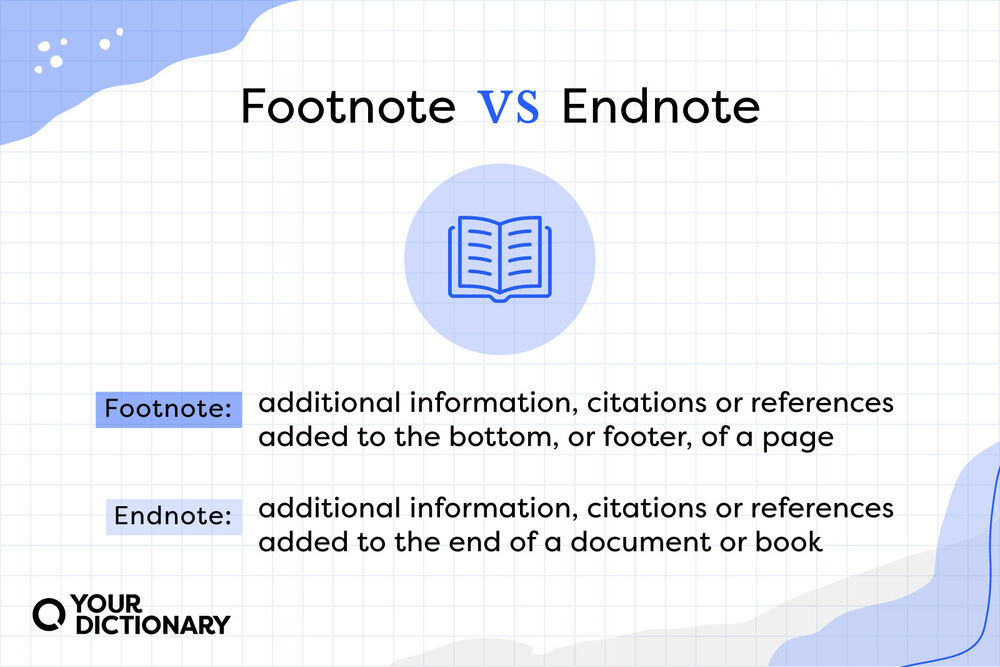
Difference Between Footnotes And Endnotes Differences Explained
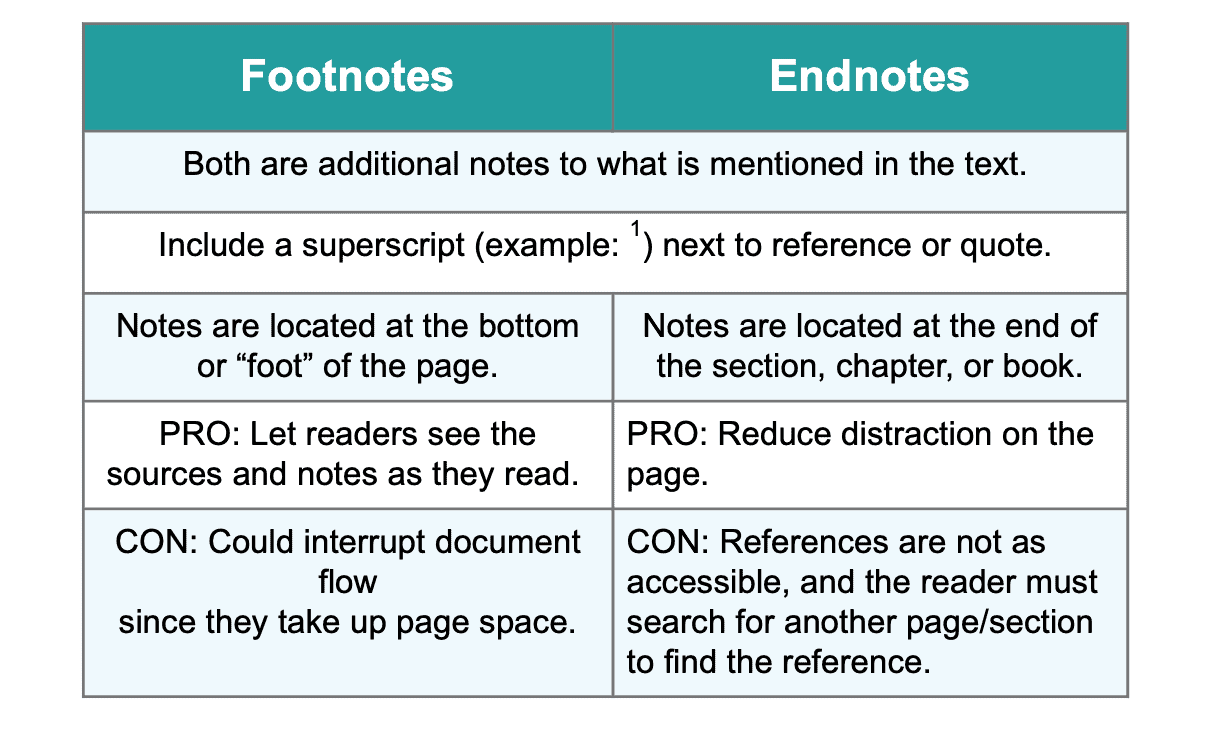
Chicago Citation Format Footnotes And How To Make Them

Footnote OSCOLA Referencing Libguides At Tun Hussein Onn Sunway Library

Need Help In Chicago Style EndNote Styles Filters And Connections

Web Do one of the following To change the formatting of the footnote numbers select the Footnotes Reference Style If you want to change the formatting of the footnote text at the bottom of the page select the Footnote Text Style Click Modify and then change the formatting options font size and so on
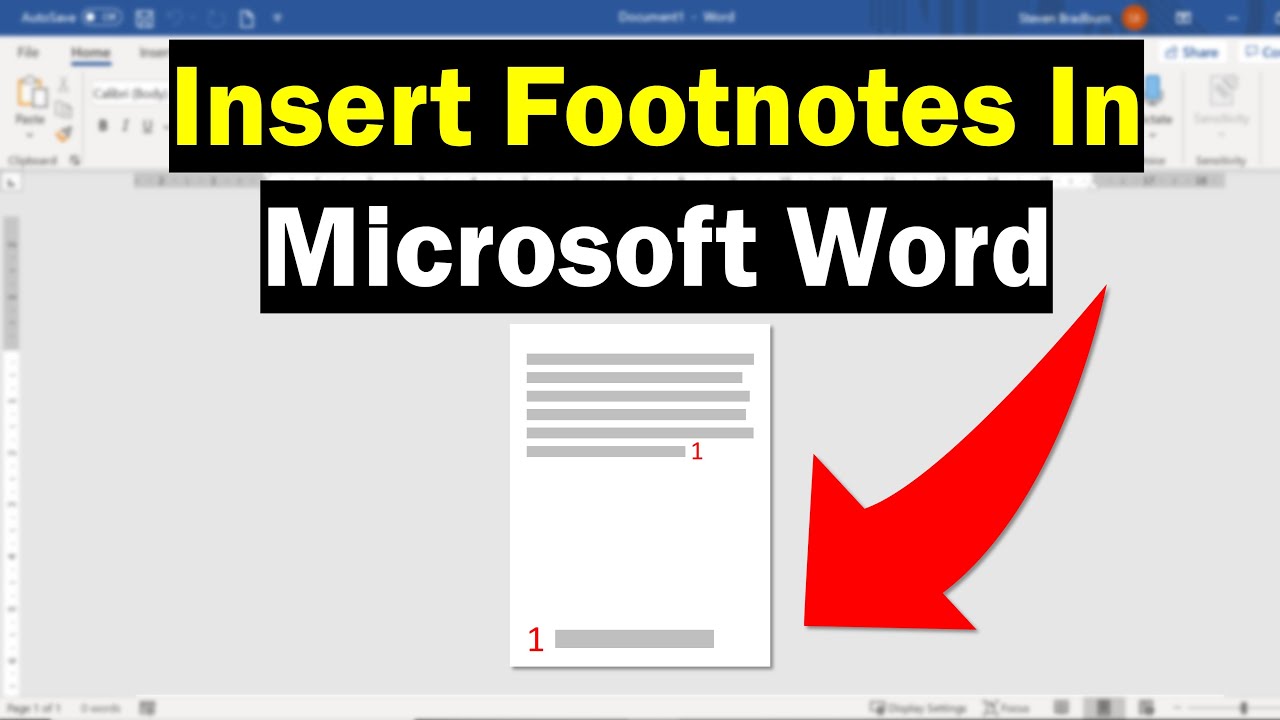
Web Jul 25 2018 nbsp 0183 32 You can set your footnotes and endnotes to display in up to four different columns on the page Customize the Format of Footnotes and Endnotes Word also lets you choose from several options for formatting

Web Click the reference number or mark in the body of the text or click Insert gt Show Footnotes for endnotes click Insert gt Show Endnotes In the footnote endnote view click Format Footnotes or Format Endnotes to display the Format Options dialog where you can change the size font and indentation of one or all of your footnotes or endnotes

Web To make the changes to the predefined styles for footnotes and endnotes do the following 1 Right click any footnote or endnote then choose Style in the popup menu 2 In the Style dialog box in the Styles list choose the style you

Web Apr 23 2023 nbsp 0183 32 Select new styles from the eight formatting options in the Modify Style dialog box Font Font size Emphasis Font color Alignment Line spacing Spacing before and after Indentation Important Note The Font Font size Emphasis and Font Color are the only options available for the Footnote Reference and Endnote Reference styles
Web Sep 21 2020 nbsp 0183 32 Learn how to modify the style of footnotes and endnotes in Microsoft Word This tutorial also shows how to modify the reference numbers and the separator lines Style includes font font size Web Aug 9 2021 nbsp 0183 32 Type the footnote and add any formatting To return to your place in the document double click the number or symbol at the beginning of the footnote Add footnotes in any order you want Word automatically updates the numbering so that footnotes appear sequentially in the document
Web Sep 24 2020 nbsp 0183 32 Position the cursor where you want to insert the endnote in text Click the References tab and then click the dialog launcher for the Footnotes group In the Location section choose the End of