Form W 2 Codes Box 14 Corrections For Handling Of Multiple Box 14 On 2013 W 2 Form W 2 Box 14 Guide Complete Payroll W 2 Box 14 Guide Complete Payroll New W 2 Box 14 Printing Options Datatech W2 Form 2022 If you re having trouble accessing a Google product there s a chance we re currently experiencing a temporary problem You can check for outages and downtime on the Google Workspace Status
Get started with Forms in Google Workspace Publish your form and get responses On this page Publish your form Get form responses Publish your form Before responders can access your form you need Aug 24 2024 nbsp 0183 32 Find solutions for transaction issues on Google Play including submitting required documents and contacting support for further assistance
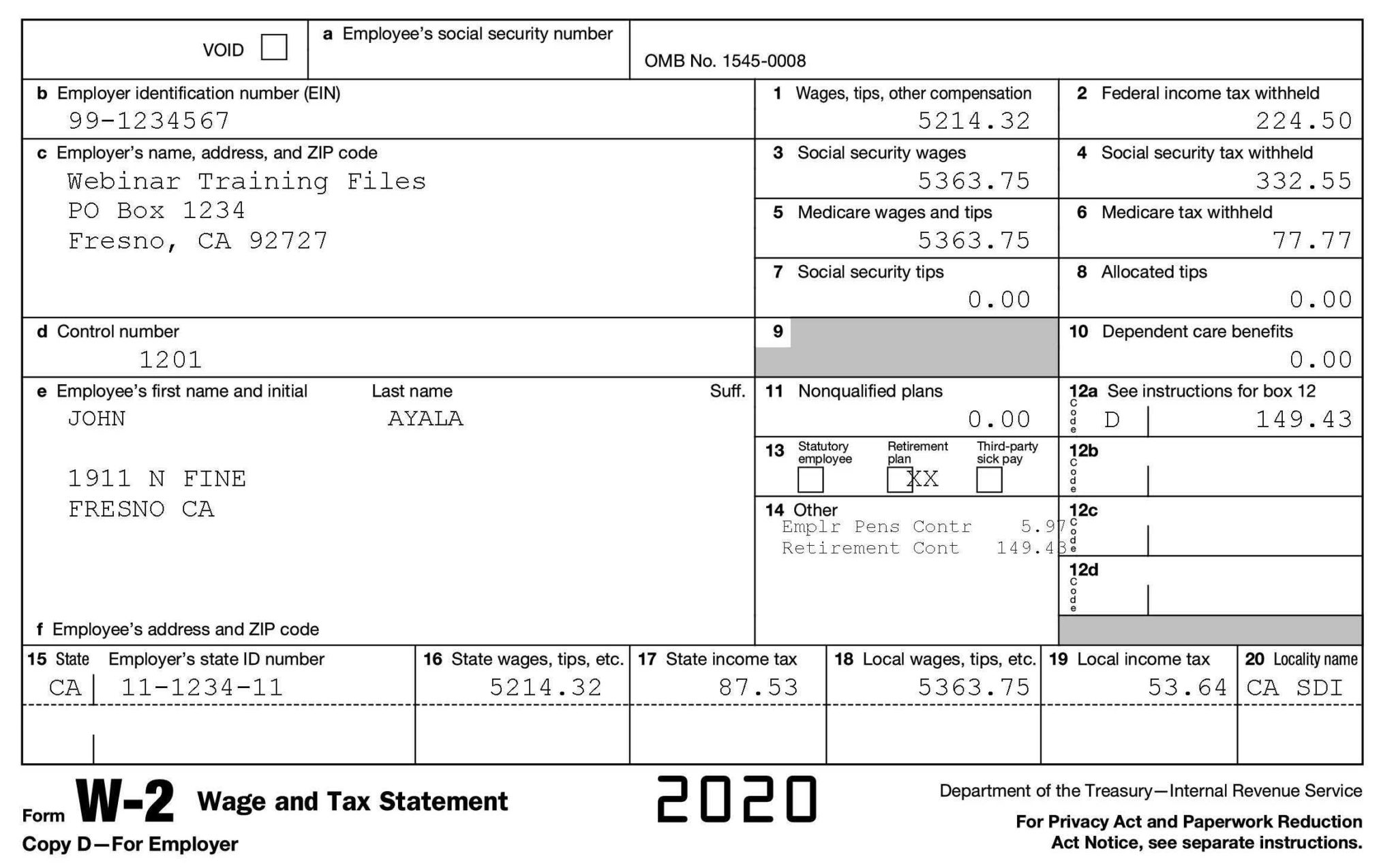
W2 Form 2022 2023 W3 Form Printable Forms Free Online W 2 Box 14 2023 Employee W2 Form Printable Forms Free Online Understanding Box 14 On W 2 Explanation And Codes W 2 Box 14 Codes Detailed W 2 Box 14 Codes List I m An Employer What Do I Need To Do With Form W 2 Gusto I m An Employer What Do I Need To Do With Form W 2 Gusto Understanding Your Forms W 2 Wage Tax Statement
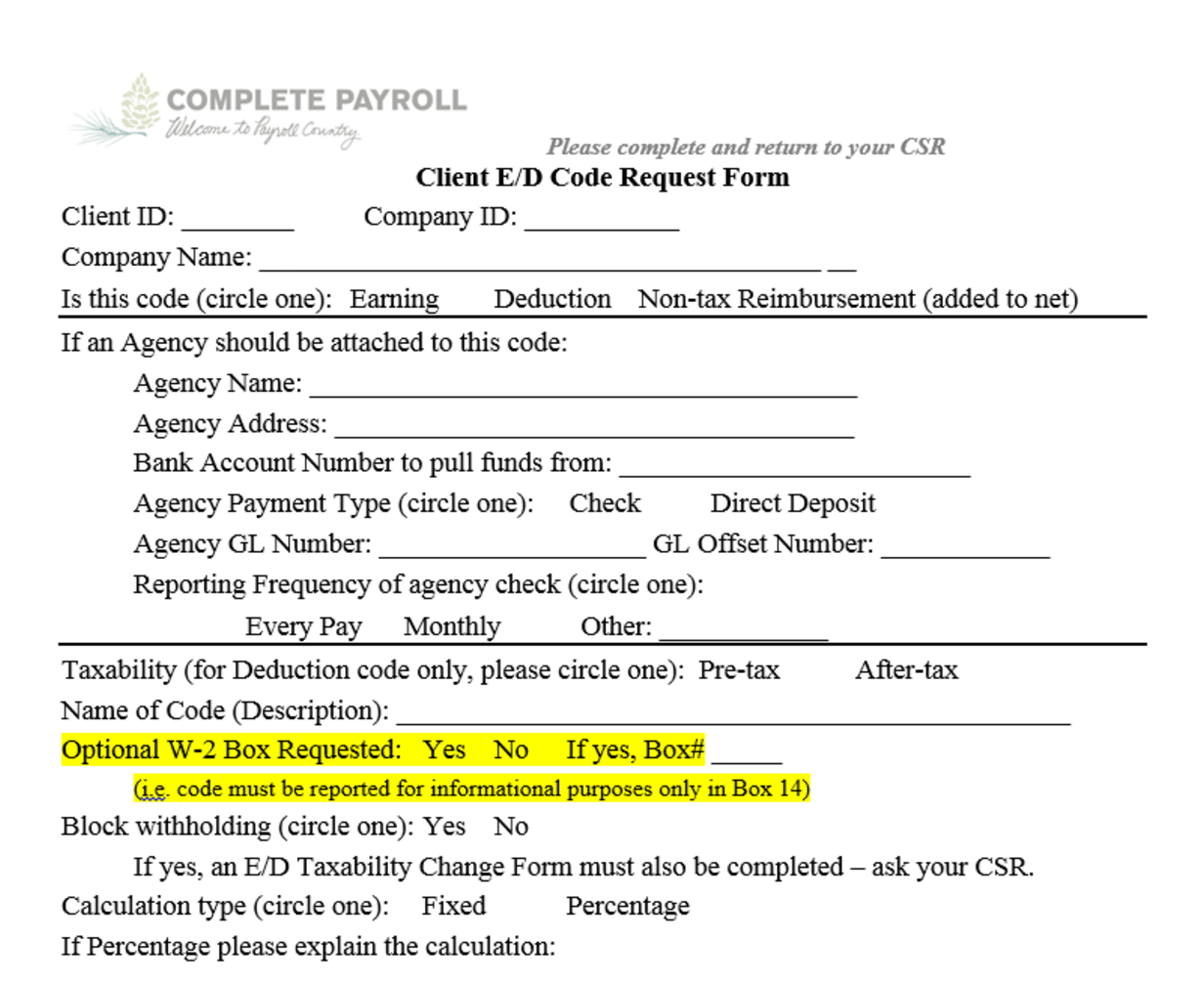
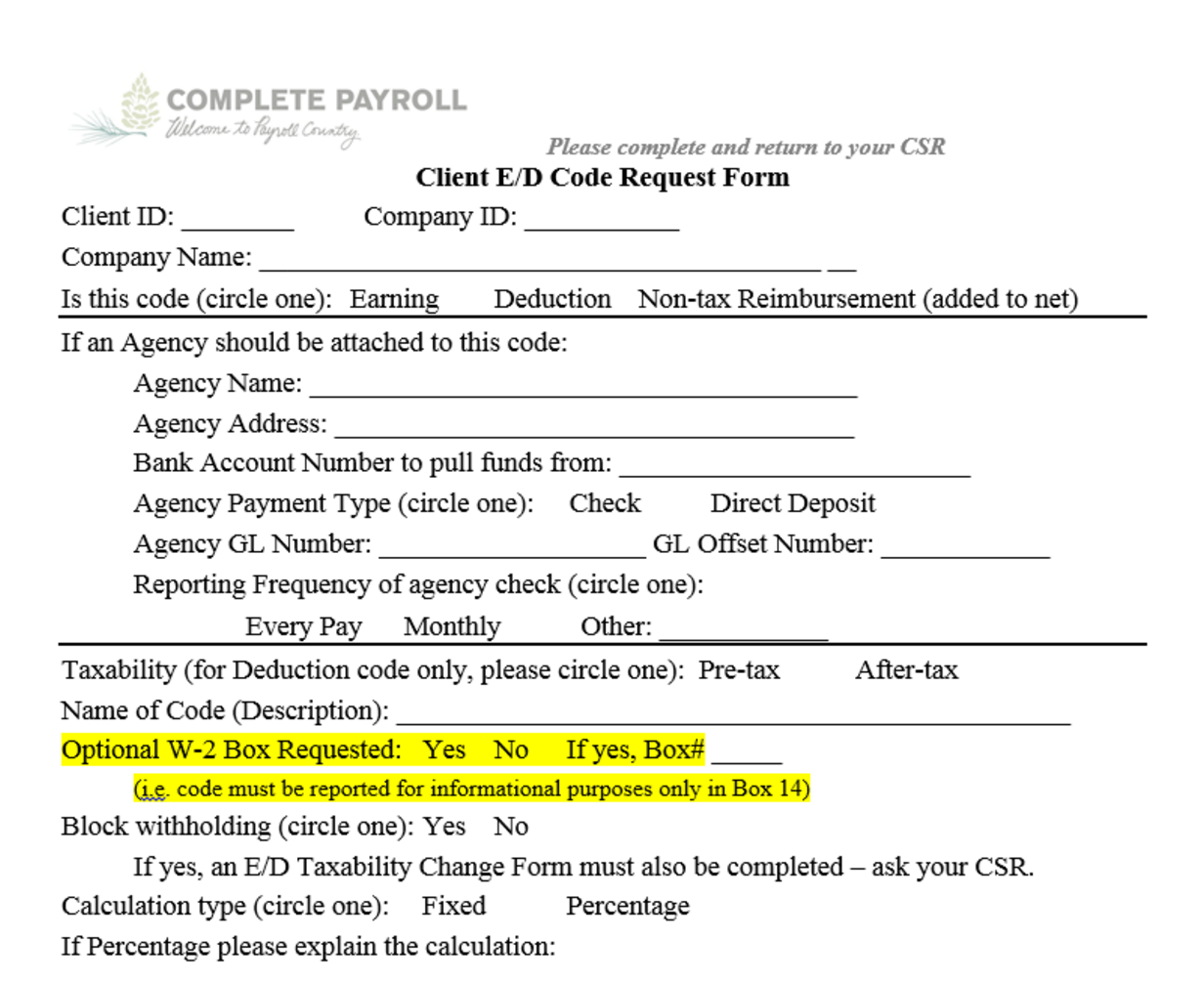
Form W 2 Codes Box 14
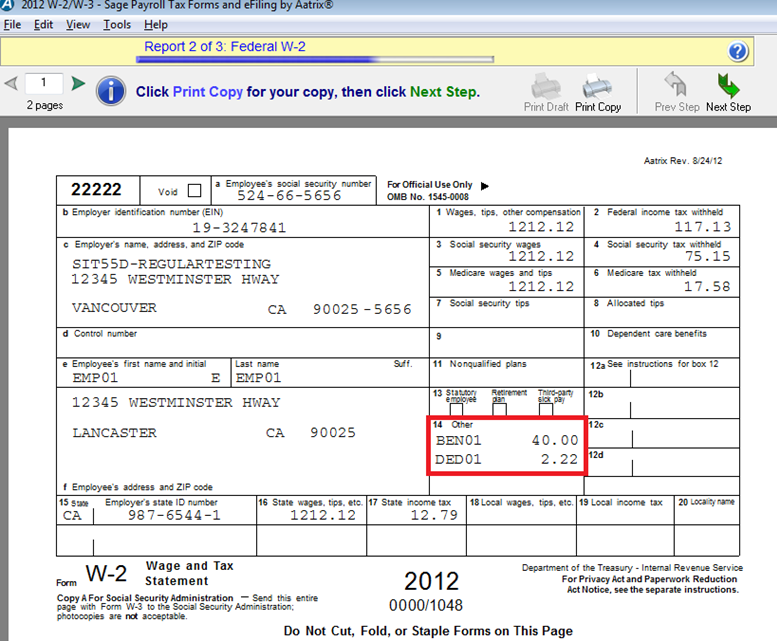 Form W 2 Codes Box 14
https://support.na.sage.com/Platform/Publishing/images/26098_After.png
Official Gmail Help Center where you can find tips and tutorials on using Gmail and other answers to frequently asked questions
Templates are pre-designed files or files that can be used for different functions. They can conserve effort and time by providing a ready-made format and layout for developing various type of material. Templates can be utilized for individual or expert projects, such as resumes, invitations, leaflets, newsletters, reports, discussions, and more.
Form W 2 Codes Box 14

2023 W 3 Form Printable Forms Free Online

2023 W3 Form Printable Forms Free Online
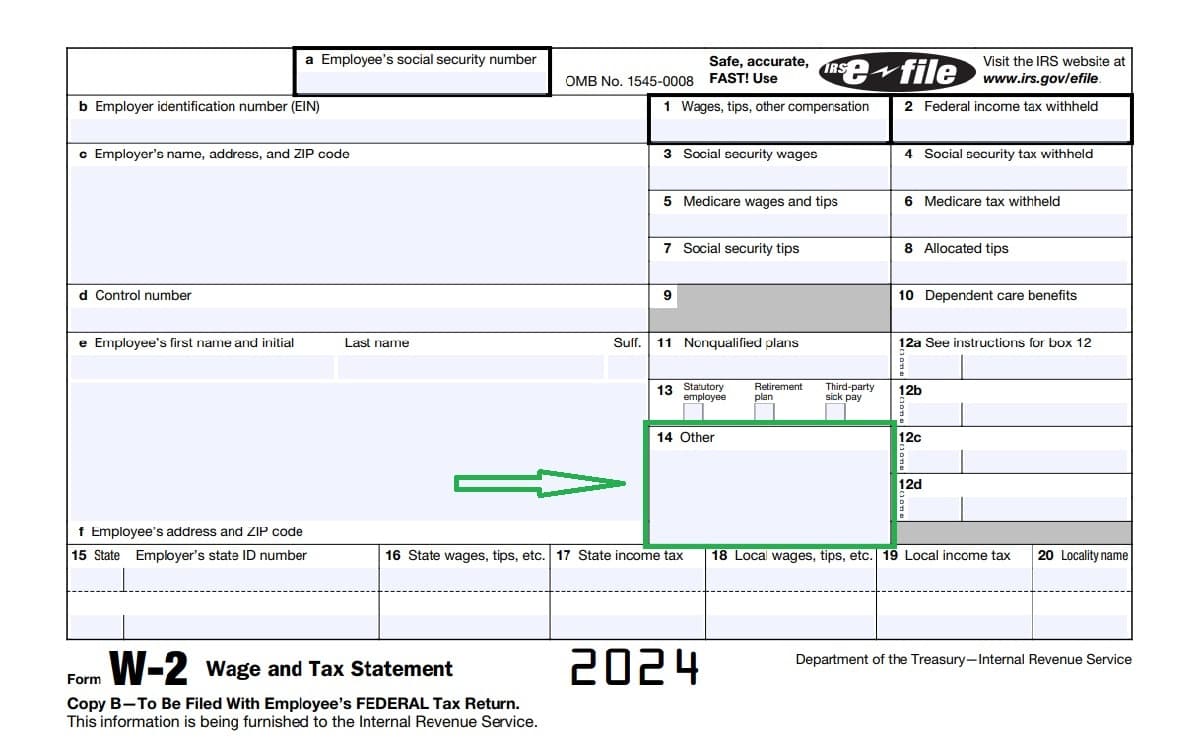
W 2 Box 14

2023 Employee W2 Form Printable Forms Free Online
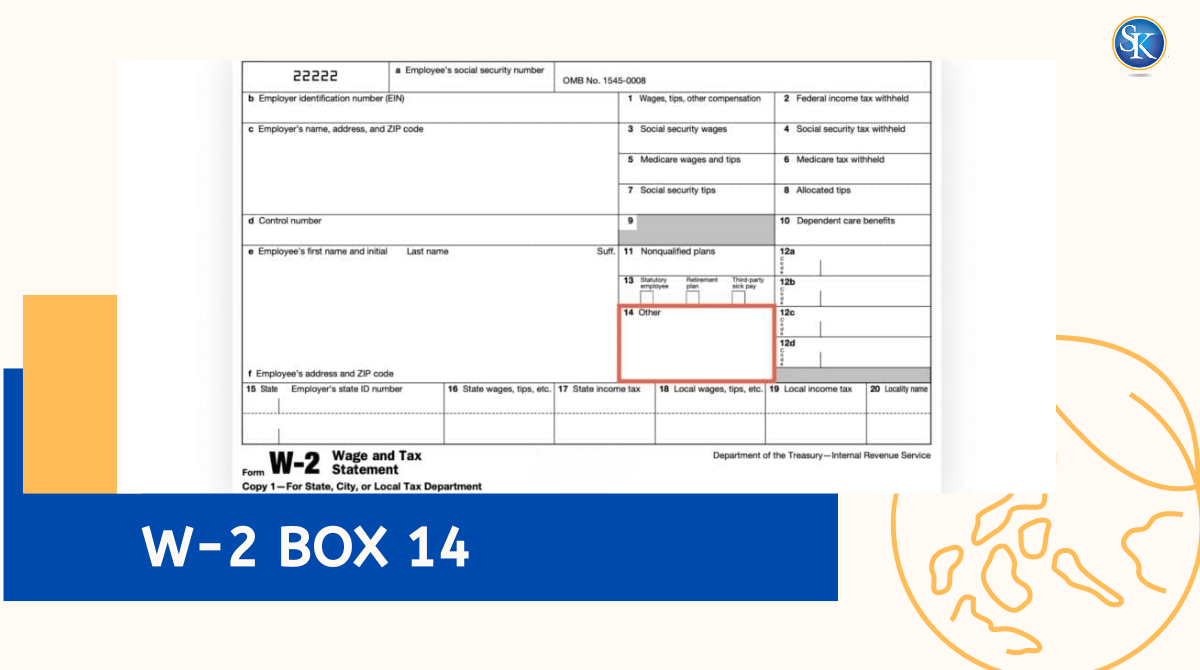
W 2 Box 14 Codes Detailed W 2 Box 14 Codes List
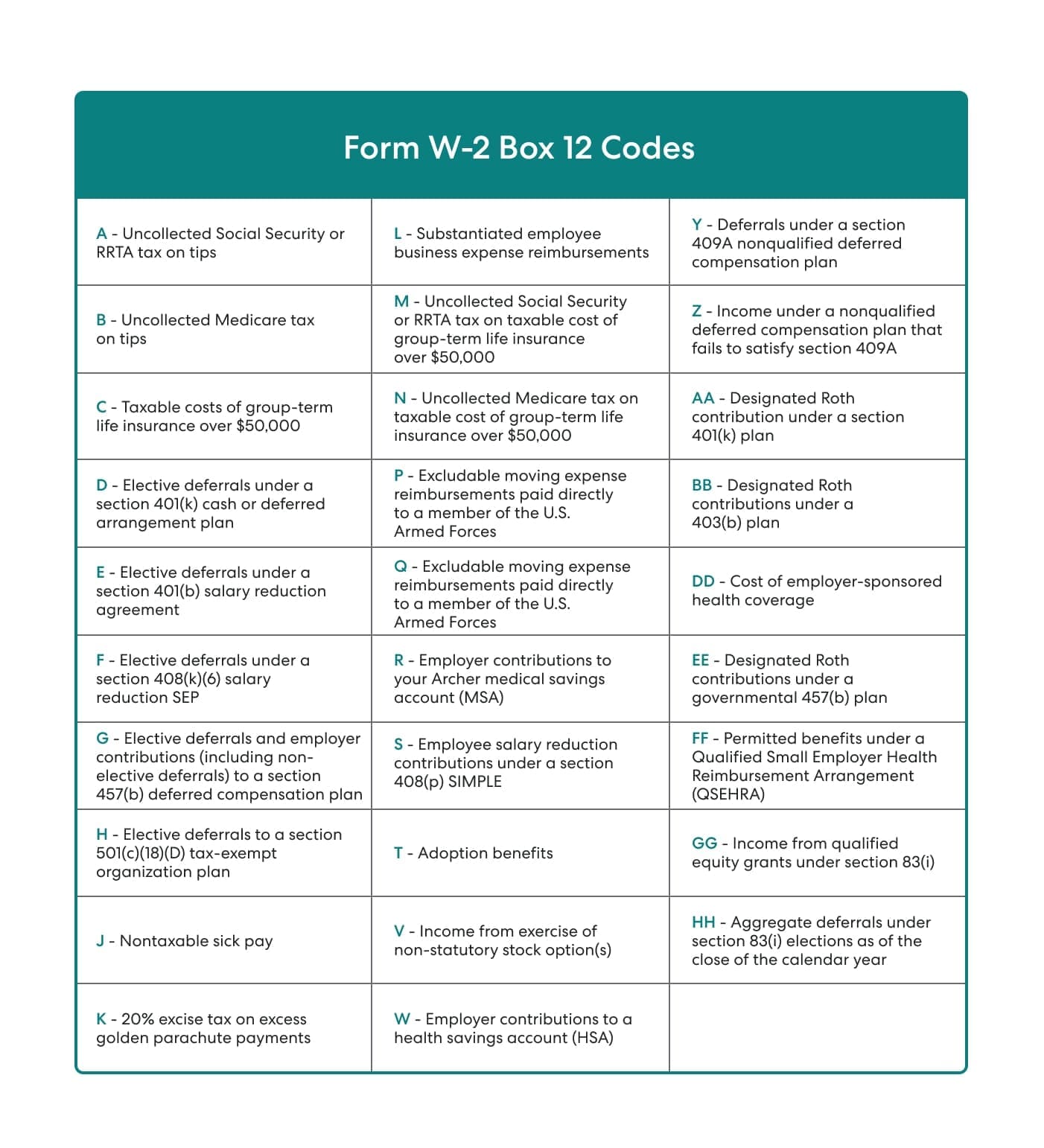
I m An Employer What Do I Need To Do With Form W 2 Gusto

Forms quick start guides Quickly learn how to create and send a form or quiz Get started with Forms Get started with quizzes
How to use Google Forms Want advanced Google Workspace features for your business Try Google Workspace today You can use Google Forms to create online surveys quizzes and forms send
Publish amp share your form with responders To create online surveys and quizzes use Google Forms You can share your forms with collaborators or responders Before responders can access your form
If your form creates charts in your quot Responses quot section you can copy and paste them into other files Tip If you copy and paste a chart into Google Docs Slides or Drawings you can update the chart

You can view and restrict replies to a form with Google Forms View responses Find responses to your for
[desc-11] [desc-12]
[desc-13]