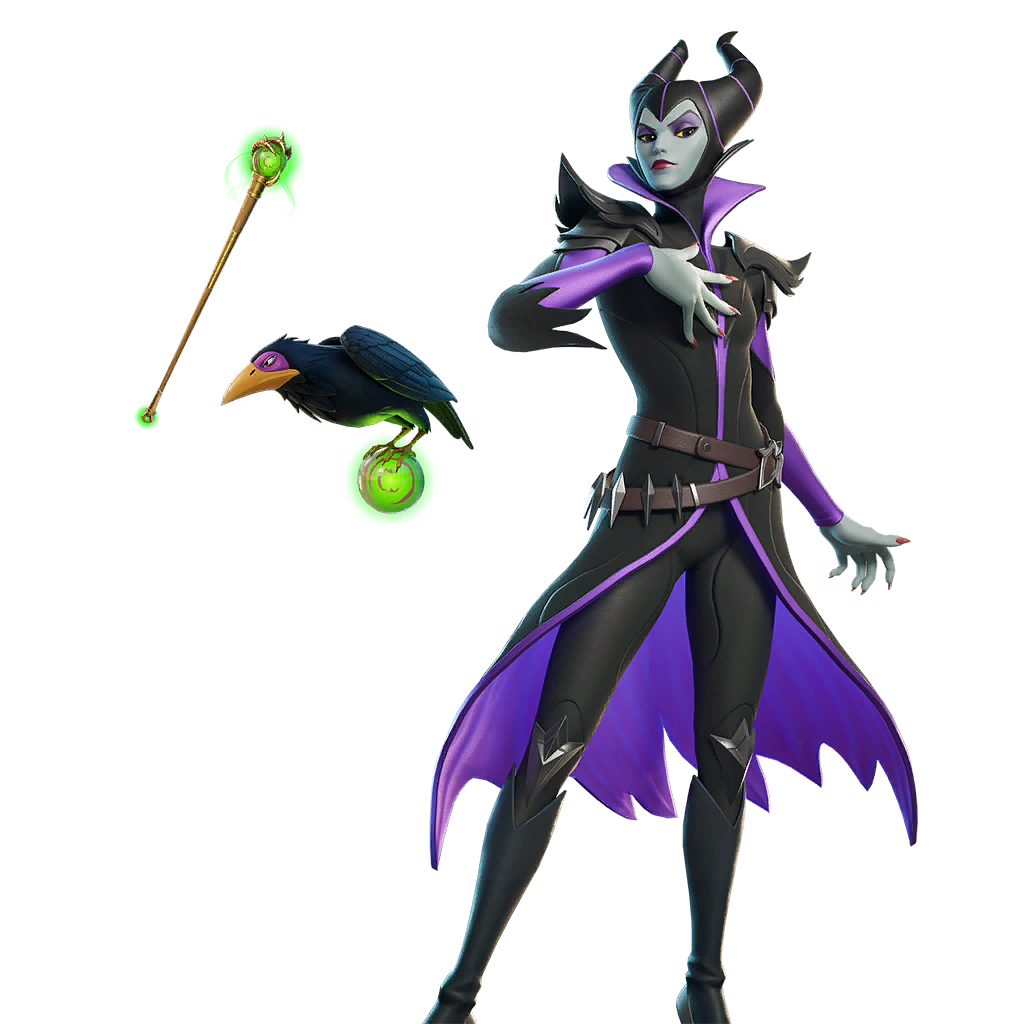
Form 16 Date 2022 Maleficent Fortnite Bundle Fortnite GG Captain Hook Fortnite Bundle Fortnite GG Renegade Flame Bundle Fortnite Bundle Fortnite GG Dapper Rabbit Bundle Fortnite Bundle Fortnite GG TWIN ECHO BUNDLE Fortnite Bundle Fortnite GG Find solutions for transaction issues on Google Play including submitting required documents and contacting support for further assistance
Get started with Forms in Google Workspace Publish your form and get responses On this page Publish your form Get form responses Publish your form Before responders can access your If you re having trouble accessing a Google product there s a chance we re currently experiencing a temporary problem You can check for outages and downtime on the Google Workspace
TWIN ECHO BUNDLE Fortnite Bundle Fortnite GG RENEGADE REF BUNDLE Fortnite Bundle Fortnite GG PENALTY PATROL BUNDLE Fortnite Bundle Fortnite GG Prehistoric Party Bundle Fortnite Bundle Fortnite GG Cruella De Vil Fortnite Bundle Fortnite GG SWAC Nokiamon Blacktop Challengers Bundle Fortnite Bundle Fortnite GG Blacktop Ballers Gear Bundle Fortnite Bundle Fortnite GG
Form 16 Date 2022
 Form 16 Date 2022
https://fortnite.gg/img/items/15217/icon.png?88
How to install Chrome Important Before you download you can check if Chrome supports your operating system and other system requirements
Pre-crafted templates use a time-saving solution for creating a varied series of documents and files. These pre-designed formats and layouts can be utilized for different individual and professional tasks, consisting of resumes, invites, leaflets, newsletters, reports, discussions, and more, improving the content development procedure.
Form 16 Date 2022

WRLD Takeover Bundle Fortnite Bundle Fortnite GG

RENEGADE REF BUNDLE Fortnite Bundle Fortnite GG

PENALTY PATROL BUNDLE Fortnite Bundle Fortnite GG

Prehistoric Party Bundle Fortnite Bundle Fortnite GG

SWAC

Nokiamon

You can use Google Forms to create online surveys quizzes and forms send them to others to fill out and then analyze their responses in real time To edit forms and analyze responses with

Forms quick start guides Quickly learn how to create and send a form or quiz Get started with Forms Get started with quizzes

Get started with Forms in Google Workspace What you can do with Forms Create your first form in Google Forms Publish your form and get responses Print save or customize Learning

If your form creates charts in your quot Responses quot section you can copy and paste them into other files Tip If you copy and paste a chart into Google Docs Slides or Drawings you can update

If you encounter issues when you respond to a form this article can help you identify and resolve the most common problems If you can t submit a form If you ve completed all the questions on
[desc-11] [desc-12]
[desc-13]