Forgot Root Password Centos 6 5 How To Change Root Password On CentOS 8 Devconnected Simplest Way To Reset MySQL Root Password How To Reset Root User Password On CentOS 8 Resetting A Forgotten How To Reset Forgotten Root Password On CentOS 7 CentOS 8 SysOpsPro How To Reset Forgetten Root Password In Centos 6 7 YouTube Web Oct 9 2016 nbsp 0183 32 In this article we are going to learn how to reset forgotten root password on RHEL CentOS Fedora 5 6 or earlier versions As a Linux Administrator some time we face challenges when some how we forgot the root password and without root access we can t do any kind of administrative task s in Linux But luckily there is a easy way to recover
Web Easy way to reset forgotten root password in CentOS 6 5 Learn how to reset forgot root password in CentOS 6 0 6 1 6 2 6 3 6 4 6 5 and Fedora 16 17 18 19 20 Web In this article we will learn how to reset the forgotten password of root user account on CentOS 6 operating system Prerequisites You should have a VPS Budget server or Dedicated server with CentOS 6 installed You should have access to your Snel client control panel to open a KVM console
How To Reset Forgetten Root Password In Centos 6 7 YouTube How To Reset Root Password In MySQL In Windows YouTube How To Reset The Root Password In Linux Make Tech Easier Forgot Root Password In MySQL CentOS 9to5Tutorial Forgot Root Password And IVS Client Password Expired OMU Portal Make It How To Reset Root Password On CentOS 7 Issabel 4 Zivo NiX BLog How To Reset Change Mysql Root Password Cloudbooklet Vrogue Step By Step Procedure To Install CentOS Linux On VMWare Workstation Reset MySql root User Password Forgot MySQL Root Password How To
Forgot Root Password Centos 6 5
 Forgot Root Password Centos 6 5
https://devconnected.com/wp-content/uploads/2019/11/featured-3.png
Web Oct 2 2014 nbsp 0183 32 1 Answer Sorted by 2 Make a copy of passwd and shadow remove in passwd and shadow both lines of user root UID 0 and UID 222 and create a new user root useradd c root d root u 0 g root G bin daemon sys adm disk wheel o M s bin bash root and try to set a password Answered by Cyrus
Templates are pre-designed files or files that can be used for various functions. They can save time and effort by supplying a ready-made format and design for producing different kinds of content. Templates can be utilized for individual or professional projects, such as resumes, invites, leaflets, newsletters, reports, discussions, and more.
Forgot Root Password Centos 6 5
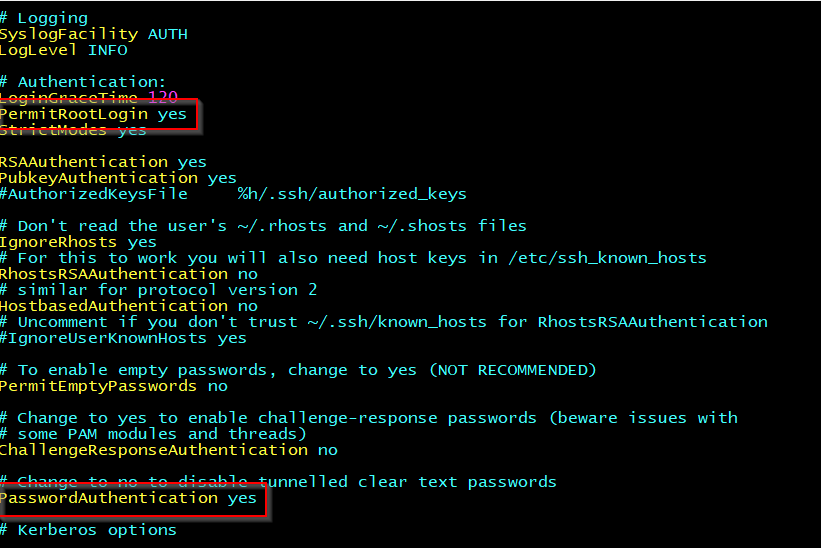
How To Enable Ssh Root Password Login On Centos Or Ubuntu Linux Mining

How To Reset Root Password In MySQL In Windows YouTube

How To Reset The Root Password In Linux Make Tech Easier

Forgot Root Password In MySQL CentOS 9to5Tutorial
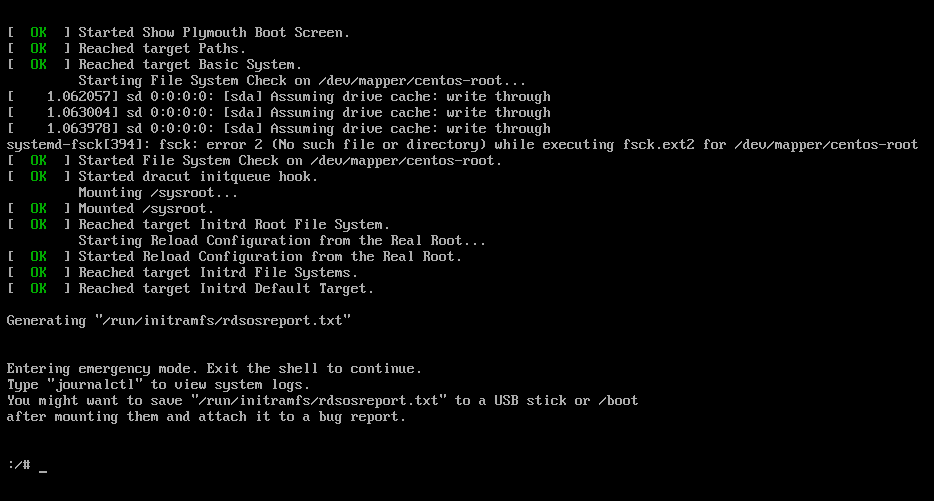
How To Reset Root Password On CentOS 7 Issabel 4 Zivo NiX BLog
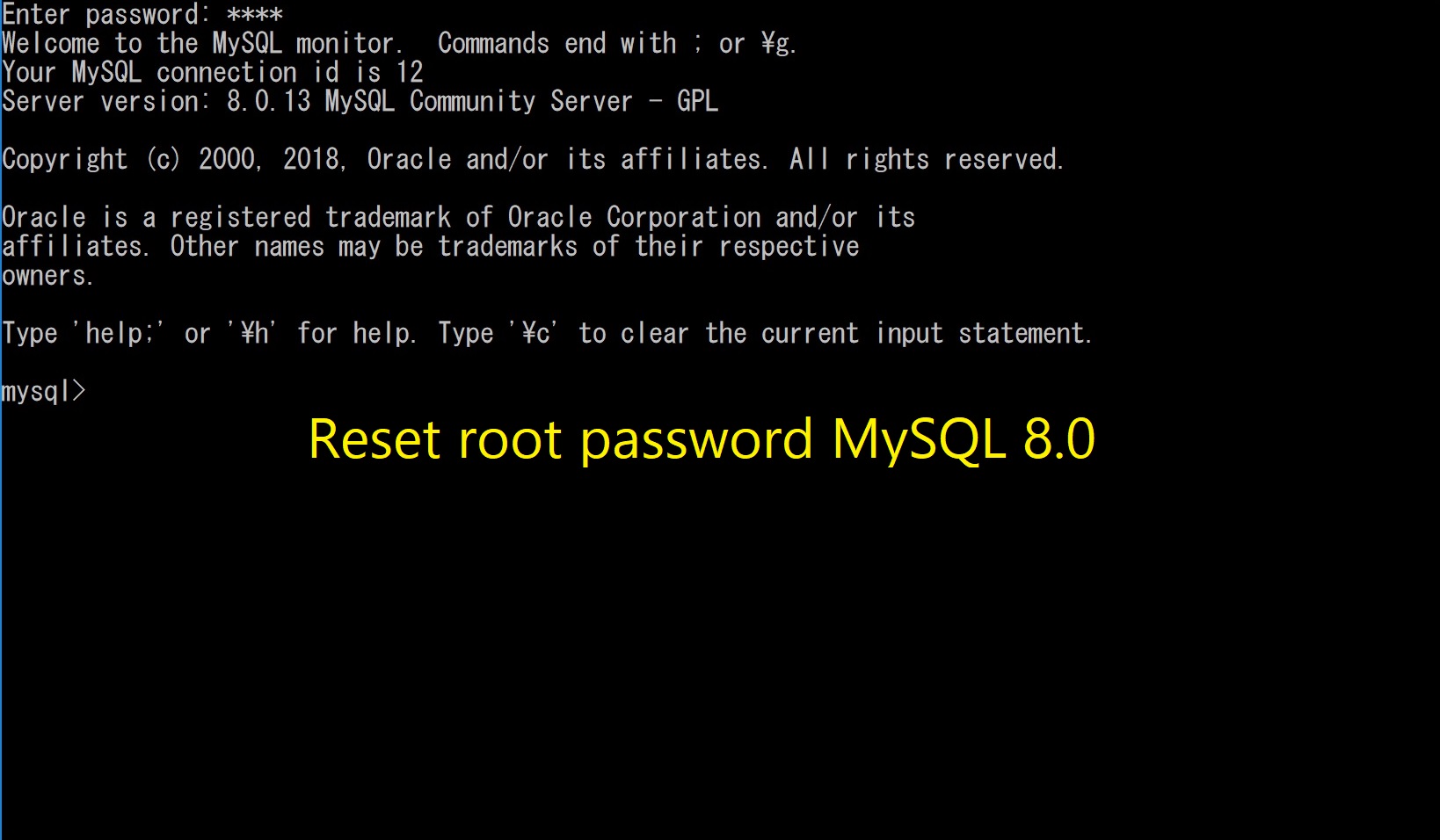
How To Reset Change Mysql Root Password Cloudbooklet Vrogue
Web Sep 21 2020 nbsp 0183 32 Easy way to reset forgotten root password in CentOS 6 5 In this article we will learn how to reset forgot root password in CentOS 6 0 6 1 6 2 6 3 6 4 6 5 and Fedora 16 17 18 19 20 To reset the root password we will boot the linux system in Runlevel 1 also known as single user mode

Web Now you will boot up to the root shell and you can use passwd to set your new password You will be required to enter the password twice Once you have completed this reboot and you have a new root password for your CentOS installation

Web Jul 1 2017 nbsp 0183 32 Introduction Here you re because you ve lost your CentOS or RHEL root password OMG Don t be scared we ll demonstrate how to reset that step wise with Image Both RHEL CentOS 6 x and 7 x is covered The basic is editing the kernel before booting to force the system to start in single user mode

Web Lost the root password of your server Follow this 3 step process access VNC console restart the server amp edit kernel boot parameters and set a new root password

Web Nov 10 2019 nbsp 0183 32 Method 1 Reset forgotten root password by booting into single user mode This is easy and native method to reset the forgotten root password in RHEL 6 CentOS 6 systems Just follow our instruction to do the password reset without any headache
Web If you have forgotten the root password it is possible to set a new one as follows CentOS 6 instructions also for CentOS 5 Interrupt the boot at the GRUB stage when you see the menu that says quot Booting CentOS 2 6 32 in X seconds quot and boot to runlevel 1 AKA single user mode by doing the following Web Aug 6 2019 nbsp 0183 32 If forgotten the root password of the server CentOS 6 Then we can reset it via Single User mode 1 Restart the system Press ESC or ALT or SPACEBAR Based on appropriate server to stop at the screen to get the boot screen 2 At the grub boot menu press a key to modify the kernel arguments 3
Web Previous Article Two ways to reset or change forgotten Root password on RHEL 6 CentOS 6 Systems About 2daygeek View all posts by 2daygeek