Forgot Password Windows Virtual Machine Windows Virtual Machine Recover Disk Space By Andreaponza Medium BASIC What To Know About Azure Virtual Machines How To Reset Forgot Password Windows 11 10 7 Pc Laptop Forgot The Best 6 Free Virtual Machine Butterfly Labs 2 Easy Ways To Reset Virtual Machine Password VMware Web Oct 7 2022 nbsp 0183 32 You can reset the local Windows password of a VM in Azure using the Azure portal or Azure PowerShell provided the Azure guest agent is installed This method is the primary way to reset a password for an Azure VM
Web Nov 14 2010 nbsp 0183 32 1 Offline NT Password Reset is a good suggestion to recover or reset the password However to be able to use this tool you will need to boot directly into it which poses a few problems depending on how your Virtual PC is set up Here are some instructions that worked for me Windows 7 host VPC Web Dec 6 2023 nbsp 0183 32 If you can t connect to a Windows virtual machine VM you can reset Remote Desktop Services and credentials by using the VMAccess extension Here are the available methods to do this Reset by using the Azure
2 Easy Ways To Reset Virtual Machine Password VMware GEOG2001 7 Server Instructions GEOG20017 Server We Have A Windows Improve Your Windows Virtual Machine s Performance Setting Up A Virtual Machine In Windows 10 Plesync How To Fix USB Flash Drive Does Not Detect not Recognized In VMware How To Configure And Access A Windows Virtual Machine On A VSTAC Watch1 Creating Windows 10 Virtual Machine VM Using Oracle VirtualBox Techtown Forgot Windows 7 Login Password How To Remove It Instantly YouTube 2 Easy Ways To Reset Virtual Machine Password VMware
Forgot Password Windows Virtual Machine
 Forgot Password Windows Virtual Machine
https://miro.medium.com/v2/resize:fit:1080/1*Xz_zzqppYT0GC3kfRD5nIA.png
Web Aug 16 2013 nbsp 0183 32 This video shows you how to reset lost Windows password so you can recover access to your VMware virtual machine in minutes http www top password
Pre-crafted templates provide a time-saving option for producing a varied variety of files and files. These pre-designed formats and designs can be used for numerous personal and expert projects, including resumes, invites, flyers, newsletters, reports, discussions, and more, improving the material creation procedure.
Forgot Password Windows Virtual Machine

How To Connect Delete Reset Windows Virtual Machine On Google Cloud

GEOG2001 7 Server Instructions GEOG20017 Server We Have A Windows

Improve Your Windows Virtual Machine s Performance

Setting Up A Virtual Machine In Windows 10 Plesync

How To Configure And Access A Windows Virtual Machine On A VSTAC Watch1
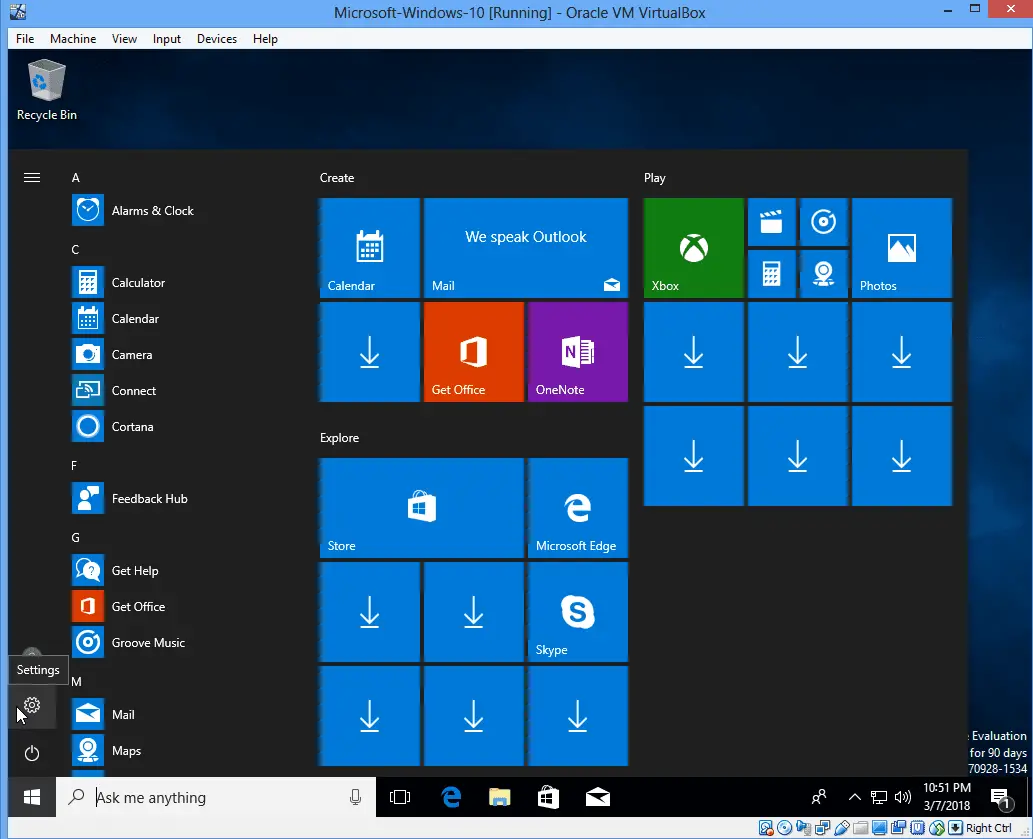
Creating Windows 10 Virtual Machine VM Using Oracle VirtualBox Techtown

Web Feb 24 2022 nbsp 0183 32 Right Click the VM and select Settings On VM Properties window switch to Options tab Click Access Control and select Change Password Enter the current password for the VM and enter the new password twice and click OK Reset VMware VM Password using Change Password Option

Web Dec 23 2021 nbsp 0183 32 Run the command az vm user update name quot vm test quot resource group quot azure vm test quot username quot devcoops quot password quot lt insert new password here gt quot You could refer to the following non microsoft link for more detailed steps how to reset password in azure virtual machine

Web Start the virtual machine It will load to WinPE system from the bootable ISO image After a while you ll see the Windows Password Recovery Software Follow the wizard to reset Windows password in Virtual machine It can recover password for any types of local account administrator and standard user

Web Mar 8 2023 nbsp 0183 32 What should you do if by chance you forget or lose the administrator account password of your Hyper V virtual machine This article showed you the steps of how to reset lost admin password for Hyper V virtual machine By Crystal Updated on March 8 2023 Table of Contents Case Hyper V Server lost admin password

Web To change the administrator password on a virtual machine VM with a Windows OS go to Virtual Machines select VM menu Change Password and enter the new password In some cases such as OS failures the password may not change In this case you can reset the password in recovery mode
Web Nov 14 2019 nbsp 0183 32 Variant 1 Use some third party software which may create new user accessing OS registry offline for example PasswordRenew create new user with admin rights Restart VM by common way do not forget to remove bootable media from VM config log in as newly created user and reset admin s password Variant 2 Start Web There are chances you forgot the Windows login password for your VirtualBox virtual machine Here I ll show you an easy way to reset Windows 10 8 7 Vista XP password for virtual machines running inside VirtualBox The password resetting procedure can be divided into two steps
Web Jan 18 2012 nbsp 0183 32 1 Edit the settings of the VM and change the close behavior to quot Shutdown quot only required if your VM isn t shut down currently 2 Open your VM and if you can click on the Shutdown button at the login window do so pick Restart The next time you start up Windows XP Mode you should not be prompted for a password Best Andre