Forgot Password For Pdf Forgot Password For Linkstation Ls220de Forgot Password For Account In Os X Leopard Rentnew How To Remove Password From A Pdf File YouTube Forgot Your Iphone Passcode Here s What You Have To Do Phone How To Open PDF Files If You Forgot PDF Password How to Unlock PDF Files Forgot the password to your PDF file Use Smallpdf to instantly unlock them and regain access to your content Follow our step by step tutorials on how to unlock a PDF document to enable viewing The tool is available on our site and the desktop app
How to remove password from PDF 1 Drag Drop a PDF file into the box or upload a file by clicking the Add file button Another option is to add it from your Google Drive or Dropbox 2 Click the Unlock PDF button The tool will remove password from PDF automatically How to remove passwords Editing restrictions for PDFs Passwords protect encrypted PDF files Password protection is one of the first lines of defense for a document that contains sensitive information If you regularly handle private forms or documents passwords are essential
How To Open PDF Files If You Forgot PDF Password How To Recover PDF Password How To Remove Password From PDF On Google Chrome Android IPhone How To Open Aadhar Card Password Forgot Apple ID Password Here s How To Find And View Your Forgotten What Is New E Aadhaar PDF Password Aadhaar Card Forgot Password How To Unlock Samsung Phone How To Remove Password From PDF File Updated For 2019 Aadhar Card Password To Open Pdf 2020 YouTube
Forgot Password For Pdf
 Forgot Password For Pdf
https://i.ytimg.com/vi/f13k2s3b43k/maxresdefault.jpg
Our online PDF password tool allows you to lift password restrictions within your document to unlock your PDF Share your PDF or files without sharing your password Removing PDF password security allows you to share your PDF with someone without using your password but the file can be modified PNG Change permissions
Templates are pre-designed documents or files that can be used for various purposes. They can conserve effort and time by providing a ready-made format and design for creating various kinds of content. Templates can be used for personal or professional jobs, such as resumes, invites, flyers, newsletters, reports, discussions, and more.
Forgot Password For Pdf

Aadhar Card Password To Open Pdf How To Open Aadhar Pdf With Password
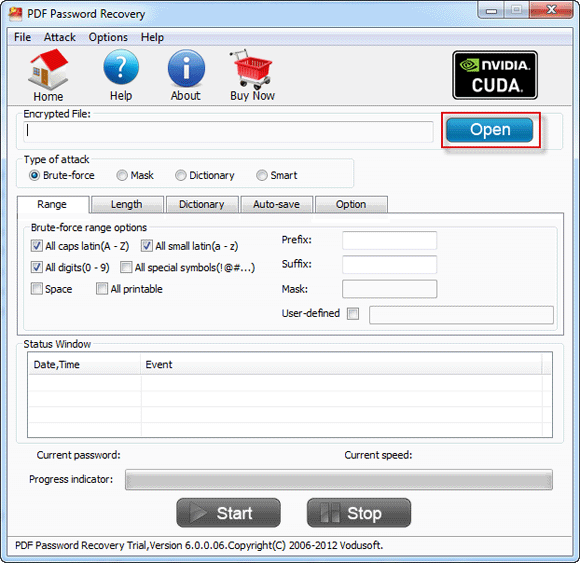
How To Recover PDF Password
How To Remove Password From PDF On Google Chrome Android IPhone

How To Open Aadhar Card Password
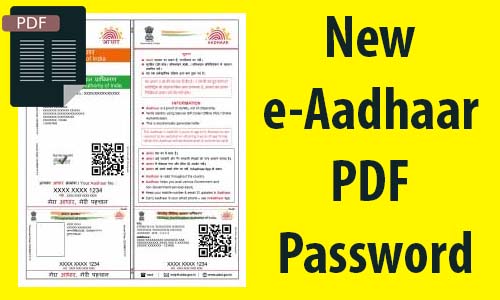
What Is New E Aadhaar PDF Password Aadhaar Card
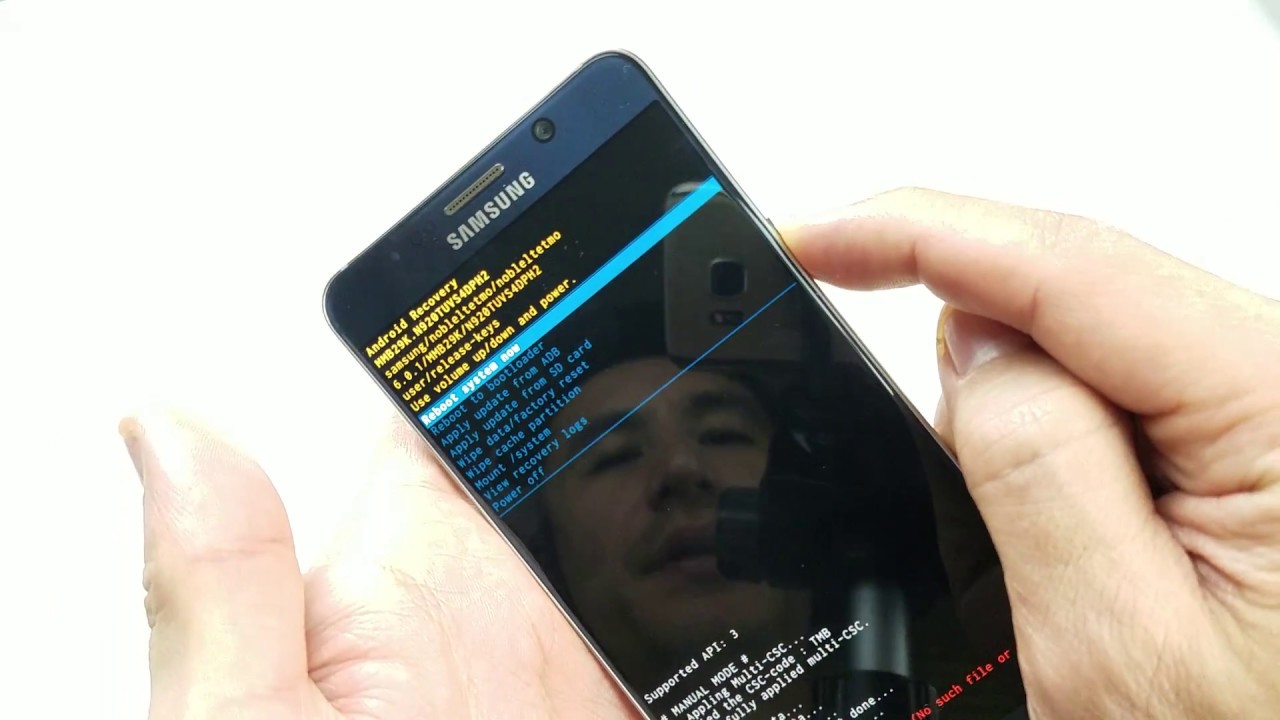
Forgot Password How To Unlock Samsung Phone

How to Remove the Password From the PDF File After you recover the lost password you can easily purge the password protection with our online tool the PDF Password Remover To remove the password protection from a document you need to restore the lost password first So upload the file to our website and wait for the positive result See Also

Click Unlock PDF and download your file As soon as our unlock tool is done your file won t be password protected anymore You ll be able to view and edit your PDF instantly unless the file was also secured against editing

How to unlock a PDF to remove password security Open the PDF in Acrobat Use the Unlock tool Choose Tools Protect Encrypt Remove Security Remove Security The options vary depending on the type of password security attached to the document If the document has a Document Open password click OK to remove it from the document
Do you want to remove a password from your PDF This tool makes it easy to unlock a PDF that has been password protected to allow access to the file s content You won t need to buy expensive software or even install anything at all Smallpdf is free to use and can unlock your PDF in seconds Unlock PDFs without sign up or installation
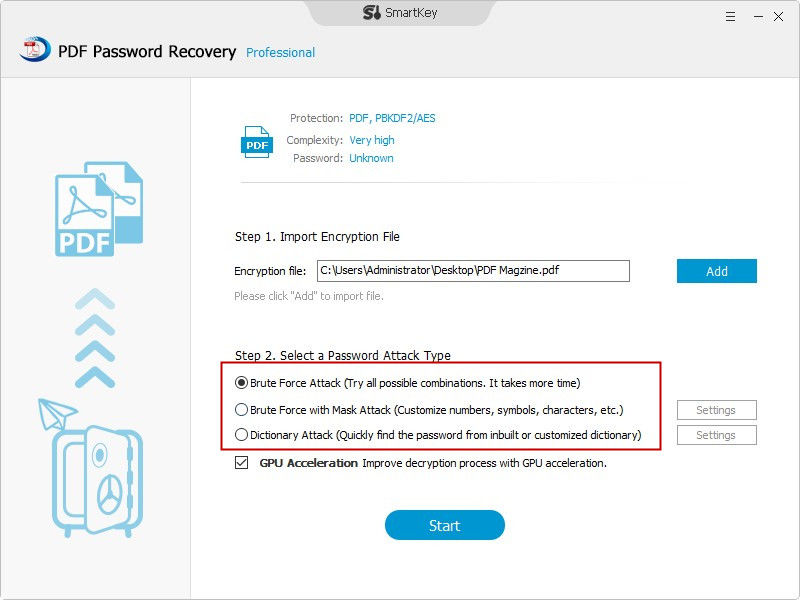
Free online tool to remove password protection and security settings from PDF files No quality loss Without installation Without registration
1 Open the password protected PDF in Adobe Acrobat Enter the password when directed 2 Click File in the menu bar then choose Properties 3 In the Document Properties window click the First open the PDF document and provide the password it requires Click the Print button on the PDF toolbar while viewing the password protected document Click the Change button under Destination and select Save as PDF Click the Save button and you ll be prompted to provide a name and location for your new PDF
Open the PDF in Acrobat and do one of the following Select All tools Protect a PDF then select Encrypt with password from the Protect a PDF toolset in the left pane Select File Protect Using Password macOS If you receive a prompt click Yes to change the security Select Restrict editing and printing of the document