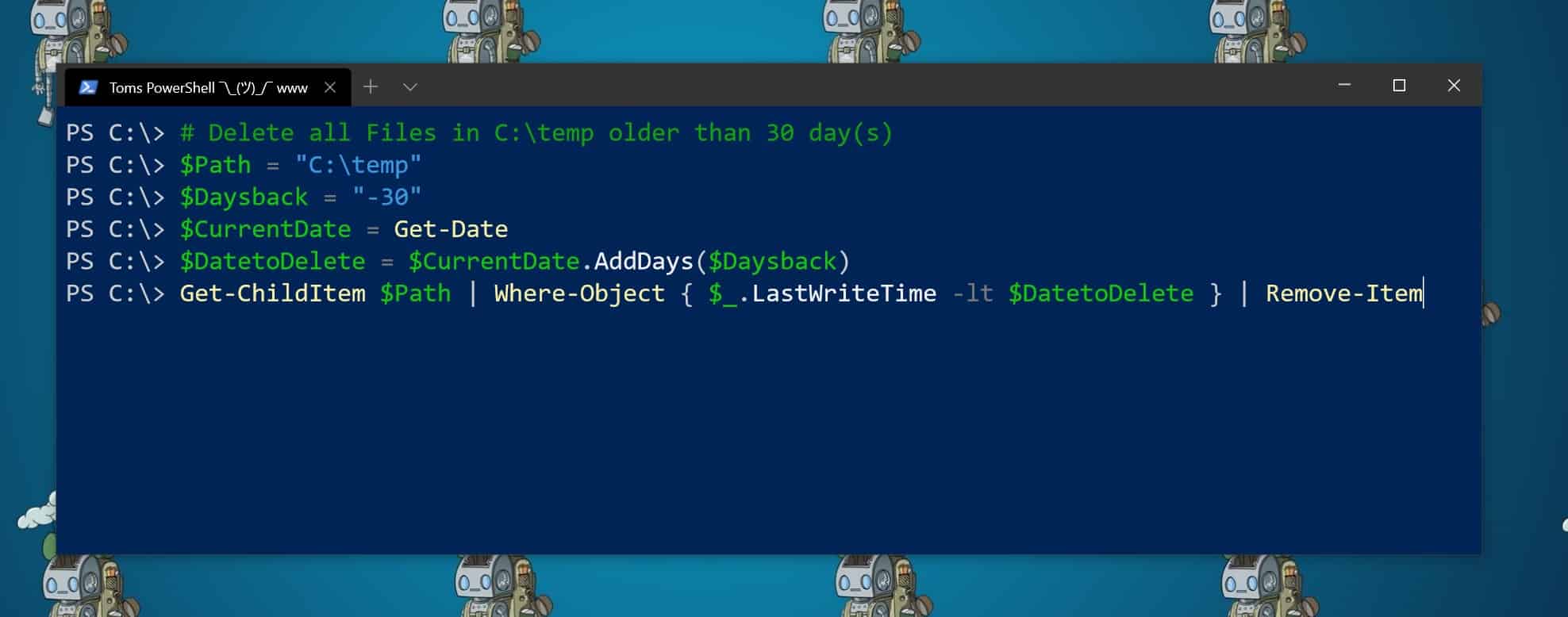
Force Delete Folder And Subfolders Command Prompt How To Create And Delete Files And Directories From Windows Command Prompt How To Force Delete Folder Or File In Windows 1011 Easeus CLOUD HOT GIRL How To Delete Folder With Subfolders Using Commands On Windows 11 Ultimate User Guide Using CMD To Move Folder And Subfolders Gazdag J tsz t r Fest s Windows Creates Folder Automatically On Usb This powerful command can delete files and folders while ignoring normal error messages and restrictions Here is the basic syntax Remove Item Path C FolderToDelete Force Recurse
You can force delete a file or folder in Windows via Command Prompt Safe Mode using a keyboard shortcut or using a third party app Before trying any of these methods here are a few basic steps to help you get around the issue Close any running applications or programs on your computer and then delete the file or folder again Do you want to delete a directory from Windows command prompt CMD This post explains how to use the command rmdir to delete folders and their contents You can also find examples for each use case of folder deletion empty folders non empty folders folders with white spaced names etc Delete folder from CMD
Gazdag J tsz t r Fest s Windows Creates Folder Automatically On Usb How To Delete A Folder Or Directory Using Command Prompt For Windows 7 How To Delete File And Folder In Command Line Techulk How To Delete Folder With Subfolders Using Command Line On Windows 10 How To Create At Once Several Subfolders Levels commando line PowerShell Delete Files Older Than Thomas Maurer How To Delete Files Folders And Subfolders In Command Prompt Force Delete Files Or Folder By CMD In Windows 10 8 7 Cmd Delete Folder How To Remove Files And Folders In Windows
Force Delete Folder And Subfolders Command Prompt
 Force Delete Folder And Subfolders Command Prompt
https://tipsmake.com/data/thumbs/how-to-create-and-delete-files-and-directories-from-windows-command-prompt-thumb-aNNFC5JuX.jpg
If while trying to delete a folder you are getting the Access is denied launch the CMD as an administrator for this press the Win keybutton to open the Start menu type in cmd to search for the Windows command prompt and press the Ctrl Shift Enter Cool Tip Delete a file or a folder that is open in another program Read more
Pre-crafted templates provide a time-saving solution for producing a diverse series of documents and files. These pre-designed formats and layouts can be used for different personal and professional jobs, including resumes, invites, flyers, newsletters, reports, discussions, and more, simplifying the material development procedure.
Force Delete Folder And Subfolders Command Prompt
How To Create Open Rename And Force Delete A Folder Using Command Prompt
How To Delete A Folder Or Directory Using Command Prompt For Windows 7

How To Delete File And Folder In Command Line Techulk

How To Delete Folder With Subfolders Using Command Line On Windows 10
PowerShell Delete Files Older Than Thomas Maurer
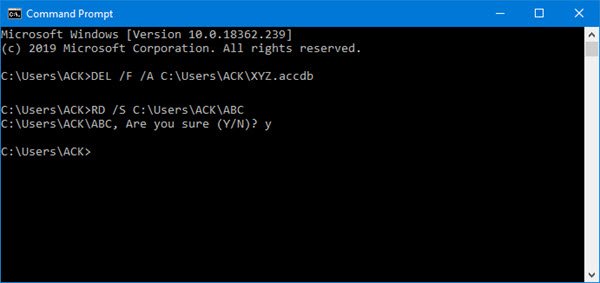
How To Delete Files Folders And Subfolders In Command Prompt
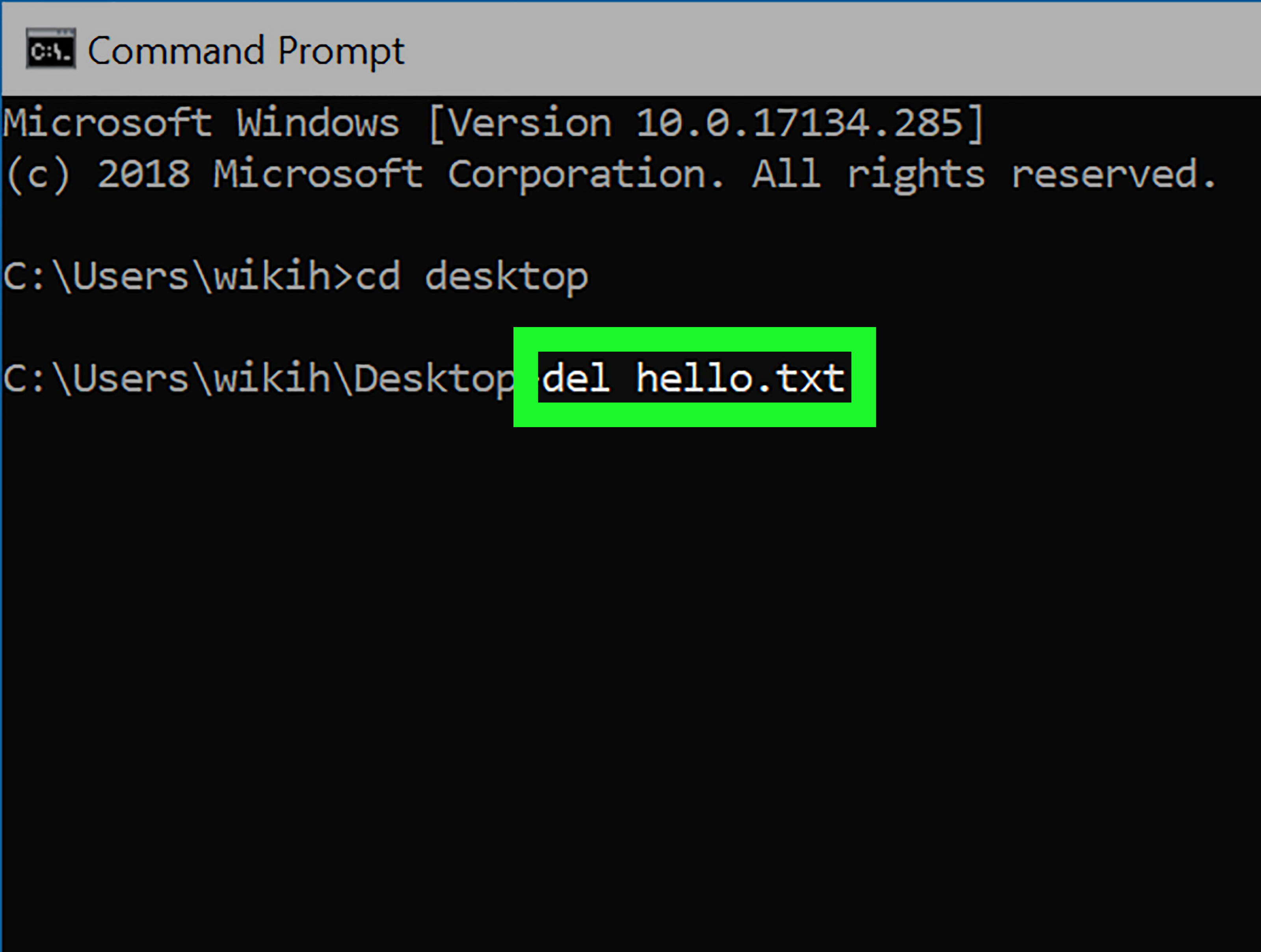
One quick way to force delete a folder is to use Command Prompt You can run a command from this tool that deletes your selected folder To do that first open your Start menu and search for Command Prompt Then on the right pane click Run as Administrator You ll see a User Account Control prompt Select Yes

To delete a folder with subfolders with a command on Windows 10 use these steps Open Start on Windows 10 Search for Command Prompt right click the top result and select the Run as administrator option Type the following command to delete an empty folder and press Enter rmdir PATH TO FOLDER NAME

19 Answers Sorted by Reset to default This answer is useful

Files folders on which the current user has not the required NTFS permissions to delete the file folder which prevents also the deletion of the folder tree to this file folder The first reason for not deleting a folder is used by this command line to delete all files and subfolders of the specified folder but not the folder itself

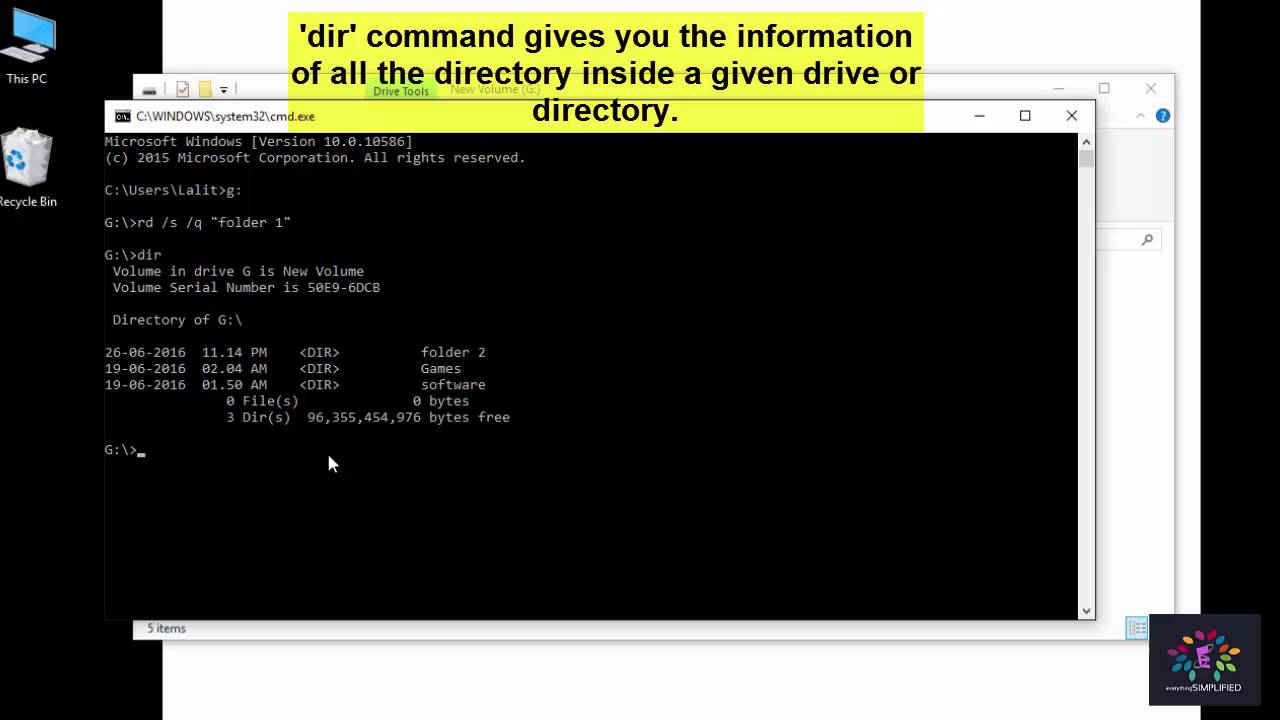
Type the following command to delete a folder with content recursively without a confirmation prompt and press Enter rmdir s q PATH TO FOLDER NAME This example removes the files folder subfolders and files without prompting for confirmation rmdir s q C files
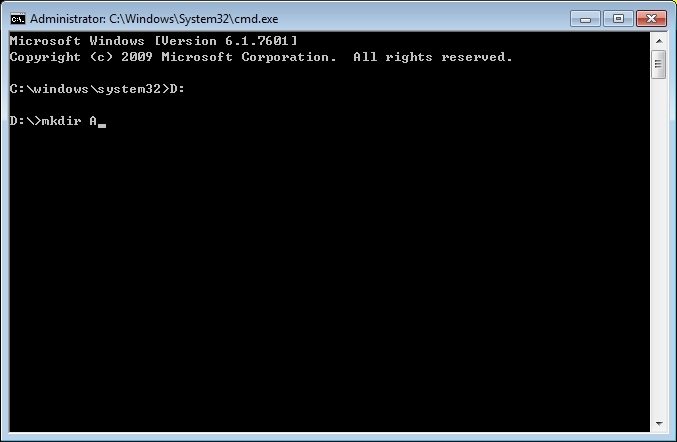
To open Command Prompt press the Windows key and type in cmd Then click on Run as Administrator After that you ll see a Command Prompt window with administrative privileges Screenshot of Command Prompt window If you can t open Command Prompt as an administrator no worries To delete the folder and all of its contents use the following command and hit Enter rmdir s PATH TO FOLDER NAME The files folders and subfolders in this example are deleted rmdir s C files To delete a folder with content recursively without a confirmation box enter the command shown below and hit Enter rmdir s q PATH TO FOLDER NAME
2 Delete Performance Deleting a large directory structure with hundreds or thousands of files and subfolders can take substantial time And the deletion may be unpredictable if files are locked in use have permission issues etc So for performance reasons recursive delete is not enabled by default for standard commands