Flutter Appbar Leading Size How To Customize Flutter Appbar Leading 2022 Guide Let Me Flutter Flutter AppBar YouTube Flutter UI 18 Fun With Badges In Flutter Nilen Patel Inc How Do I Center An Icon In The Leading Attribute Of A List Tile Flutter Resize Leading Widget In Flutter AppBar ITecNote You can increase the size of the icon by wrapping IconButton with Transform scale and pass scale value as 2 depending on how big you want the icon to be Working sample code below centerTitle true actions Widget Transform scale scale 2 child IconButton icon Image asset assets placeholder png
New Feature for increasing size of app bar leading property I m trying to add my custom text button into AppBar leading property However when the text gets too long then it end up in multi lines Scaffold appBar AppBar centerTitle How to Use Dart AppBar toolbarHeight 120 title Step By Step Implementation Step 1 Create a New Project in Android Studio or in vs code
Flutter Resize Leading Widget In Flutter AppBar ITecNote Dart Flutter AppBar Leading And Actions Buttons Should Have The Exact How To Customize Flutter Appbar Leading 2022 Guide Let Me Flutter Solved Change AppBar Back Icon Size In Flutter Flutter AppBar How To Flutter How To Customize Flutter Appbar Leading 2022 Guide Let Me Flutter Flutter App Bar SizedBox Flutter Tutorial 12 AppBar And Its Properties Clone AppBar Of Medium How To Create A Flutter AppBar Flutter Beginner Tutorial HereWeCode
Flutter Appbar Leading Size
 Flutter Appbar Leading Size
https://letmeflutter.com/wp-content/uploads/2022/04/IMG_20220428_000105.jpg
General Settings App Settings Building UI GitBook AppBar The AppBar widget is used to show the information and actions related to the current page You can use the AppBar widget to display the menu icon back button page title and various actions such as share search delete and so on
Pre-crafted templates use a time-saving solution for creating a diverse variety of documents and files. These pre-designed formats and designs can be utilized for various personal and expert tasks, including resumes, invitations, leaflets, newsletters, reports, discussions, and more, improving the material development process.
Flutter Appbar Leading Size

Flutter Implementing Search Action In AppBar YouTube
Dart Flutter AppBar Leading And Actions Buttons Should Have The Exact

How To Customize Flutter Appbar Leading 2022 Guide Let Me Flutter

Solved Change AppBar Back Icon Size In Flutter Flutter

How To Customize Flutter Appbar Leading 2022 Guide Let Me Flutter
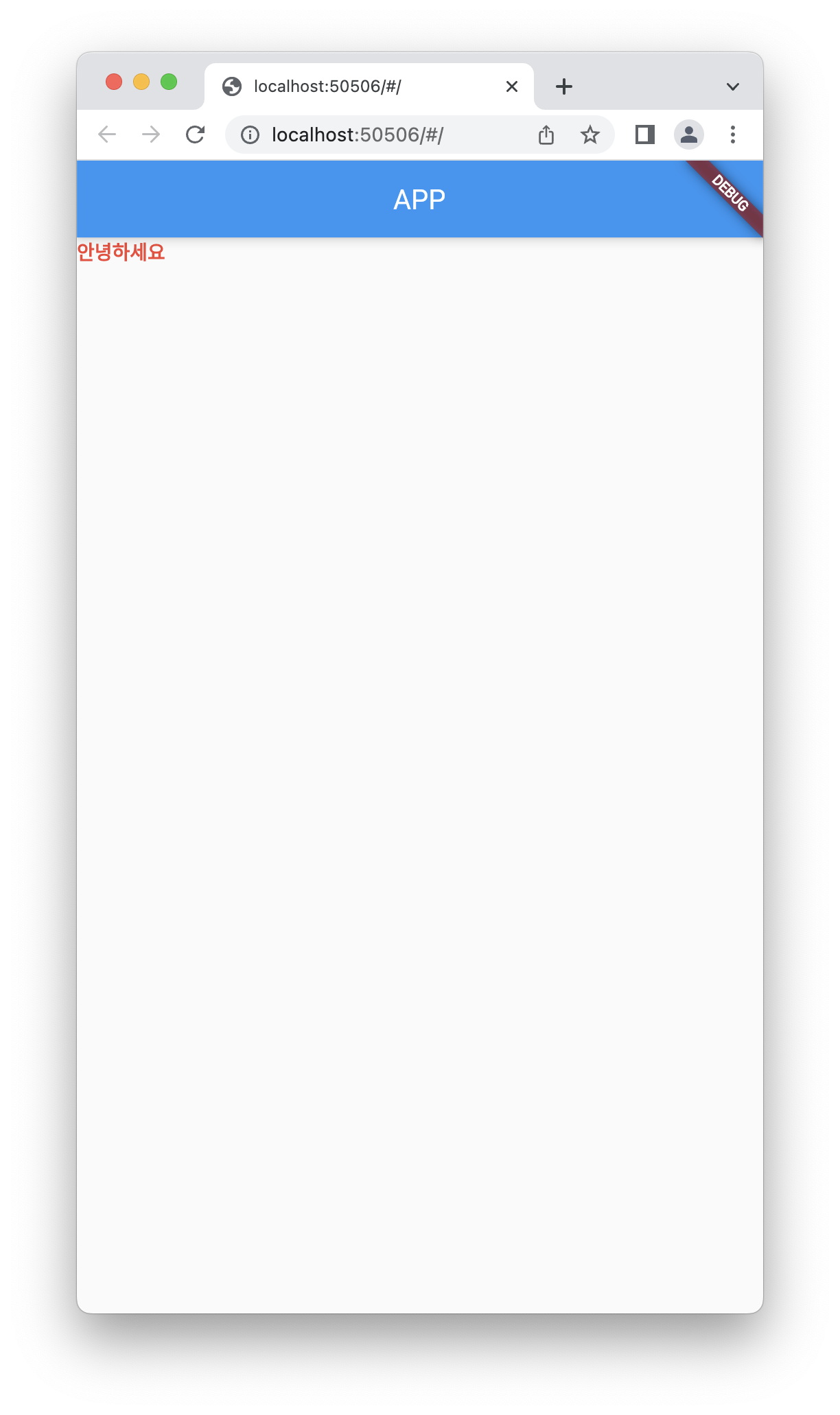
Flutter App Bar SizedBox

Final A widget to display before the toolbar s title Typically the leading widget is an Icon or an IconButton Becomes the leading component of the NavigationToolbar built by this widget The leading widget s width and height are constrained to be no bigger than leadingWidth and toolbarHeight respectively

In Flutter the AppBar s layout mainly comprises three components leading title and actions leading is placed at the leftmost position of the AppBar title and actions appear to its right leading leading takes in a widget and can be assigned anything text an icon or even multiple widgets within a row
A Material Design app bar An app bar consists of a toolbar and potentially other widgets such as a TabBar and a FlexibleSpaceBar App bars typically expose one or more common actions with IconButton s which are optionally followed by a PopupMenuButton for less common operations sometimes called the overflow menu

By default the value of leadingWidth is 56 0 Implementation final double leadingWidth API docs for the leadingWidth property from the AppBar class for the Dart programming language

11 min read Dec 19 2020 An in depth look at the AppBar widget Part of the Decode Flutter Series Every time you create a new Flutter project you re greeted with the proverbial counter
In the above example Flutter AppBar Guide is our page title with a font size of 24 and white color centered to the AppBar Leading Widget Menu Icon The leading property in AppBar accepts a widget that prominently situates on the app bar s left By default setting your AppBar inside a Navigator Flutter automatically sets the leading To use the flexibleSpace property you can specify a widget in the AppBar like this appBar AppBar centerTitle true title Text Title flexibleSpace Container decoration BoxDecoration gradient LinearGradient begin Alignment topLeft end Alignment bottomRight colors Color Colors red Colors blue
16 Answers Sorted by 325 You can use PreferredSize class MyApp extends StatelessWidget override Widget build BuildContext context return MaterialApp title Example home Scaffold appBar PreferredSize preferredSize Size fromHeight 50 0 here the desired height child AppBar body