Flake8 Change Line Length Vscode HYDAC 0850 R 003 ON KB Return Line Filter Element PYTHON Per project Flake8 Max Line Length YouTube Python Visual Studio Code Selenium VsCode Sorting Lines Of Text NetSuite Experiences VsCode VsCode Python WEB The Flake8 extension provides features to improve your productivity while working on Python code in Visual Studio Code Check out the Settings section below for more details on how to customize the extension
WEB Nov 4 2023 nbsp 0183 32 1 Install Black Formatter extension 2 Install Flake8 extension 3 Configure Black In the vscode settings json file add editor defaultFormatter and editor formatOnSave settings quot python quot quot editor defaultFormatter quot quot ms python black formatter quot quot editor formatOnSave quot true 4 WEB Formatting makes source code easier to read by human beings By enforcing particular rules and conventions such as line spacing indents and spacing around operators the code becomes more visually organized and comprehensible You can view an example on the autopep8 page
VsCode VsCode Python VSCode Tips Tricks For Flutter Projects Codereis VSCode Python VSCode PHP VScode Python VsCode Python Visual Studio Code VSCode Debugger Conditional Breakpoints Stack 3 Reasons I m Switching From Eclipse To VSCode As A Java Developer VsCode Python Windows python VScode python
Flake8 Change Line Length Vscode
 Flake8 Change Line Length Vscode
https://hydropneuparts.com/7380-large_default/0850-r-003-on-kb-return-line-filter-element.jpg
WEB Oct 12 2023 nbsp 0183 32 You can set max length by using max line length extend ignore can be used to ignore certain errors depending on their codes Check these links for more information on the various codes Flake8 Options Flake8 Error Violation Codes pycodestyle s list of error codes And that is basically it
Pre-crafted templates offer a time-saving service for producing a diverse variety of files and files. These pre-designed formats and designs can be utilized for different personal and expert projects, consisting of resumes, invites, leaflets, newsletters, reports, presentations, and more, improving the material development procedure.
Flake8 Change Line Length Vscode
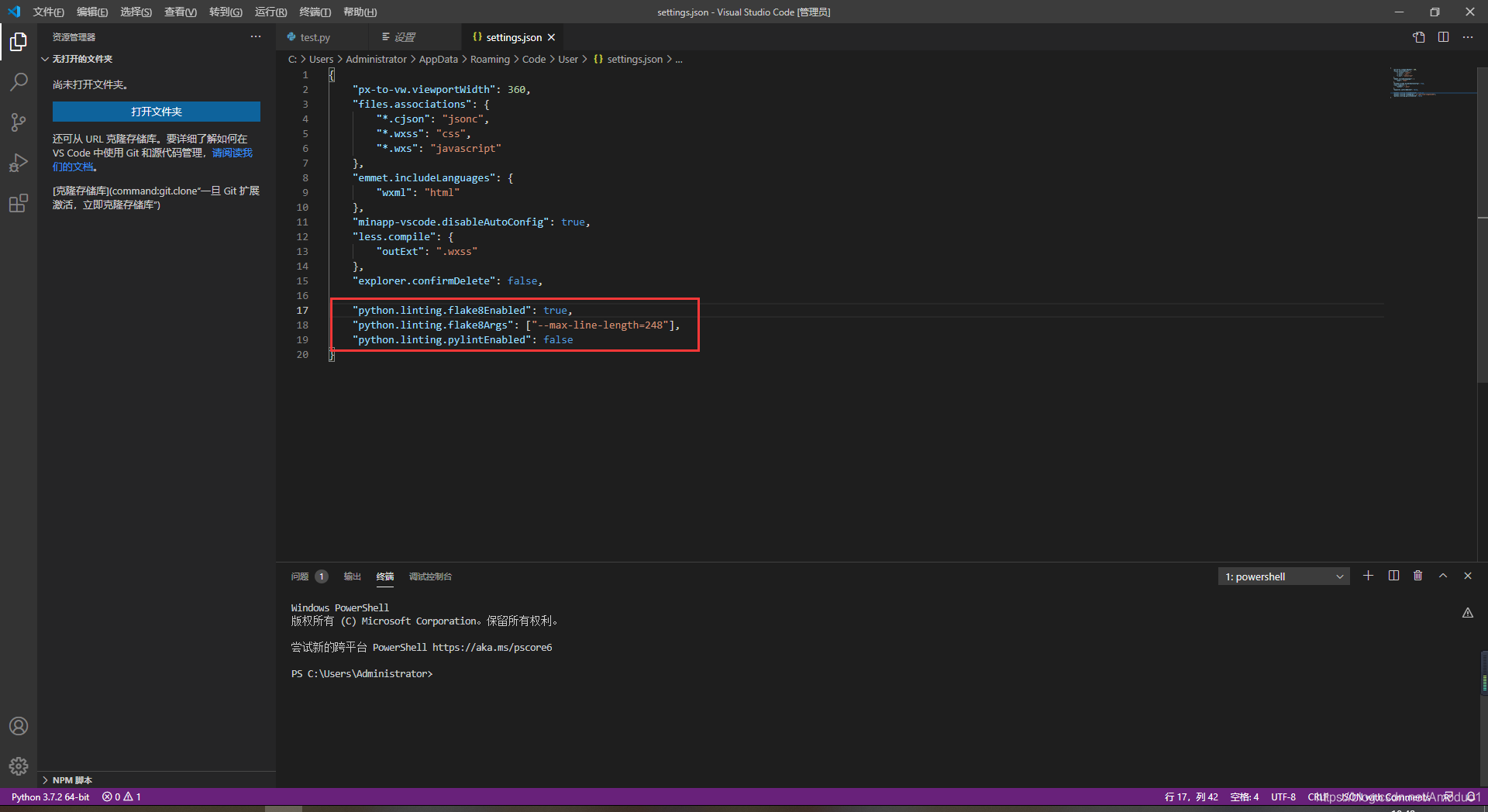
VsCode Python

VSCode Tips Tricks For Flutter Projects Codereis
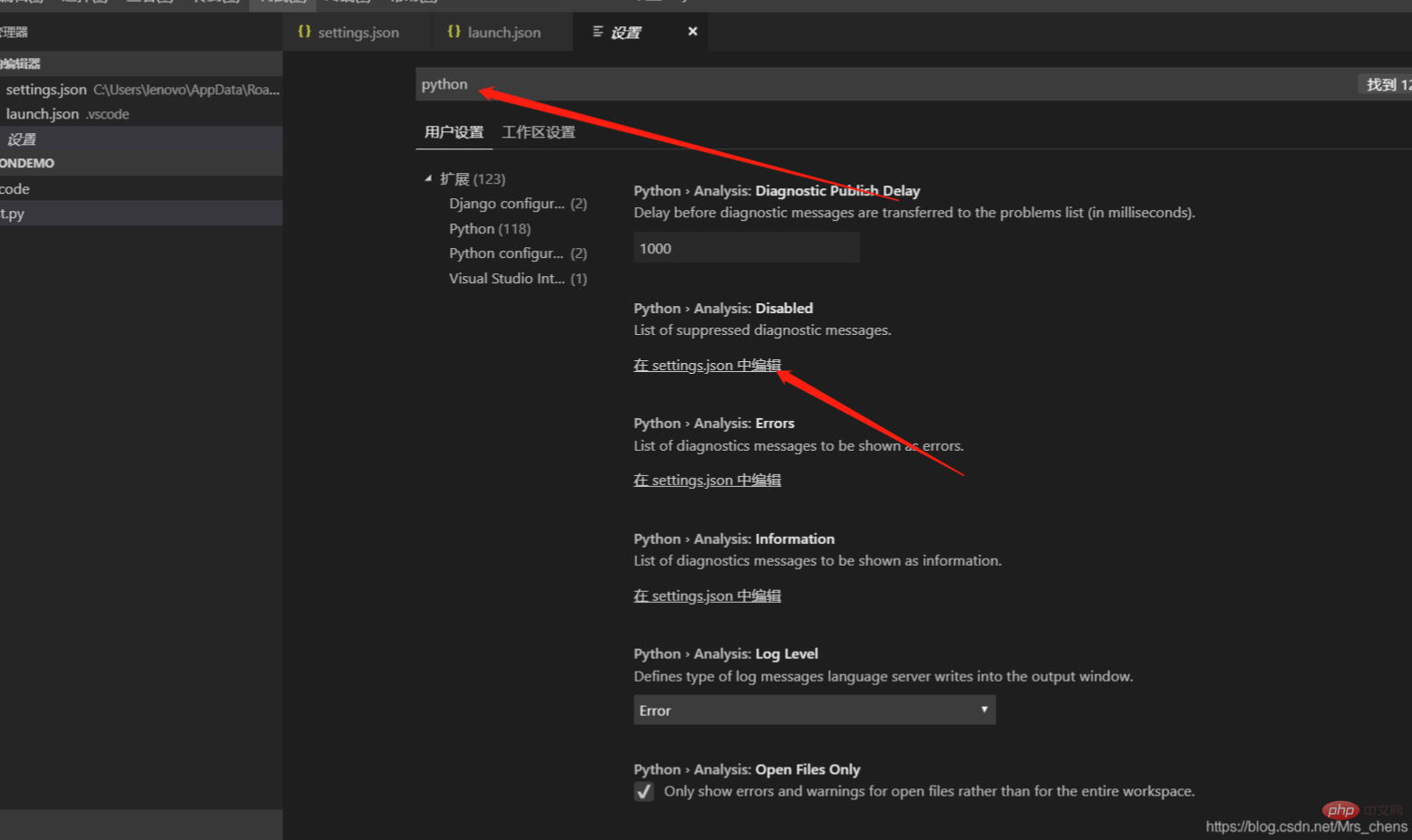
VSCode Python VSCode PHP
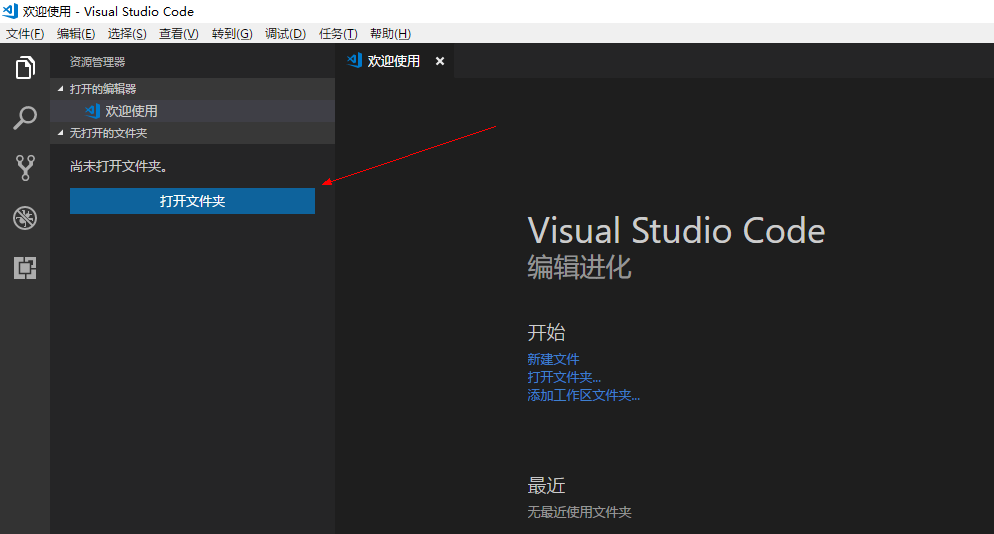
VScode Python
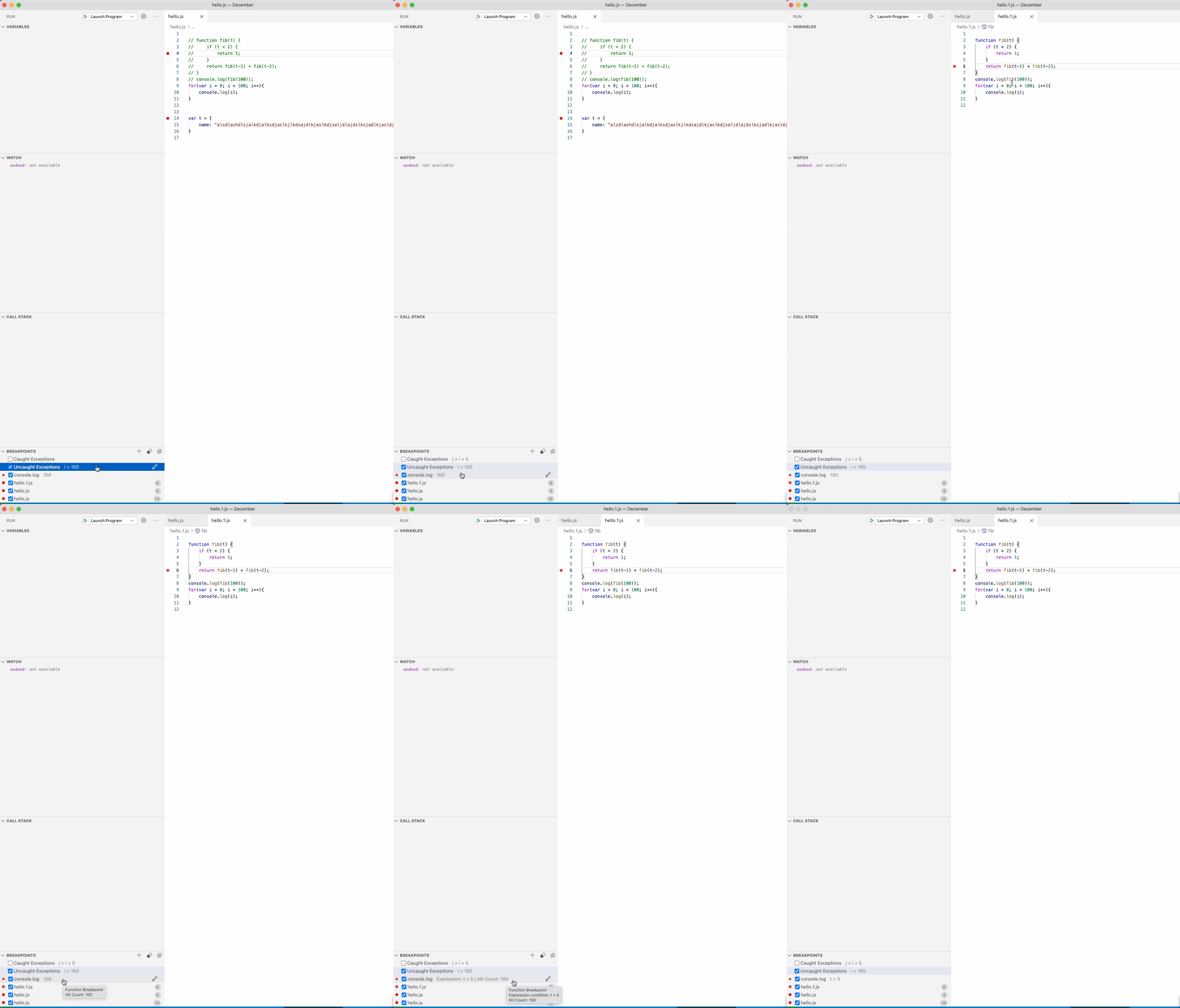
Visual Studio Code VSCode Debugger Conditional Breakpoints Stack
3 Reasons I m Switching From Eclipse To VSCode As A Java Developer
WEB Open VS Code s settings page and search flake8 args press Add Item and input the following content max line length 120 Then the limit will be 120 characters

WEB Feb 19 2017 nbsp 0183 32 If you use pyproject toml install pyproject flake8 package which enables you to write your flake8 settings tool flake8 max line length 88 If you use tox ini add the following line to your config file flake8 max line length 88
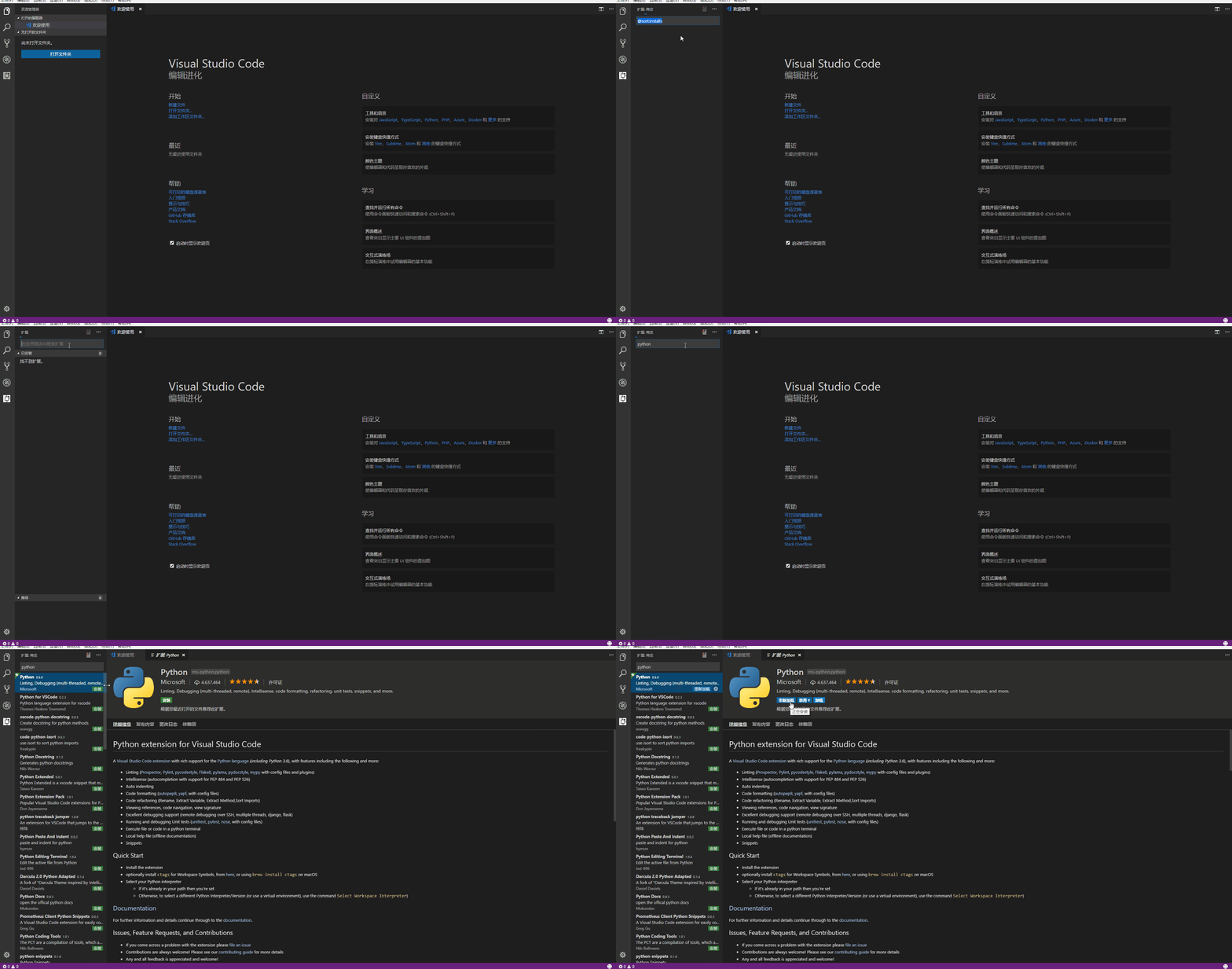
WEB Nov 21 2019 nbsp 0183 32 Change flake8 settings in the settings json file use quot flake8 args quot as opposed to the original quot python linting flake8Args quot This was changed September of 2023 due to VSCode migrating to separate Python tools

WEB Setting Up Linters in VS Code 182 Luckily VS Code comes with both flake8 and black formatter lurking in the settings To set them up Press ctrl to fire up the settings panel Search for flake8 in the search panel Enable the option Python gt Linting Flake8 Enabled
WEB Feb 20 2023 nbsp 0183 32 I would like to increase the max line length from 79 to 92 characters by adding the following entry to my config quot flake8 args quot quot max line length 92 quot However this does not seem to have any effect since I keep getting warnings that my lines are longer than 79 characters
WEB Line lengths are recommended to be no greater than 79 characters The reasoning for this comes from PEP8 itself Limiting the required editor window width makes it possible to WEB flake8 select E123 W503 path to code Alternatively if you want to add a specific warning or error to ignore flake8 extend ignore E203 W234 path to code Please read our user guide for more information about how to use and configure Flake8
WEB Nov 13 2021 nbsp 0183 32 First install the black into your Python environment by pip pip install black Type the Ctrl or Cmd to open the settings page in the VSCode You can also find it through UI