Fixed Column Width In Pivot Table Where To Use Fixed Column Width Excel Tutorial Shorts YouTube How To Prevent Column Width In Pivot Table YouTube How To Fix Column Width In Pivot Table Excel 2010 Printable Templates Lock Column Width In Pivot Table YouTube How To Lock Format In Excel Pivot Table Beinyu Web Aug 2 2019 nbsp 0183 32 1 This is a setting that can be changed in Pivot Table Options gt Layout and Format Uncheck quot Autofit Column Widths on Update quot Believe this should help you
Web Apr 23 2022 nbsp 0183 32 00 00 Stop pivot tables resizing columns on refresh00 08 Change the column width of Pivot Table and refresh undoes it00 28 Change the autofit column Web Oct 16 2023 nbsp 0183 32 Expand the Cells section and for Column width pixels enter your preferred width In this example column width is set to 150 pixels The default column width of
How To Lock Format In Excel Pivot Table Beinyu Feat Support Multiple Time Columns With Time Grain In Pivot Table V2 Overview How To Use Columns In Pivot Table Printable Forms Free Online Guide To How To Fix Column Width In Pivot Table Excel dashboards How To Use Columns In Pivot Table Printable Forms Free Online How To Fixed Column Width On Pivot Table YouTube Positioning How To Format Column Widths In Table To Prevent Table 29640 How To Remove Empty Rows From Pivot Table Brokeasshome
Fixed Column Width In Pivot Table
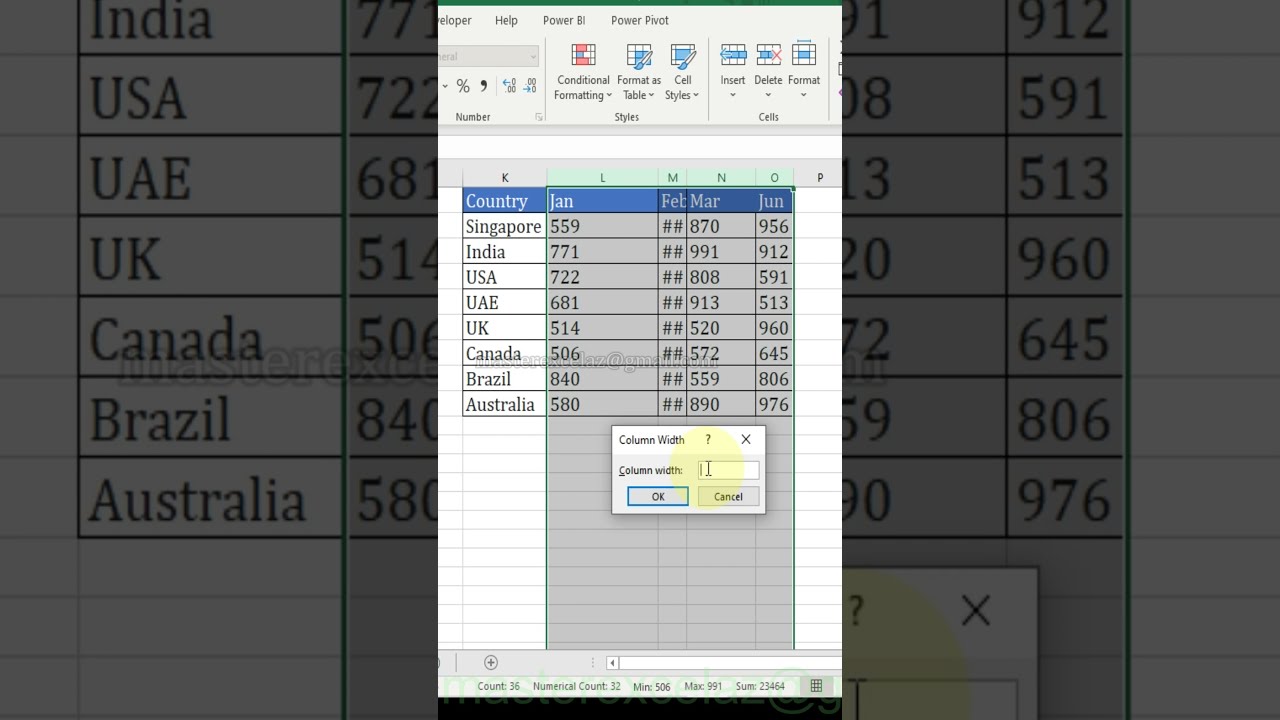 Fixed Column Width In Pivot Table
https://i.ytimg.com/vi/WbCApet9Qlw/maxresdefault.jpg
Web Sep 11 2020 nbsp 0183 32 1 Answer Sorted by 1 Go to PivotTable Options and clear Autofit column withs on update checkbox Share Follow answered Sep 11 2020 at 13 00 basic 11 7k
Pre-crafted templates provide a time-saving solution for producing a diverse variety of documents and files. These pre-designed formats and layouts can be utilized for different individual and expert projects, consisting of resumes, invitations, leaflets, newsletters, reports, presentations, and more, streamlining the material development process.
Fixed Column Width In Pivot Table
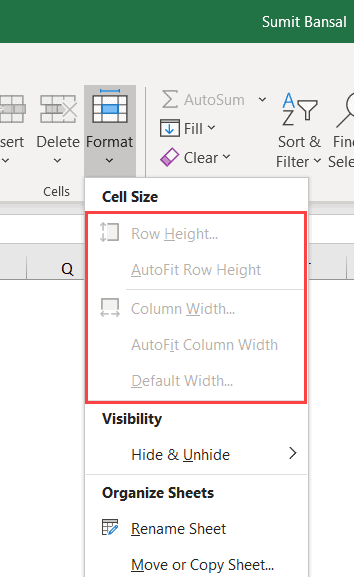
How To Lock Row Height Column Width In Excel Easy Trick

Feat Support Multiple Time Columns With Time Grain In Pivot Table V2
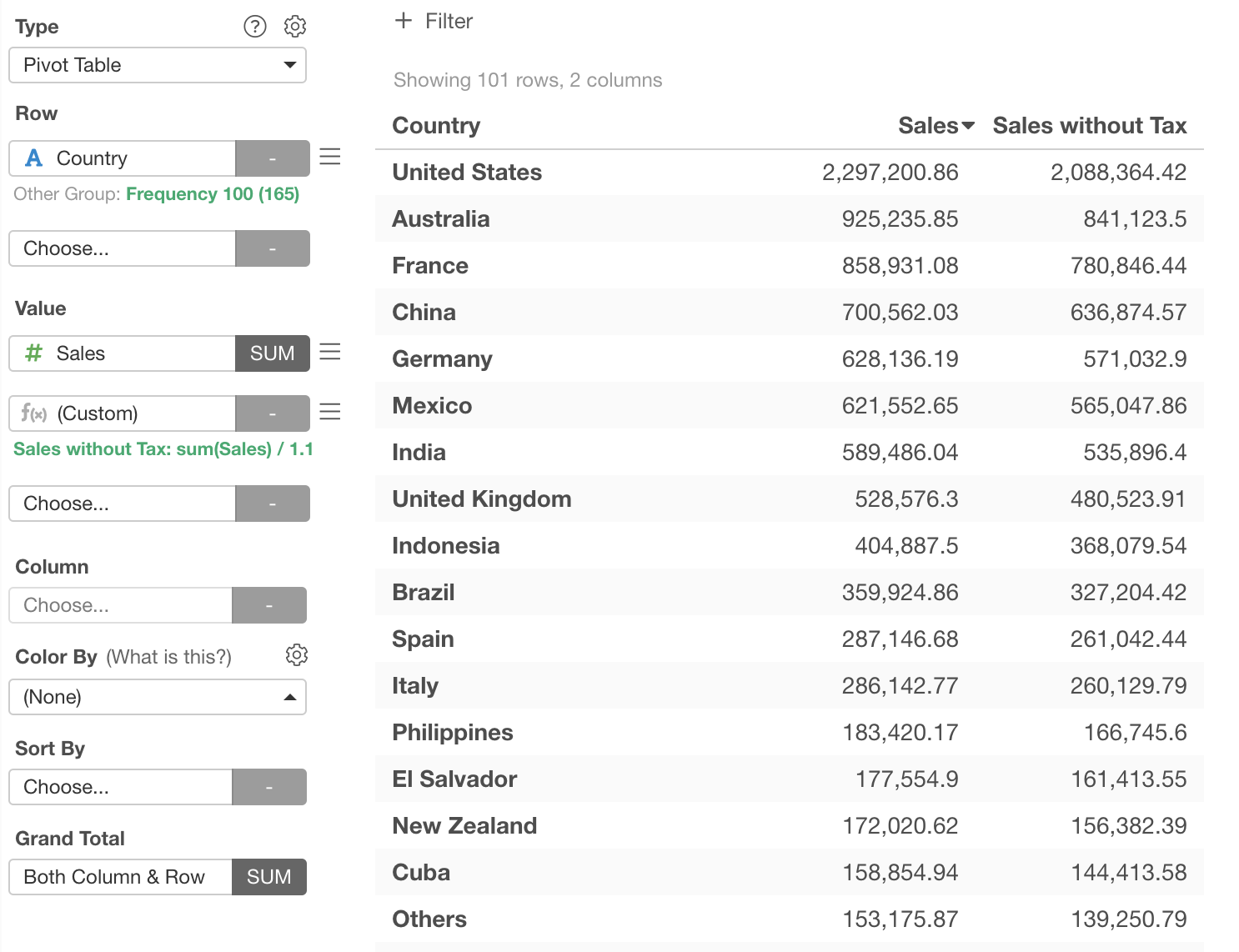
Overview

How To Use Columns In Pivot Table Printable Forms Free Online

How To Use Columns In Pivot Table Printable Forms Free Online

How To Fixed Column Width On Pivot Table YouTube

Web Aug 18 2015 nbsp 0183 32 STEP 1 Right click in the Pivot Table and select Pivot Table Options STEP 2 Uncheck Autofit Column Widths on Update

Web May 14 2012 nbsp 0183 32 Right click in the pivot table Select Pivot Table Options In the Pivot Table Optionsdialogue box click the Layout and Format tab

Web Changing the layout form of a PivotTable Change a PivotTable to compact outline or tabular form Change the way item labels are displayed in a layout form Change the field arrangement in a PivotTable Add fields to

Web 1 Click a cell in the pivot table 2 Then right click and choose PivotTable Options from the context menu see screenshot 3 In the PivotTable Options dialog under Layout amp Format tab uncheck Autofit column

Web Jul 3 2021 nbsp 0183 32 Stuart wonders how he can permanently fix all column widths in the PivotTable so they don t change This is very easy to do in Excel After your PivotTable is set up and formatted just the way you want
Web Sep 6 2015 nbsp 0183 32 Steps for fixing the column width when updating Pivot Tables When you change your data you have to refresh the Pivot Table Therefore right click on any Web How to fixed Column width on pivot table1 Make a pivot table that you need2 Right Click on Pivot table area3 Select Pivot Table Options then quot Layout amp for
Web Click the Pivot Tables tab Select the option you want for Column Widths Click OK or Apply Adjust for labels and data except for extremely large tables For tables that don t