Fix Problems That Block Fix Problems That Block Programs From Being Installed Or Removed YouTube edn ci Koupit D vod Fix Problems That Block Programs From Being Mysql How To Fix Problems That Block Programs From Being Installed Or Printer Diagnoses and fixes problems connecting to a printer including driver and spooler issues Windows Update Detects problems that make block updates from downloading and installing on your PC
Microsoft Program Install and Uninstall Troubleshooter will fix problems that block programs from being installed or removed including corrupted registry keys that prevent you from installing or removing programs Download Microsoft Program Install and Uninstall Troubleshooter MajorGeeks HOME TUTORIALS DONATE WEB TOOLS YOUTUBE If you re having problems with an app you got from Microsoft Store go to Fix problems with apps from Microsoft Store The Program Install and Uninstall troubleshooter helps you automatically repair issues when you re blocked from installing or removing programs It also fixes corrupted registry keys
How To Fix Problems That Block Programs From Being Installed Or Mysql MySQL Connector NET Xxxx win10 Stuff I Made Bonus Block File F16 Block 30 jpg Wikimedia Commons Three Habits That Block Your Ability To Grow Beyond The Status Quo Fix Problems As Soon As You Find Them Especially People P Flickr Mysql How To Detect And Improve Underperforming Blog Content Quantum Marketer
Fix Problems That Block
 Fix Problems That Block
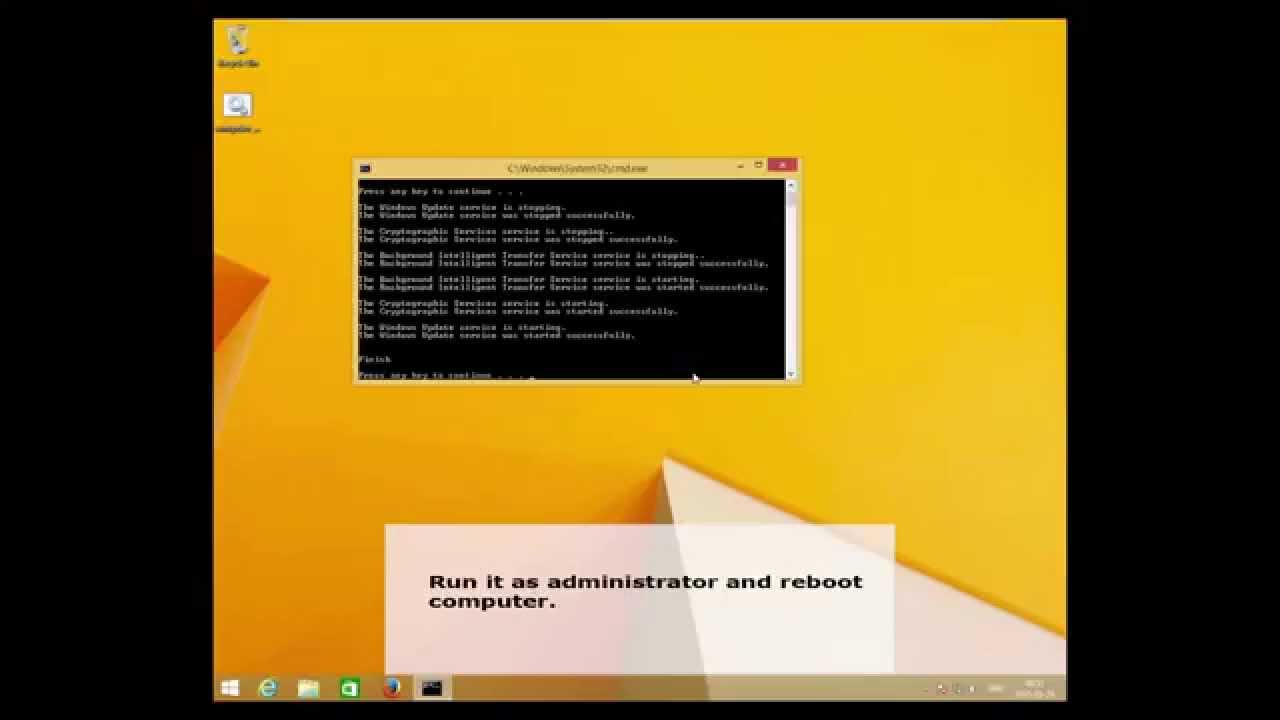
https://i.ytimg.com/vi/pS0J0JCj9pE/maxresdefault.jpg
Microsoft Program Install and Uninstall Troubleshooter will fix problems that block programs from being installed or removed including corrupted registry keys that prevent you from installing or removing programs MajorGeeks Com System Tools Uninstallers Microsoft Program
Templates are pre-designed files or files that can be used for numerous functions. They can conserve time and effort by offering a ready-made format and layout for developing different sort of material. Templates can be utilized for personal or professional jobs, such as resumes, invites, flyers, newsletters, reports, presentations, and more.
Fix Problems That Block
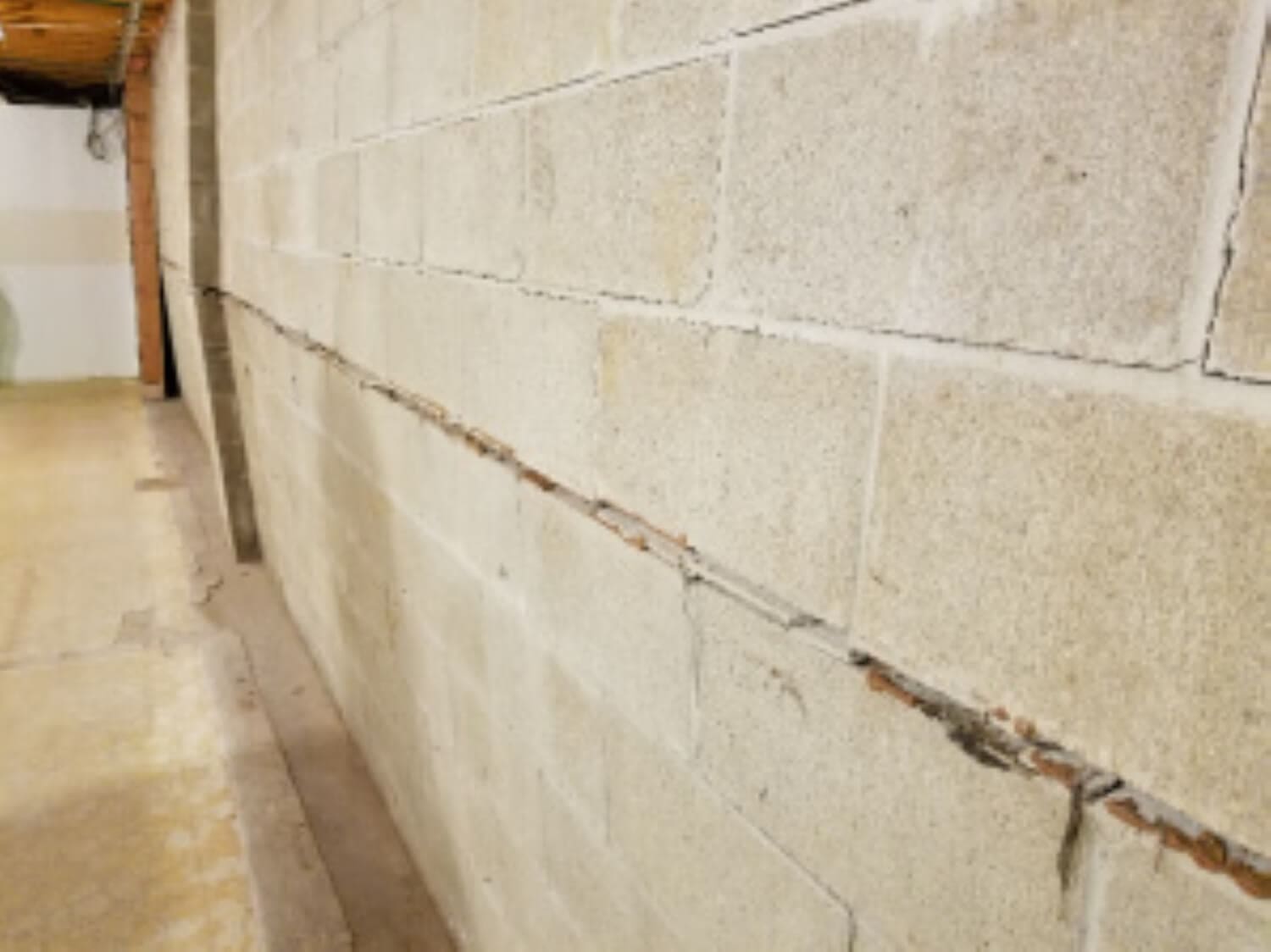
How To Fix A Basement Wall That Is Caving In MeaningKosh

Mysql
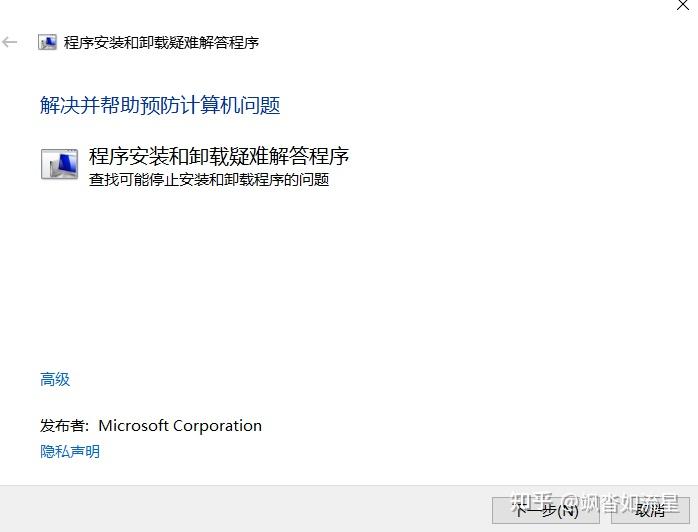
MySQL Connector NET Xxxx win10
Stuff I Made Bonus Block

Three Habits That Block Your Ability To Grow Beyond The Status Quo

Fix Problems As Soon As You Find Them Especially People P Flickr

Fix problems that block programs from being installed or removed Hi Whenever I try to download Program Install and Uninstall troubleshooter from https support microsoft en us help 17588 windows fix problems that block programs being installed or removed I get a error that said file or directory cannot be found
Instructions The Program Install and Uninstall troubleshooter helps automatically repair issues when blocked from installing or removing programs It also fixes corrupted registry keys The first step is to download the troubleshooter Steps to follow are provided in the troubleshooter
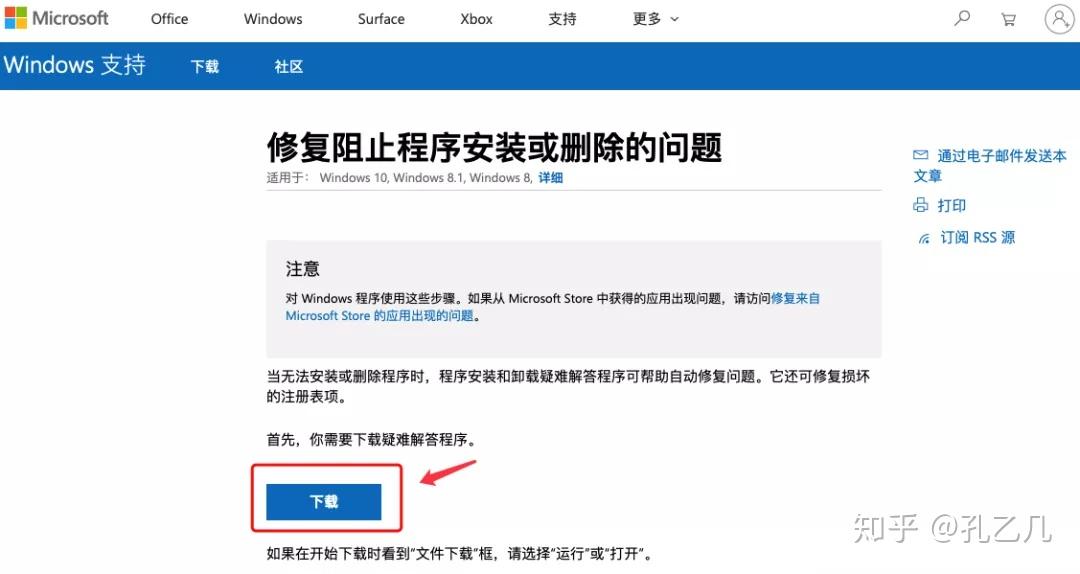
The Program Install and Uninstall Troubleshooter allows you to automatically repair issues including corrupted registry keys that block you from installing or removing program The Program Install and Uninstall Troubleshooter fixes Corrupted registry keys on 64 bit operating systems Corrupted registry keys that control the update data
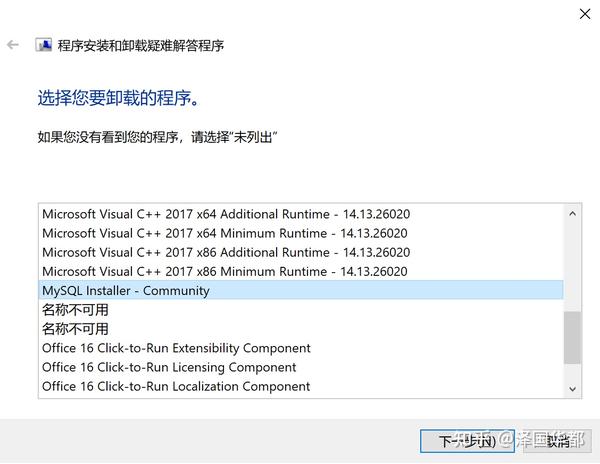
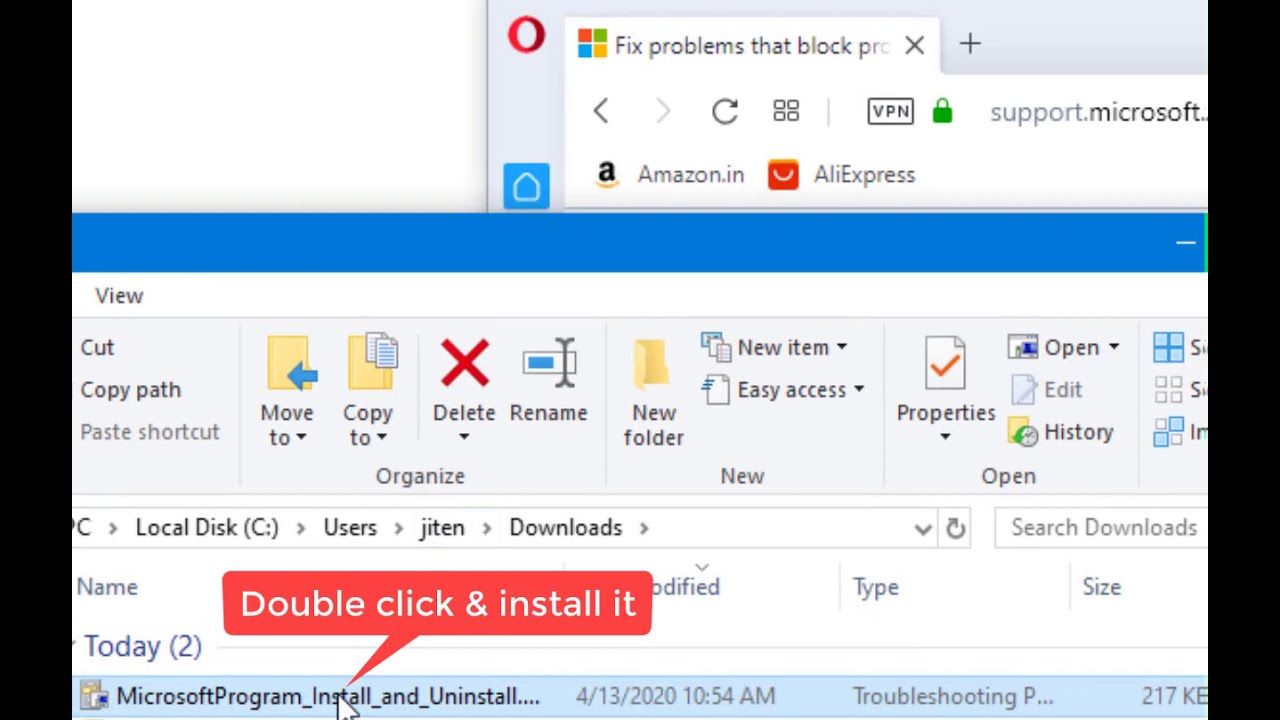
Microsoft Program Install and Uninstall Troubleshooter will fix problems that block programs from being installed or removed including corrupted registry keys that prevent you from installing or removing programs This utility will help fix corrupted registry keys on 64 bit operating systems registry keys that control the update data problems that prevent new programs from being installed
Windows 11 fixes to common problems On Windows 11 you may come across two types of problems You can stumble upon commonly known issues during and after the upgrade such as problems
Delete some files from your computer Empty your Trash Insufficient permissions or System busy These errors mean that Chrome couldn t save the file to your computer To fix the error Cancel the download and try again Instead of clicking the file to download right click the link and select Save link as Block you from uninstalling a program through Add or Remove Programs or Programs and Features in Control Panel If you re having problems with an app from Microsoft Store you can try to reset or repair apps from the store or Run Windows Store apps Run the troubleshooter from the Windows Settings Windows 11 Troubleshooting Options Fixes
Procedures to diagnose and fix problems Problems with add ons plugins or unwanted software Videos sound pictures and animations don t work Connection settings in Firefox Your organization or Internet Service Provider may offer or require you to use a proxy to connect to the Internet Learn more