Find Windows 8 Product Key Using Cmd Windows 11 Pro Product Key Free 180 Days How To Find Your Windows Product Key Cmd Lates Windows 10 Update How To Find Windows 7 Product Key Using CMD Hur Man Hittar Min Windows 10 produktnyckel P N gra Minuter PassFab How To Find Your Windows 8 1 Serial Key Ticketkop Find your Windows product key Microsoft Support Activation Overview Activate Windows How to find my Windows product key Install and Upgrades How to install with a product key Upgrade Windows Home to Windows Pro Activation Troubleshooting Reactivating after a hardware change Why can t I activate Windows Get help with Windows activation errors
Just run the standalone exe and it ll come up in the main dialog like this Unlike other tools it pulls the key from the ACPI tables meaning it ll get the embedded Windows 8 product key even if Windows has been formatted Disclosure I m the author of this tool Share Improve this answer 1 Windows key on sticker label When you buy a new PC it comes pre activated It s possible that you don t need to open your command prompt or play with Windows Registry Your Windows key could be there right in front of you on a Certificate of Authority COA sticker on your computer or included in the original packaging
How To Find Your Windows 8 1 Serial Key Ticketkop Powershell Get Windows Product Key Windows 10 Activation Key Using Cmd QEQ Activar Windows Con Cmd Video My XXX Hot Girl How To Find Windows 10 Product Key Using Command Prompt 2017 How To Find Windows 8 Or 10 Product Key August 21 YouTube How To Find Your Windows 10 Product Key Using CMD Windows Registry NeoAdviser How To I Get A Product Key Acer Community Windows 10 Key Finder Command Line Safekey Vrogue How To Check Your Windows 10 Product Key Using CMD Adcod Guide How To Find Your Windows Product Key TechPorn
Find Windows 8 Product Key Using Cmd
 Find Windows 8 Product Key Using Cmd
https://downloadappsforfree.com/wp-content/uploads/2021/10/Windows-11-Pro-product-key-free.png
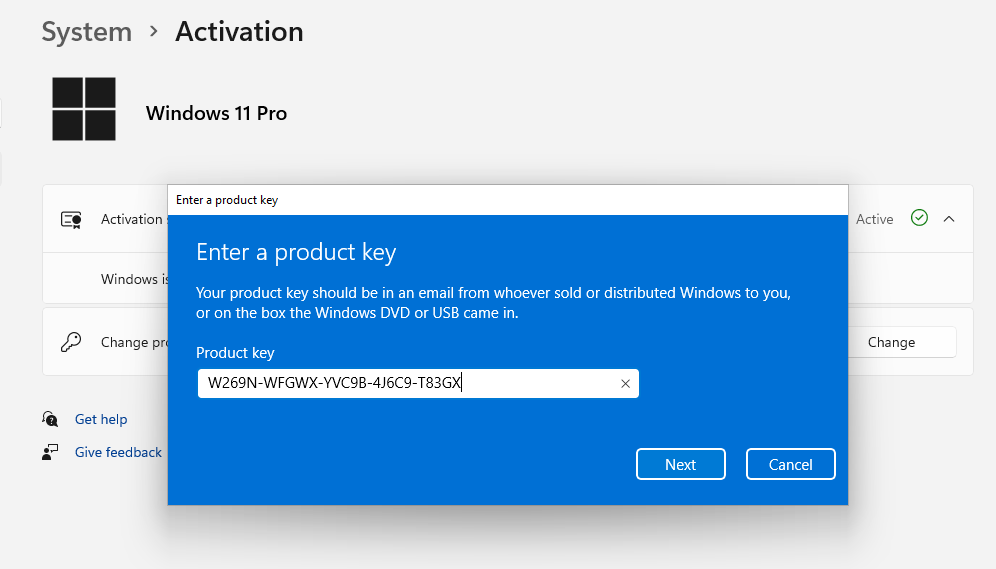
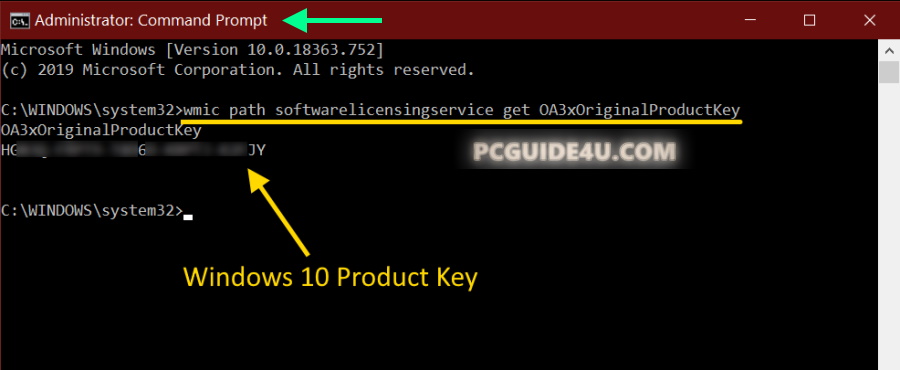
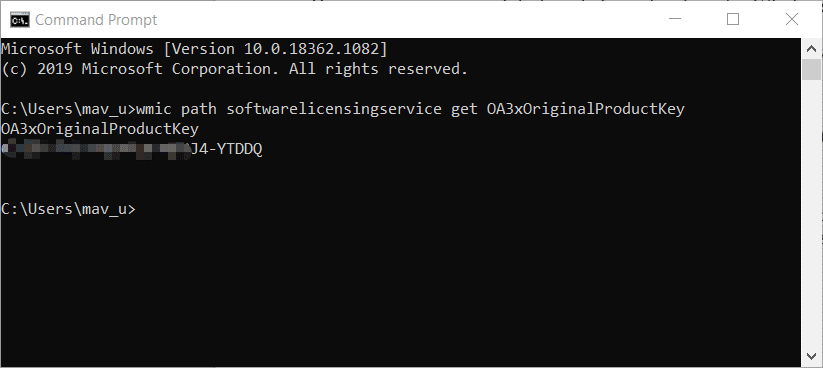
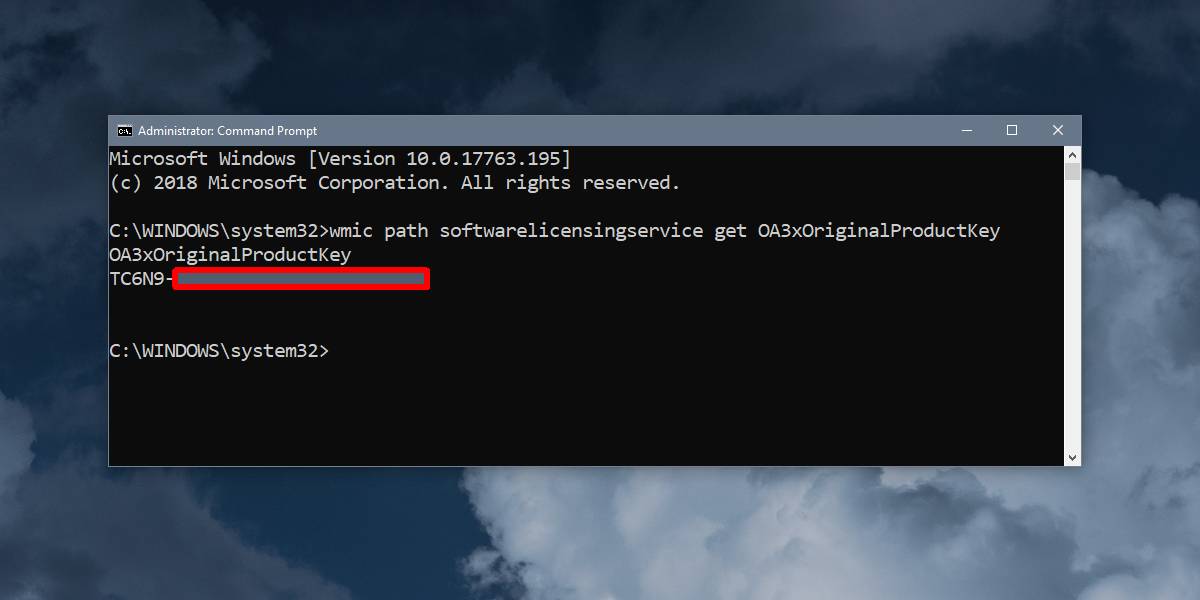
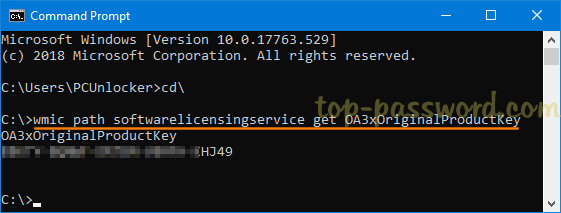
How To Find Windows Product Key Press Win keybutton to open the Start menu type in cmd and click on the Command Prompt app to launch the CMD To find the Windows product key execute the following command C wmic path SoftwareLicensingService get OA3xOriginalProductKey
Templates are pre-designed files or files that can be used for different purposes. They can conserve time and effort by offering a ready-made format and design for developing various sort of content. Templates can be used for individual or expert projects, such as resumes, invitations, leaflets, newsletters, reports, discussions, and more.
Find Windows 8 Product Key Using Cmd
Fyzika Pravdepodobnos Charles Keasing Cmd Windows 10 Product Key S visiace Odpadkov K Pr stup

Powershell Get Windows Product Key Windows 10 Activation Key Using Cmd QEQ
Activar Windows Con Cmd Video My XXX Hot Girl

How To Find Windows 10 Product Key Using Command Prompt
How To Find Your Windows 10 Product Key Using CMD Windows Registry NeoAdviser
How To I Get A Product Key Acer Community Windows 10 Key Finder Command Line Safekey Vrogue

Method 1 Go to the System Window Method 2 Use Command Prompt Method 3 Use Windows PowerShell Method 4 Use Registry Editor Method 5 Find the Windows Product Key on the Sticker A Windows product key is a 25 character code used to activate Windows However sometimes you may need to find your product key
1 Add a comment 3 As far as I know you cannot do that using the old command prompt However you can find your key if you use powershell

To find the Windows product key it is required to start the command prompt or the Windows PowerShell as an administrator Press Win keybutton to open the Start menu type in cmd to search for the command prompt or power to search for the PowerShell and press the Ctrl Shift Enter to launch it as an administrator
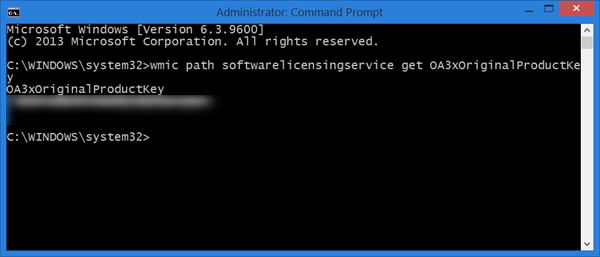
From the WinX Menu in Windows 11 10 open an elevated command prompt window type the following command and hit Enter wmicpath softwarelicensingserviceget OA3xOriginalProductKey Your
The product key is a 25 character code used to activate your Windows license But what if you can t remember where you wrote it down No need to worry You can still get your Windows 8 product key following the steps in this article Contents Situations in which you need to find your Windows 8 product key
In the PowerShell window type powershell Get WmiObject query select from SoftwareLicensingService OA3xOriginalProductKey and hit Enter Your Windows product key will shortly appear That s it Now you can change your computer reinstall the Windows or activate it with your Product key Use a Script to Recover Your Windows 10 or Windows 11 Product Key Read the Product Key From the Certificate of Authenticity Sticker Key Takeaways The best way to recover a lost product key for Windows or an Office program is to use a third party program like Nirsoft s Produkey or ShowKeyPlus
To do this type cmd or Command Prompt in the Windows search bar Command Prompt will appear in the search results Select Run As Administrator from the window that appears If prompted enter your Windows account password This will also work with PowerShell Once open copy and paste the following command and then hit the Enter key