Find Text In Files Notepad Windows Search Text In Files And Folders With Notepad How To Find And Replace Text In A Notepad Document OpenXmlDeveloper How To Extract The Text From Any Image WIRED How To Recover Unsaved Or Deleted Notepad File CocinaModa Giancarlo How To Use Find Replace Text In The Notes App On IPhone In IOS 16 Mid Open Notepad and press Ctrl F and then from the Find in Files tab options Now you ll Put the string in the regex format of the Find What CookiesEaten The string will go between the parenthesis just as shown above in 1 Put the 5 spaces and then the Replace with CookiesEaten 7 string
Third Party Search Programs When it comes to searching multiple text files the king of all search commands is grep grep is a command line utility in UNIX Linux that allows you to perform advanced searches using regular expressions It s super popular and used in every distribution of Linux So when someone writes a program for searching on Notepad find in files directoryOne of the many useful abilities of Notepad is to search multiple text files for a text string and find in files and fold
How To Use Find Replace Text In The Notes App On IPhone In IOS 16 Mid Find Text In PDF Files and Better PDF Support Orion Public Issue Find In Files NotepadPP WishMesh VovSoft Search Text In Files V3 3 Windows Find Files Containing Text Command Line Teachvse Windows 10 How To Search For Text In Files Tripsmokasin 7 Ways How To Recover Unsaved Deleted Notepad Files On Windows 11 10 Corsair MP700 2 TB Review 10 GB s Gen 5 SSD Tested Office Find Text Window Does Not Display Issue 27 Yoyurec logseq awesome
Find Text In Files Notepad
 Find Text In Files Notepad
https://www.ybierling.com/images/large/officeproductivity/windowssearchtextinfilesandfolersnotepadplusplus/windowssearchtextinfilesandfolersnotepadplusplus6.png
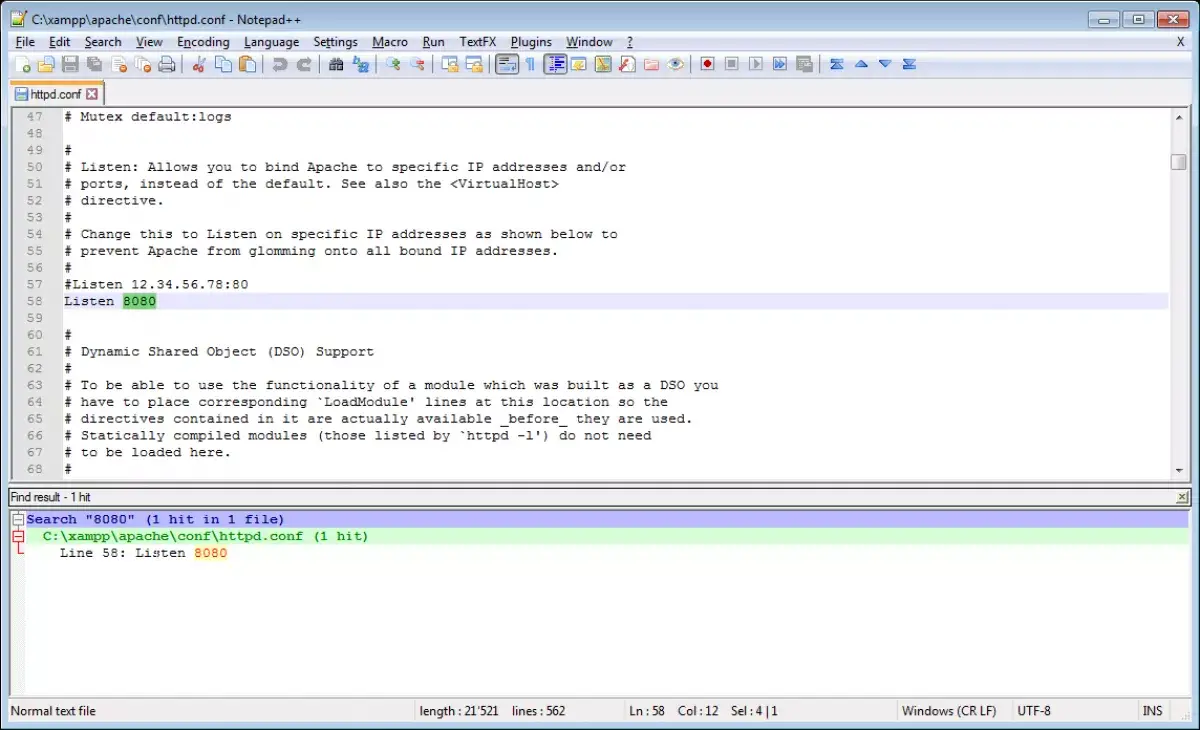
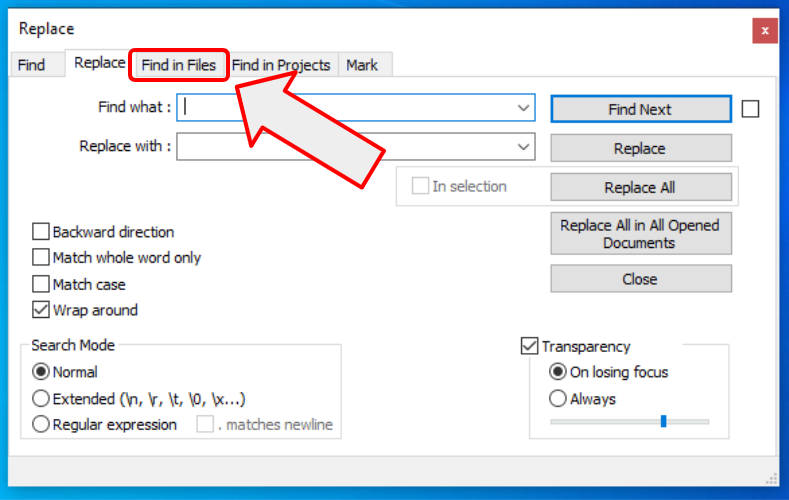
Open Find in files tab Fill in the Find what field and select the directory for the search folder with your site files template package theme folder etc Click on Find all button You will see the files and lines with the text you were looking for Feel free to check the detailed video tutorial below
Templates are pre-designed documents or files that can be utilized for different purposes. They can conserve time and effort by providing a ready-made format and layout for developing various kinds of material. Templates can be utilized for personal or expert jobs, such as resumes, invitations, leaflets, newsletters, reports, discussions, and more.
Find Text In Files Notepad
Yep Microsoft Is Updating Notepad For Windows 11 Too Studieportal
Find Text In PDF Files and Better PDF Support Orion Public Issue
Find In Files NotepadPP WishMesh
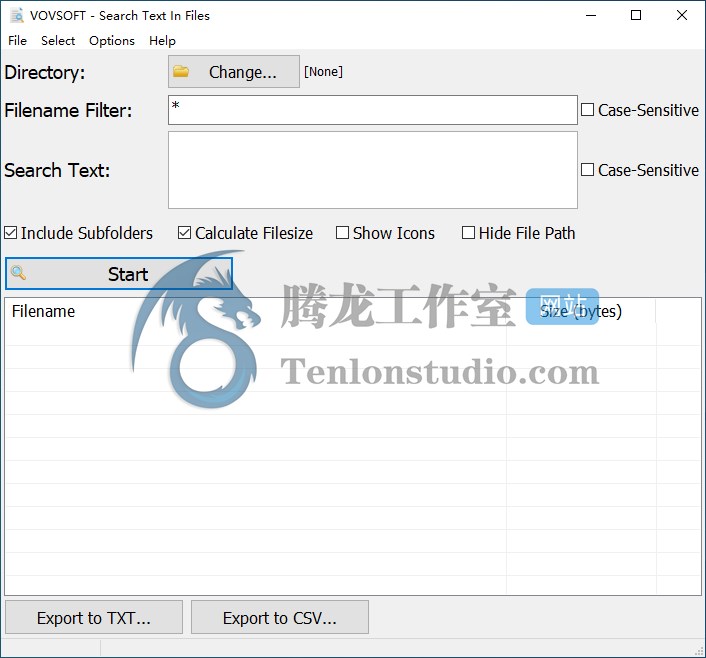
VovSoft Search Text In Files V3 3
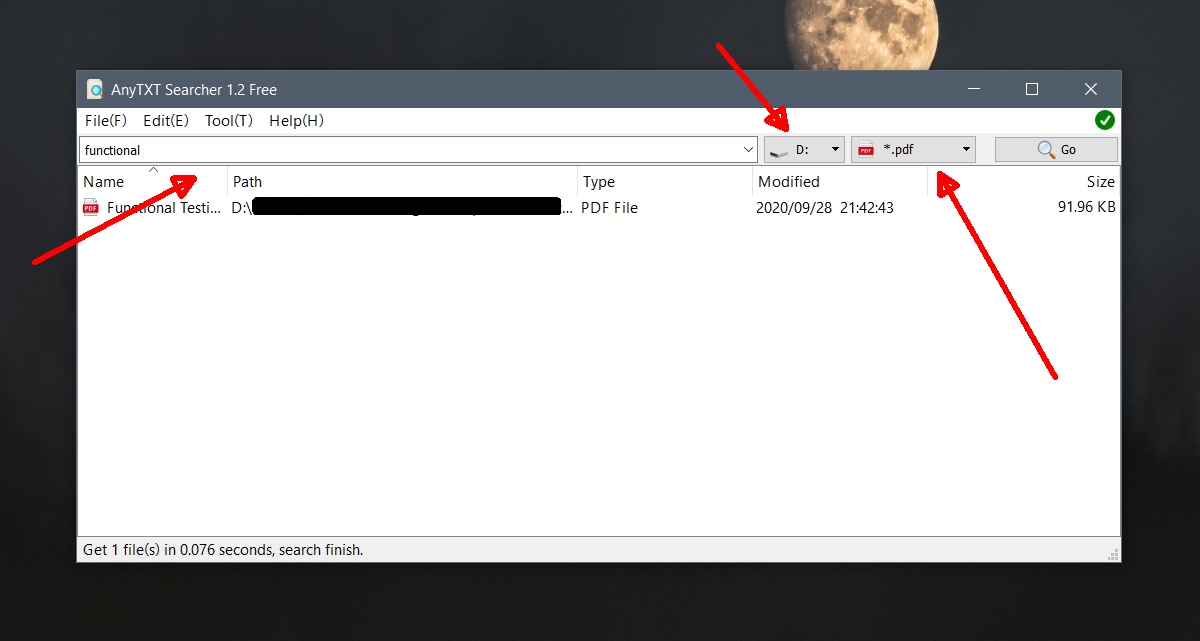
Windows 10 How To Search For Text In Files Tripsmokasin
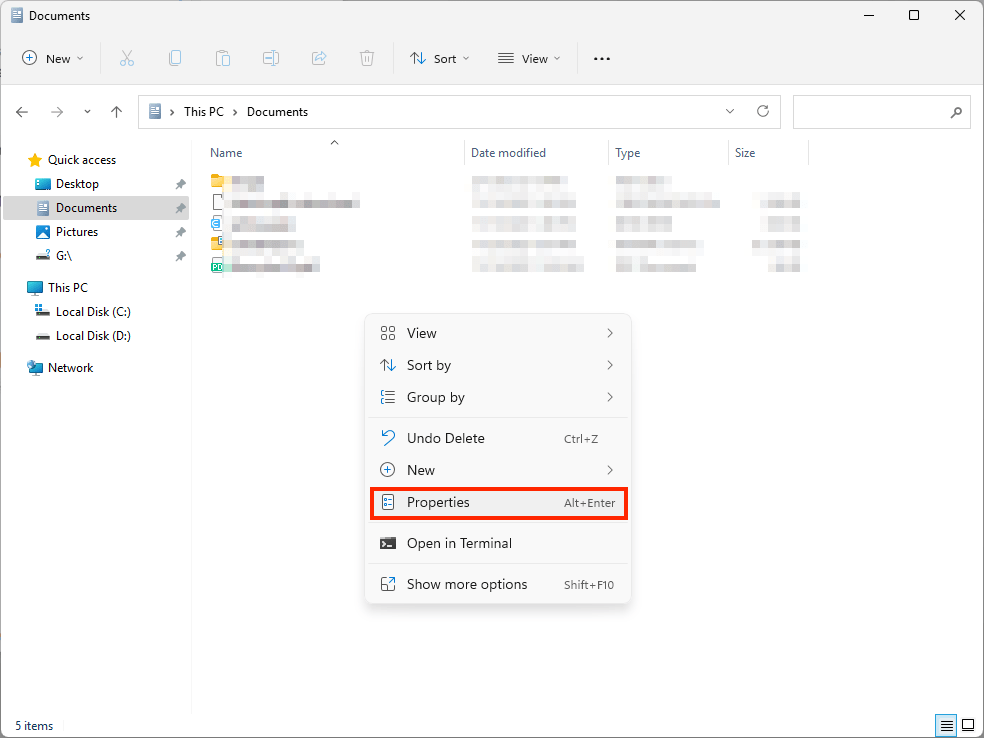
7 Ways How To Recover Unsaved Deleted Notepad Files On Windows 11 10
5 If you are using Notepad editor Goto ctrl F choose tab 3 find in files and enter Find What text1 text2 Filters Search mode Regular Expression Directory enter the path of the directory you want to search in You can check Follow current doc to have the path of the current file to be filled Share

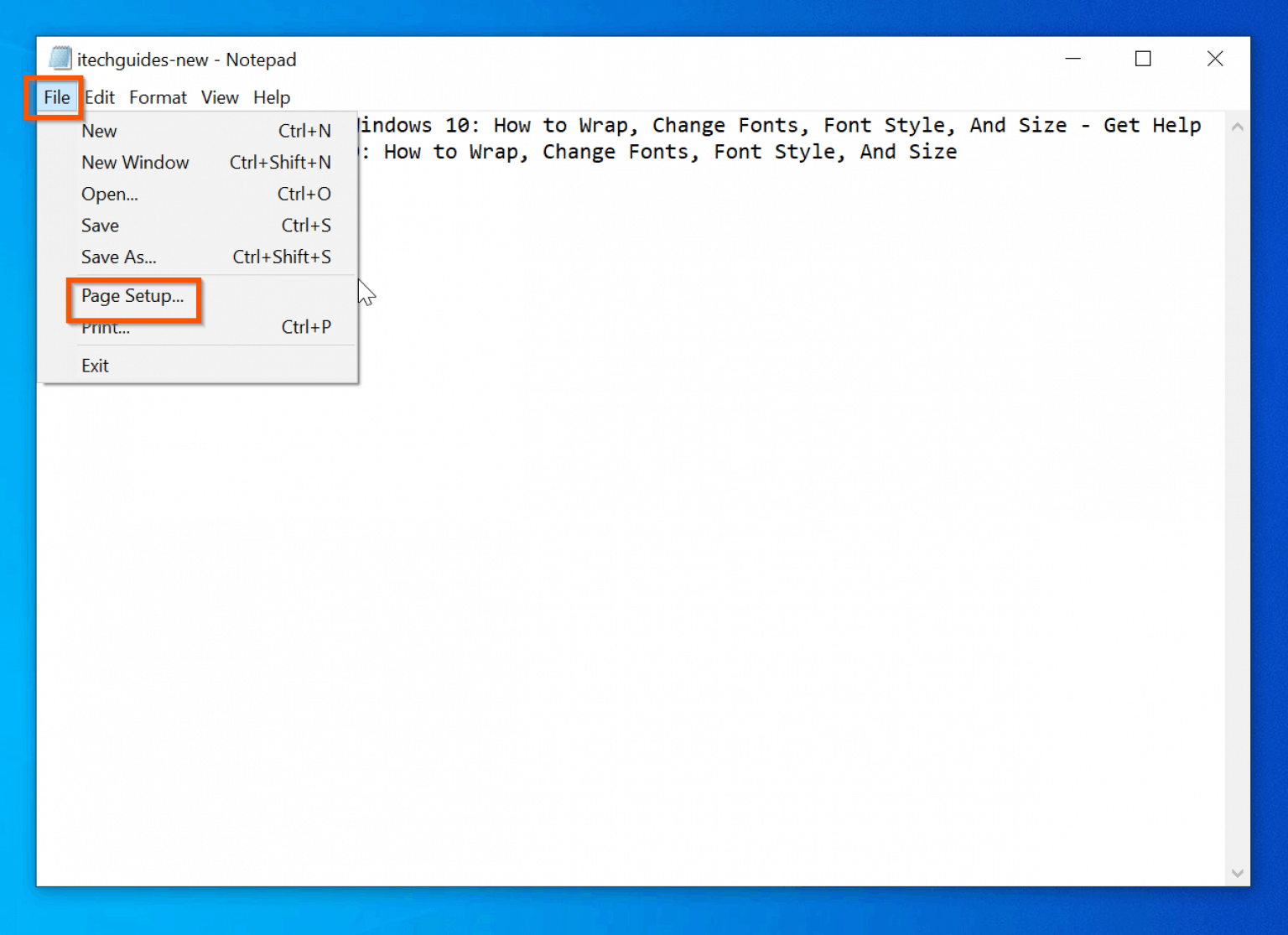
Find text in all files of a folder Start Notepad on your system to get started with the operation You don t need to open a text file in the program on start as it does not matter for the find operation that you are about to run Select Search Find in Files from the menu

In the Advanced Options window switch to the File Types tab Select the extension for the file type you would like to include in content searches and then select the Index Properties and File Contents option under the list

There are multiple methods to search and replace text in files You can also mark search results with a bookmark on their lines or highlight the textual results themselves Generating a count of matches is also possible

In many applications you can use the Ctrl F keyboard shortcuts to open the Find option On an Apple running macOS you can use Command F to open the find option Finding text in a Word document Finding text in an Excel spreadsheet Finding text in an Internet browser Finding text in Notepad and WordPad Finding text in all other programs
As a result of this limitation if you have to work with files containing characters from other languages or special symbols you should use a more capable text editor like Notepad On Windows You can do this by going to File Open and selecting the appropriate files Once both files are open in Notepad go to the Plugins menu and select Compare Compare This will display the two documents side by side with differences in the text highlighted From here you can analyze the differences by reviewing the added moved or modified
Credit www greengeeks in If you would like to go to a specific column in Notepad you can do so by holding down the Alt key and then typing in the number of the column you would like to go to Method 2 For Copying Columns In A Document The second step is to go to File The Information dialog box is found in the Columns section and you can select the column you want to copy by