Find Node Js Installation Path Windows Node js Npm Node Installation Stack Overflow Como Resolvo O Erro Can t Find Node js Binary HTML5 E CSS3 Parte How To Uninstall Node Js Windows Lasopaarchi Can t Find Node js Binary node Using Nvm Issue 1150 Microsoft How To Find Node js Developers In India Software Developer India To learn more about using Volta to install multiple versions of Node js on Windows see the Volta Docs n Install Visual Studio Code n We recommend you install Visual Studio Code for developing with Node js on Windows For help see Node js tutorial in Visual Studio Code n Alternative code editors n
Step 1 Download Node js Installer In a web browser navigate to the Node js Downloads page Click the Windows Installer button to download the latest stable version with long term support LTS The installer also includes the NPM package manager The file is saved in the Downloads folder by default Once downloaded open the zip file then open the nvm setup exe file The Setup NVM for Windows installation wizard will walk you through the setup steps including choosing the directory where both nvm windows and Node js will be installed Once the installation is complete Open PowerShell recommend opening with elevated Admin permissions
How To Find Node js Developers In India Software Developer India How To Install Nodejs On Mac Step By Step Yudhisha SJ Medium Node js Installation On Windows YouTube PostCSS Sorting Couldn t Find Node js Make Sure It s In Your PATH By Top level Await In AWS Lamba With TypeScriptTop level Await In AWS Vscode node js vscode node Install Node js And Npm CityU TA Center How Do You Find Node js Developers For Your Project Read Our Blog
Find Node Js Installation Path Windows
 Find Node Js Installation Path Windows
https://i.stack.imgur.com/C9xCZ.png
Node js is a JavaScript runtime built on Chrome s V8 JavaScript engine In any case when Node js is installed you ll have access to the node executable program in the command line
Pre-crafted templates provide a time-saving option for creating a diverse variety of documents and files. These pre-designed formats and layouts can be made use of for different personal and professional projects, consisting of resumes, invites, flyers, newsletters, reports, discussions, and more, improving the material production procedure.
Find Node Js Installation Path Windows

Node JS Installation

How To Install Nodejs On Mac Step By Step

Yudhisha SJ Medium

Node js Installation On Windows YouTube

Top level Await In AWS Lamba With TypeScriptTop level Await In AWS
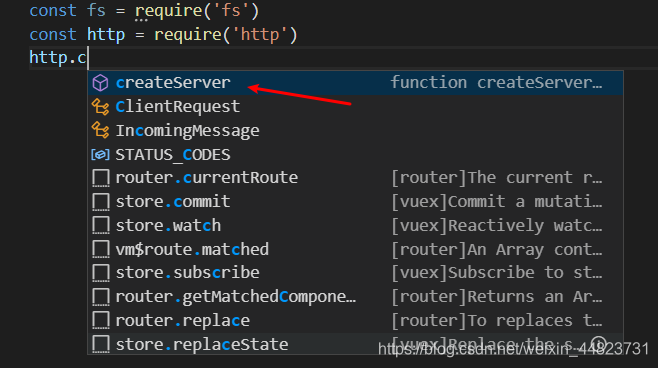
Vscode node js vscode node

Here are the notes i took from the installer Welcome to the Node JS Installer This package will install Node js v10 15 1 to usr local bin node npm v6 4 1 to usr local bin npm Select the disk where you want to install nodejs MacintoshHD
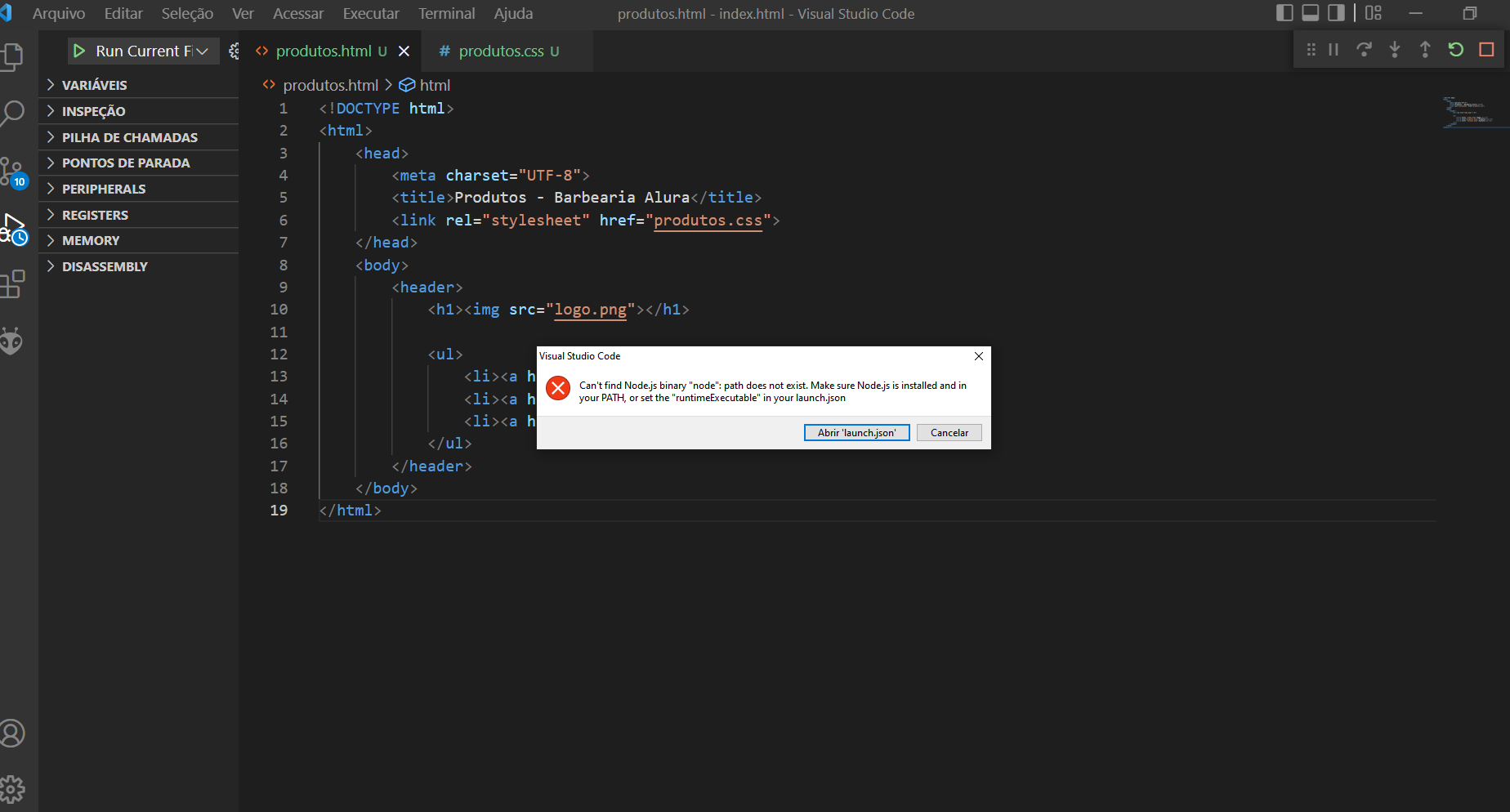
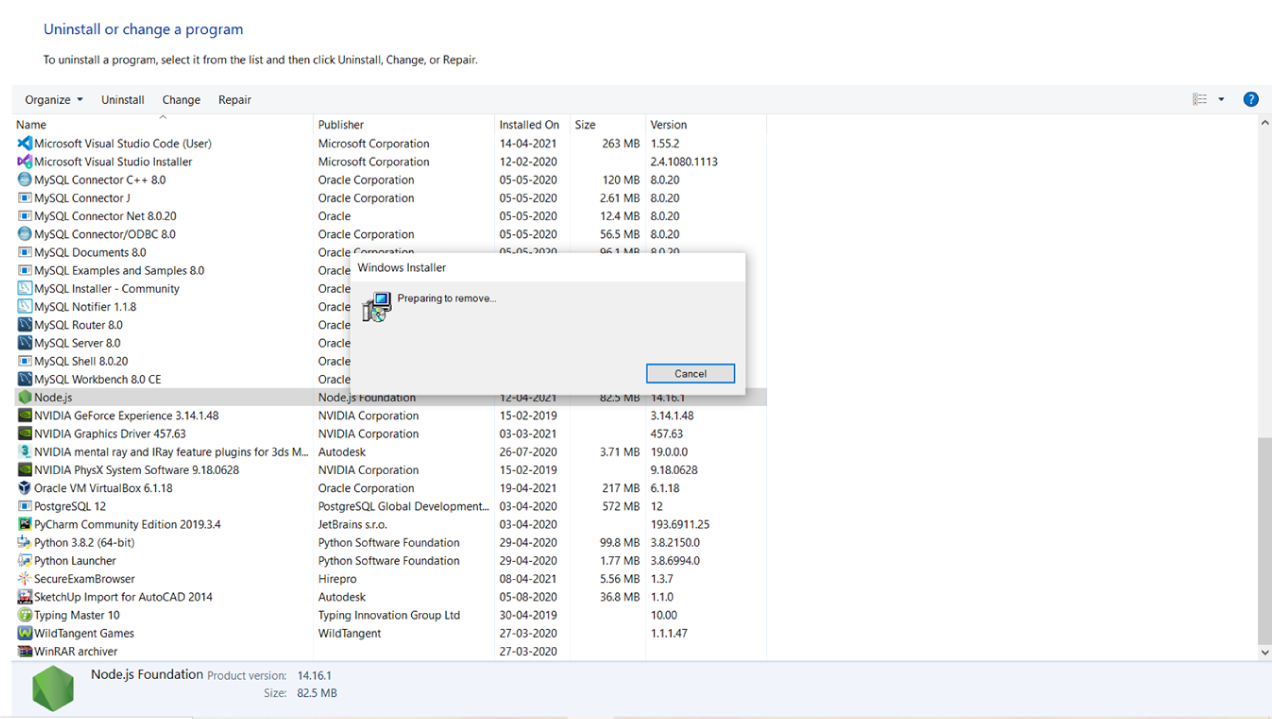
1 Answer Sorted by 2 The solution was found in the the registry key HKEY LOCAL MACHINE SOFTWARE Node js The item InstallPath of this registry key pointed to the non existent E Deleting this registry item allowed restarting the installer successfully Share
Set the Destination Folder where you want to install Node js Select Next Custom Setup Select Next Ready to Install Node js The installer may prompt you to install tools for native modules Select Install Do not close or cancel the installer until the install is complete Complete the Node js Setup Wizard Click
Node JS Base Environment Setup on Windows Access Node JS Official Website Choose Default values and click on Install Button Open Node JS Platform Home in your Explorer NodeJS V 0 12 0 PATH Open Command prompt at NODSJS HOME or anywhere like D Run node exe command Now we are able to see prompt

Click on the terminal and on the command line type npm init y This will start a Node project automatically for us without us needing to worry about the initial configuration the y flag will do that on its own This creates a package json file within the Node Test folder
How to Install Node Setup NVM First of all you need to run Windows Terminal with administrative privileges One way you can do this is by looking for the terminal in the system s internal search clicking with the right button on its icon and then selecting Run as Administrator Any time you feel lost while fiddling with NVM simply type Test Node To see if Node is installed open the Windows Command Prompt Powershell or a similar command line tool and type node v This should print a version number so you ll see something like this v12 13 Test NPM To see if NPM is installed type npm v in Terminal
Don t disable any features that Node js wants to install especially Add to PATH If you are not sure 100 you will need this feel free to go to Next Click on Install and allow a few