Find In Files Linux Find Files In Linux Using The Command Line Linode How To Use The Find In Files Feature In Notepad TheSacredRiana 3 Ways To Find A File In Linux WikiHow Linux Find File By Name How Linux Find File Command Works 3 Ways To Find A File In Linux WikiHow Web Sep 23 2022 nbsp 0183 32 Find text in a file The most basic way to use grep is searching for text in a single file To do this type grep followed by the text pattern to search for and the file name to search in For example to find which port the Secure Shell SSH daemon uses search for Port in file etc ssh sshd config grep Port etc ssh sshd config Port 22
Web Jun 12 2015 nbsp 0183 32 3 Answers Sorted by 19 It might be better to use find since grep s include exclude can get a bit confusing find type f name quot xml quot exec grep l hello This looks for files whose name finishes with xml and performs a grep hello on them With l L we make the file name to be printed without the matched line Explanation Web May 2 2023 nbsp 0183 32 By David Cao Last updated May 2 2023 Linux The Linux find command is a powerful tool that enables system administrators to locate and manage files and directories based on a wide range of search criteria It can find directories and files by their name their type or extension size permissions etc Find Command Syntax
3 Ways To Find A File In Linux WikiHow Linux Find File Recursively Dolphinqust How To Search And Find A Specific Keyword Or Term From The Contents Of How To Find Files In Linux Terminal Find In Files Visual Studio Windows Microsoft Learn Visual Studio Find In Files Does Not Work anycodings Find In Files NotepadPP WishMesh How To Show Hidden Files In Linux 6 Steps with Pictures Android Studio How To Search All Files In Your Project Sebhastian
Find In Files Linux
 Find In Files Linux
https://www.linode.com/docs/guides/find-files-in-linux-using-the-command-line/find-files-linux-command-line-title.jpg
Web Oct 25 2010 nbsp 0183 32 The find command in Linux is used to find a file or files by recursively filtering objects in the file system based on a simple conditional mechanism You can use the find command to search for a file or directory on your file system
Templates are pre-designed files or files that can be used for different functions. They can conserve time and effort by supplying a ready-made format and layout for creating various sort of material. Templates can be utilized for individual or expert projects, such as resumes, invitations, flyers, newsletters, reports, discussions, and more.
Find In Files Linux
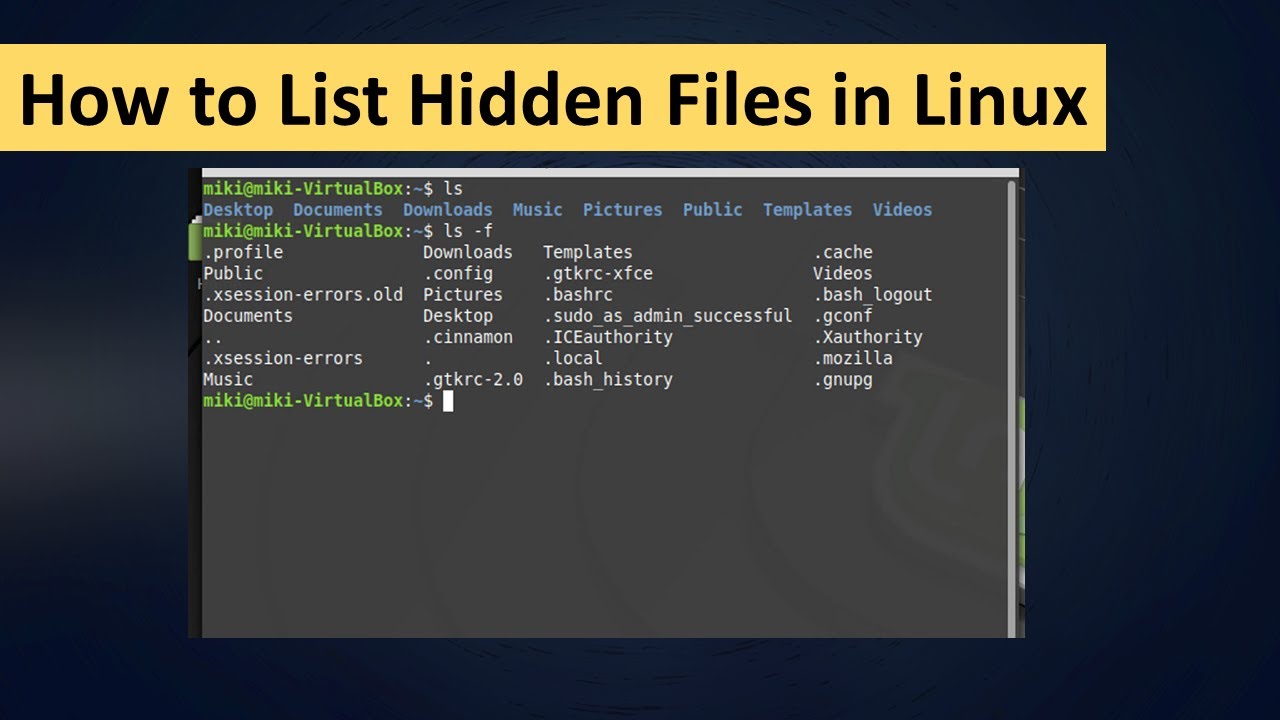
How To List Hidden Files In Linux YouTube
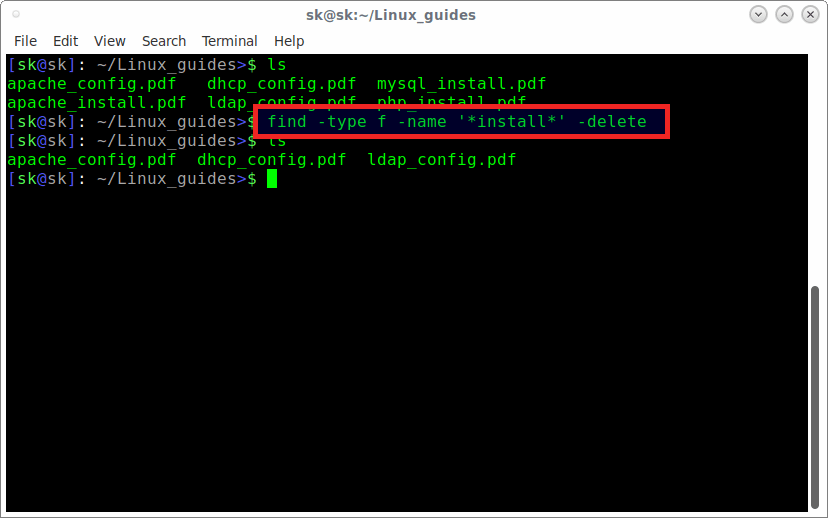
Linux Find File Recursively Dolphinqust

How To Search And Find A Specific Keyword Or Term From The Contents Of
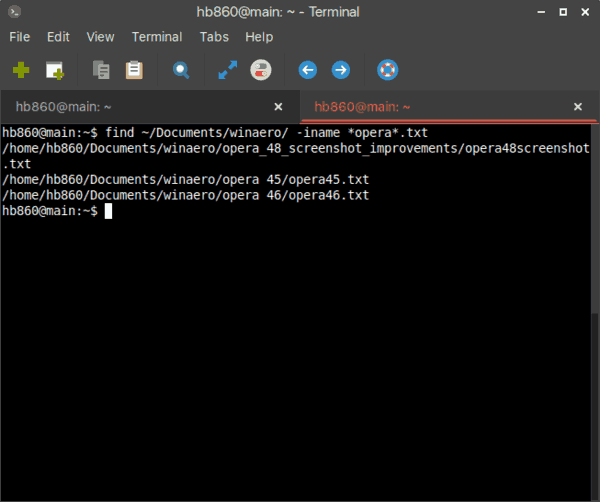
How To Find Files In Linux Terminal

Visual Studio Find In Files Does Not Work anycodings
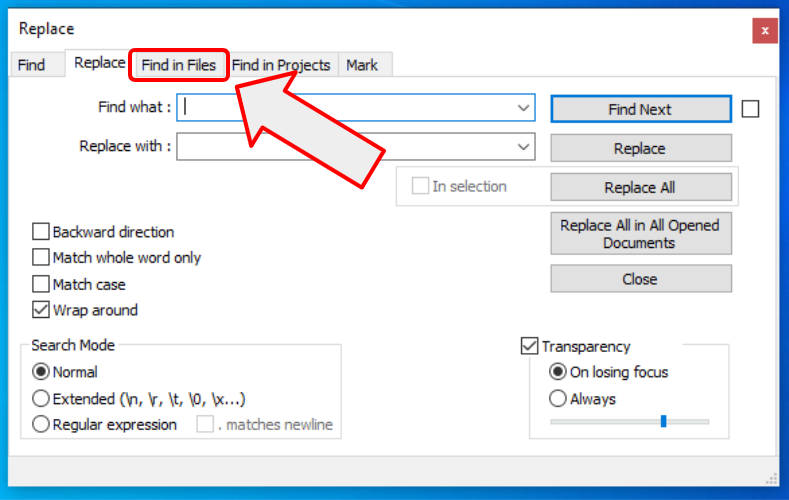
Find In Files NotepadPP WishMesh
Web Sep 27 2013 nbsp 0183 32 To find a file by name with the find command you would use the following syntax find name quot query quot This will be case sensitive meaning a search for query is different from a search for Query To find a file by name but ignore the case of the query use the iname option find iname quot query quot

Web Jan 21 2023 nbsp 0183 32 To search a file for a text string use the following command syntax grep string filename For example let s search our document txt text document for the string example grep example document txt Searching a file for a text string with grep As you can see from the screenshot grep returns the entire line that contains the word example

Web Nov 19 2020 nbsp 0183 32 You can use the find command to search for files and directories based on their permissions type date ownership size and more It can also be combined with other tools such as grep or sed find Command Syntax The general syntax for the find command is as follows find options path expression

Web Sep 11 2023 nbsp 0183 32 The Linux find command is a powerful tool for searching for files and directories with various criteria such as file types or ownership By using the find command with xargs you can pass the results of the search to other commands for further processing

Web Mar 10 2020 nbsp 0183 32 The grep command stands for global regular expression print and it is one of the most powerful and commonly used commands in Linux grep searches one or more input files for lines that match a given pattern and writes each matching line to standard output If no files are specified grep reads from the standard input which is usually the
Web Mar 6 2023 nbsp 0183 32 If you re looking for a file on your Linux system the find command makes it easy You can use find to search for files by name partial name date modification time size and more If you know which directory the file is in you can specify that directory in your find command Web Apr 12 2022 nbsp 0183 32 Finding a File in Linux Image credit Tom s Hardware To begin let s create some example files in a directory and then use the find command to find them 1 Create a test folder
Web Jun 7 2017 nbsp 0183 32 The quot find quot command allows you to search for files for which you know the approximate filenames The simplest form of the command searches for files in the current directory and recursively through its subdirectories that match the supplied search criteria You can search for files by name owner group type permissions date and other criteria