Find In Files Linux Terminal 3 Ways To Find A File In Linux WikiHow Linux Terminal List Directory Contents Hooliology Find In Files NotepadPP WishMesh PowerToys 0 24 0 Released Terminal Basics 6 Delete Files And Folders In Linux Linux Consultant To use locate open a terminal and type locate followed by the file name you are looking for In this example I m searching for files that contain the word sunny in their name locate sunny Locate can also tell you how many times a search keyword is matched in the database
Finding a File in Linux To begin let s create some example files in a directory and then use the find command to find them 1 Create a test folder containing test files After creating the test Use grep to Find a File in Linux Based on Content The find command can only filter the directory hierarchy based on a file s name and metadata If you need to search based on the file s content use a tool like grep Consider the following example find type f exec grep example print
Terminal Basics 6 Delete Files And Folders In Linux Linux Consultant How To Find Files In Linux Terminal St Charles Move Files In The Linux Terminal Opensource Vim Tutor vimtutor Web3us LLC How To Find Files In Linux Terminal Idea Find In Files idea Find In Files CSDN Linux Find File Recursively Dolphinqust Linux Terminal Basics 9 Editing Files In Linux Terminal LemonTreeSites How To Create And Edit Text File In Linux By Using Terminal
Find In Files Linux Terminal
 Find In Files Linux Terminal
https://www.wikihow.com/images/0/02/690519-16.jpg
The find command accepts a special argument called user which you can use to filter the files owned by a user The syntax looks like this find path user username options Let s say you want to search all the files owned by me my username on this laptop is aruna You can do this by using the below command find 5minslearn user aruna
Pre-crafted templates use a time-saving solution for developing a varied series of files and files. These pre-designed formats and layouts can be made use of for different personal and professional tasks, consisting of resumes, invitations, flyers, newsletters, reports, presentations, and more, simplifying the material creation process.
Find In Files Linux Terminal
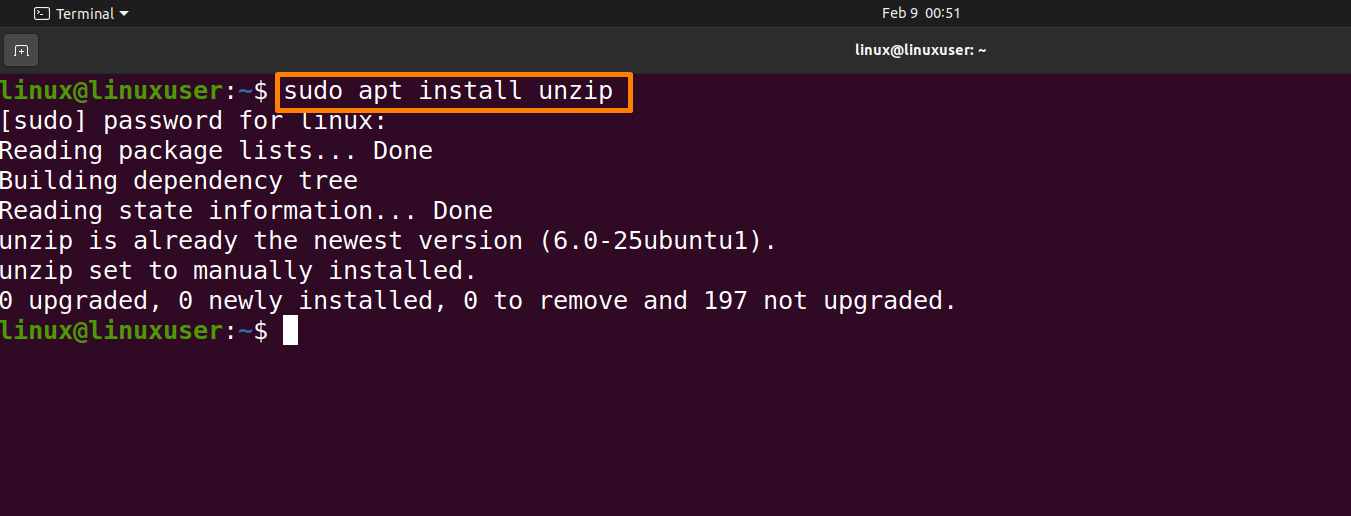
How To Unpack Files In Linux Terminal OSNote
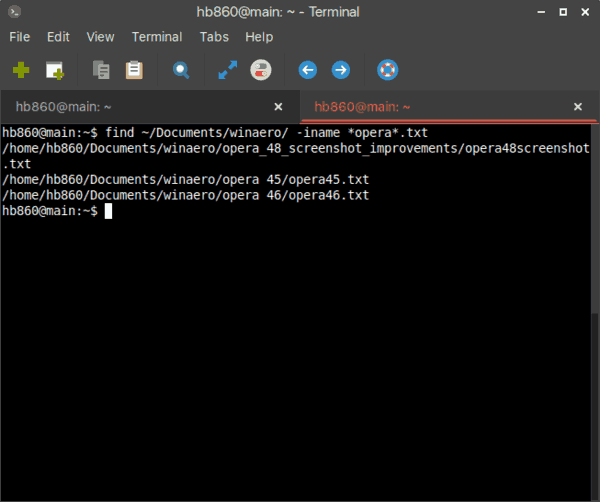
How To Find Files In Linux Terminal St Charles

Move Files In The Linux Terminal Opensource
Vim Tutor vimtutor Web3us LLC

Idea Find In Files idea Find In Files CSDN
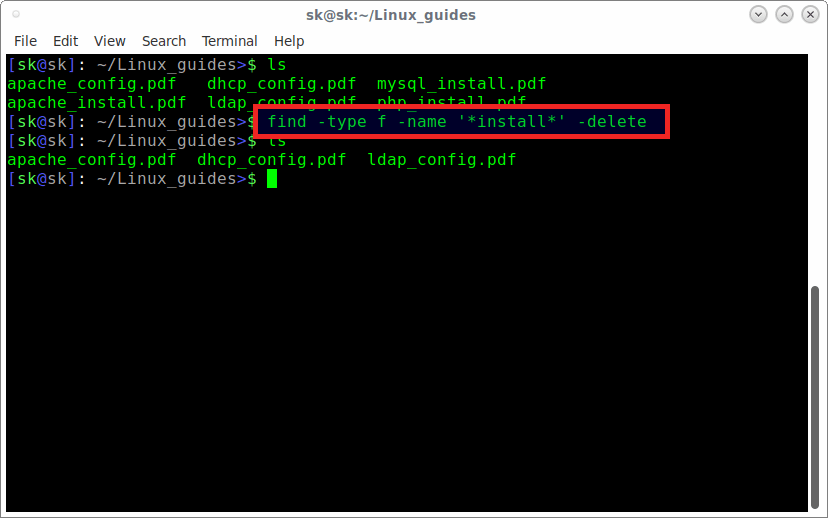
Linux Find File Recursively Dolphinqust

You can use the find command to search for files and directories based on their permissions type date ownership size and more It can also be combined with other tools such as grep or sed find Command Syntax The general syntax for the find command is as follows find options path expression
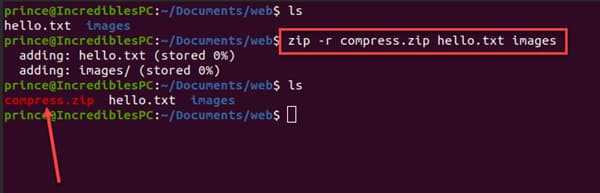
To find a file by name with the find command you would use the following syntax find name query This will be case sensitive meaning a search for query is different from a search for Query To find a file by name but ignore the case of the query use the iname option find iname query
The Linux find command is a powerful tool for searching for files and directories with various criteria such as file types or ownership By using the find command with xargs you can pass the results of the search to other commands for further processing
Terminal command to search a file by name But remember the name flag performs a case sensitive search If you are looking to do a case insensitive search you can use the iname flag instead find iname file name find command syntax to do a case insensitive search Terminal command to do case sensitive search
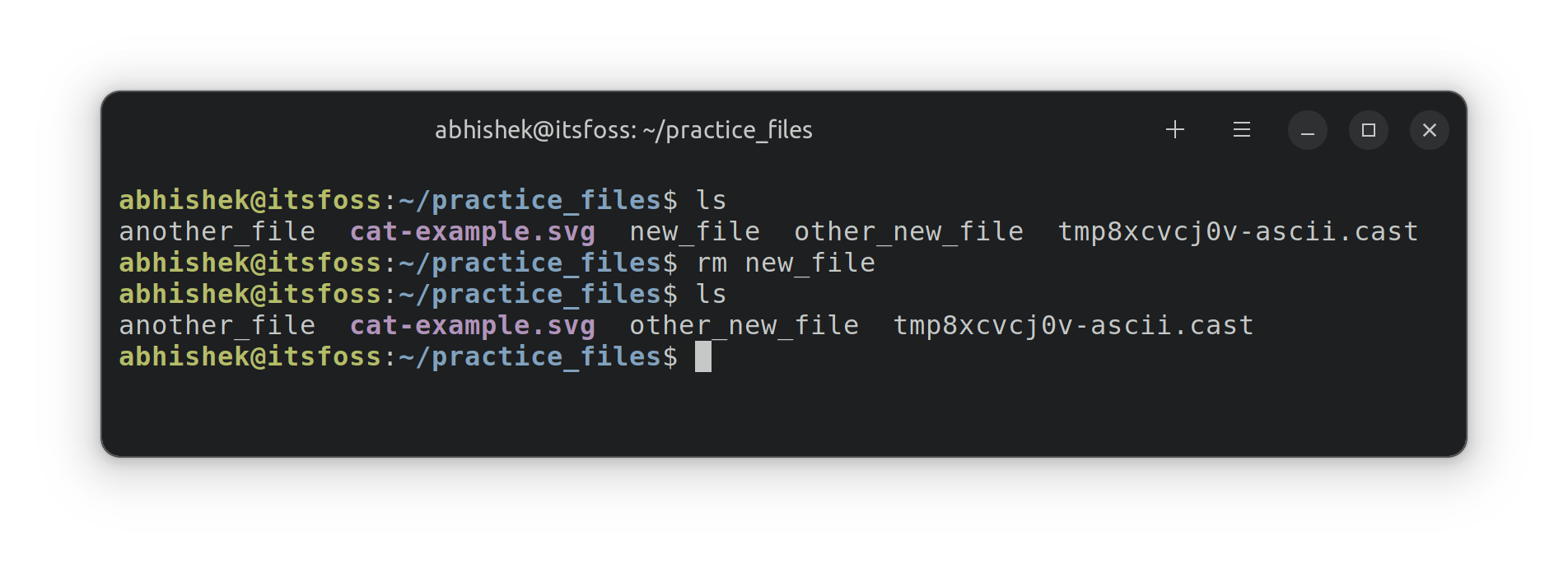
To find files in Linux terminal do the following Open your favorite terminal app XFCE4 terminal is my personal preference Type the following command find path to folder iname file name portion The arguments above are as follows path to folder the folder where to begin searching
The Linux find command is a powerful tool that enables system administrators to locate and manage files and directories based on a search criteria It supports searching by file folder name creation date modification date owner and permissions The find command is used to find files and directories and perform subsequent operations Use the type d expression to specify if you are searching for a file or a directory sudo find type d name Videos This command would search the current directory with the period for a directory with the name Videos By default find searches for files but you can specify files by using type f
In this article we will review 5 command line tools to find locate and search files quickly on Linux systems 1 Find Command find command is a powerful widely used CLI tool for searching and locating files whose names match simple patterns in a directory hierarchy Using find is simple all you need to do is provide a starting point top