Find Folder On Mac Book How To Find And Open The Applications Folder On Mac Users Folder On Mac Explained What Is It How To Find It Cant Find Downloads Folder On Mac Finder Dock Desktop Fixed How To Open Folders Instantly On Your Mac 5 Ways What Is Home Folder On Mac How To Use It Web Apr 10 2022 nbsp 0183 32 Using a Finder window you can look through files on your Mac by double clicking folders and then using the back arrow in the upper left corner quot lt quot to go back to a previous folder While you browse you ll notice quot breadcrumbs quot a list of folder locations in the Path Bar at the bottom of the Finder window
Web On your Mac click the Finder icon in the Dock to open a Finder window Do any of the following Put an item in a folder Drag it to the folder Put several items in a folder Select the items then drag one of the items to the folder All selected items move to the folder Web Select a file or folder in the Finder click the Share button or use the Touch Bar then choose Share File or Share Folder to get started If you don t see the Share button click the More Toolbar Items button at the end of the toolbar See Use iCloud to share and collaborate on files and folders
What Is Home Folder On Mac How To Use It How To Find The Downloads Folder On A Mac YouTube How To Create An Encrypted Folder On Mac YouTube How To Search Or Find A File folder On Your Linux Server How To Create A New Folder From Selected Files On Mac JailBreak How To Recover Deleted Disappeared IMovie Projects On A Mac 4 Ways To Find And Delete Large Files On Your Mac Dr Buho How To Bookmark A Folder In Finder On Mac Make Tech Easier How To Hide Folders And Files On Mac
Find Folder On Mac Book
Find Folder On Mac Book
https://i.insider.com/5e33030b62fa81408d1a702a?width=1200&format=jpeg
Web macOS organizes items on your Mac in folders You can see all of the folders in the Finder Many folders you regularly use are in the Finder sidebar Important Your home folder and certain other folders can t be renamed It s best not to rename or move folders that came with your Mac
Templates are pre-designed documents or files that can be used for numerous purposes. They can conserve time and effort by supplying a ready-made format and layout for creating various type of material. Templates can be used for individual or professional tasks, such as resumes, invites, leaflets, newsletters, reports, presentations, and more.
Find Folder On Mac Book

How To Encrypt A Folder On Mac YouTube

How To Find The Downloads Folder On A Mac YouTube

How To Create An Encrypted Folder On Mac YouTube

How To Search Or Find A File folder On Your Linux Server
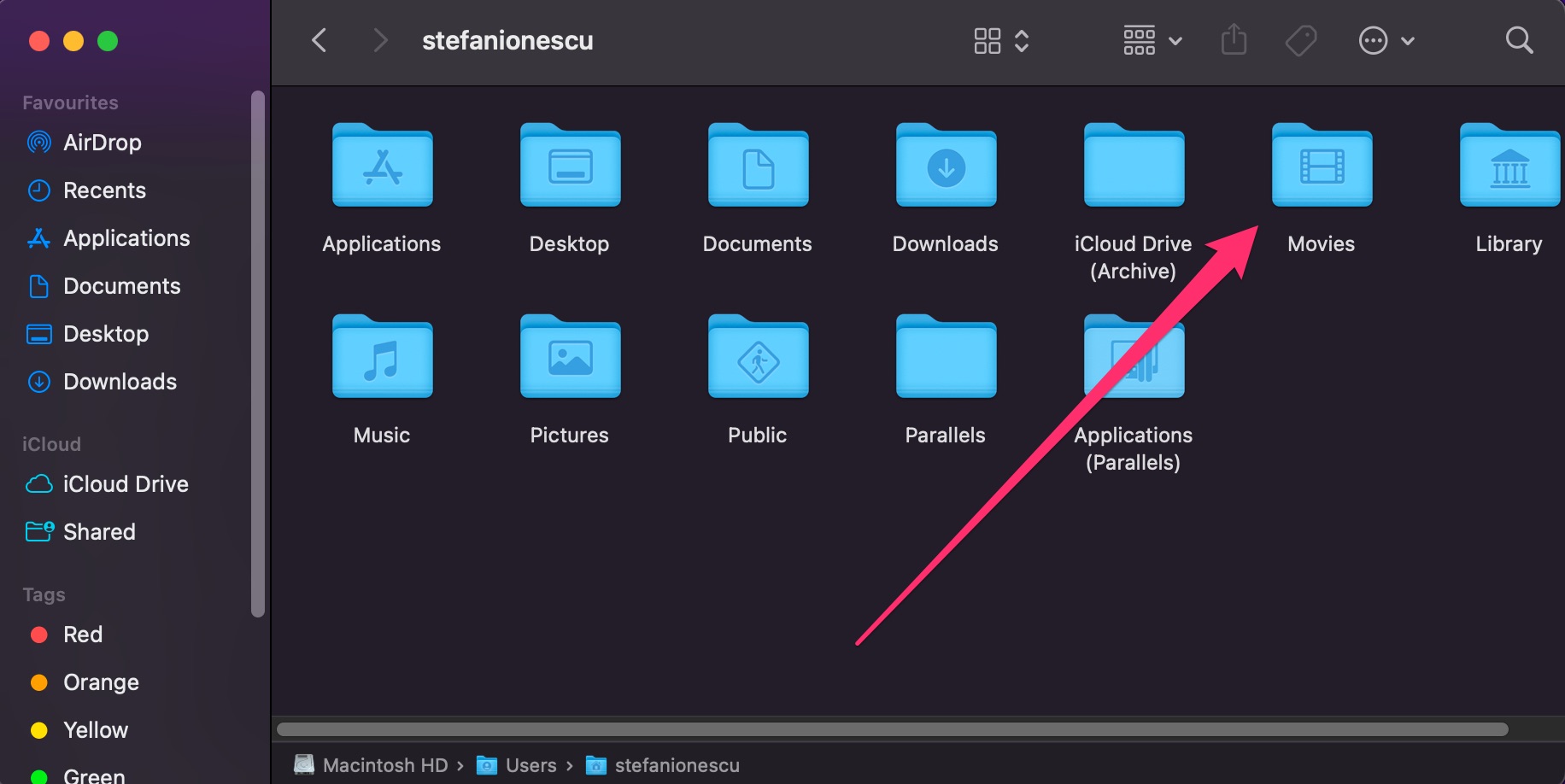
How To Recover Deleted Disappeared IMovie Projects On A Mac
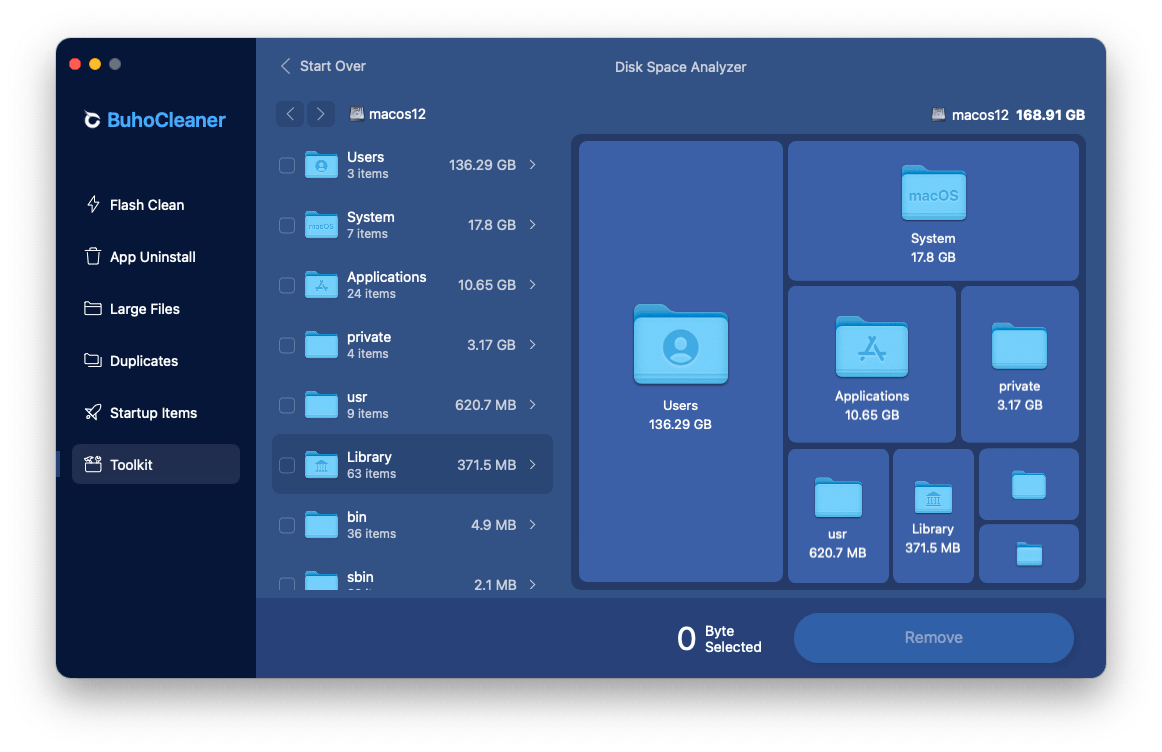
4 Ways To Find And Delete Large Files On Your Mac Dr Buho
Web Jan 25 2022 nbsp 0183 32 Step 1 Make sure Finder is open Then on the Apple menu bar click Finder gt Preferences Step 2 In the Finder Preferences window tick the box to the left of the Recents option Method 2 Browse Your Default Folders

Web Feb 20 2010 nbsp 0183 32 7 Answers Sorted by 92 If you take interest in the command line find type d name quot farm animal type quot you can change the starting area from to whatever you want if you have a good idea of where the folder is generally located Spotlight will be much snappier as the folders are indexed though Share Improve this answer Follow
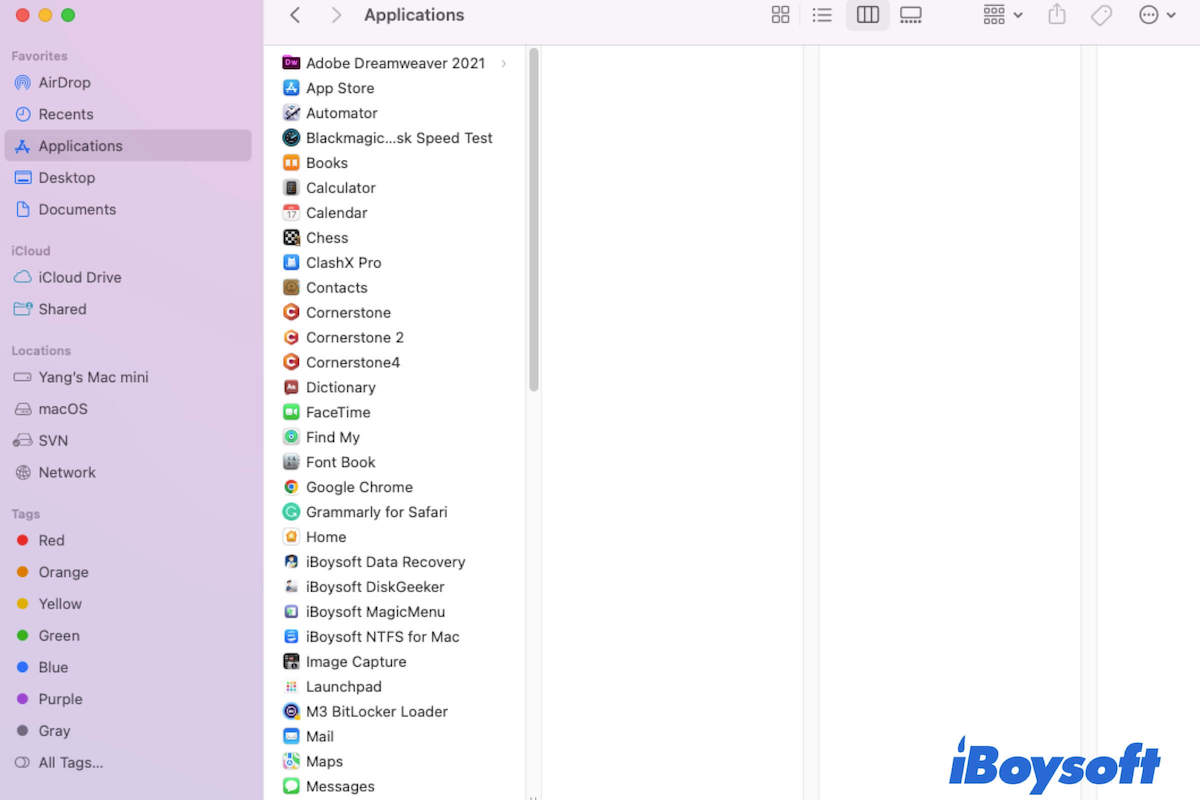
Web Jun 30 2020 nbsp 0183 32 Method 1 Use the Go Menu Method 2 quot Go To quot Your Library Folder Directly Method 3 A Keyboard Shortcut that Shows Hidden Files How to Make the Library Folder Always Visible in macOS When fixing problems on a Mac sometimes you need to roll up your sleeves and directly modify system settings files in your Library folder

Web May 4 2021 nbsp 0183 32 Here are three ways to see the current folder path on your Mac Table of Contents See the Current Path Using Finder s Status Bar See the Path Using the quot Get Info quot Panel See the Path in the Finder Title Bar See the Path Using Finder s Status Bar Let s start with the simplest and most visual way of viewing the current folder path

Web In the Finder on your Mac choose Go gt Go to Folder Start typing the folder s pathname for example Library Fonts or Pictures As you type matching folders appear Type a slash at the beginning of a pathname to indicate that the starting point is the top level of your computer s folder structure
Web Jun 12 2023 nbsp 0183 32 Double click your hard drive s icon It resembles a grey box On most Macs the hard drive is entitled quot Macintosh HD quot 5 Press Shift Command period Pressing Shift Command at the same time will display any hidden folders in your Mac s hard drive Any hidden folders or files will appear as grayed out Web Oct 16 2023 nbsp 0183 32 Key Takeaways Click the Downloads folder on your Mac s dock to view your downloaded files If the Downloads folder isn t on the dock open Finder and navigate to Users gt Username gt Downloads to find your downloads If you ve downloaded a file through a browser like Safari or Chrome on your Mac you might be confused about
Web Feb 16 2023 nbsp 0183 32 How to show a file path on Mac 1 Open Finder Image credit Future 2 To show all file paths permanently when a file or folder is selected click View in the menu bar and select Show Path Bar