Find Command In Terminal Mac How To Find The IP Address Of A Remote Computer Using Linux Systran Box How To Access Usb Drive On Mac Terminal Porsand How To Rename A File Using The Mv Command In Terminal On Mac OS X LEMP How To Create File In Terminal Mac Os Joloportland How To Use Find Command Mac Terminal Hotlinedamer These are the commands that are built in to Bash macOS s default command line interpreter like cd and kill 2 Search compgen s output using grep which is another terminal command
This is because the shutdown command can be run only by the root user or by an administrator user with root user privileges To run commands with superuser How to open Terminal on Mac The Terminal app is in the Utilities folder in Applications To open it either open your Applications folder then open Utilities and double click on Terminal or press
How To Use Find Command Mac Terminal Hotlinedamer How To Navigate Files And Folders In Terminal Macworld How To Use The MacOS Terminal A Beginners Guide Make Tech Easier How To Find Files In Terminal Mac Sigmaplora Run Open VSCode From Mac Terminal Gang Of Coders Linux Mac Terminal Tutorial How To Use The Find Command Terminal Command To Find Mac Address Mac Reachporet Windows Terminal Commands Cd Gasprograms Make A New File In A Directory In Terminal For Mac Toomultimedia
Find Command In Terminal Mac
 Find Command In Terminal Mac
https://syscdn.systranbox.com/1663222434658.png
Enable and Use the locate Command in the Mac OS X Terminal Nov 2 2011 11 Comments The locate command is very useful if you re looking to track down
Templates are pre-designed documents or files that can be utilized for numerous purposes. They can save effort and time by providing a ready-made format and layout for creating various sort of material. Templates can be utilized for individual or expert projects, such as resumes, invites, flyers, newsletters, reports, discussions, and more.
Find Command In Terminal Mac
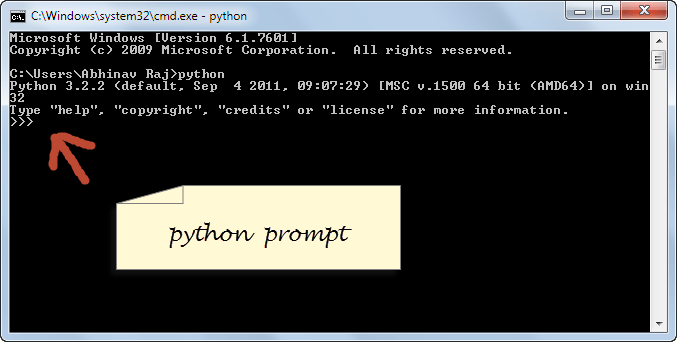
How To Run Python Scripts Tutorial DataCamp

How To Navigate Files And Folders In Terminal Macworld

How To Use The MacOS Terminal A Beginners Guide Make Tech Easier
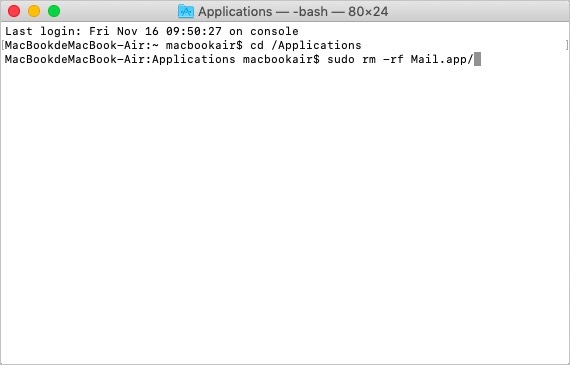
How To Find Files In Terminal Mac Sigmaplora

Linux Mac Terminal Tutorial How To Use The Find Command
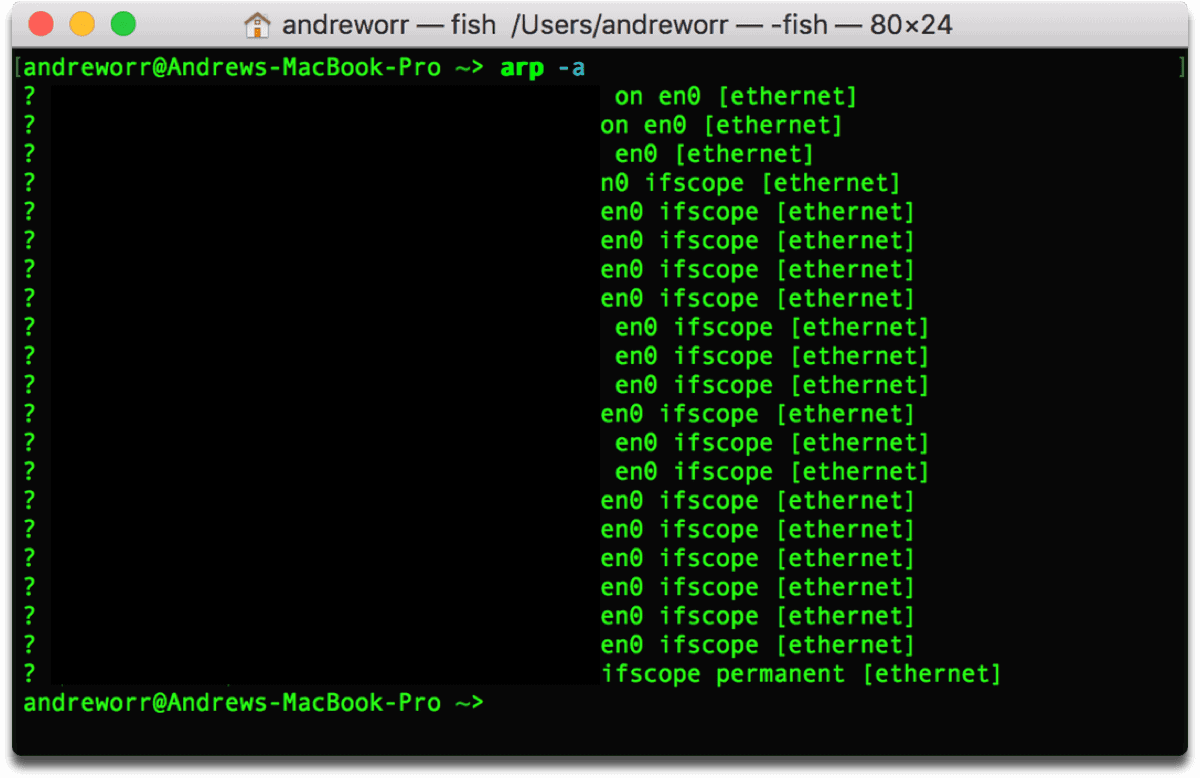
Terminal Command To Find Mac Address Mac Reachporet

Work in Terminal windows Open or quit Terminal Open new Terminal windows and tabs Execute commands and run tools Specify files and folders Redirect Terminal input and output Correct typing errors Drag
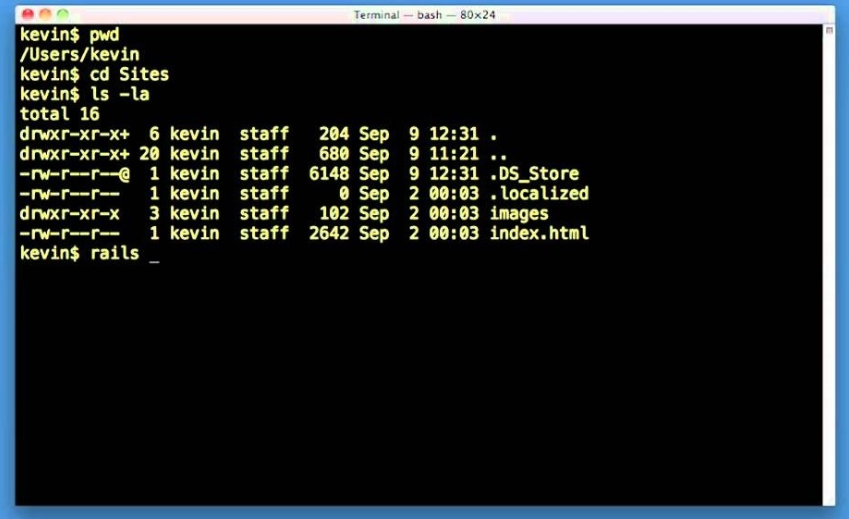
Solution Try mdfind terminal command which is similiar to locate command in linux From documentation The mdfind command consults the central

This is how you execute commands on your Mac using the command line Launch Terminal by finding it in the Utilities folder or by searching for it using Spotlight and then familiarize yourself with the

In the Terminal app on your Mac in the window running the shell process you want to quit type exit then press Return This ensures that commands actively running in the shell

When Launchpad opens type Terminal and hit return Or you can click the Terminal icon The Terminal app will open How to Open Terminal from Your Applications Folder If you d prefer to go
To run the Terminal app from the Finder follow these steps In the Dock at the bottom of your screen click the Finder icon On the left side of the screen under the In order to find a file on the Mac Terminal you can make use of the find or mdfind command find walk a file hierarchy Syntax find name
Segfault To force it to open an application as a file in Finder rather than the open the application itself use the R option R Reveals the file s in the Finder instead of