Find Column Reference In Excel Excel Locked Table Reference Exceljet Excel 2017 Extend Formula Down Column Carisca Excel Structured Reference Structured Reference In Excel Tables How To Use Absolute References In Excel Bank2home Reference Entire Column In Another Sheet Excel Printable Templates Mar 22 2017 nbsp 0183 32 mid find find mid
To access your Google Analytics account Go to https www google analytics Click Sign in to Analytics Sign in to your Google Accou cannot find 640 480 video mode 640 480 640 480
Reference Entire Column In Another Sheet Excel Printable Templates F4 Not Working In Excel Fixed Find References Excel Excel Switch Between Relative Absolute And Mixed References Chris Create A Timestamp In Excel With A Formula SaqibRauragh Column Header In Excel How To Use Column Header In Excel CLOUD HOT GIRL Excel Financial Functions For A House Or A Car Chris Menard Training Swapping Of Two Numbers In Java Shiksha Online
Find Column Reference In Excel
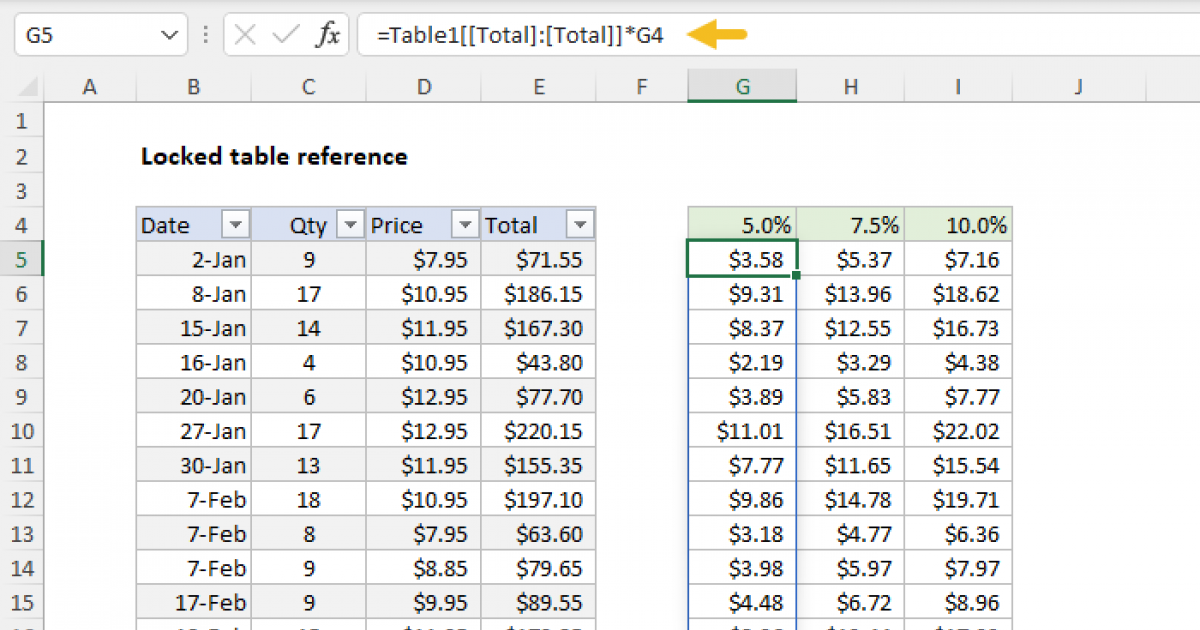 Find Column Reference In Excel
https://exceljet.net/sites/default/files/styles/og_image/public/images/term/locked table reference.png
You can delete your device if you can t find it Important These steps permanently delete all data on your device but may not delete SD cards After the device is erased its location won t be
Pre-crafted templates use a time-saving solution for creating a varied range of documents and files. These pre-designed formats and designs can be utilized for various individual and professional projects, including resumes, invites, leaflets, newsletters, reports, presentations, and more, streamlining the material development process.
Find Column Reference In Excel
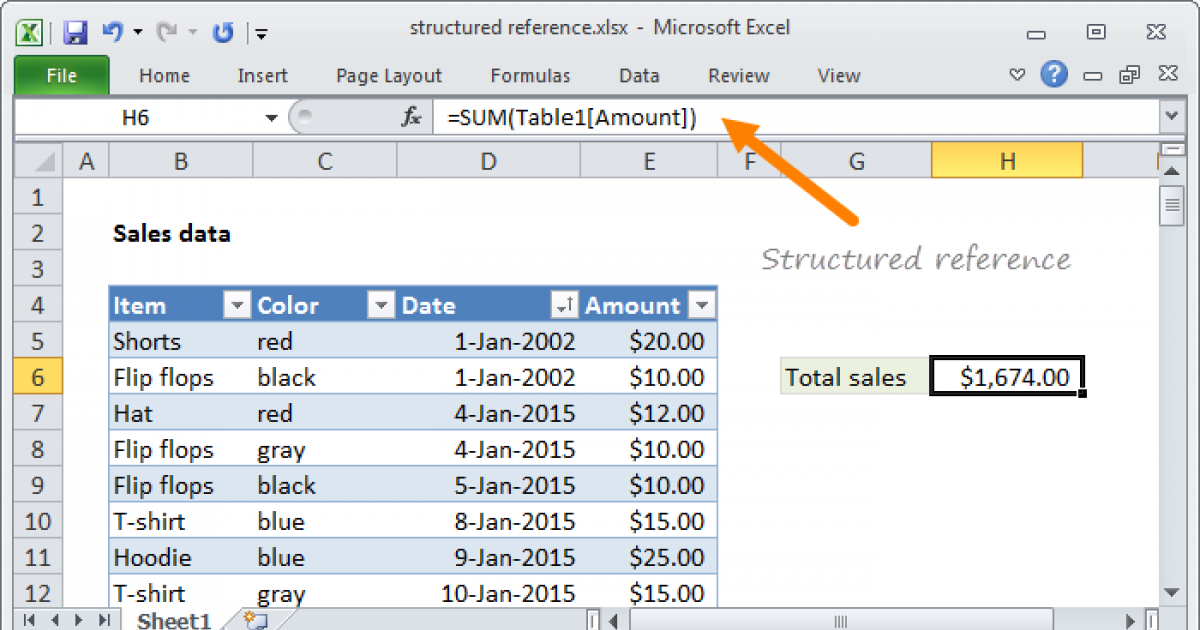
Excel Structured Reference Exceljet

F4 Not Working In Excel Fixed
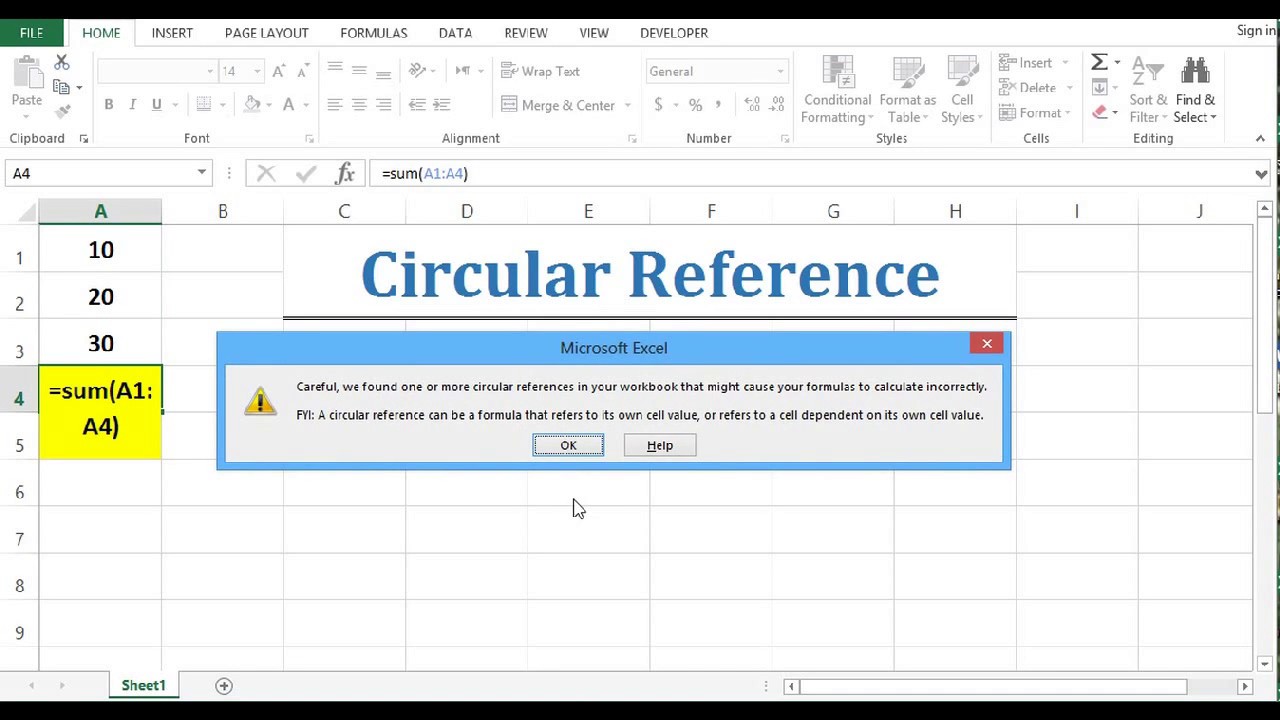
Find References Excel
Excel Switch Between Relative Absolute And Mixed References Chris

SaqibRauragh
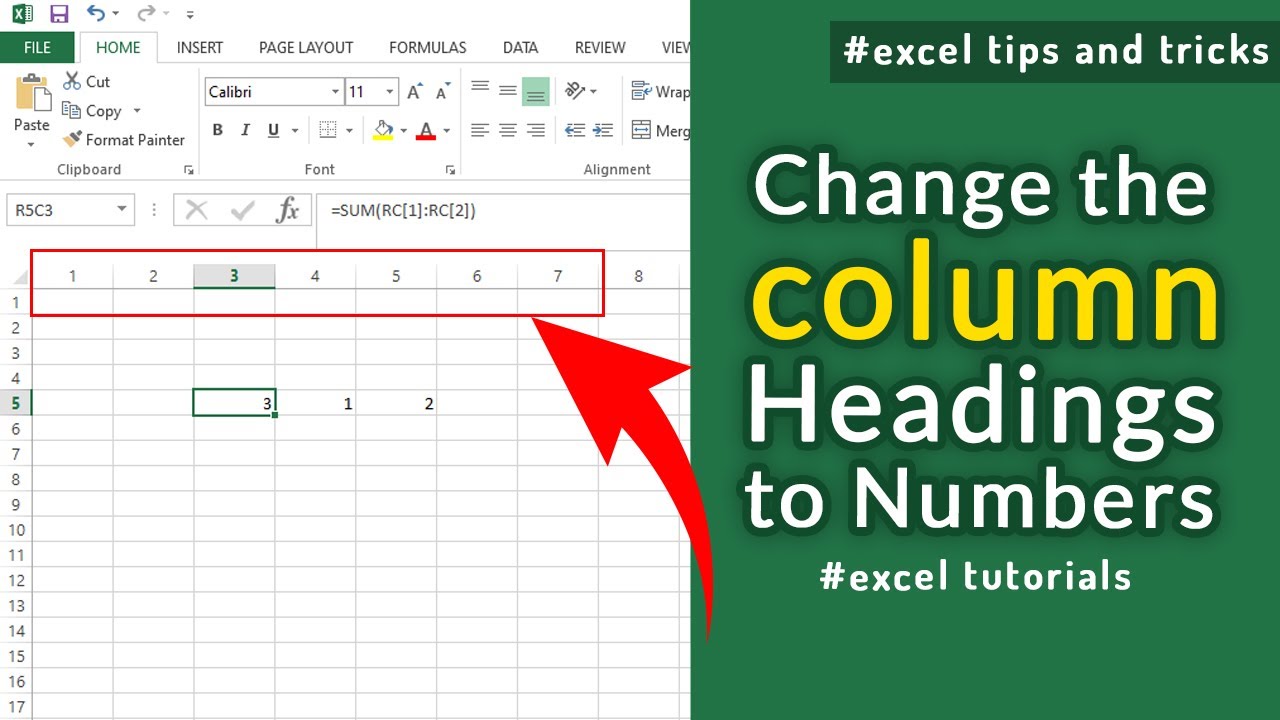
Column Header In Excel How To Use Column Header In Excel CLOUD HOT GIRL
Excel find Excel find Excel find Excel 1
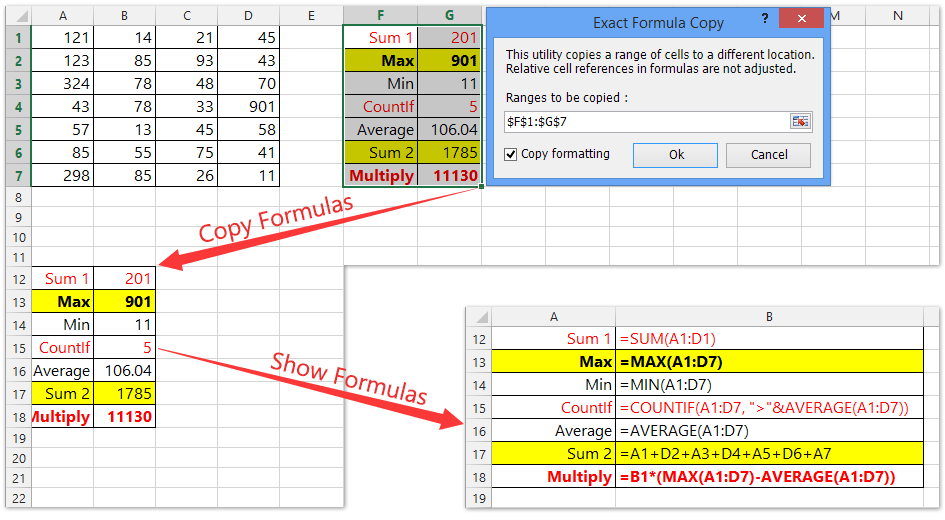
Find amp download apps Find the Google Play Store app Find the Google Play Store app You can get apps

To use Chrome on Mac you need macOS Big Sur 11 and up On your computer download the installation file Open the file named quot googlechrome dmg quot
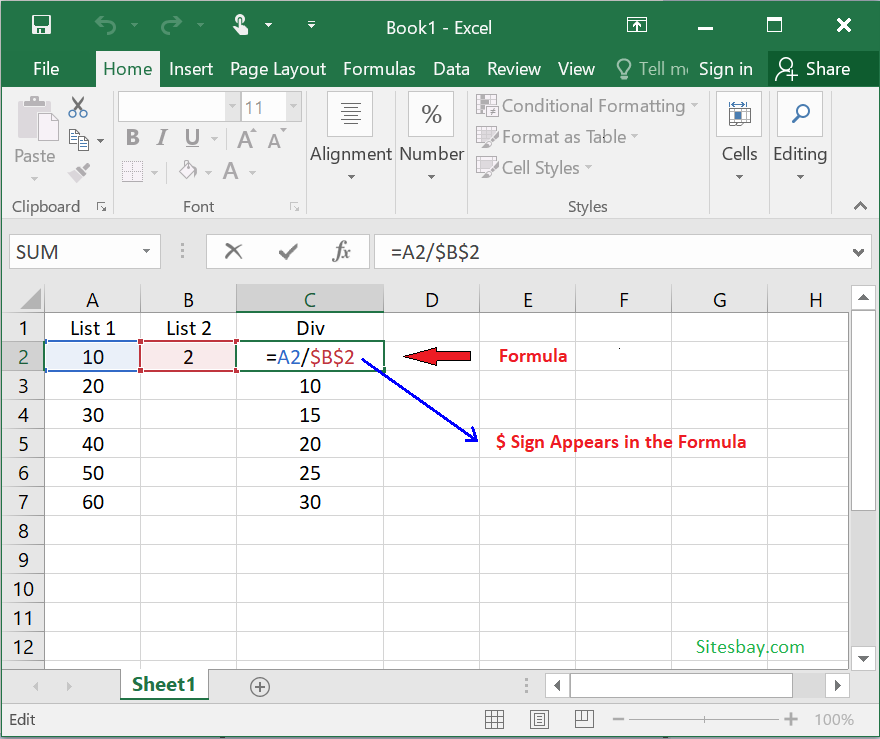
In the General tab find the quot Search quot section and click Settings Select Google Click Set as default Click Close Internet Explorer 8 Open Internet Explorer In the top right corner of your
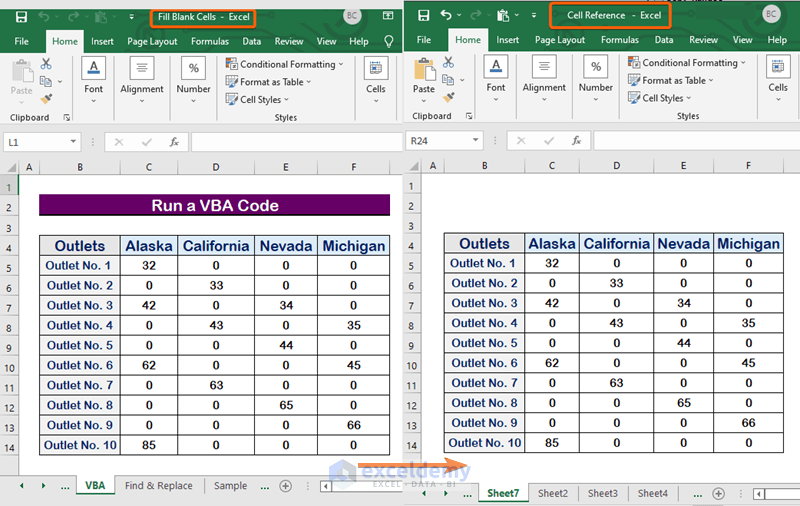
To search for a place on Google Maps enter the latitude and longitude GPS coordinates You can also find the coordinates of the places you previously found Besides longitude and latitude
[desc-11] [desc-12]
[desc-13]