Find And Replace Command In Google Docs How To Use Find Replace Command In AUTOCAD FIND Command In AUTOCAD How To Use Find And Replace Command In Ms Word YouTube How To Use The Find And Replace Command In Linux Systran Box How Integrate Rest command In Google Home Voice Assistant Home Python String Replace WEB Sep 30 2021 nbsp 0183 32 You can use find and replace in Google Docs to find a word in a document to replace a single entry or to replace every instance of a word or phrase
WEB Search and use find and replace You can find and replace words in a document spreadsheet or presentation with Google Docs Sheets and Slides You can also search within a file using WEB Feb 23 2024 nbsp 0183 32 Use find and replace in a document or presentation On your computer open a document or presentation in Google Docs or Google Slides Click Edit gt Find and replace Next to
Python String Replace What Is The Purpose Of Find And Replace Command Terrance Smith s Word How To Use Find And Replace In Google Docs Find replace Command In Oxygen 14 German Version Download What Is The Use Of Find And Replace Command Anthony Parri s Word Search Excel 2010 Denisezasqy Using Find And Replace How2do360 Microsoft Word Find And Replace All Carbonhopde Repeat Last Command Google Sheets Video 1 YouTube
Find And Replace Command In Google Docs
 Find And Replace Command In Google Docs
https://i.ytimg.com/vi/ozCZJDP7FeU/maxresdefault.jpg
WEB Jul 25 2022 nbsp 0183 32 Google Docs Find and Replace feature makes it easy to sift through thousands of words in just a few clicks Learn how to use them here
Pre-crafted templates offer a time-saving service for developing a varied variety of documents and files. These pre-designed formats and layouts can be made use of for numerous individual and professional tasks, consisting of resumes, invites, flyers, newsletters, reports, discussions, and more, enhancing the material production process.
Find And Replace Command In Google Docs

Technology Toolbox November 2012

What Is The Purpose Of Find And Replace Command Terrance Smith s Word

How To Use Find And Replace In Google Docs

Find replace Command In Oxygen 14 German Version Download
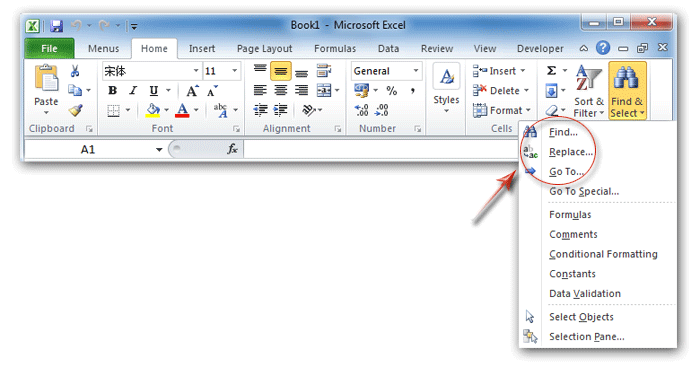
Excel 2010 Denisezasqy
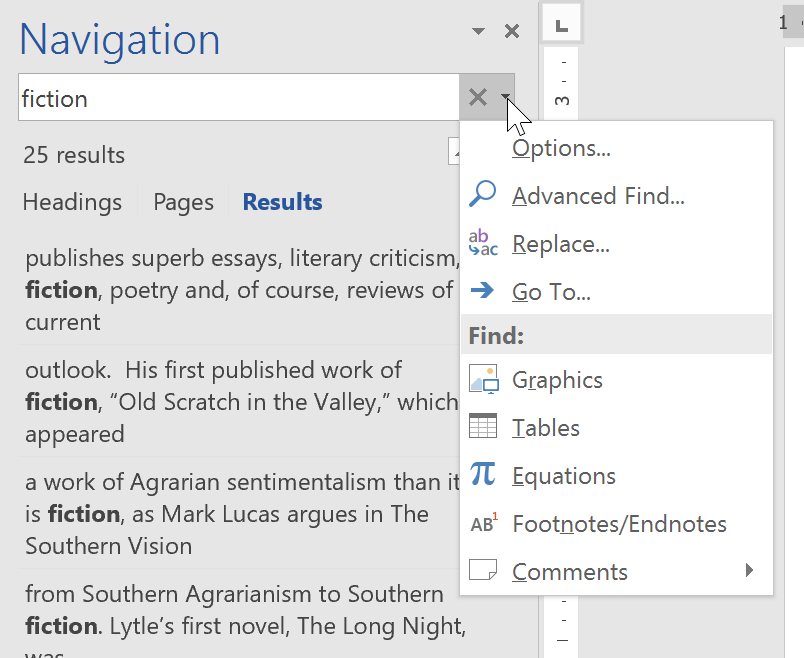
Using Find And Replace How2do360

WEB You can find and replace words in a document spreadsheet or presentation with Google Docs Sheets and Slides You can also search within a file using the keyboard shortcut Ctrl f f on a
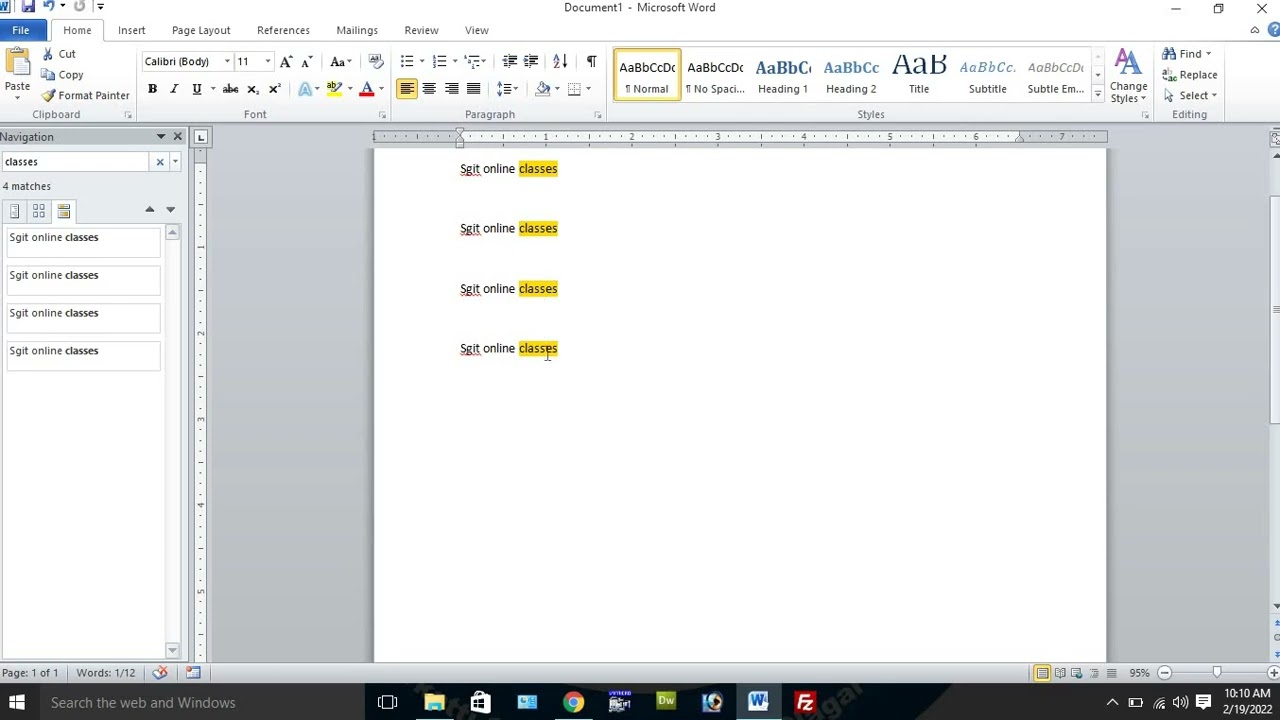
WEB Jul 13 2024 nbsp 0183 32 This handy tool allows you to quickly find specific text and replace it in Google Docs with new content in just a few clicks In this article we ll walk you through the simple steps of how to do find and replace in Google Docs making your editing process more efficient and stress free

WEB Feb 6 2024 nbsp 0183 32 Finding and replacing text in a Google Doc can be a real time saver especially when you re dealing with a lengthy document Instead of manually searching for each instance of a word or phrase you can use the Find and Replace feature to make the changes quickly and efficiently
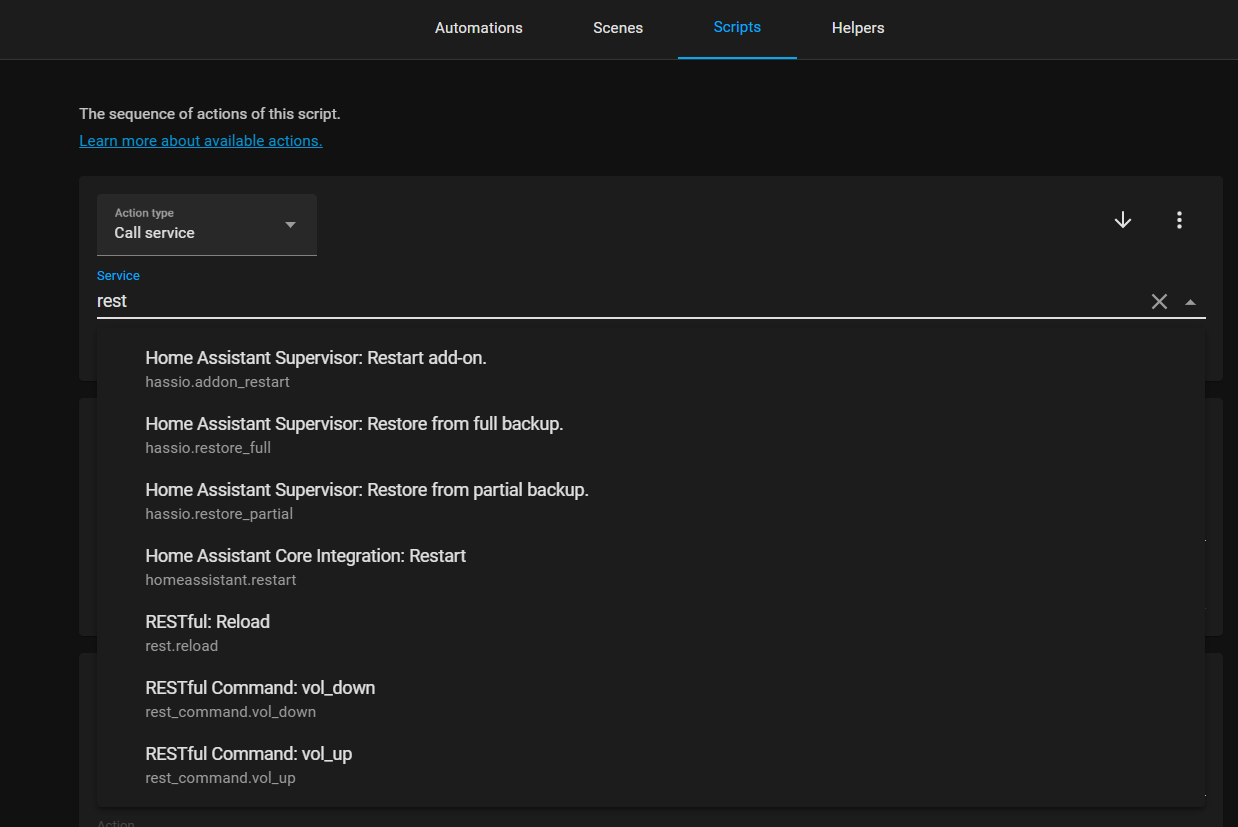
WEB Jun 3 2021 nbsp 0183 32 2 methods of using find and replace in Google Docs The keyboard shortcuts for find and replace Using find and replace from the Edit menu

WEB Jan 9 2024 nbsp 0183 32 To find and replace text in Google Docs simply go to the Edit menu select Find and replace type the word you re looking for in the Find field type your new desired text in the Replace with field and then click
WEB Mar 23 2023 nbsp 0183 32 Yes Google Docs has a Find and Replace function that allows users to search for specific words or phrases within a document and replace them with a different term Press Ctrl H on Windows or Cmd Shift H on mac to trigger the feature WEB Don t waste time scanning through your document to find text and replace it with something new The Find and Replace commands can do this for you with just a few clicks of your mouse Find Text Click Edit on the menu bar Select Find and replace
WEB Apr 24 2022 nbsp 0183 32 Type text into Find field gt type new text into Replace with field This article explains how to use the Find and Replace tool in Google Docs as well as how to search a document for specific text The tool also works with Google Sheets and Google Slides