File Management Techniques For Windows The Ultimate Guide To Document Management FILE MANAGEMENT Introduction To File Management And File System YouTube Resource Management Techniques For Project Success Happy Teams Visual Management Techniques For Kaizen Culture What Exactly Is File Management Software And Why Do You Need It In The Melihat dan membuka file Dengan Google Drive di web Anda dapat melihat berbagai hal seperti video PDF file Microsoft Office file audio dan foto Penting Jika mencoba membuka file yang
Download a file To save a file or image on your computer or device download it The file will be saved in your default download location Download a file Download files from Google Drive with a computer Android or iOS device Important If you try to download a suspicious file you may get a warning message Use
What Exactly Is File Management Software And Why Do You Need It In The 5 effective classroom management techniques Try These Effe Flickr How To Organize Computer Files Electronic File Management Tips What Is Inventory Management 101 Benefits Techniques Vrogue co File Management System Features And Benefits Canto Time Management Techniques For Work at Home Moms Working At Home Mom Software Change Management Tools And Techniques PDF IT Project Management Techniques For Development Professionals 12 Effective Inventory Management Techniques For Retailers Bit Rebels
File Management Techniques For Windows
 File Management Techniques For Windows
https://www.filecenter.com/blog/wp-content/uploads/2022/02/file-management-software.jpg
To protect your account from potential viruses and harmful software Gmail doesn t allow you to attach Certain types of files including their compressed form like gz or bz2 files or when
Templates are pre-designed documents or files that can be used for numerous functions. They can conserve effort and time by offering a ready-made format and design for developing various kinds of content. Templates can be utilized for individual or expert projects, such as resumes, invitations, leaflets, newsletters, reports, discussions, and more.
File Management Techniques For Windows

Modern Management Techniques For 2024 Exam Prashant Publications

5 effective classroom management techniques Try These Effe Flickr

How To Organize Computer Files Electronic File Management Tips
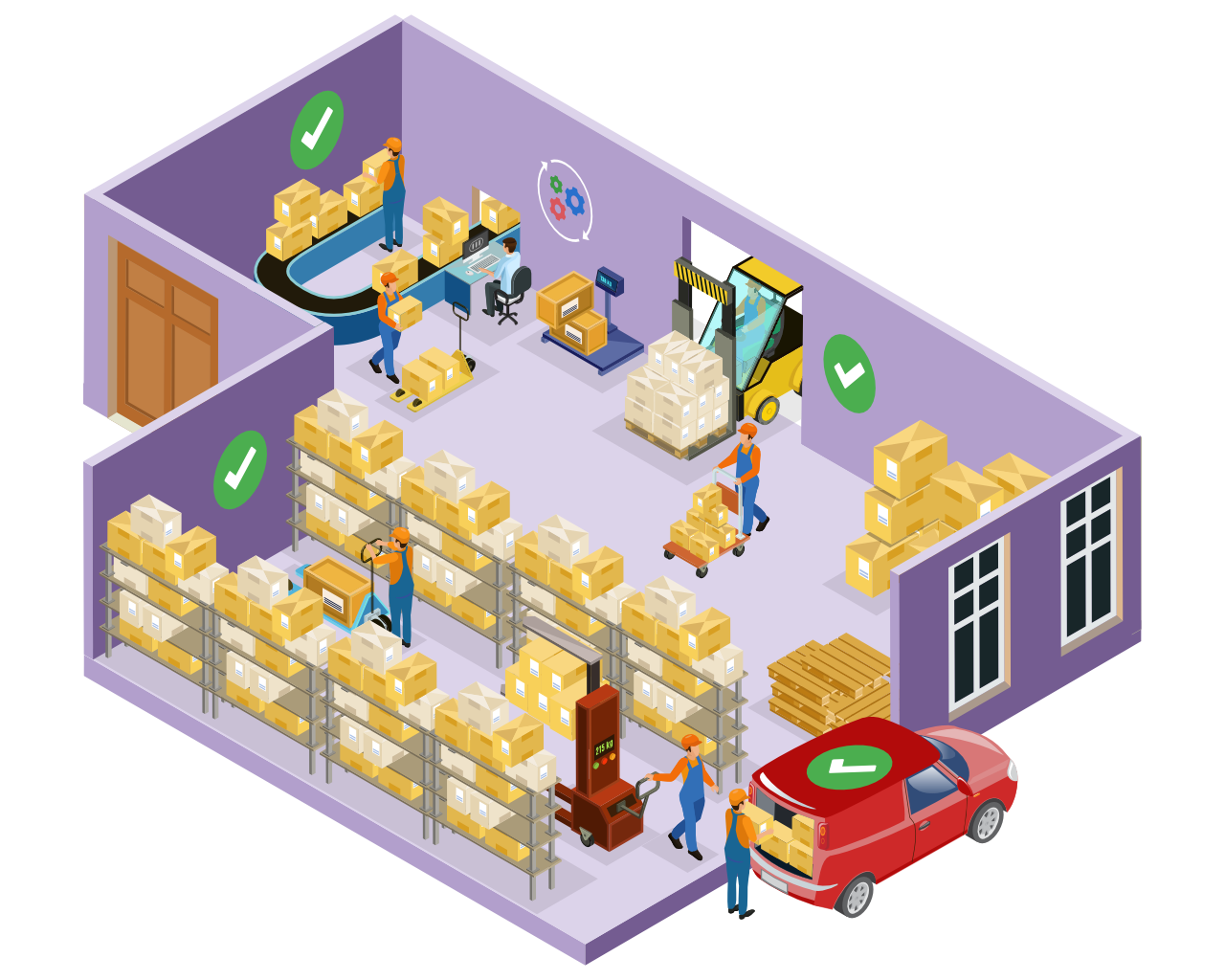
What Is Inventory Management 101 Benefits Techniques Vrogue co

Time Management Techniques For Work at Home Moms Working At Home Mom

Software Change Management Tools And Techniques

Owner File Same Directory as Source File When a previously saved file is opened for editing for printing or for review Word creates a temporary file that has a doc file name extension

Apr 4 2019 nbsp 0183 32 This means a mp3 file that has been changed to a file file still contains the same audio data To open these file files the user must know the original format of the files The

Official Files by Google Help Center where you can find tips and tutorials on using Files by Google and other answers to frequently asked questions

To free up space you can clear temporary app files delete duplicate files and delete recommended files screenshots and unused apps

On your Android device open Files by Google Under the Recents section you can view your recently added downloaded and modified files Under the Categories section you can tap a
[desc-11] [desc-12]
[desc-13]