File Format In Excel Definition Bank Reconciliation Statement Format In Excel YouTube Excel Macro Definition Example Excel 2013 Beginners Tutorial YouTube Top 10 Job Handover List Template Excel Download 2022 WPS 49 OFF Excel 80 Formatting Documents In MS Word Apr 24 2011 nbsp 0183 32 I sometimes get files from my clients that have the wrong file extension For example the name is image jpg but the file is actually a TIFF image In many cases I can
Dec 4 2024 nbsp 0183 32 I have managed to find a solution to get rid of quot Open File Security Warning quot for all files of specific extensions one can use Local Group Policy Editor to do it Aug 7 2023 nbsp 0183 32 When a folder path to a network drive is added as a link in an Outlook message the receiver cannot click on the link and get to open directly the folder This because Outlook is
Formatting Documents In MS Word What Is A Column In Excel Flat File Definition What Is A Flat File Database Understanding Ribbon In Excel Tabs And Options Create Spreadsheet In Excel How To Create Spreadsheet In Excel Change Date Format In Excel Short Long And Custom Excel Extensions Types Of File Formats How To Show Hide Excel Extensions Types Of File Formats How To Show Hide VBA FileDialog In Excel Definition Examples How To Use
File Format In Excel Definition
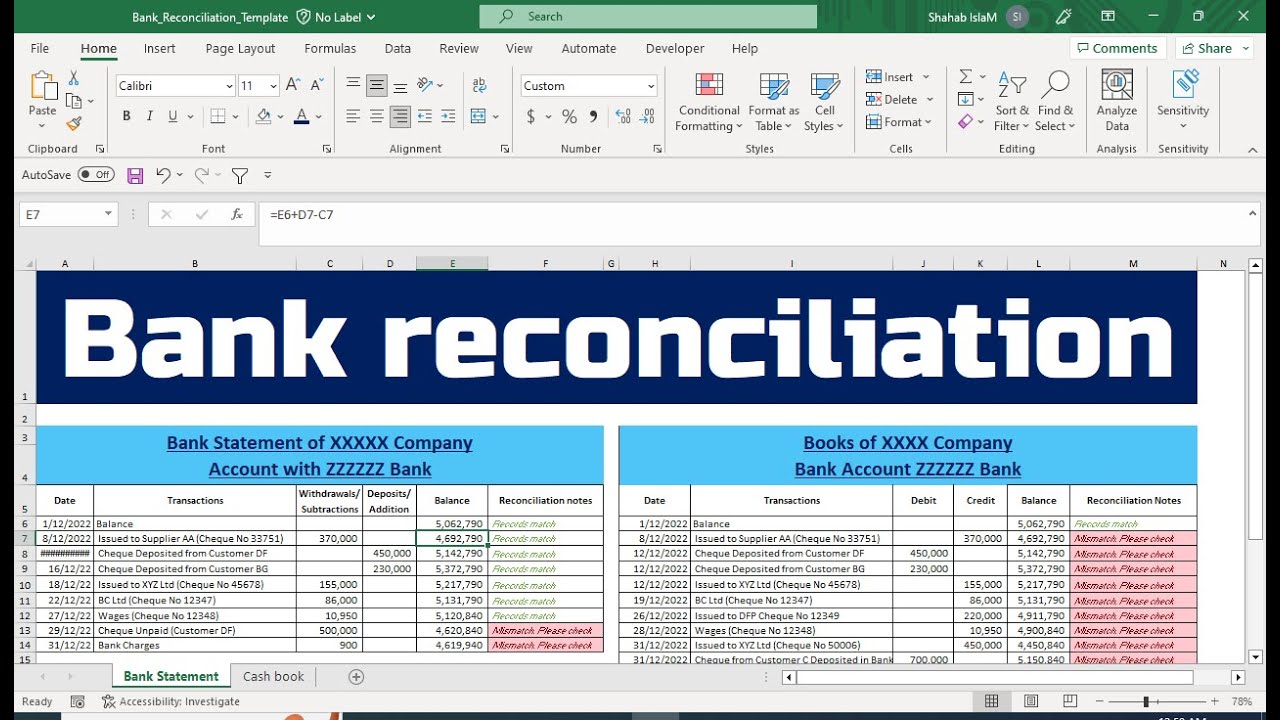 File Format In Excel Definition
https://i.ytimg.com/vi/fg3AJ_x8tv4/maxresdefault.jpg
Use File Provider to stream Drive files If you use macOS 12 1 and up with Drive for desktop to stream files Drive for desktop uses macOS s File Provider technology to provide built in
Templates are pre-designed files or files that can be used for numerous purposes. They can conserve effort and time by offering a ready-made format and layout for developing various type of material. Templates can be used for personal or professional jobs, such as resumes, invites, leaflets, newsletters, reports, presentations, and more.
File Format In Excel Definition
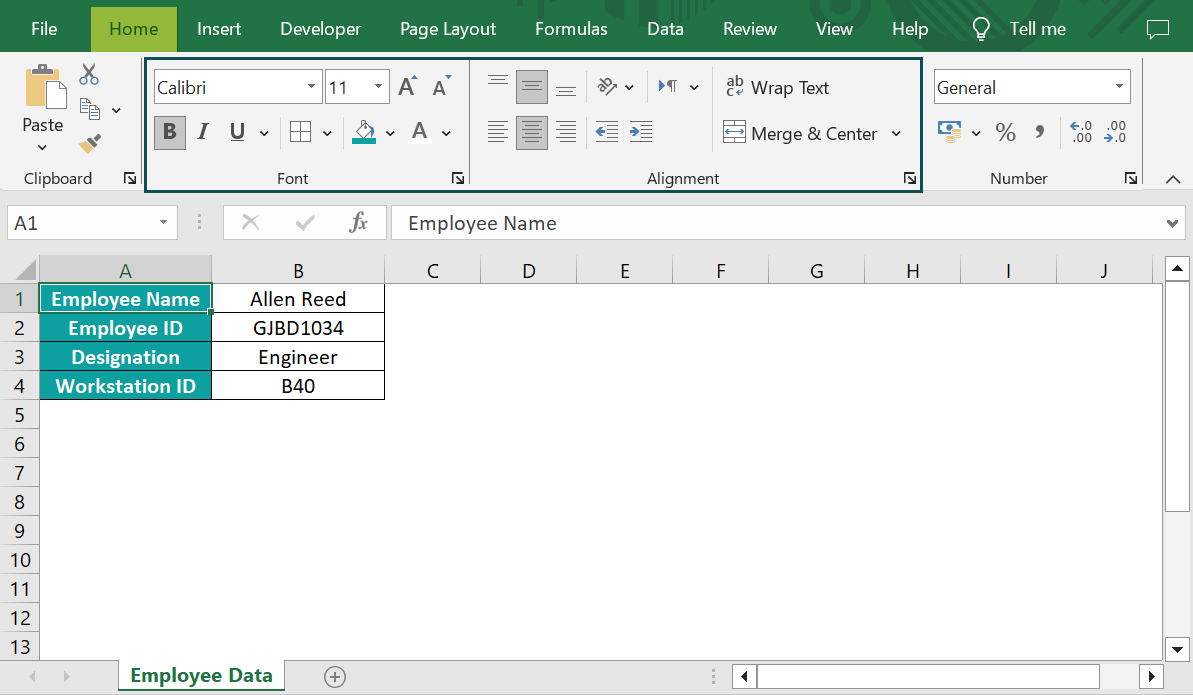
Excel Spreadsheet Screen Components How To Use Format

What Is A Column In Excel
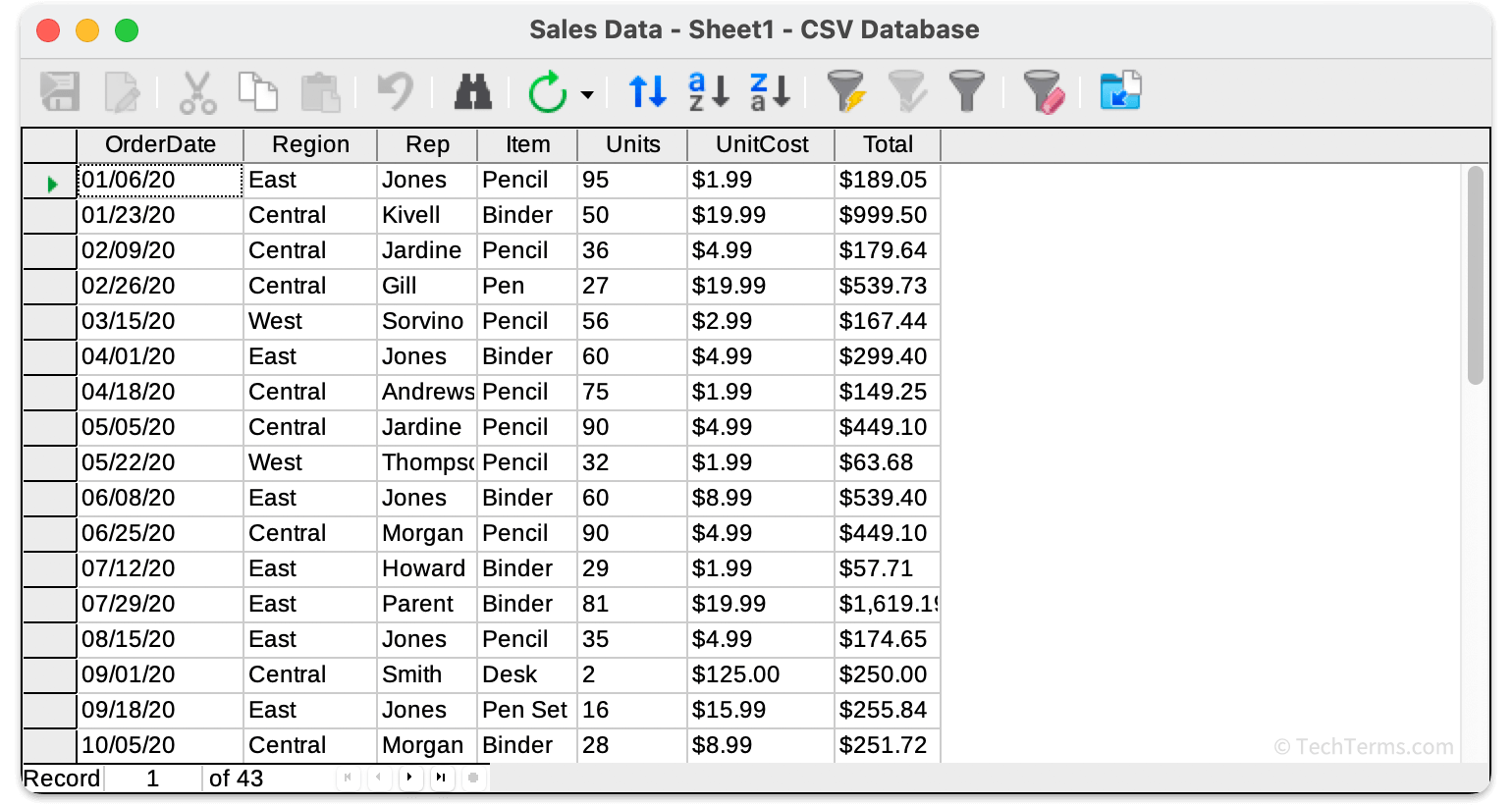
Flat File Definition What Is A Flat File Database

Understanding Ribbon In Excel Tabs And Options
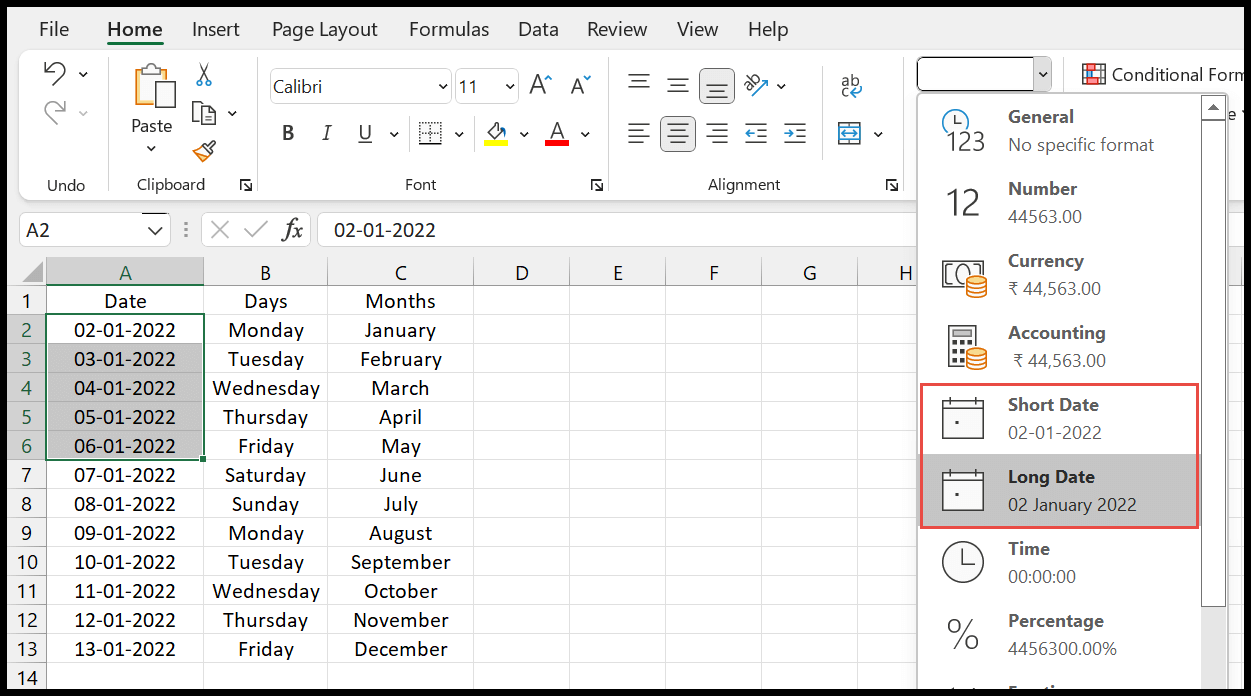
Change Date Format In Excel Short Long And Custom

Excel Extensions Types Of File Formats How To Show Hide

If you have issues when you download Chrome on your Windows computer use the alternate link to download Chrome on a different computer At the bottom of the page under Chrome

Import from an existing CSV or vCard file On your computer go to Google Contacts On the left click Import Select file If you don t find the menu on the left at the top left click Menu For CSV

Download a file Download files from Google Drive with a computer Android or iOS device Important If you try to download a suspicious file you may get a warning message Use

Mar 11 2025 nbsp 0183 32 Download a file of that type Once downloaded click the arrow next to the file in the download bar If you see quot Always open files of this type quot checked uncheck it Disable Auto

You can import map features like lines shapes and places to your map from KML files spreadsheets and other files Import map data to a layer Step 1 Pre
[desc-11] [desc-12]
[desc-13]