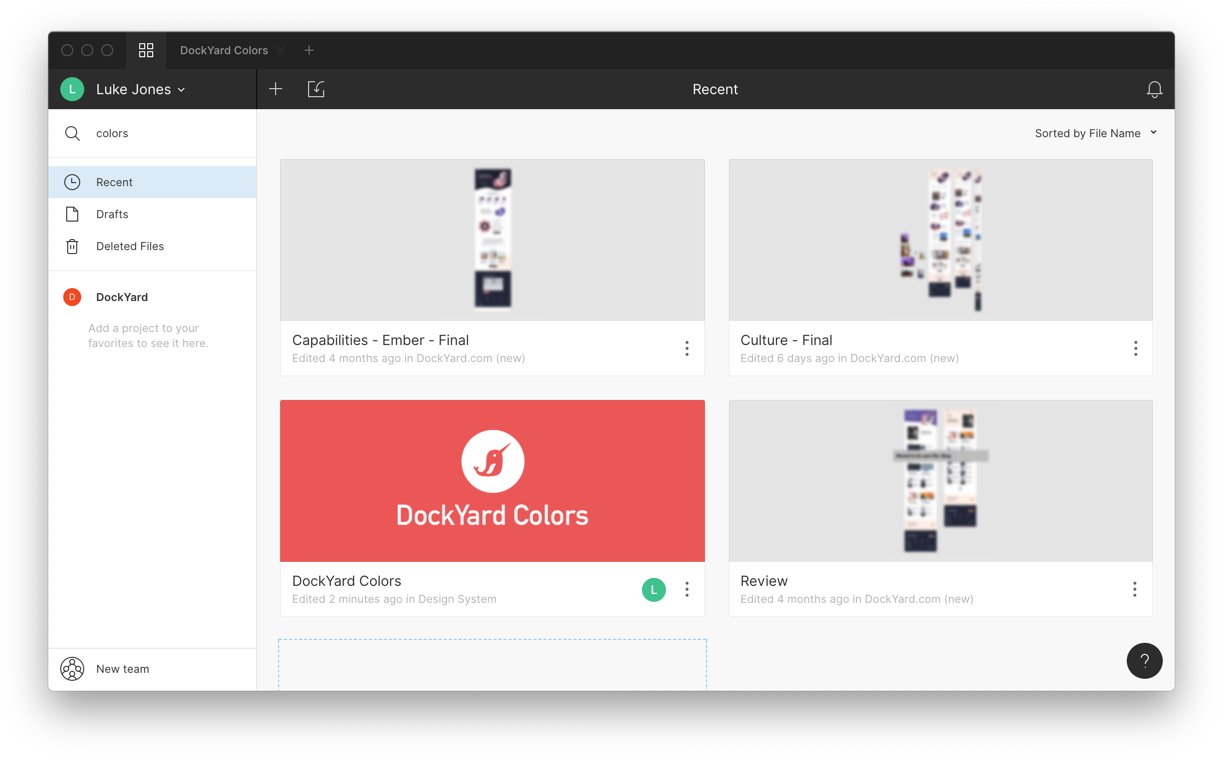
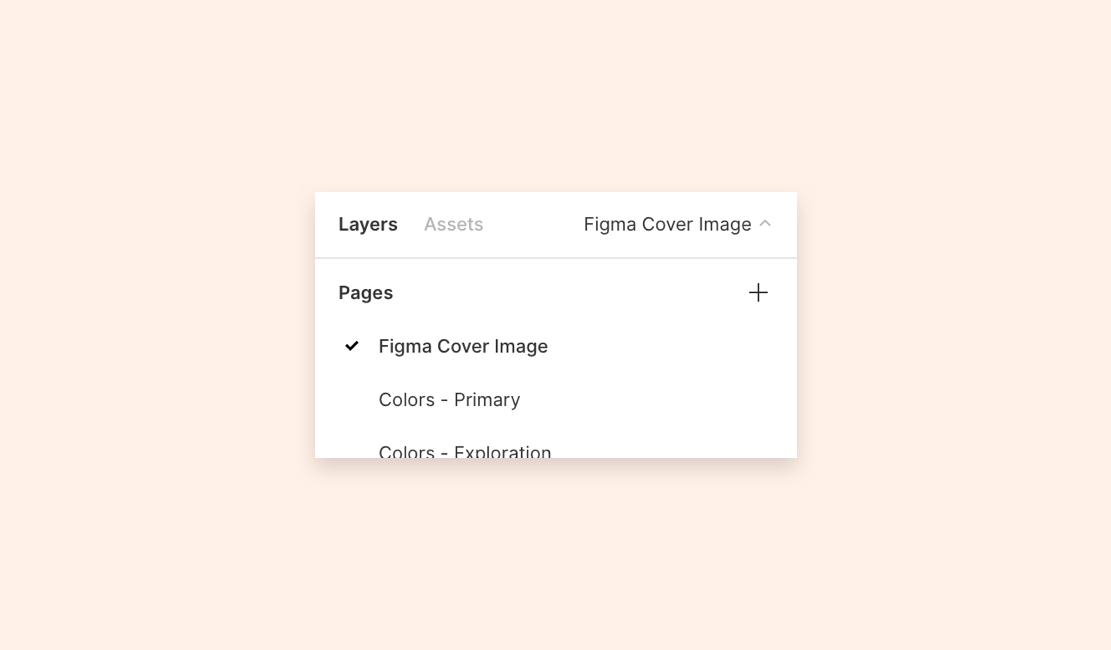
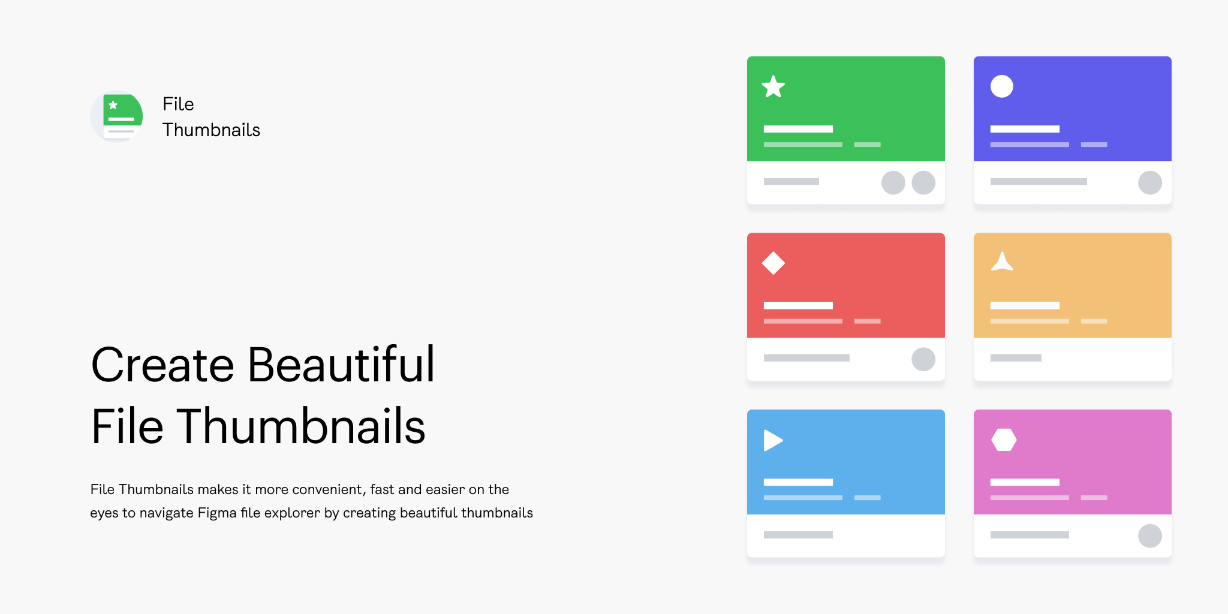
Figma Thumbnail Size Custom Thumbnails In Figma Pavvy Designs Thumbnails For Figma Projects Figma Community Follow These Steps To Create A Custom Thumbnail In Figma DockYard Set As Thumbnail In Figma By Diogo Kpelo For Loft Design On Dribbble Follow These Steps To Create A Custom Thumbnail In Figma DockYard Web Result I created thumbnails for better management of files in figma So these templates will help you keep a clean and easily readable project and file overview They are color coded to give you a synopsis of the project and file statuses at a glance
Web Result Nov 26 2021 nbsp 0183 32 On the Figma website the recommended Frame size is 1600 x 960 link while the frame itself is 1920 x 960 Worse even users still need to take into account that that area is the exact thumbnail size which needs its own padding so text does not collide to the sides I have had to find out the hard way Web Result Jul 30 2019 nbsp 0183 32 Figma project thumbnails change width depending on the size of your Figma window To get an edge to edge thumbnail create a 620 by 320 pixel Frame and remove the background color hit the
Follow These Steps To Create A Custom Thumbnail In Figma DockYard Follow These Steps To Create A Custom Thumbnail In Figma DockYard Figma File Thumbnail Covers Figma Community Free File Thumbnails Figma Plugin Figma Elements File Thumbnails Figma Plugin By Arsen Kolyba On Dribbble Figma Thumbnails Template Figma Community Figma Thumbnail Template Figma Community Figma Cover Thumbnail Figma Community Figma
Figma Thumbnail Size
 Figma Thumbnail Size
https://assets.dockyard.com/images/figma-thumb-04-project-updated.png
Web Result Though it may seem like a luxury project thumbnails or covers can be a huge benefit for management for your projects Stop looking at tons of similar frames
Templates are pre-designed documents or files that can be utilized for various purposes. They can save effort and time by supplying a ready-made format and layout for creating various type of content. Templates can be utilized for personal or professional jobs, such as resumes, invites, leaflets, newsletters, reports, discussions, and more.
Figma Thumbnail Size

File Thumbnail Kit For Figma Figma Community
Follow These Steps To Create A Custom Thumbnail In Figma DockYard

Figma File Thumbnail Covers Figma Community
Free File Thumbnails Figma Plugin Figma Elements

Figma Thumbnails Template Figma Community

Figma Thumbnail Template Figma Community
Web Result Feb 7 2024 nbsp 0183 32 To make sure your thumbnails look just right and aren t awkwardly cropped Figma recommends setting the frame s dimensions to 1920 x 1080 You can find more details here Set custom thumbnails for files I personally tested both 1920 x 1080 and 1600 x 900 on my end and they both appear to work well as

Web Result Setting a custom thumbnail is a great way to make the file more recognizable and communicate the file s contents This template is made with the recommended dimension by Figma and has guides and overlays to optimize your Custom Thumbnail in every situation
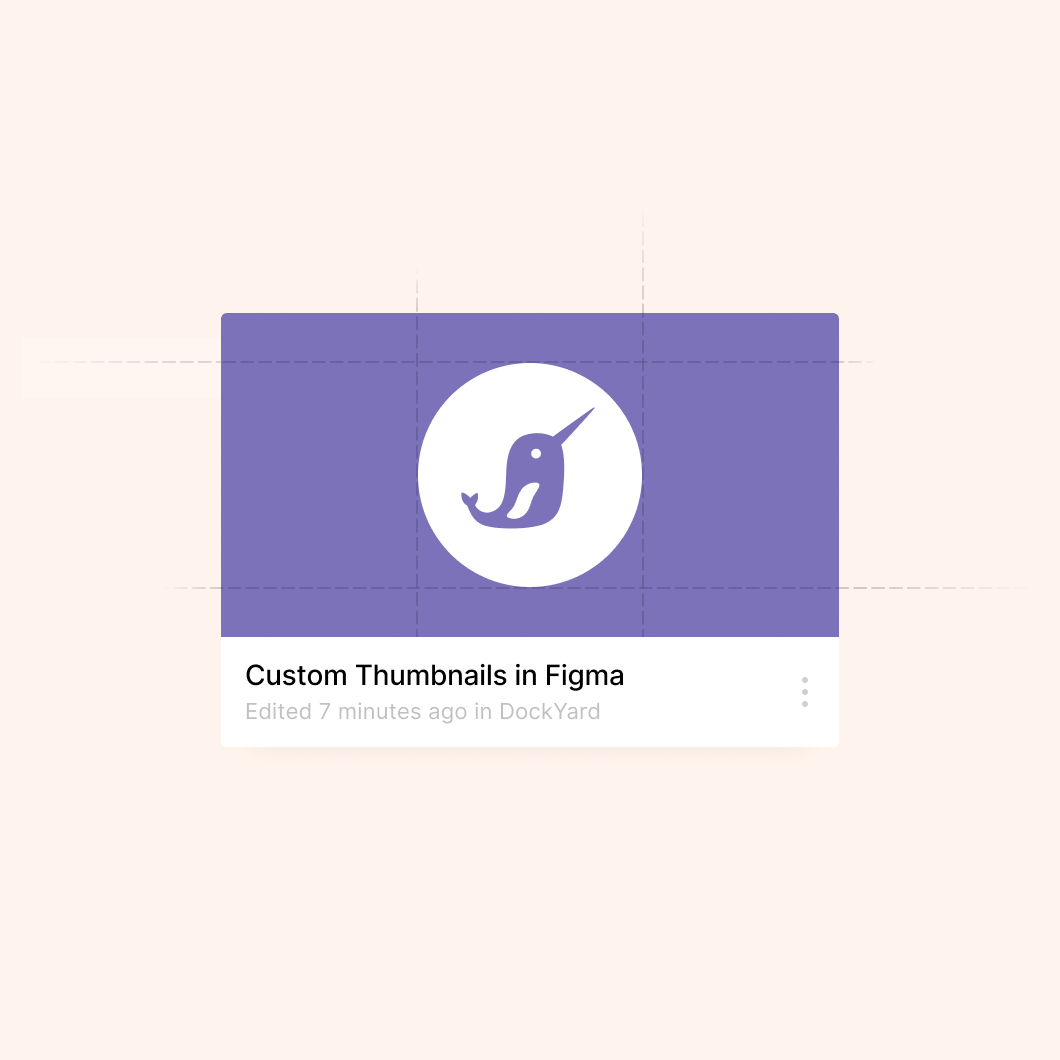
Web Result Dec 28 2021 nbsp 0183 32 To add a thumbnail to your Figma file right click on the frame you want to use as a thumbnail and select Set as thumbnail in the context menu The frame size must be 1920W by 960H for better thumbnail display The thumbnail frame will be displayed as the file s cover in your Figma files browser

Web Result technically crafted using Figma s recommended frame dimensions of 1920x960 including a safe zone area to ensure all thumbnails always display optimally Enjoy feel free to duplicate and or express your love with a

Web Result Jul 24 2020 nbsp 0183 32 The recommended thumbnail dimensions are 1920 x 960 but in some situations the thumbnail is cropped There is a 1600 x 960 safe zone which will always be displayed To make it easier to create a custom thumbnail with the right dimensions I created a template with the correct dimensions and guides for
[desc-11] [desc-12]
[desc-13]